As RAM prices keep climbing, the way Microsoft is trimming memory use on Windows 11 across Microsoft 365, Defender, and OneDrive could give 8 GB machines some breathing room.
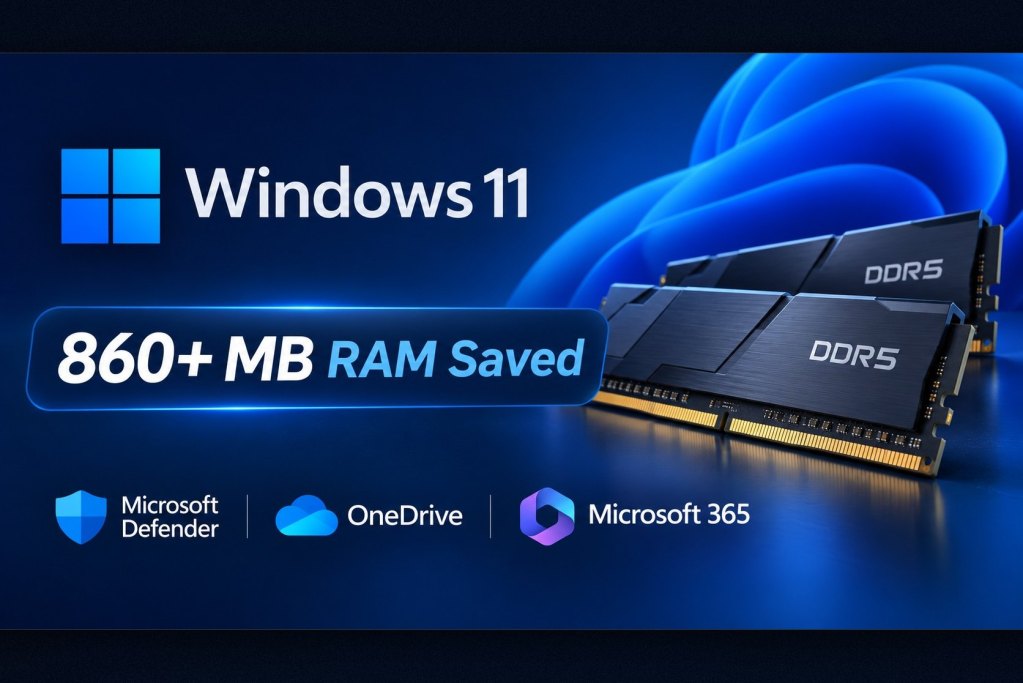
- At Ignite 2026, Microsoft said its own software now uses more than 860 MB less RAM in total on Windows 11
- Microsoft 365 saves 360 MB, while Defender, OneDrive, and Purview together save more than 500 MB; the company did not break out each service
- 8 GB machines benefit most: responsiveness improves by up to 20%, and one multitasking scenario runs up to 40% faster
- Requires Windows 11 26H2 (build 26300.9818 or later) and the latest updates for Microsoft apps
- There is still no data showing any gaming performance gain
Table of Contents
Microsoft trims RAM use in its own software
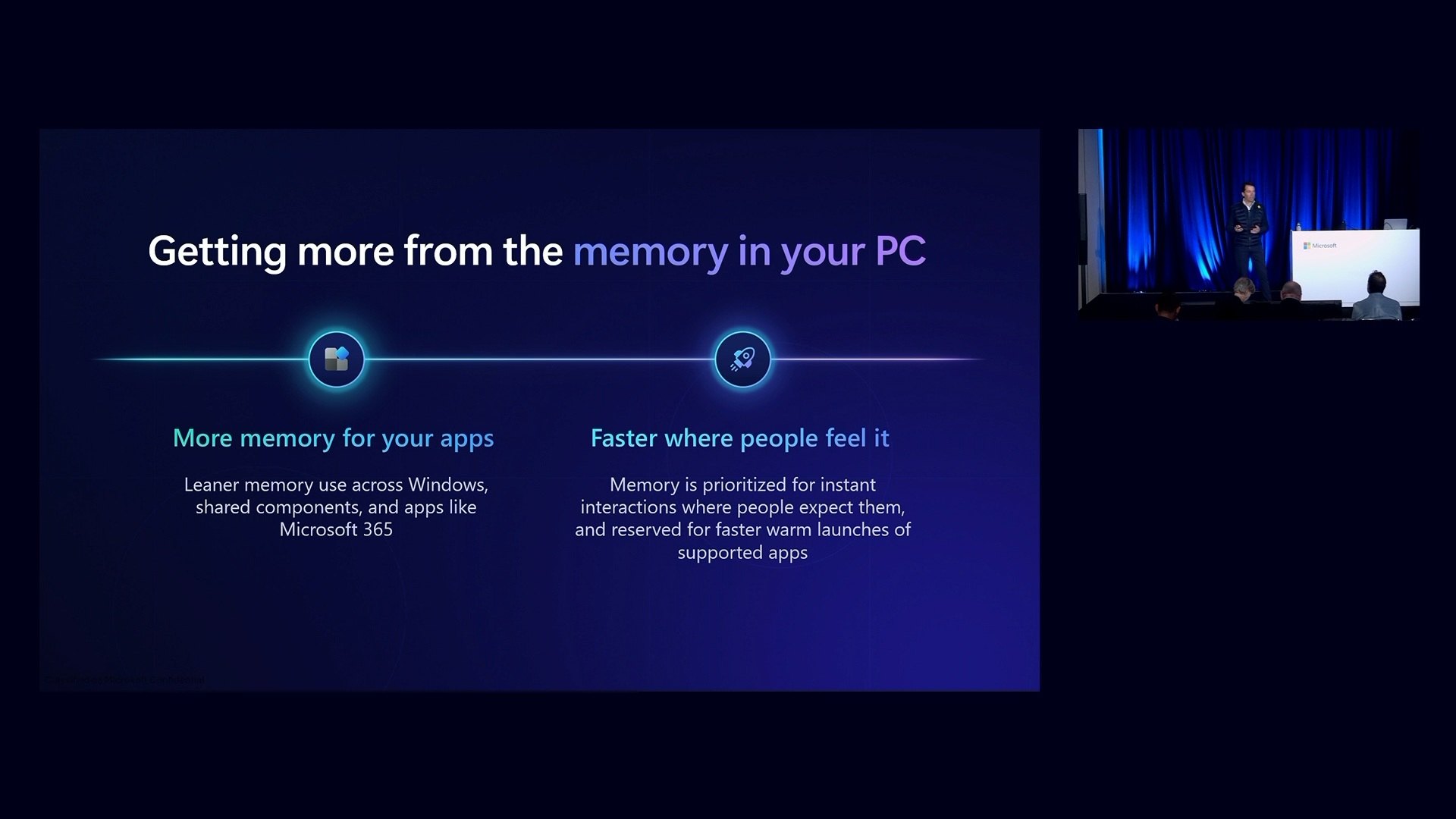
Surging DRAM prices have made RAM upgrades expensive, and Windows 11 has long been criticized as a resource-hungry operating system. In the session "Raising the Bar for Windows Quality" at Ignite 2026, Ian LeGrow, Microsoft's vice president in charge of the core operating system, said the company has optimized its apps and background services, reclaiming more than 860 MB of RAM in total. Windows Latest was the first to report the news.

Savings by software group
The Microsoft 365 suite, which includes Word, Excel, PowerPoint, and Outlook, saves 360 MB, while Microsoft Defender, OneDrive, and Purview combined save more than 500 MB. According to Microsoft, it achieved this by allocating memory more efficiently, avoiding loading components that are not yet needed, and letting components built on the same framework share resources.
The company has not published separate savings for Defender, OneDrive, or Purview, so it is unclear which service contributes the most. Still, 860 MB is roughly one-tenth of an 8 GB machine's capacity, and the figure matters more because many of these services run in the background for as long as the PC is on.
Other optimizations on the OS side
The cuts to Microsoft's own apps are only part of this round of optimizations. In a Windows Experience Blog post on November 3, the company said recent improvements raise responsiveness by up to 20% and make one specific multitasking scenario up to 40% faster on machines with just 8 GB of RAM. Memory compression has also been tuned to keep up to 2 GB more active data in RAM instead of pushing it to slower storage.
On machines with 8 GB of RAM or less, Widgets is now loaded only when needed, cutting about 200 MB of committed memory while it is closed. The default timeout for sleeping tabs in Microsoft Edge has also been shortened from two hours to 15 minutes. Microsoft is also having Windows Search and Widgets share a single web engine, with similar plans for OneDrive and Photos.
Who benefits and what you need to update
Most of Microsoft's optimization work targets 8 GB and 16 GB configurations, but machines with more RAM should benefit too. For example, gamers may have more free memory for games without having to shut down useful background services, although real-world gaming performance has still not been backed by data.
To get the latest improvements, Microsoft recommends updating to Windows 11 26H2 (build 26300.9818 or later) and keeping its apps up to date.
Migovi sees this as the right direction. Microsoft's own software is what runs constantly in the background on most Windows PCs, so trimming there helps the majority of users. That said, the responsiveness and savings figures were all published by the company itself, so treat them as a rough guide until independent testing on real hardware appears. For users in Vietnam who are running 8 GB machines, updating Windows 11 and Microsoft apps will likely pay off more than rushing to buy extra RAM while prices are high. Gamers should keep expectations modest, since Microsoft has not offered any frame rate evidence.
Source: Wccftech
Reviewed by: Hero Association