Microsoft To Do shuts down on June 30, 2027, and Microsoft hasn't yet explained how you'll export your personal data, so picking a replacement early will save you some hassle.
- To Do shuts down on June 30, 2027, and Microsoft 365 Personal and Family accounts currently have no official replacement app
- Work and school accounts will move to Planner, but list groups, email lists, and printing won't carry over
- Microsoft promises an export tool but hasn't said which format it will use, so it's unclear how well other apps will be able to import the data
- Four easy options to start with: Google Tasks/Keep, Todoist, Any.do, and TickTick, all with free tiers
Table of Contents
Microsoft sets the end date for To Do
Microsoft has decided to retire the To Do app on June 30, 2027. It is a standalone task manager that is also tied into the new Outlook, and it handles just three fairly simple jobs: things to do today, things with a deadline, and things other people assign or share with you. With needs this basic, you don't have to reach for a heavy enterprise tool like Monday.com. A lightweight app will do.
The announcement comes as CEO Satya Nadella says Copilot is the new operating system for work and that apps are just add-ons to Copilot. The PCWorld author says he has heard similar promises before and still isn't sold on the appeal. In his view, years of working in spreadsheets and slide decks is a hard habit to break, so a full switch to asking Copilot to build a spreadsheet may not happen as quickly as Microsoft expects.
What worries users most is Microsoft's transition documentation. Work and school accounts will be moved to Planner, but list groups have no equivalent there, and email lists and printing won't be supported either. For Microsoft 365 Personal and Family accounts that use To Do, no replacement app has been named so far. Microsoft only says an export option will be available before the app shuts down. It hasn't specified a format, so it's unclear whether the exported data can be imported into another app or will just be a large text file that's hard to reuse.
While waiting for export instructions, Microsoft advises personal account users to do four things: review the tasks, lists, and sharing flows they want to keep, choose another suitable task manager, decide which data they need to preserve, and read the export guide carefully once it's published to understand the supported data scope, requirements, and limits. You can do the first three right now, and the four apps below are a good place to start.
Four alternatives worth considering
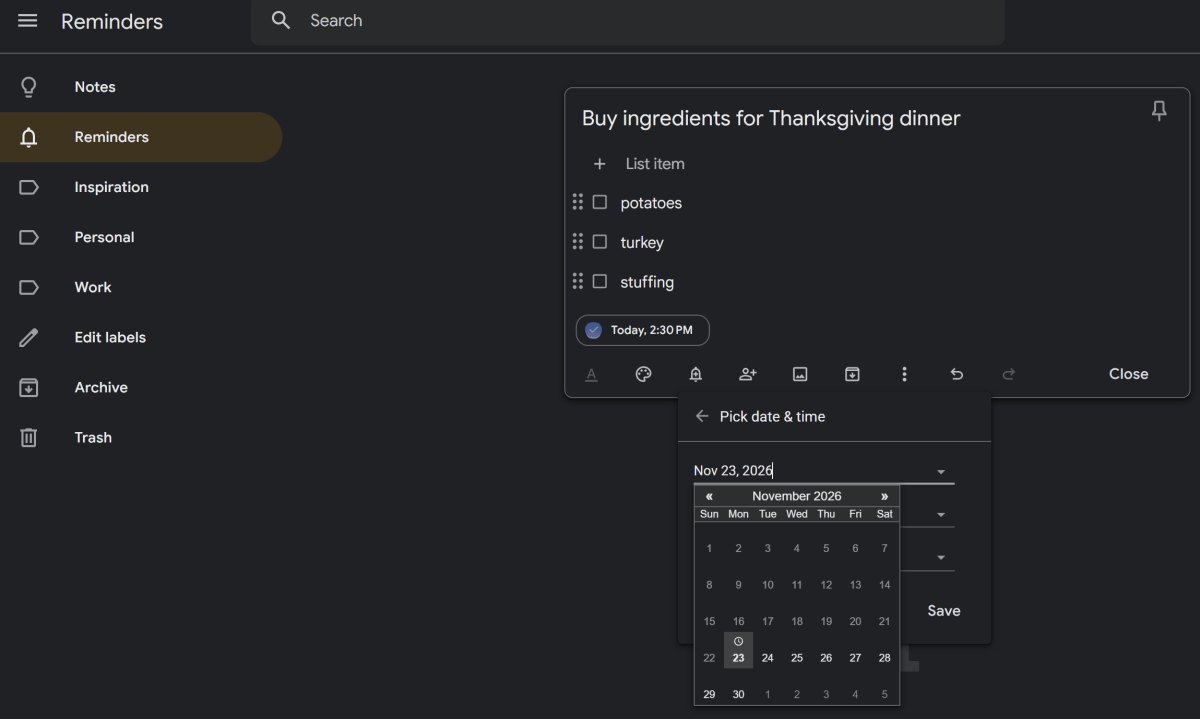
The closest free option is Google Tasks, found in the nine-dot menu in the upper right corner of Google's interface. The author finds Google Keep's Reminders feature more convenient, though. Keep's interface is quite simple: you add an item and can rearrange it right away. What To Do does well is laying out the day's tasks very cleanly, but he has always used his Outlook calendar for that. In his view, Google Keep/Tasks suits simple, long-running projects with distant deadlines better.
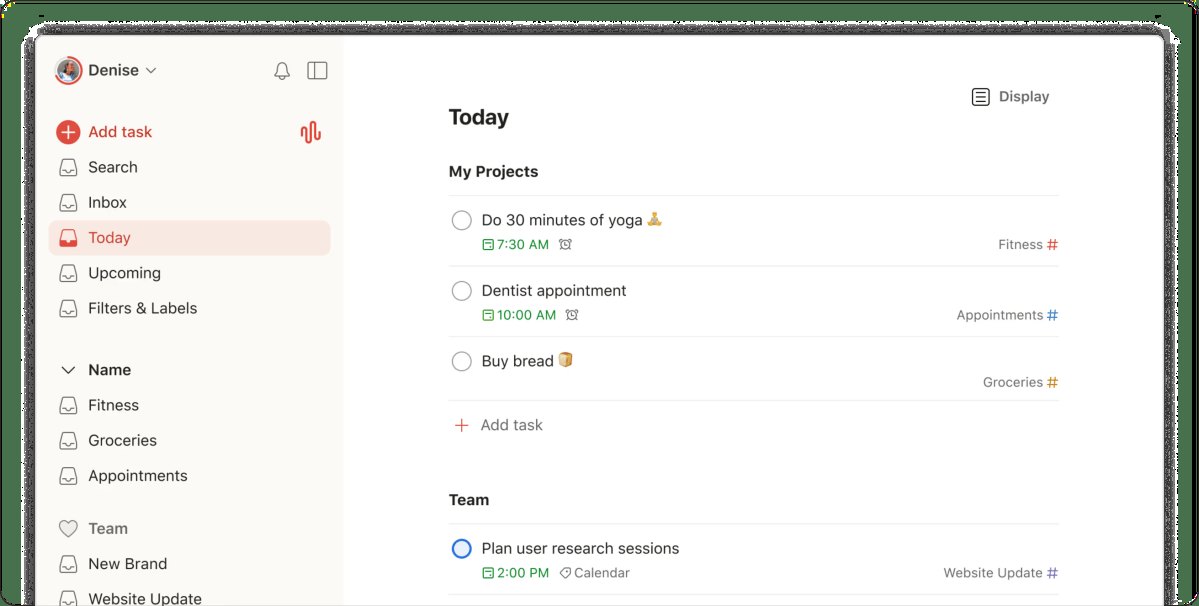
Todoist speaks directly to people looking for a To Do replacement, since its homepage has a big button for importing data from To Do. The free tier is fairly complete, with recurring tasks, reminders, and even a ChatGPT integration. The Pro plan costs 7 USD per month (Todoist's paid pricing ranges from about 5 to 10 USD per month) and adds a calendar view, 150 filters, and up to 300 personal projects, with projects being the core of the app. Its ability to capture tasks from email is a standout, since it saves you a manual step.
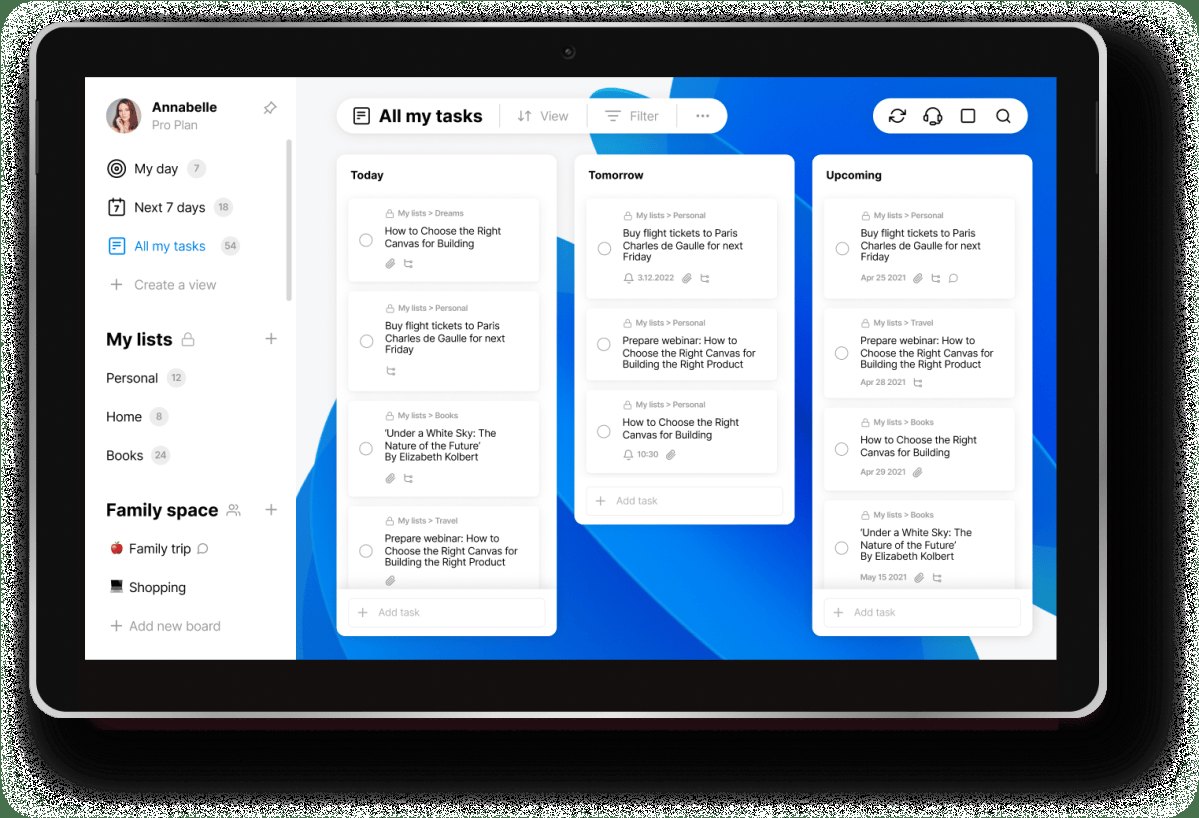
Any.do has a fairly generous free tier that the company promises will stay free forever, with unlimited tasks and lists, a calendar section, and a daily planning board. For location-based reminders, such as remembering to pick up a bottle of wine when you pass a certain store, you need the Premium plan at 7.99 USD per month. There is also a Family plan at 9.99 USD per month for up to four people, which adds sharing features like a shared grocery list, handy when you're out and want to ask the household if anyone needs anything.
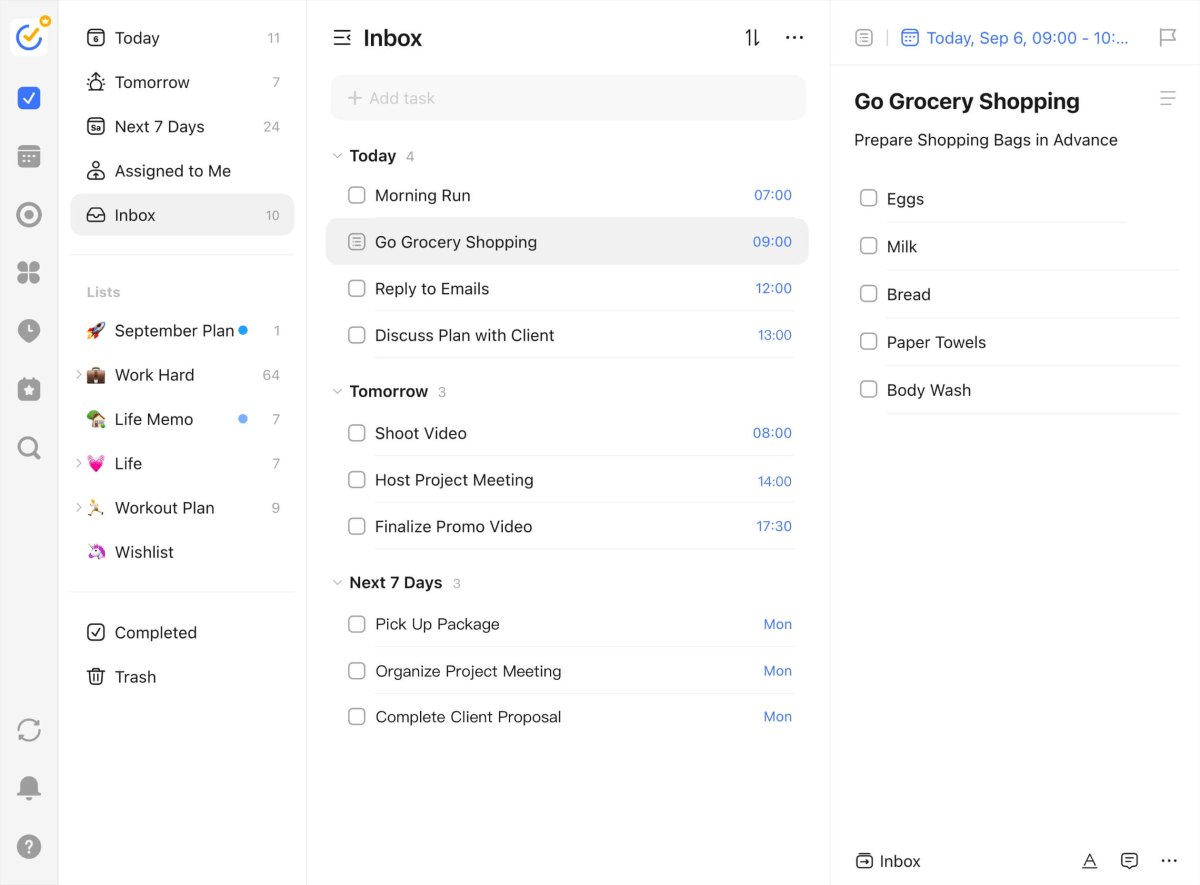
TickTick also supports importing from To Do (as well as from rival apps) and puts simplicity first with a clean interface. The free tier is limited to 9 lists and 99 tasks per list, while the Premium plan at 49.99 USD per year raises that to 299 lists and 999 tasks per list, along with a calendar view, task duration, and email reminders. The paid version also includes a few features few other apps offer, such as AI voice recording, an assistant, and transcript summaries, but things like the timeline view are also reserved for it.
All four apps run on the web or desktop and also have mobile versions, which is the setup the author prefers. If you want an app that lives only on your phone, there's Things 3 for iPhone, while Android users can try Organized 3. Another route is to vibe-code a small app of your own with exactly the features you need, as long as you don't deliberately copy an existing app wholesale.
A tip for turning Gmail messages into tasks
If you go the Google route, you can turn emails in Gmail directly into tasks. At the bottom of the Gmail interface there is a small arrow that opens the side panel, and you then click the checkmark icon to open Tasks. After that, just drag an email into the Tasks pane, drop it in the area that appears to create a new task, and remember to set a date and time for it or let Google fill them in.
What stands out about To Do is that Microsoft announced the end date very early but hasn't said anything about the export format, which is what determines how easy or hard it will be to move to another app. So Migovi thinks you don't need to rush a full migration, but you should pick an app now and try it on the free tier, especially Todoist or TickTick, which already have a built-in import feature for To Do, to see whether it suits you. If you use a Microsoft 365 Personal or Family account in Vietnam, wait for the official export guide before switching completely, and in the meantime copy your important lists by hand to a separate place so you don't depend on Microsoft's export method.
Source: PCWorld
Reviewed by: Hero Association