
CalDigit Element 5 review - Less is more
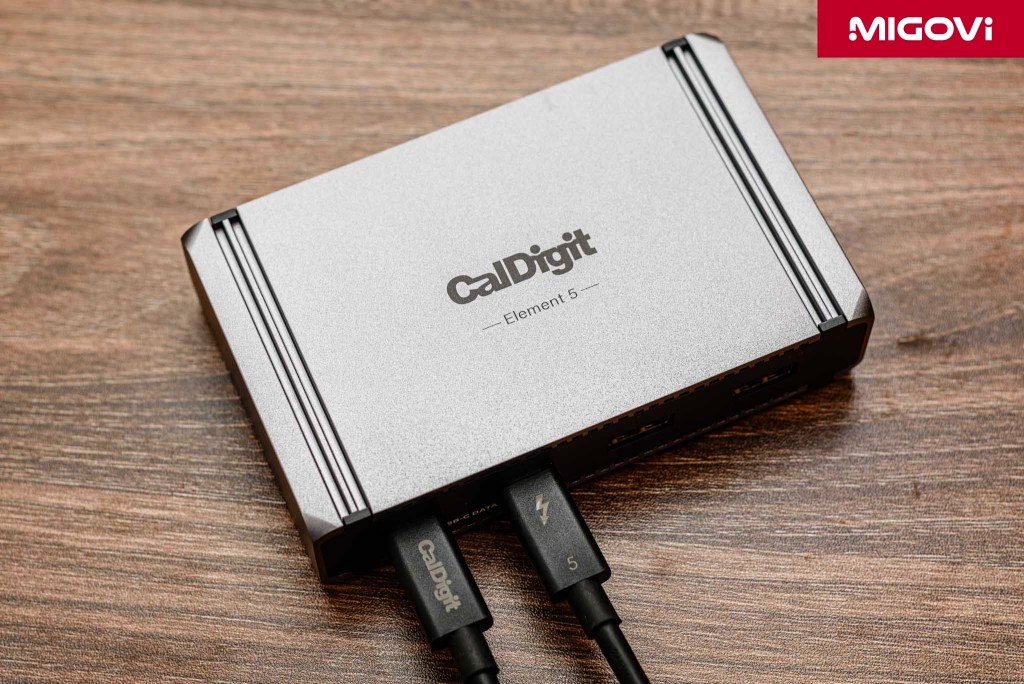
The CalDigit Element 5 is a high-end, simple, yet incredibly powerful Thunderbolt 5 hub option available today.
CalDigit is certainly a familiar brand to customers who regularly need to equip a Thunderbolt hub. Earlier this year, CalDigit officially launched the Element 5 model, ready to welcome devices using the Thunderbolt 5 standard such as the Mac line running the Apple M4 chip. Note that CalDigit Element 5 is positioned as a Hub product instead of a Dock. The Hub will be designed to focus on the main goal of providing multiple Thunderbolt ports along with high-speed USB. Meanwhile, Docks are often all-in-1 solutions, integrating a variety of connection ports, from Ethernet, HDMI to even memory card readers. CalDigit Element 5 prioritizes providing raw bandwidth, minimalistic, luxurious design, aimed at professional users with a collection of peripherals and specialized adapters available according to needs.
Read more about Intel's Thunderbolt 5 standard on Migovi.com.
Article content
Materials and finishes
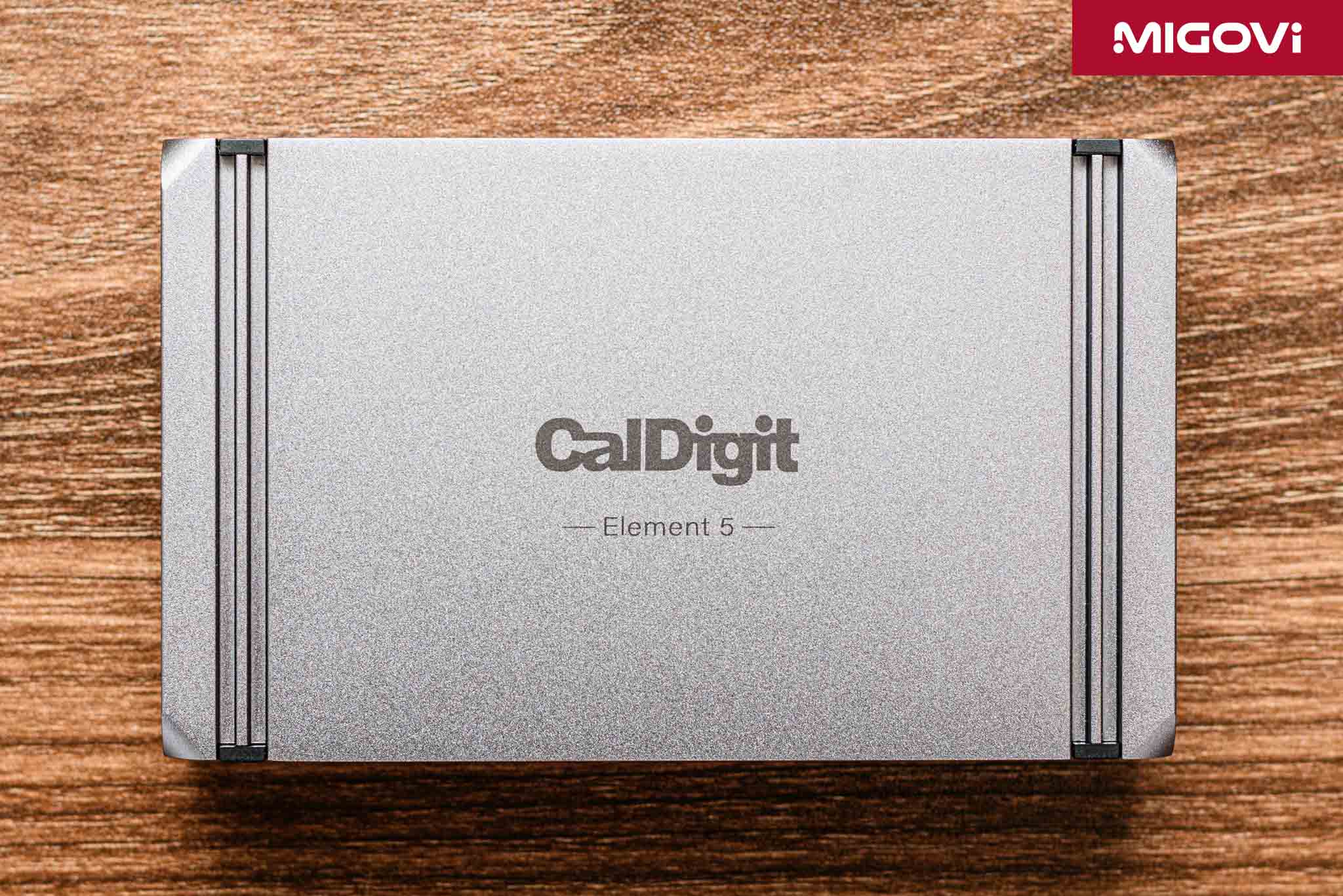
High-quality finishes are always present in any CalDigit product and the Element 5 is no exception. The CalDigit Element 5's body is crafted from a single block of extruded aluminum, giving it a solid and sturdy feel. If you've always enjoyed Apple products for their high-quality finishes, you'll feel the same way when you hold the CalDigit Element 5 in your hand.
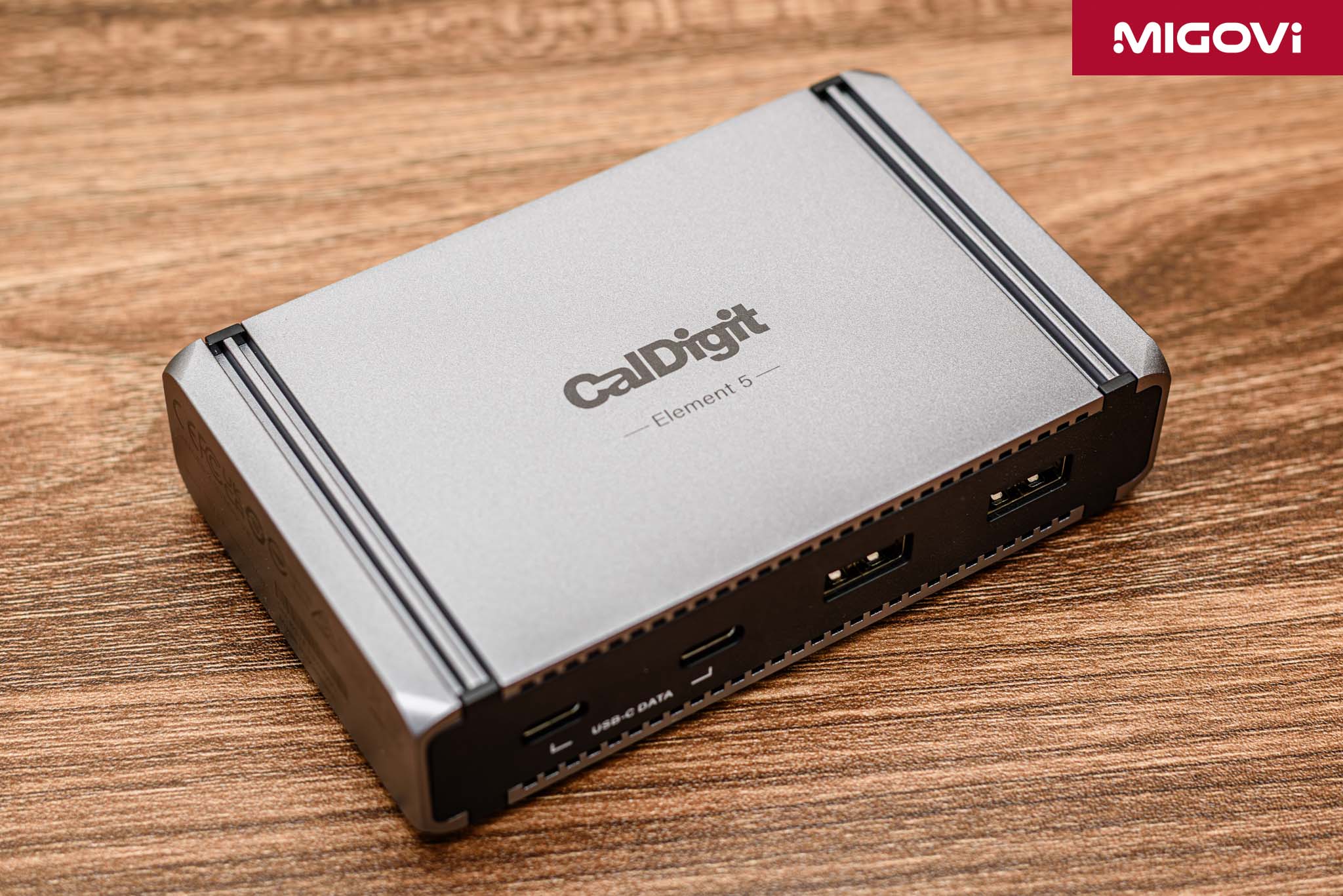
The aluminum frame or shell is not only for aesthetic purposes, but also plays a role in passive heat dissipation. The faster it is, the hotter it gets, which is also the problem with Thunderbolt 5 controller chips when operating at high bandwidth. Thanks to the aluminum shell, the generated heat is pushed out into the environment passively, maintaining a quiet environment while stabilizing the temperature.
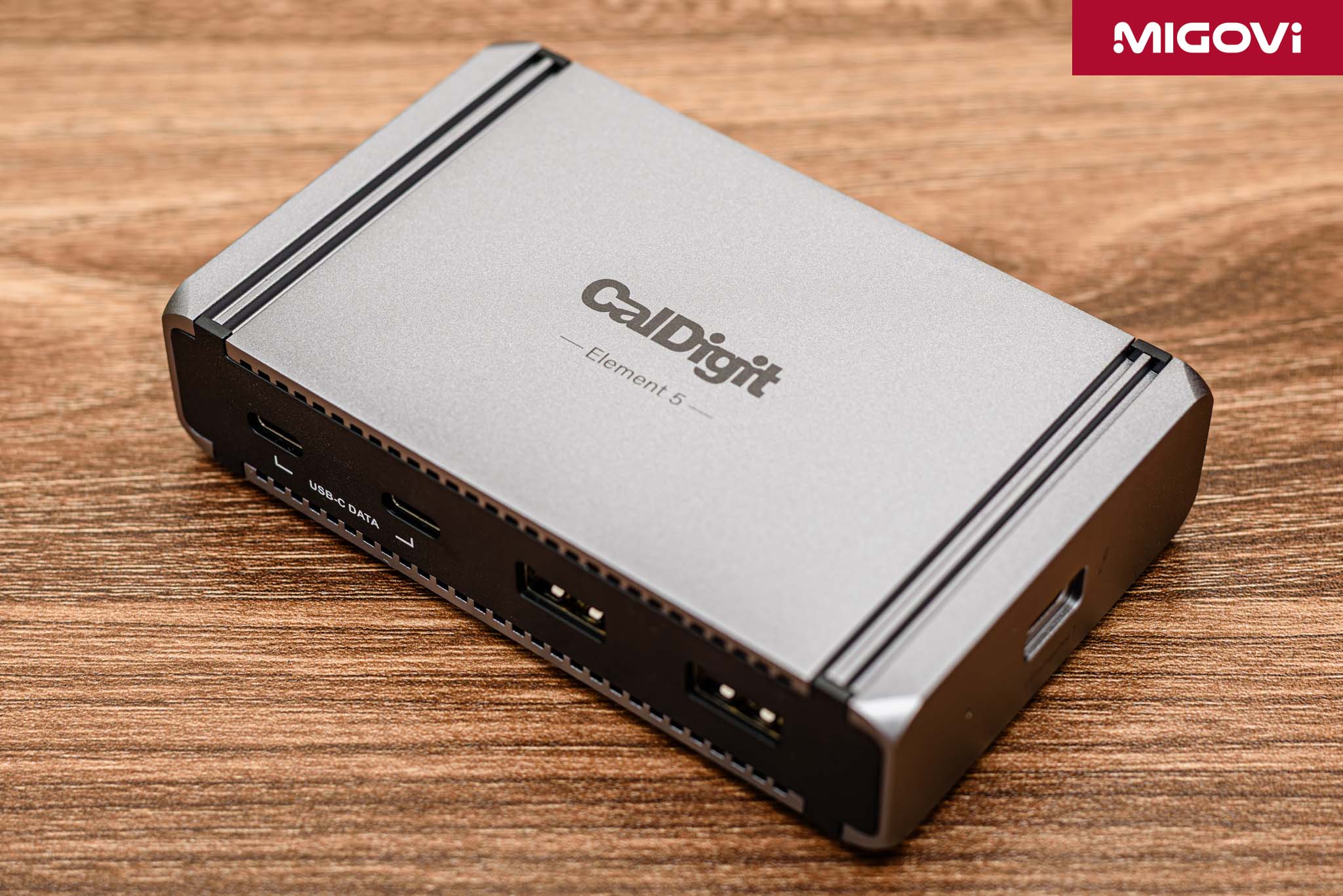
One thing that is not really worthy of the CalDigit Element 5's shell is the 2 plastic sides on the front and back, where the connection ports are. The plastic material can contribute to making the hub lighter, reducing production costs, but in return it is not as beautiful and luxurious as metal and it is also easy to scratch if you are not careful. However, in general, the CalDigit Element 5 is still a very good Thunderbolt 5 hub.
Symmetrical design
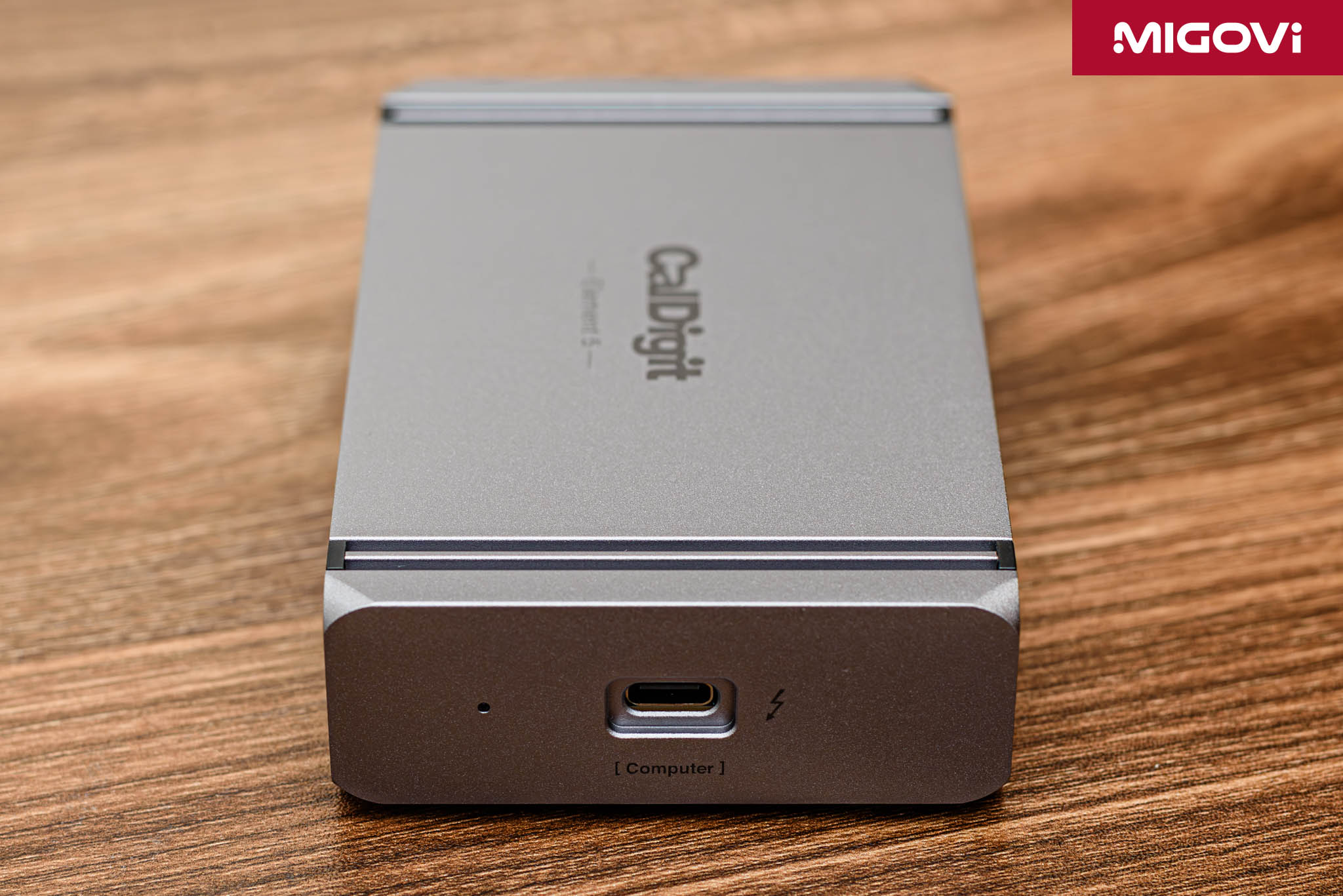
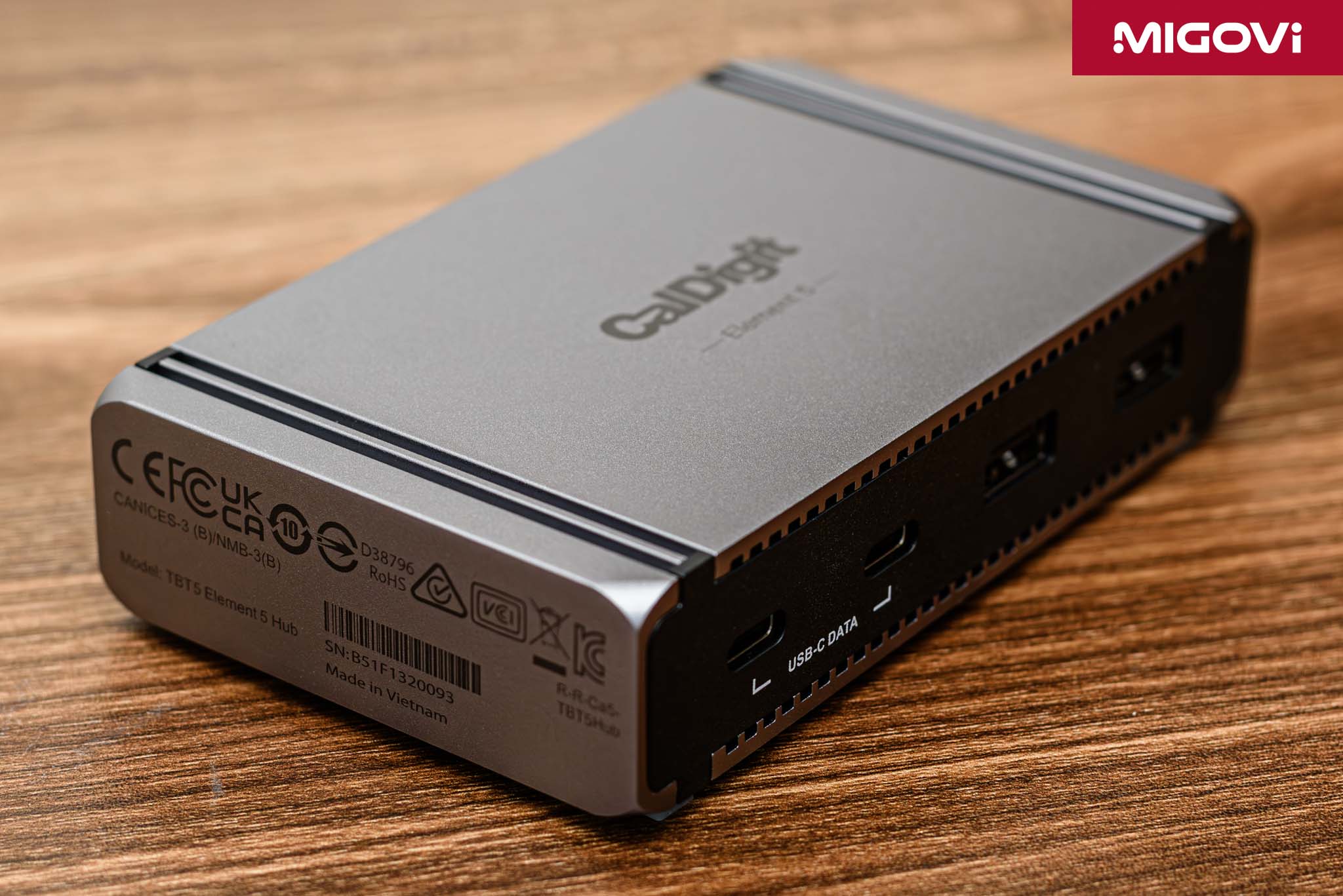
The design of the CalDigit Element 5 emphasizes symmetry, which the manufacturer also notes in the accompanying documentation. The host port that connects to the computer is located on the side, allowing users to flip the hub 180 degrees to use it on the left or right side of the laptop without cable entanglement or lack of aesthetics. Although it is only a small design detail, it is extremely smart and practical, showing care and understanding of how users use the product in practice.

CalDigit Element 5 is compact with dimensions of 114 x 70 x 25.5 mm, weighing about 200 grams. These numbers show that Element 5 is completely suitable for carrying when traveling if needed, or placing on the desk without taking up space. With a symmetrical design, CalDigit includes 2 rubber strips for users to install themselves. The rubber feet help Element 5 stand more firmly, fix better and prevent the aluminum shell of the hub from scratching other surfaces.
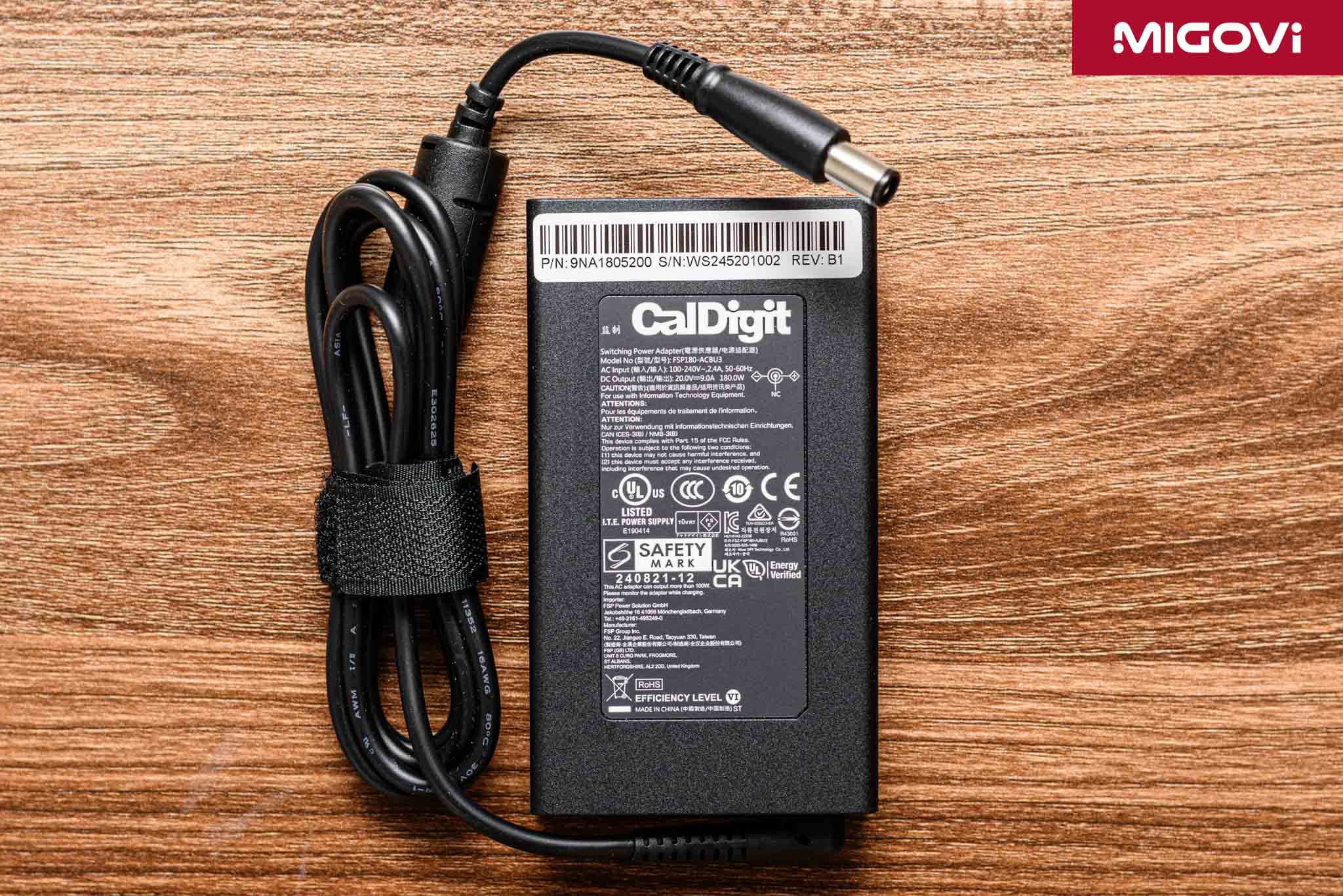
The CalDigit Element 5 power supply has a capacity of 180 W. Although the power is 20% more than the previous generation (180 W compared to 150 W), the power supply is 42% more compact. This is also an important factor that helps the Element 5 to be more portable, less bulky and easier to carry for work.
Connection ports on CalDigit Element 5
There are a total of 9 ports on the CalDigit Element 5, including 1 Thunderbolt 5 upstream port and 8 downstream ports. The Thunderbolt 5 upstream port is located on the side of the hub, providing a maximum bandwidth of up to 120 Gbps (if Bandwidth Boost is enabled) and stable charging at 90 W for the computer. Thanks to the 180 W power supply, the charging capacity for the computer will be kept stable, without dropping even when you connect many other devices to the Element 5.
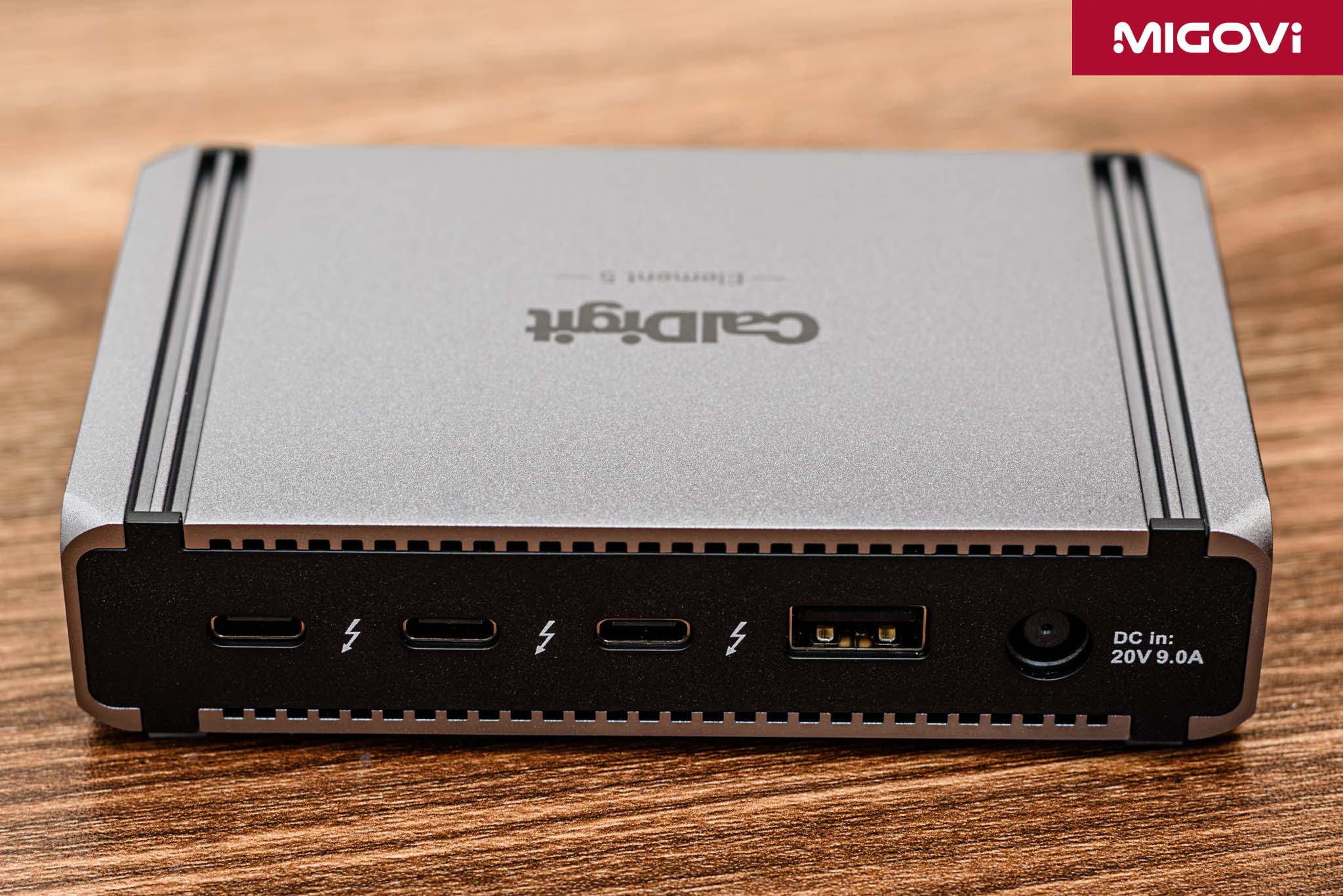
Next to the 20V @ 9A power port is a 10Gbps USB Type-A port and 3 downstream Thunderbolt 5 ports. Each Thunderbolt 5 port provides a maximum bandwidth of 80Gbps, 15W output power, so there is enough power to power portable NVMe SSDs without the need for an additional power source. You can also take advantage of it to quickly charge other devices such as smartphones and tablets.
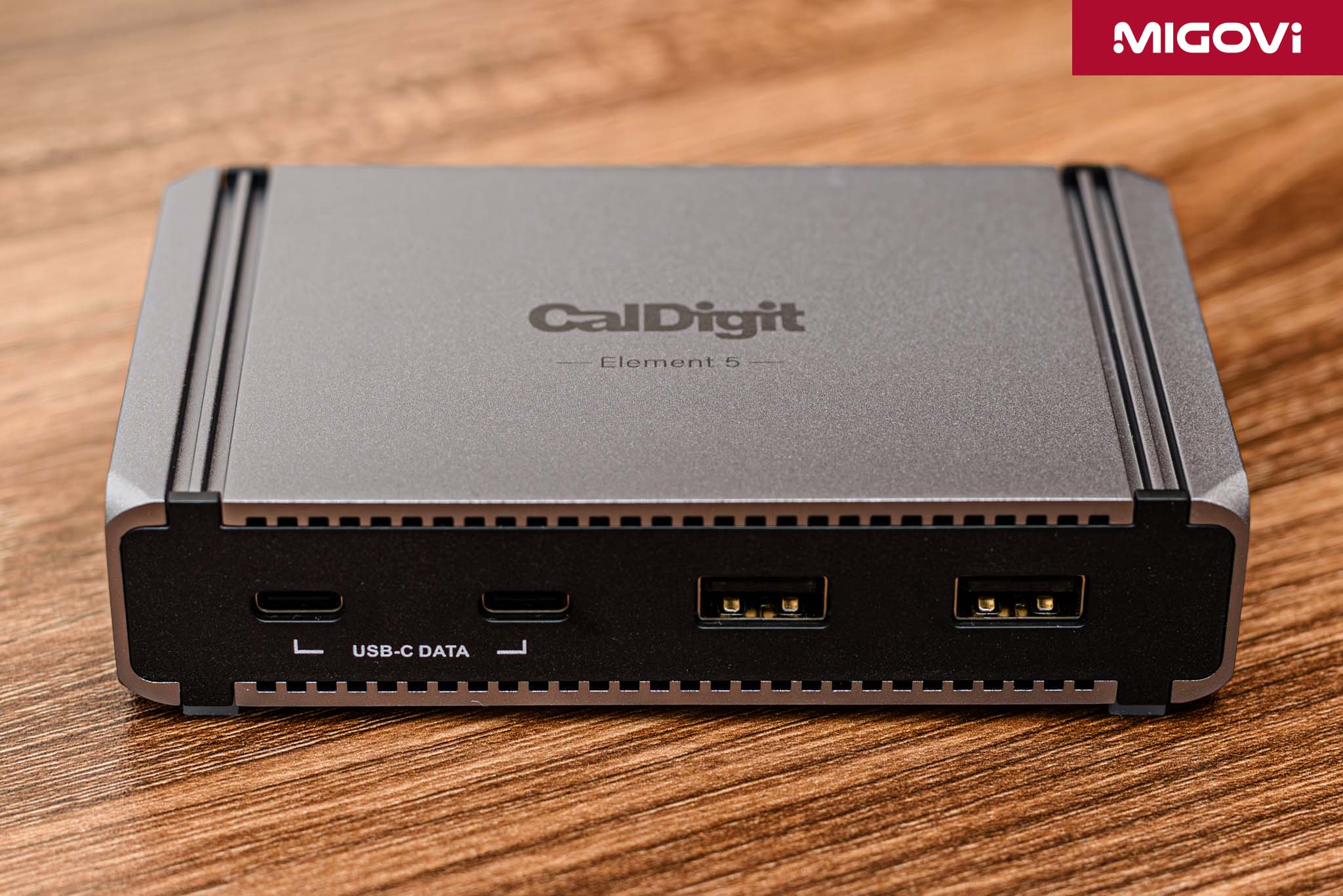
On the other side are 2 USB Type-A 10 Gbps ports and 2 USB Type-C 10 Gbps ports. All 5 USB ports with 10Gb/s speed are for increased compatibility with popular peripherals. The output power of these 10 Gbps ports is 7.5 W, suitable for small devices or charging wireless mice and keyboards.
As mentioned, if you are a user in the Thunderbolt ecosystem from the past until now, you certainly have accessories or specialized port converters available. CalDigit Element 5 is a pure Thunderbolt 5 hub, which means it only focuses on adding high-speed, high-bandwidth connections, instead of HDMI, DisplayPort, Ethernet or memory card readers. For this reason, Element 5 will not be suitable for the majority of users, those who are new to Thunderbolt. On the contrary, in a professional environment, CalDigit Element 5 will maximize its power.
CalDigit Element 5 Test
At the present time and in the Vietnamese market, there are not many terminals that provide Thunderbolt 5 connectivity. If you are not a Mac user, Windows operating system only has a few laptop options with Thunderbolt 5. In addition, if you only like desktop, the system needs to use the Intel Core Ultra Series 2 platform, combined with an 800 Series chipset motherboard such as ASUS ROG MAXIMUS Z890 EXTREME, ASUS ProArt Z890-CREATOR WIFI or GIGABYTE Z890 AORUS XTREME AI TOP. If you do not want to use an expansion card via PCIe slot, here are 3 current motherboard models with integrated Thunderbolt 5.
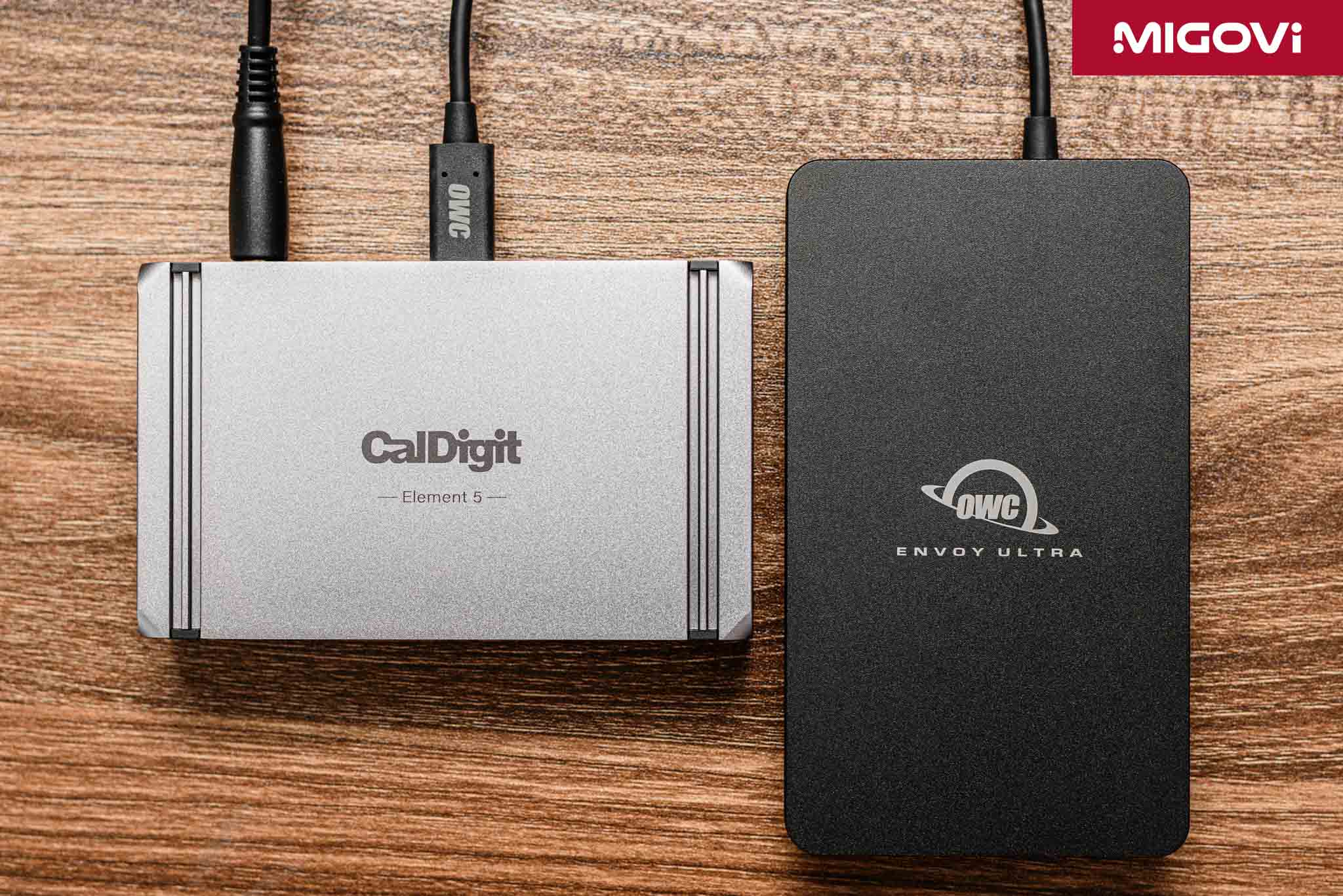
Migovi tested the CalDigit Element 5 with a desktop configuration using an ASUS ROG MAXIMUS Z890 EXTREME motherboard, an Intel Core Ultra 9 285K CPU and an OWC Envoy Ultra external hard drive. The results showed that whether the OWC Envoy Ultra was connected to the Thunderbolt 5 port on the motherboard or through the CalDigit Element 5, the data transfer speed was similar, at around 6100 MBps (CrystalDiskMark test). More impressively, with the AJA System Test, setting the resolution to 4K UltraHD, 4 GB capacity, Sony 16-bit RAW codec, the OWC Envoy Ultra's read speed reached 7734 MBps, while writing nearly 3100 MBps. Continuing with the AJA setup at 8K resolution (8192 x 4320), 4GB capacity, ProRes (HQ) codec, read speeds up to 6331 MBps and write speeds up to 3237 MBps.
Migovi only tested the image signal output to the highest screen in use, the ASUS ProArt PA32QCV, 6K resolution (6016 x 3384), next to the ViewSonic ColorPro VP2788-5K , all worked perfectly. The Bandwidth Boost mechanism is not yet eligible to activate (8K or 4K high-refresh rate screens), so the bandwidth is still balanced at 80 Gbps. The limit of CalDigit Element 5 on Windows is output to 3 4K screens at 144 Hz, suitable not only for professional work but also for gamers.
Conclude
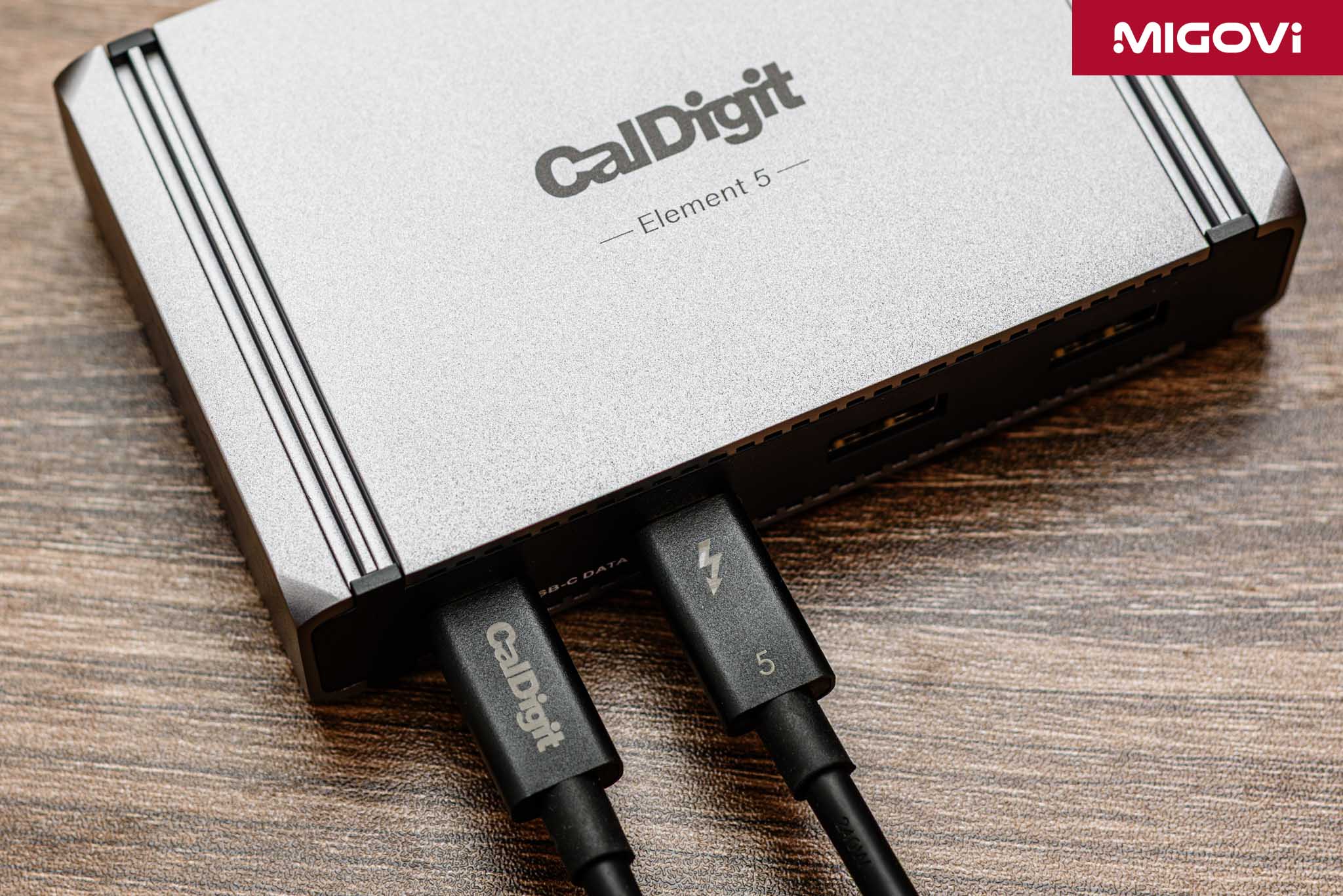
The CalDigit Element 5 is not a general-purpose product for everyone. The target audience for the Element 5 is professional users such as content creators, including photo and video, who regularly work with large media files (RAW photos, 4K, 8K videos). The needs of this group of customers are to regularly connect multiple Thunderbolt portable SSDs or high-bandwidth USB4 to exchange data. This is also where you can see that equipping a dedicated port or card reader is redundant. CalDigit clearly cannot know what type of memory card the customer will use or how many card reader slots they will need. These issues have certainly been prepared for and solved with dedicated accessories.
Tech professionals or programmers can also take advantage of the multi-monitor expansion capabilities that the CalDigit Element 5 offers. In addition to multiple monitors, the Element 5 also allows you to connect many popular peripherals, while still keeping your desk tidy. On the other hand, if you are looking for an all-in-one solution with a variety of ports, the CalDigit Element 5 cannot meet your needs, then turn to the CalDigit TS5 Plus to meet your needs.
Migovi review