
OWC MacDrive 12: The missing link for native Mac drive access on Windows
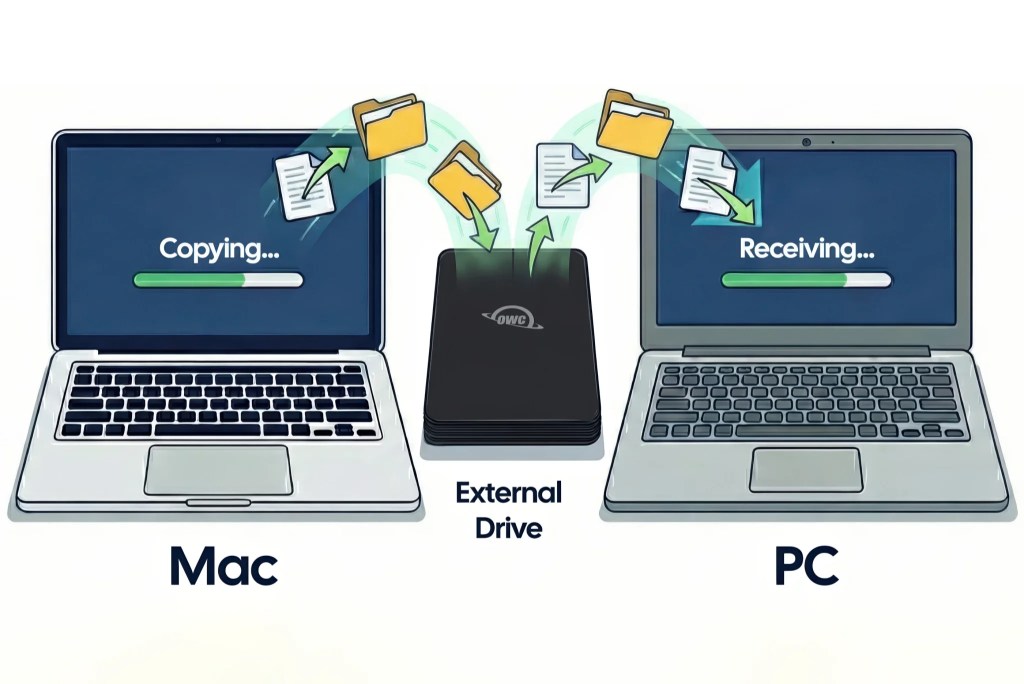
OWC MacDrive 12 allows Windows users to plug and play any Mac drive format natively, including fully encrypted APFS volumes.
- Direct read/write access to HFS+ and APFS formats right inside Windows Explorer, bypassing intermediary apps or cloud transfers.
- Currently the only software offering comprehensive read/write capabilities for securely encrypted APFS volumes.
- Features Advanced APFS Crash Protection to prevent data loss during sudden power outages while writing files.
- Full recognition of SoftRAID and Apple RAID arrays, meeting the rigorous demands of video production professionals.
Article content
OWC MacDrive 12: Cross-platform file transfers done right
At the NAB Show in mid-April 2026, Other World Computing (OWC) officially launched MacDrive 12. For content creators and sysadmins alike, moving data from a Mac-formatted drive to a Windows machine has historically been a logistical nightmare. OWC MacDrive 12 is engineered to eliminate this friction entirely, bringing native Windows Explorer recognition to all Apple drive formats, including both HFS+ and APFS. Users simply plug in the drive and the OS automatically mounts it, enabling drag-and-drop file management exactly as if it were a native Windows drive.
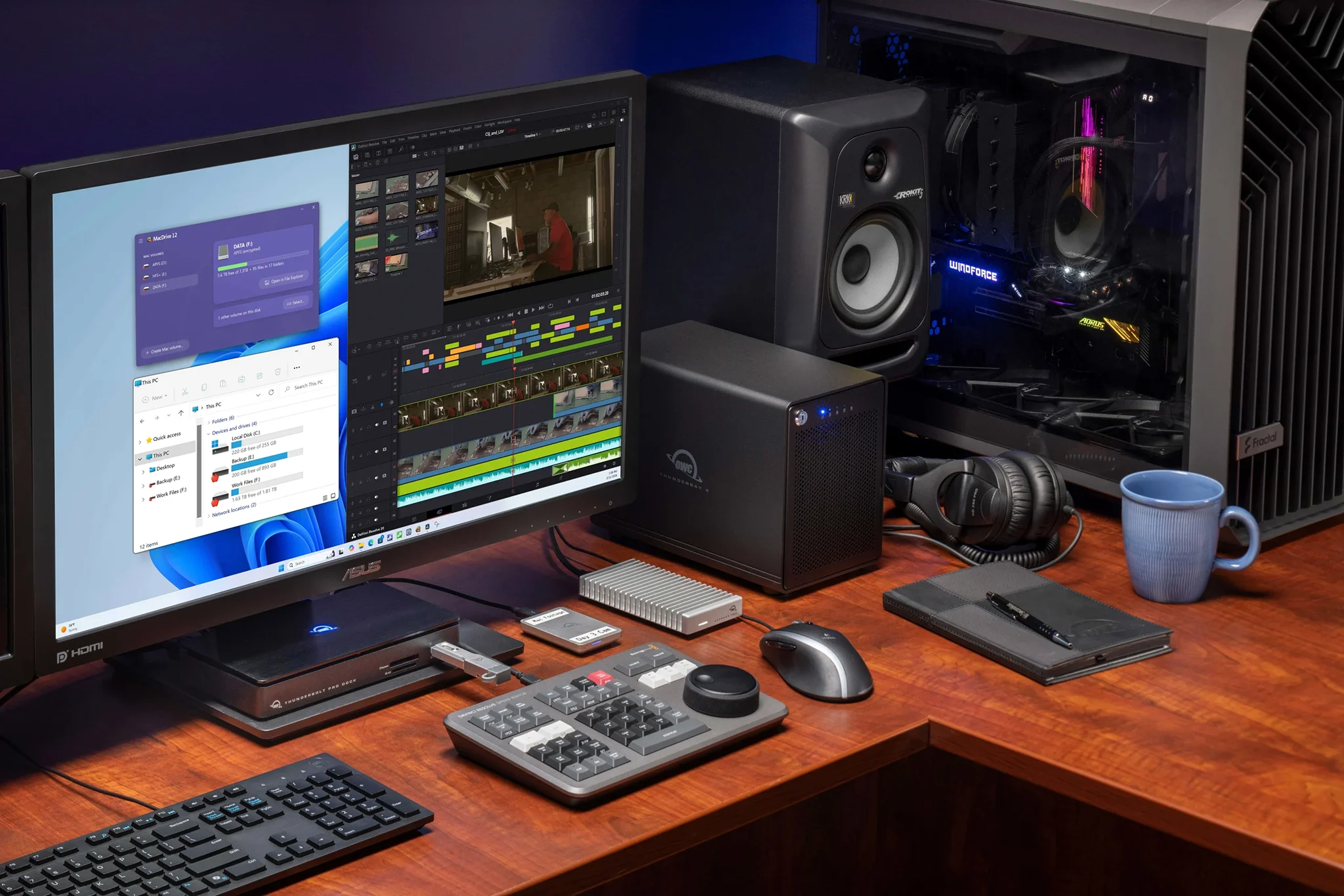
The real killer feature of MacDrive 12 is its comprehensive read/write support for encrypted APFS volumes. While alternatives like Paragon APFS for Windows offer highly restricted support for encrypted partitions (often stuck in read-only mode or relegating write access to experimental features), OWC MacDrive 12 effectively redefines the cross-platform drive utility space. OWC CEO Larry O’Connor emphasized that professionals just need their drives to plug and play; the company refuses to force users to disable encryption or risk data leaks just to copy a file. All native APFS security layers are fully respected and handled seamlessly.
Data protection and RAID management
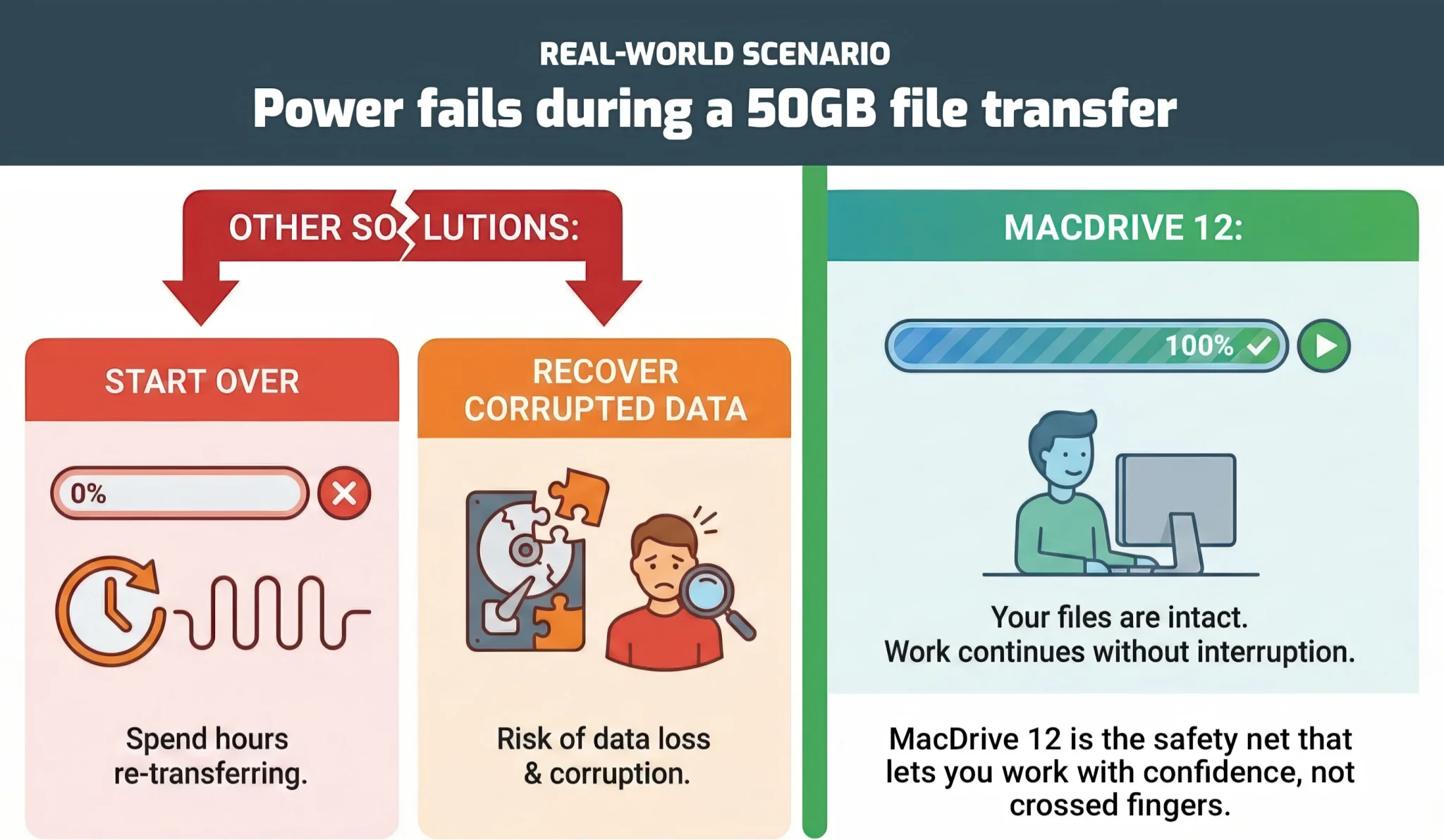
Windows users are no strangers to the anxiety of a power outage during a heavy render or massive file transfer—a scenario that frequently corrupts partition structures. To mitigate this, OWC MacDrive 12 introduces Advanced APFS Crash Protection, standing as the only Windows solution equipped with this level of fail-safe architecture. The mechanism is highly pragmatic: if the system loses power mid-write, the APFS structure automatically shields file integrity. Any partially written data segments are cleanly discarded, preventing corrupted junk files or damaged partition tables, thereby sparing you the headache of resorting to post-crash data recovery software.
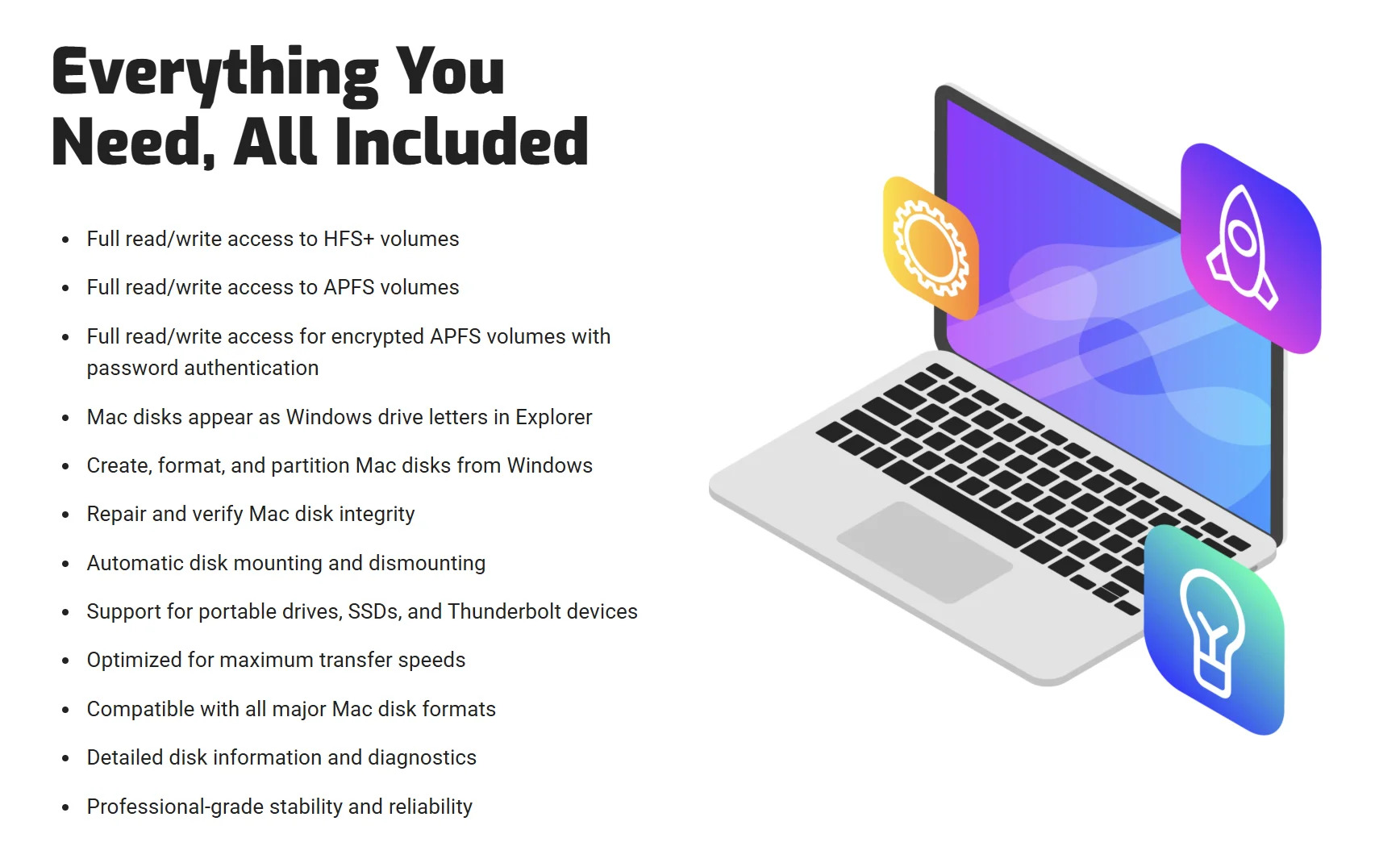
Beyond basic file transfers, MacDrive 12 packs a robust suite of Disk Management Tools directly into Windows. You can freely create, partition, reformat, or repair Mac drives right from your PC. Professional video production teams relying on high-speed RAID arrays for 8K workflows are also covered, as MacDrive 12 is fully compatible with SoftRAID and Apple RAID configurations. You can hot-swap a drive array from a Mac straight into a Windows workstation without fear of breaking the RAID structure or bottlenecking performance.
OWC MacDrive 12 pricing
For enterprise environments juggling mixed-platform hardware, OWC MacDrive 12 is a highly worthwhile investment to streamline IT workflows. The official commercial release of MacDrive 12 is set for April 28, 2026. A new single-user license is listed at $59.99, while existing users of previous MacDrive versions can upgrade to version 12 for $29.99.
Shuttling data between different drive formats is inherently messy, especially for users running dual-boot setups. In these scenarios, deploying MacDrive 12 on Windows yields a massive technical advantage. True native compatibility allows you to dive straight into a Mac partition to tweak system files, edit local website source code, or grab mid-edit RAW image files to seamlessly continue your post-production work on Windows. This is undeniably a must-have utility for your digital toolkit.