
watchOS 27 brings plenty of useful tricks to the Apple Watch, from a new gesture for the app switcher and offline music recognition to a mode that stretches battery life during workouts.
- watchOS 27 changes what a double press of the Digital Crown does: on watches that support Audio Intelligence, it now triggers that feature instead of opening the app switcher.
- Starting with watchOS 27.2, pressing and holding the bottom of the screen while inside an app brings the app switcher back.
- Several new features, including the live step count widget, the Readiness score, and Sound Recognition, are exclusive to the Apple Watch Series 12 and Ultra 4.
- Shazam can identify music even when you're offline, and the Max Extended Workout mode stretches battery life during long sessions.
- The Find My app on the watch now puts people, devices, and items on a single map.
Table of Contents
New gestures and a new watch face
In watchOS 27, Apple changes what a double press of the Digital Crown does. Instead of opening the app switcher, the gesture now triggers Audio Intelligence on the Apple Watch Series 12 and Ultra 4. On unsupported models, a double press does nothing.
watchOS 27.2 offers a workaround. While you're in an app, press and hold the bottom of the screen to bring up the app switcher, then jump to another app or close one that's frozen. This only works inside an app, not on the Home Screen.
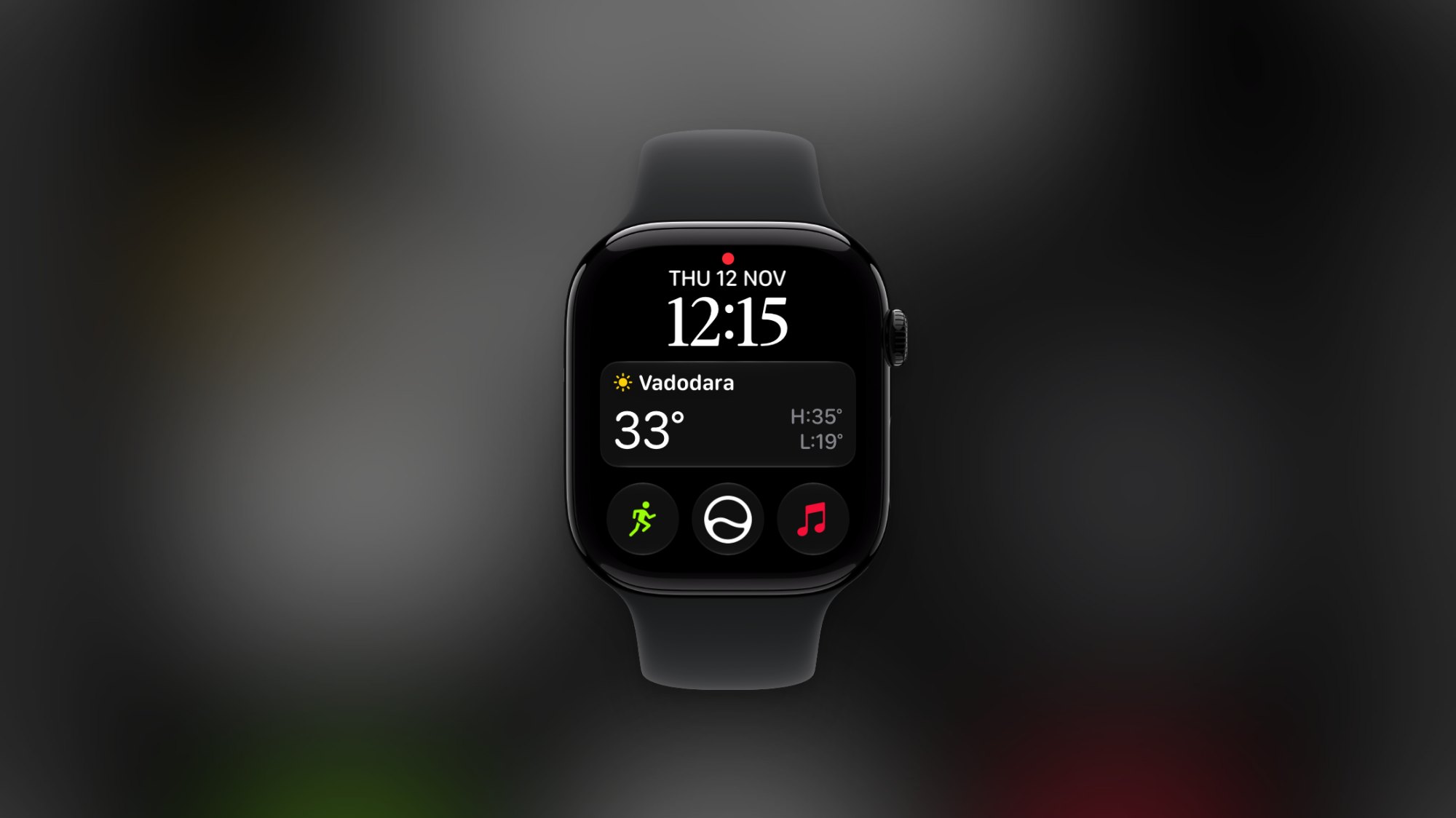
The Siri Modular watch face is the next thing worth trying. Press and hold the screen, scroll to the end of the list, tap the Plus button, and choose Siri Modular. Dynamic widgets then appear when you raise your wrist, such as where you just parked or your next appointment. Customization is fairly limited: you can only change the color and add three small complications.
The single-tap gesture is an upgrade to the familiar double-tap, which means tapping your thumb and index finger together twice. You can now use double-tap to scroll through widgets. A single tap then opens the selected widget or shortcut. That lets you open the weather app or start a workout without touching the screen.
Music, steps, and chatting with Siri AI
The Apple Watch's new Music Recognition app has Shazam built in. The watch still records your request when you lose your connection or are away from your iPhone. Once you're back online, the service identifies the song so you can view it in the Shazam app on your iPhone or Apple Watch. The author of the original article turned on airplane mode and the watch still recognized a Coldplay track right away. For quick access, add the Music Recognition widget via the Edit button at the bottom of the Home Screen.
As for step counting, the Apple Watch previously had no widget or complication showing your steps in real time. The Series 12 and Ultra 4 now have a Step count widget that you can place on the watch face or in the Smart Stack. Scroll to the bottom of the Smart Stack, tap Edit, then tap Plus to add it.
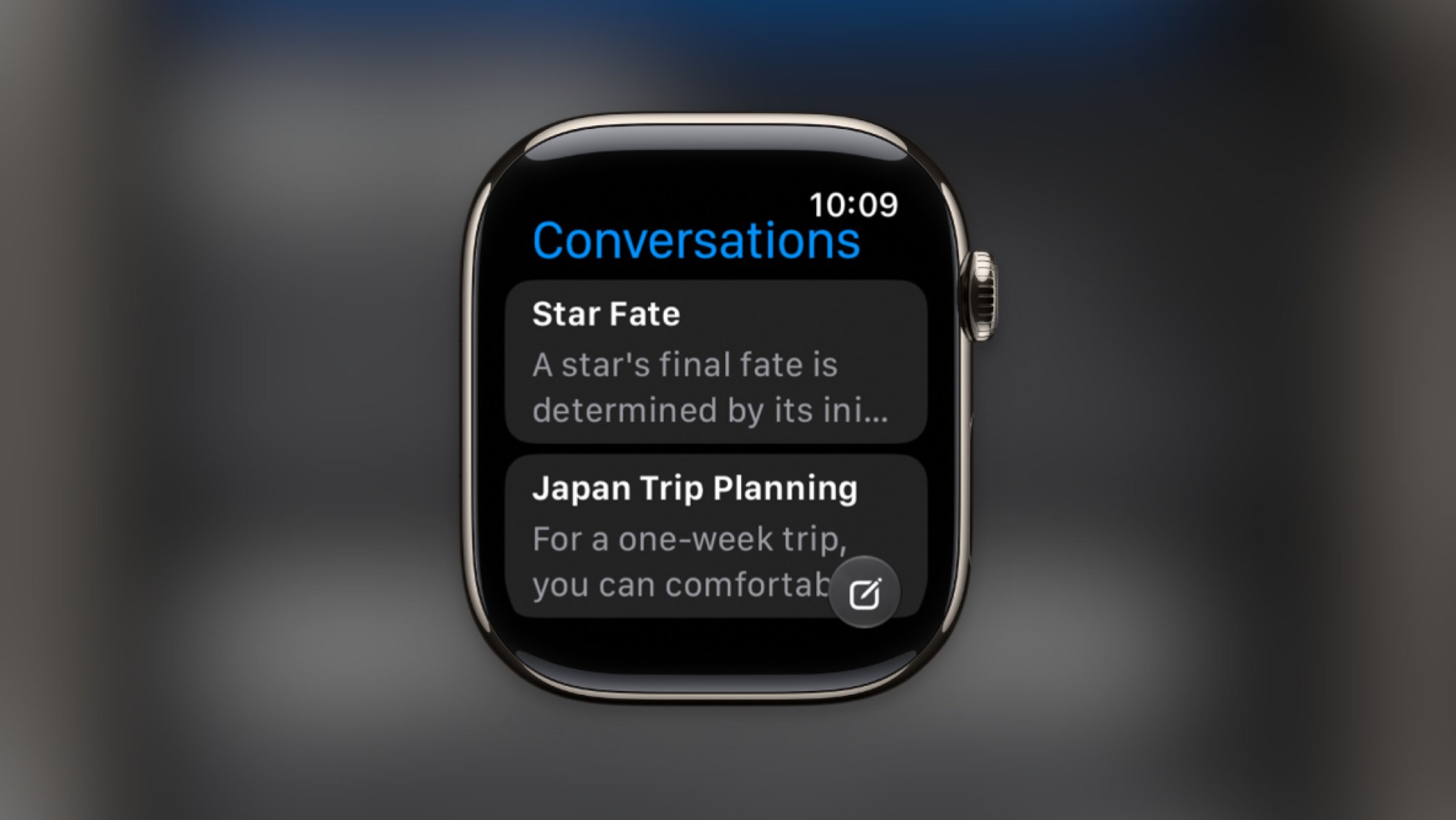
Siri AI is on the watch too. It's a conversational assistant with multi-turn context and memory, useful for brainstorming, lookups, or notes. According to the original article, it isn't as capable as ChatGPT or Claude. Press the Digital Crown once, then tap the Siri icon in the middle to see all your conversations. Pick one to continue it, and any changes sync to the Siri app on your iPhone.
Finding items, tracking health, and saving battery
The Find My app on the Apple Watch now uses a single map to locate people, devices, and items. You can see family members who are sharing their location, along with AirTags and other items on the Find My network. Use the Digital Crown to zoom in and out, and swipe to pan. To switch between People, Items, and Devices, tap the Menu button in the bottom-right corner.
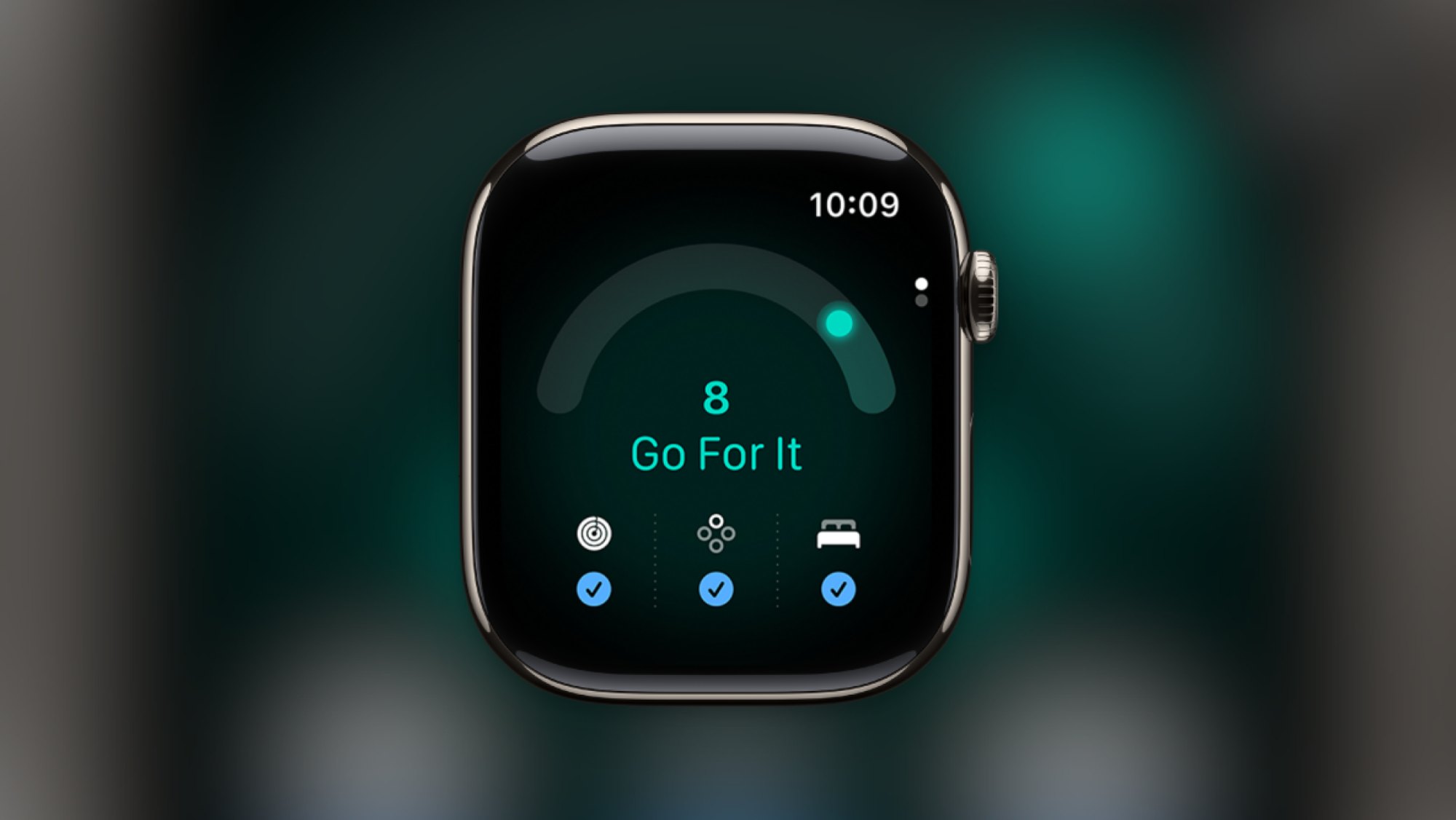
The Readiness score is worth a look if you train often. Instead of checking training load, sleep score, and body metrics separately, you get a single number from 0 to 10. It's based on your recent physical activity, sleep data, and background health tracking. At 8 to 10, the watch figures you can "go for it." Below 5, it suggests taking it easier. The feature is only available on the Series 12 and Ultra 4. You can view it in the Readiness app or the Readiness section of the Fitness app on your iPhone.
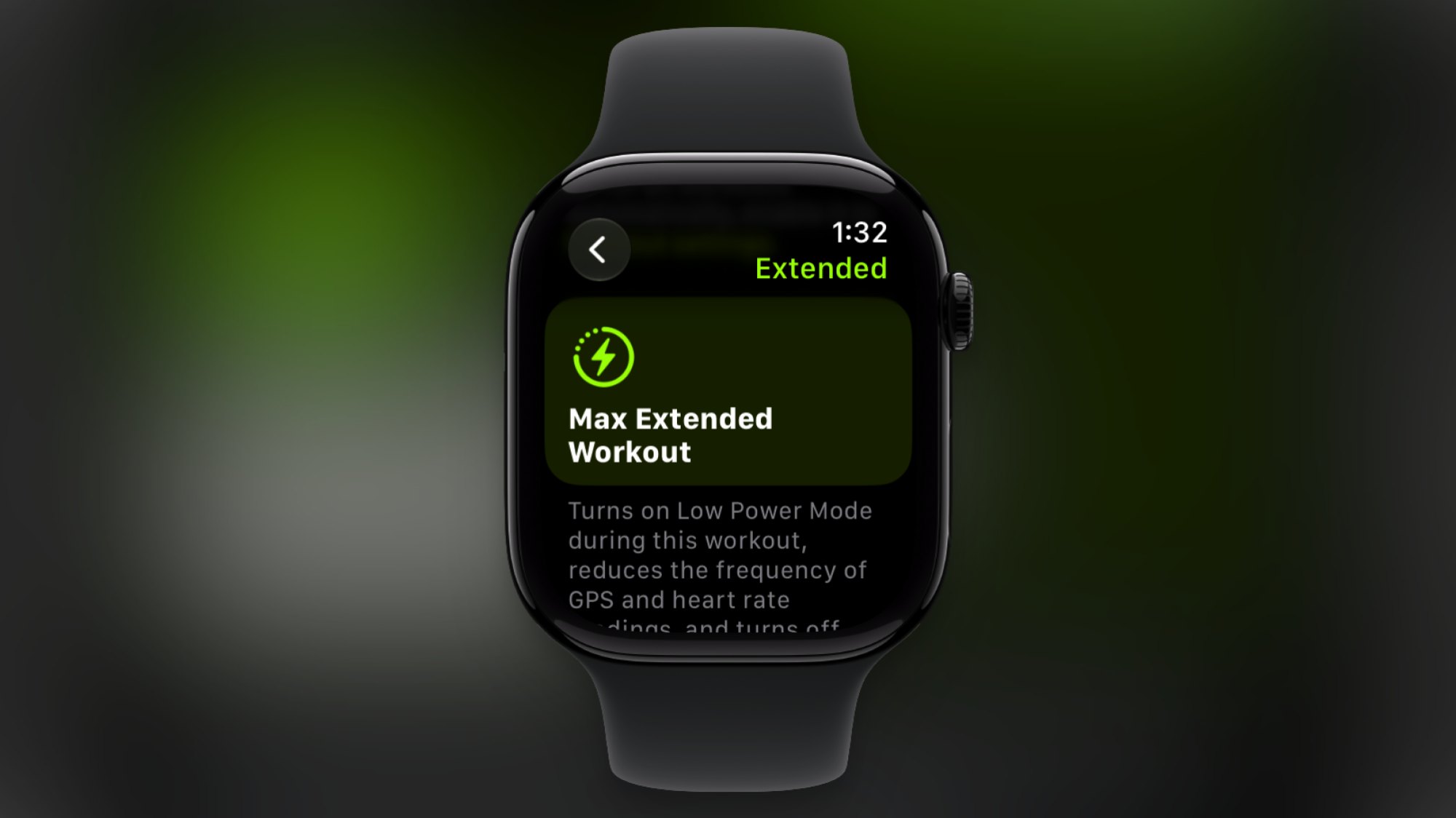
For long workouts, Low Power Mode is no longer the only option. Max Extended Workout mode turns off some features, such as splits and alerts. The watch also samples GPS and heart rate less often so the battery lasts through the session. To turn it on, open the Workout app, choose an activity, tap the Goals button in the top-right corner, select Extended, then switch to Max Extended before you start.
Last is Sound Recognition, part of the Audio Intelligence group on the Series 12 and Ultra 4. The watch uses its microphone along with both on-device and cloud-based AI models to recognize sirens, alarms, and doorbells, even when your iPhone isn't nearby. On your iPhone, go to Settings, choose Accessibility > Sound & Name Recognition > Sound Recognition, turn on the sounds you want to monitor, then enable the Detect using Apple Watch switch.
Many of watchOS 27's most valuable features, including Readiness, the step count widget, and Sound Recognition, are tied to the Series 12 and Ultra 4, so owners of older models only get part of the package. If you want the smallest possible experiment today, update to watchOS 27.2, then press and hold the bottom of the screen inside an app to open the app switcher. For people who run or cycle long distances around the city, Max Extended Workout mode is also worth trying on longer sessions.
Source: Lifehacker (tips)
Reviewed by: Hero Association