
How safe are AI chatbots for kids? Here's how ChatGPT, Gemini, Meta AI, Siri, Copilot, Grok, and Claude handle age limits and parental controls.
- Most major chatbots set a minimum age of 13. Claude alone accepts only users 18 and older.
- ChatGPT, Meta AI, and Copilot let parents link accounts, but none of them lets a parent see a child's full chat history.
- Gemini and ChatGPT can still be used for free in a browser without signing in. That loophole makes it hard for kid-specific protections to work.
- According to Common Sense Media (via Lifehacker), Grok is the weakest at protecting minors. The organization advises against letting teens use it.
- Beyond the settings inside each app, parents should also turn on limits at the operating system level, such as Android, iOS, Windows, and macOS.
Table of Contents
The big picture on age limits
Kids asking chatbots more often than they ask their parents is no longer unusual. Concerns about the mental health effects of chatbots are also growing. According to Lifehacker, several countries are even starting to tighten age limits on AI apps, social media, and the web in general.
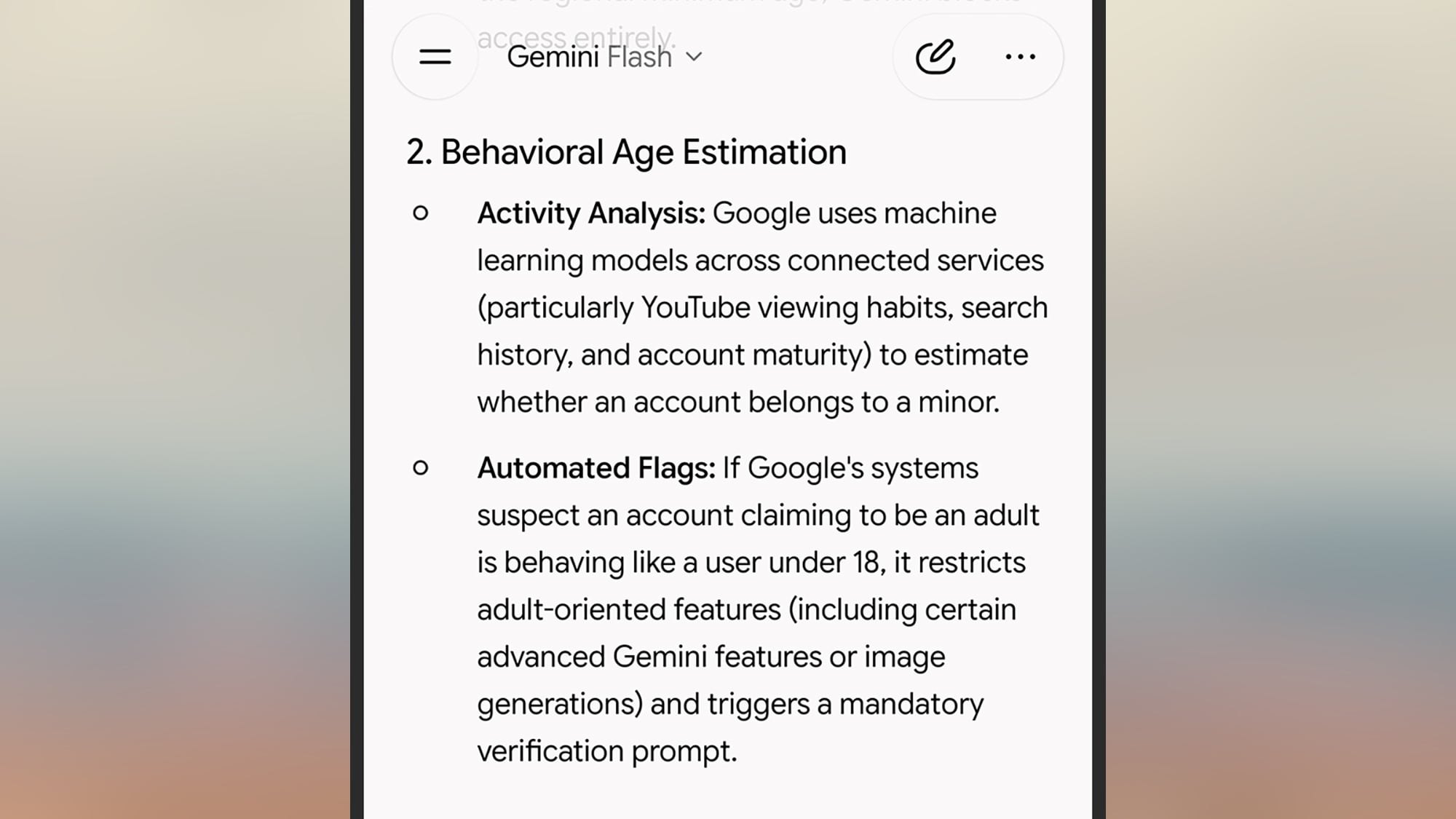
Lifehacker's article surveys the 7 biggest chatbots to see what kids might run into and what parents can do about it. Most set the minimum age at 13, while Claude requires users to be 18 or older. The platforms also rely on extra signals, such as usage hours or conversation content, to guess whether a user is a minor.
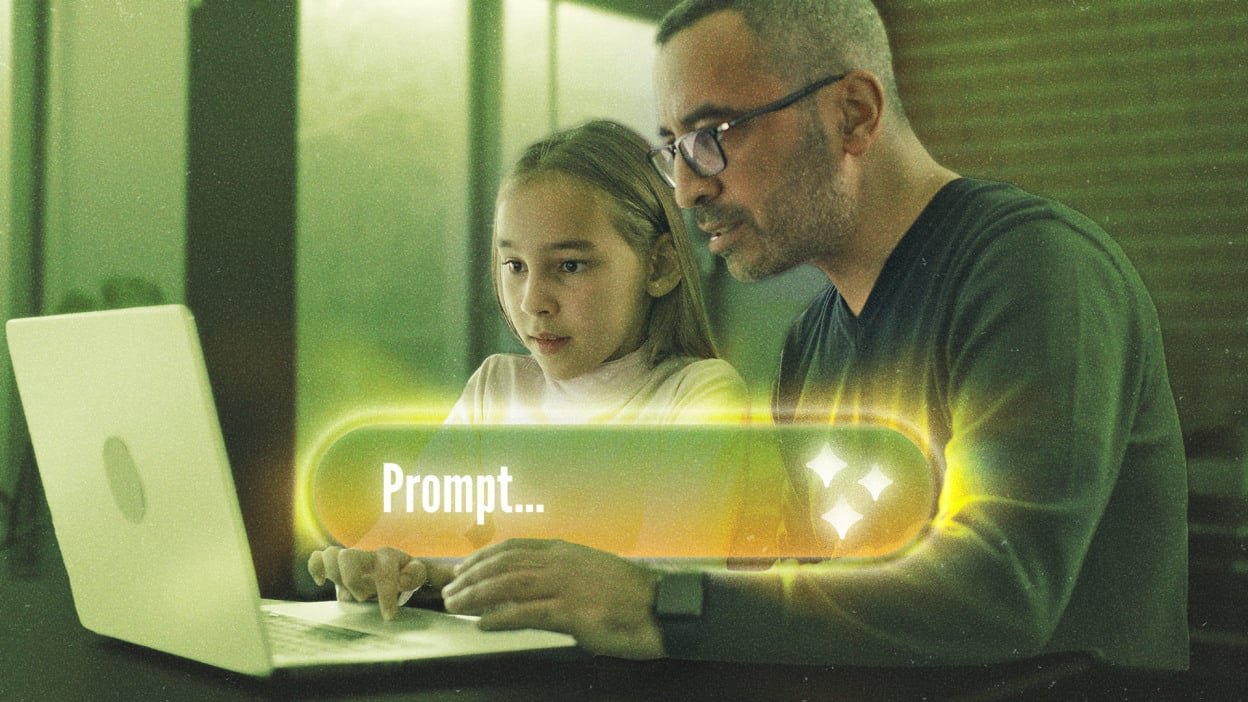
One notable common thread: linking a parent account is almost always optional for teens. Parents also generally can't read the verbatim conversations their children have.
ChatGPT, Gemini, and Meta AI
OpenAI's ChatGPT has a fairly comprehensive set of parental controls. Users must be 13 to create an account, and those under 18 need parental consent. Accounts under 18 automatically switch to ChatGPT for Teens, which includes a study mode and blocks romantic roleplay, violence, and self-harm content.
Once linked to a parent's account, parents can set usage hours and adjust some sensitivity levels. They can't view chat content. Teens can also unlink the accounts if they want to. To set this up on the web: click the profile icon in the bottom-left corner, choose Settings > Parental controls > Add family member, then follow the instructions.
Gemini follows Google account rules: users under 13 can only use it if they belong to a family group managed by an adult through Family Link. For Gemini specifically, parents can only turn access on or off. For users under 18, Google adds extra safeguards, such as preventing the AI from playing characters, limiting emotional dependence, and restricting conversations about alcohol, vapes, or eating disorders. Google itself admits the filters aren't perfect.
The loophole is that anyone can open Gemini for free in a browser with no checks at all. The same goes for ChatGPT. According to OpenAI, anonymous users still face the default restrictions for under-18s. With Gemini, this kind of access only gets general guardrails, with no separate layer for kids.
Meta AI appears in WhatsApp and Instagram, and also has its own app. Meta Teen accounts are blocked from romantic roleplay and from discussing alcohol or addictive substances. For topics like eating disorders or self-harm, the AI only points users to support services. Through the Meta Family Center, parents receive reports on the topics their child chats about but can't see the exact wording. If content related to self-harm comes up, a linked parent account may receive an alert.
Siri AI and Copilot
With Apple, users must be 13 to have an account and use Siri AI. Accounts that adults create for younger children can only use the older version of Siri. According to Lifehacker, Siri AI is among the most cautious when it comes to conversation topics. The new management tools in iOS 27 remain optional for teens. If a child is in a Family Sharing group, parents can use Screen Time rules and turn off a few features, such as writing tools or image generation. Go to Settings, tap your name, then choose Family.
Copilot is tied to the Microsoft ecosystem, so parents manage it through the Microsoft Family Safety portal. Parents can turn Copilot on or off, set the hours it can be used, and lock features such as image generation or voice mode. Even so, they can't read their child's chats.
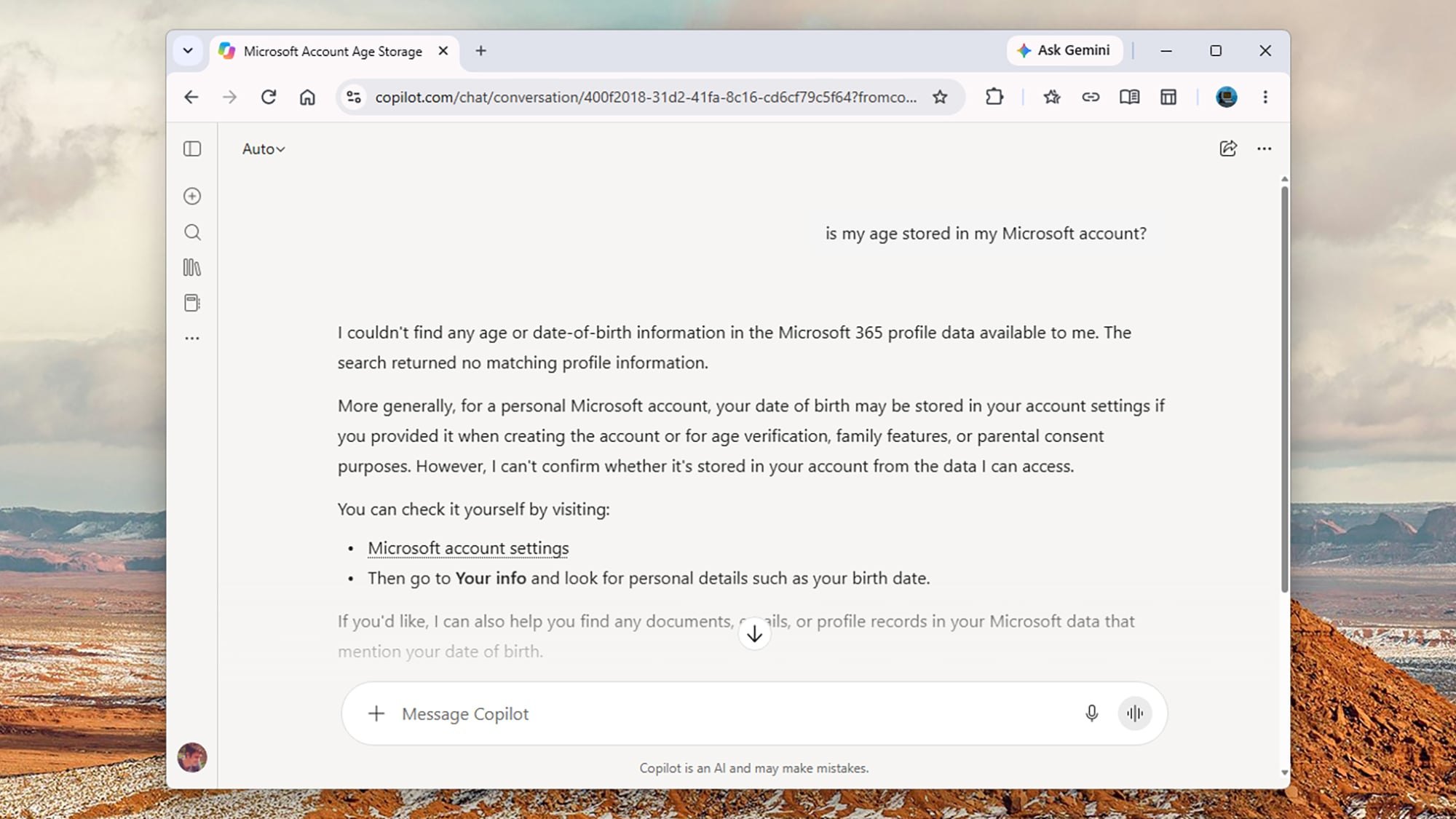
Microsoft says users identified as under 18 won't see personalized results or ads. Content about self-harm, violence, or illegal activity is prohibited. When asked about suicide or drugs, Copilot offers support resources instead of an answer.
Grok and Claude
According to Lifehacker, Grok is the worst of the group when it comes to protecting minors. Its terms set a minimum age of 13, but a recent Common Sense Media report says its age verification is ineffective. The organization describes the platform as having "weak safety guardrails" along with a lot of harmful content. Grok has a Kids Mode, but users only have to self-report as a child, and the mode is easy to bypass. Common Sense Media's advice is fairly blunt: don't let teens use Grok.
Claude takes the simplest approach: it accepts only users 18 and older. Anthropic also uses behavioral signals to detect minors. If an account is flagged, it must verify its age through facial age estimation or Yoti. Claude has no free web version like ChatGPT or Gemini, so it's harder for kids to get in. Chats about self-harm or suicide are directed to support hotlines. Anthropic says it has also recently reduced the AI's tendency to flatter users (sycophancy).
Beyond the settings inside each chatbot, parents also have platform-level limits on Android, iOS, Windows, and macOS to block inappropriate apps.
In many households, the whole family shares one phone or computer, so an adult account that's already signed in can easily become a "back door" for kids. The smallest test you can run: tonight, sit down with your child, open the chatbot they use most, and ask a few questions to see how it answers. Then review which accounts are signed in on the device and turn on time limits at the operating system level. It takes only a few minutes and means you depend less on each app's filters.
Source: Lifehacker (tips)
Reviewed by: Hero Association