The Acer Swift Air 14 has a good-looking metal body, a quiet keyboard, and real-world battery life of about 19 hours, but it still ranks as the weakest laptop in the $699 group.
- Priced at $699 with a single configuration: Intel Core 5 320, 8 GB of RAM, a 512 GB SSD, and a 14-inch 1080p 120 Hz LCD
- Real-world battery life is about 19 hours, among the best of any Windows laptop the author has tested this year
- The biggest drawbacks are a misclicking, crooked trackpad, plus weak speakers, a weak webcam, and a Windows 11 install loaded with bloatware
- Although it is Acer's best $699 laptop to date, it still ranks below its rivals at the same price
Table of Contents
Price and specs
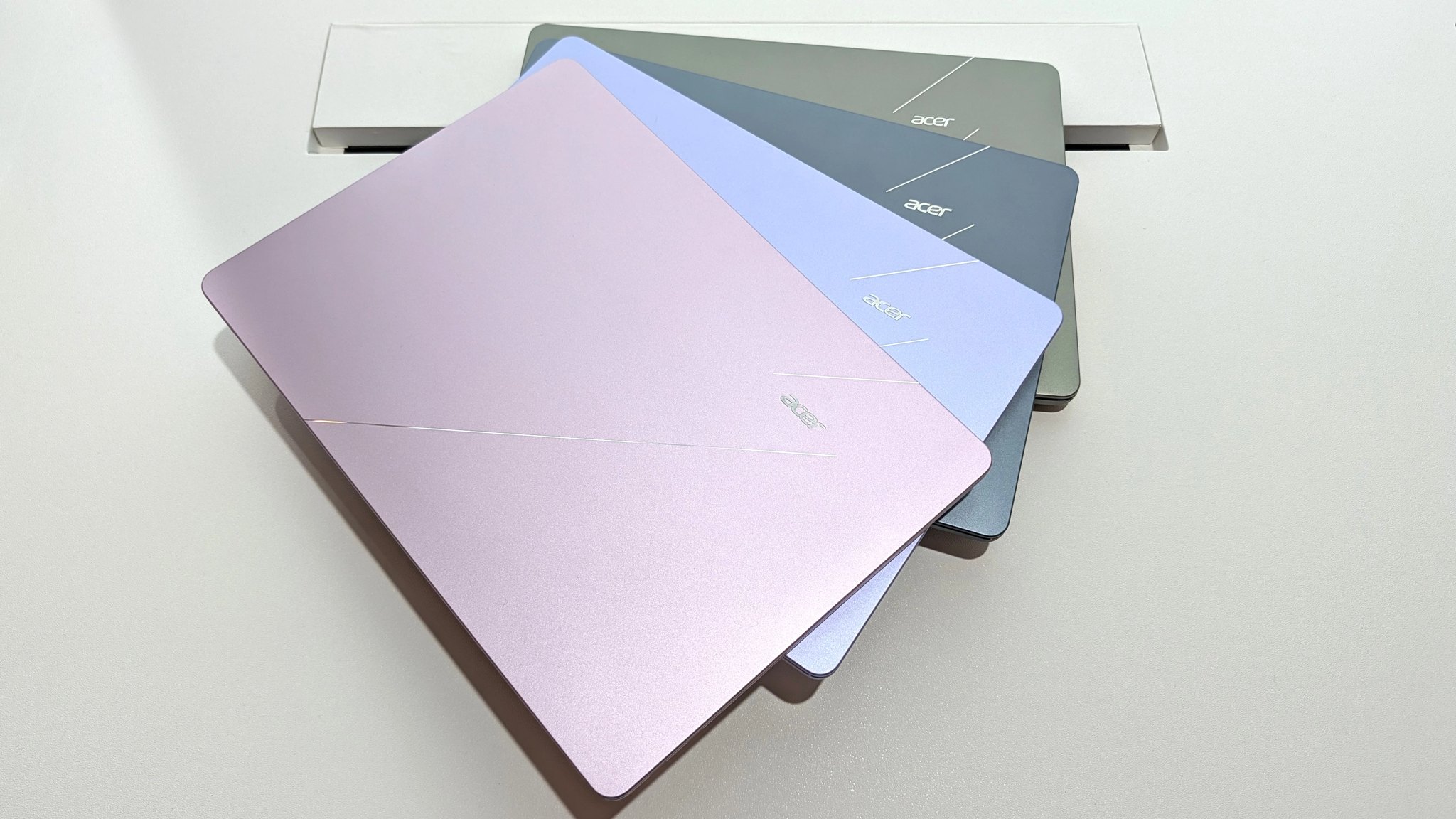
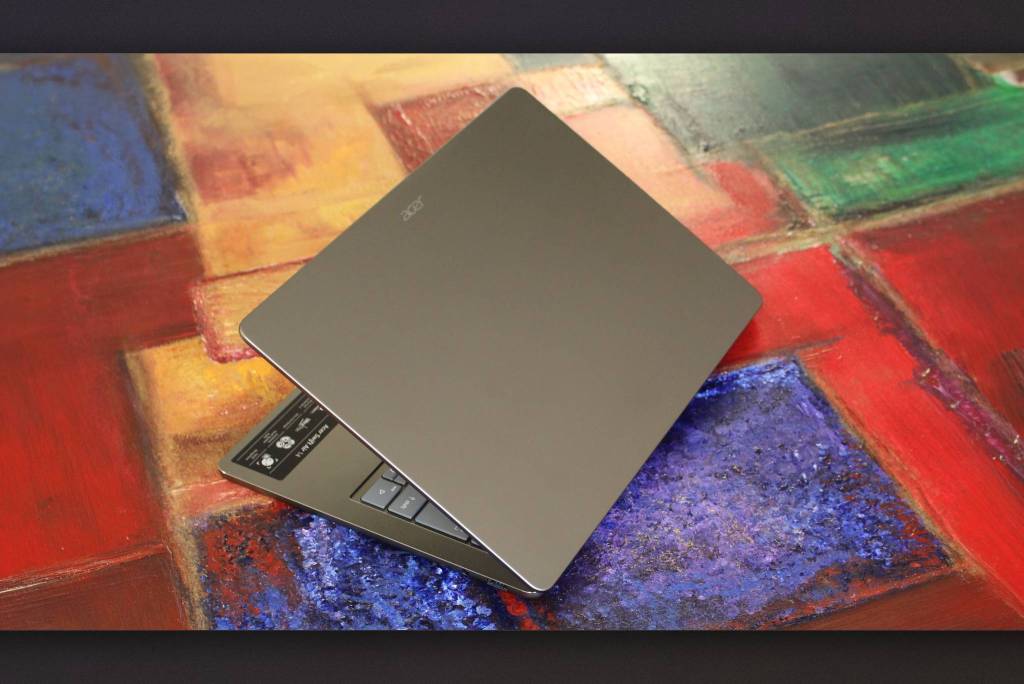
The Acer Swift Air 14 is Acer's answer to the MacBook Neo: a thin and light 14-inch Windows laptop priced at $699. In recent months ASUS and Dell have also launched their own $699 models with the same goal of taking back the "best value" crown from the MacBook Neo, so the question is whether Acer can keep up. The laptop comes in a single configuration with an Intel Core 5 320 chip, 8 GB of RAM, a 512 GB SSD, and a 1080p 120 Hz LCD. It is sold through Acer's own store as well as retailers like Best Buy. A 120 Hz refresh rate is rare on a laptop this cheap, and there are several color options. The unit tested here is dark gray.
Design and keyboard
The design is the first thing that won the author over: minimalist and clean, in a subdued dark gray, with an all-metal body that feels cool to the touch. The seams and panels line up very precisely, so it looks a lot like a MacBook Air. It is thin and has rounded edges, which makes it easy to carry and comfortable to hold.
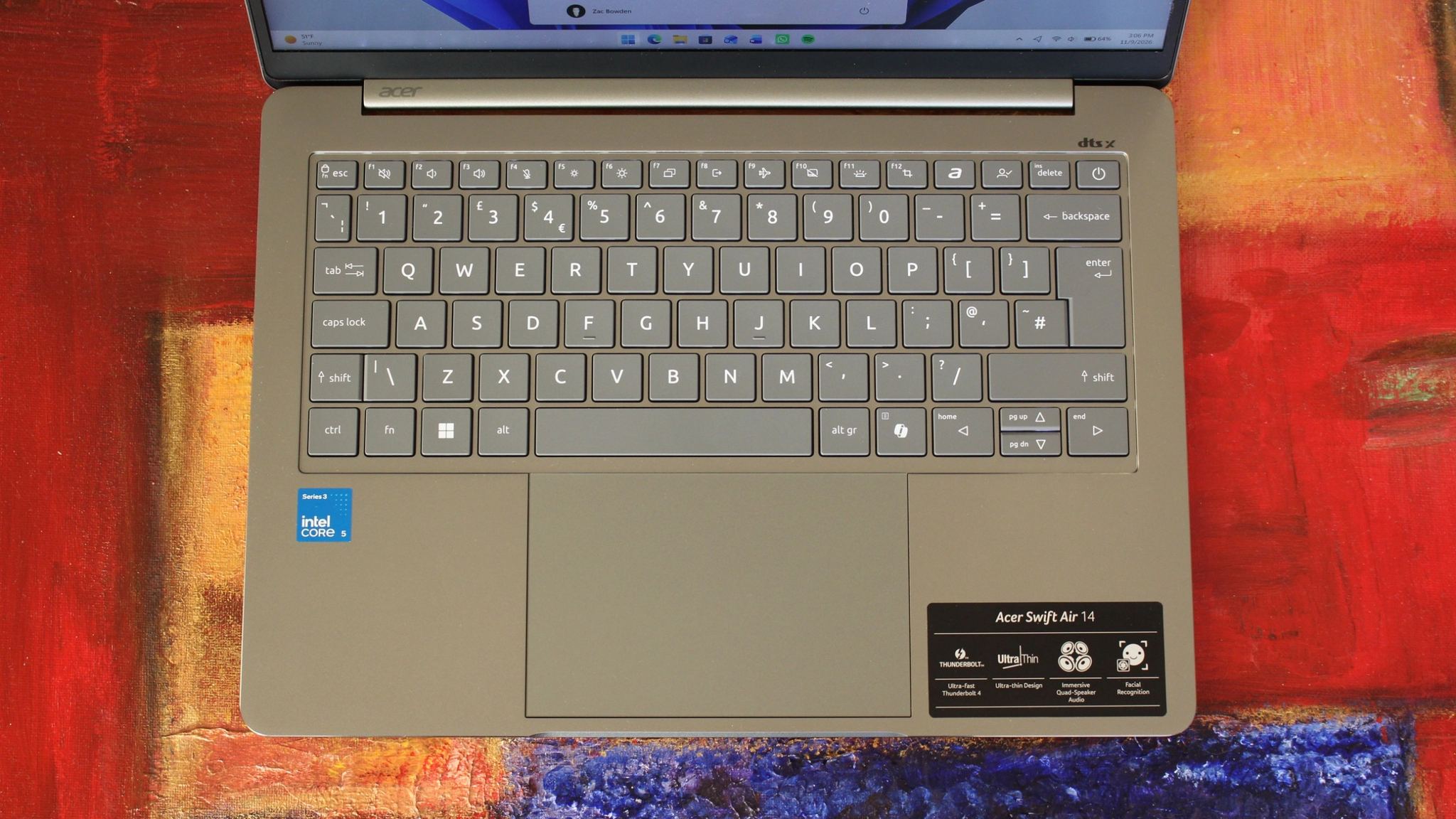
Open the lid and the chiclet keyboard and the large, centered trackpad both look fine. The keyboard is quiet to type on but still has clear feedback, and it is backlit, something the MacBook Neo lacks. Connectivity is adequate too, with two USB-C ports on the left, plus a USB-A port and a 3.5 mm audio jack on the right. Windows Hello face recognition is fast, a feature usually found only on higher-end machines, while the MacBook Neo has no biometric login at this price.
Display, performance, and battery life
The 14-inch 1080p LCD is not the best panel the author has seen at around $699 this year. The Dell XPS 13 and the MacBook Neo both have better displays at the same price, unless you put a high refresh rate first. Acer's 120 Hz panel makes animations and in-app scrolling noticeably smoother, but at this screen size 1080p is not truly sharp, and the brightness is not as high as on Dell's or Apple's machines.
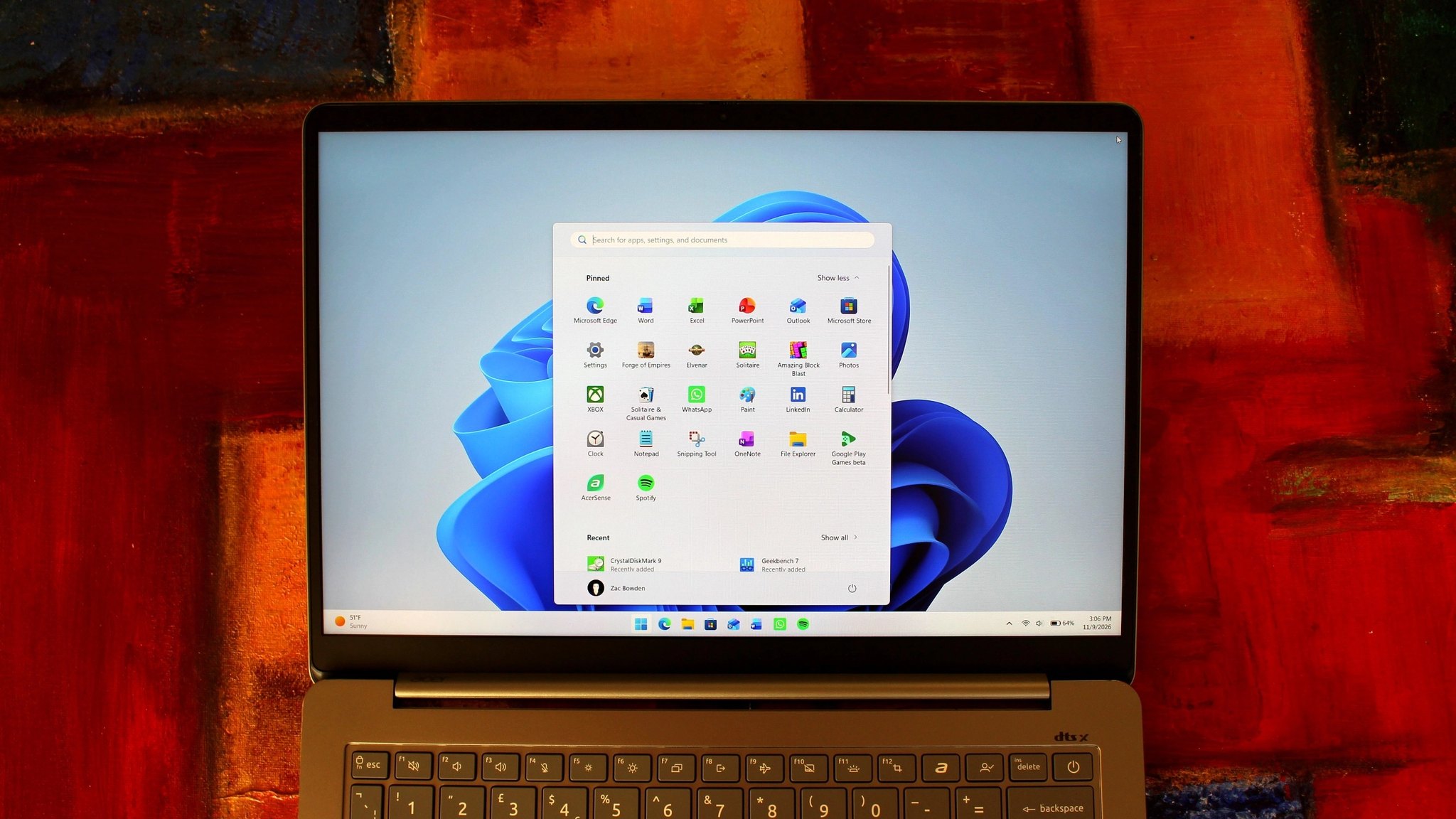
In return, the low resolution contributes to excellent battery life: real-world testing yielded about 19 hours on a single charge, among the longest-lasting Windows laptops the author has tested this year and easily beating the MacBook Neo. The Core 5 320 performs on par with other $699 laptops, enough for everyday tasks like web browsing, email, Office, Teams, Slack, and the occasional light photo edit in Photoshop. With only 8 GB of RAM, multitasking is limited, but switching between a few apps such as a browser, email, and Slack or Teams is still not a problem.
The drawbacks
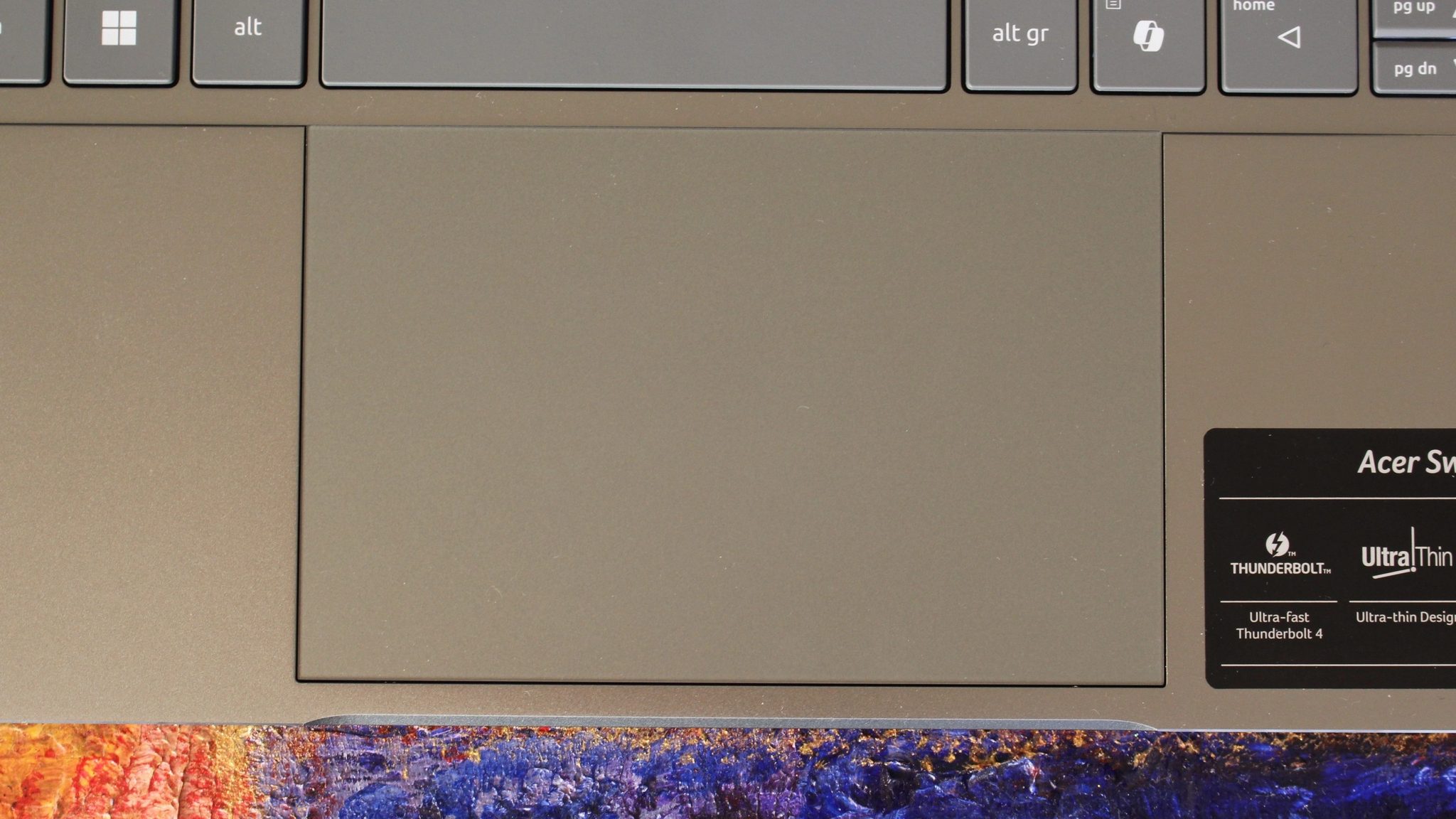
The most obvious weakness is the trackpad: it is large, but both tracking and clicking feel poor. At times it fails to register a click, at other times it registers too many, and it even clicks on its own when you hold the open laptop by one corner. It is also mounted crookedly in the chassis, with one edge sitting higher than the other, and the author ranks it among the worst trackpads in this year's wave of $699 laptops.
The software and the audio-visual side are no better. The Windows 11 Start menu on this laptop holds the most preinstalled apps the author has ever seen, so the first thing to do after buying is a clean Windows reinstall. The webcam is low-resolution and noisy in most lighting conditions, and the microphone is fine for calls. The speakers have almost no bass, so they sound harsh and thin. A smaller but still notable detail is the spec-advertising stickers stuck right on the body, something that should only go on the box.
Verdict: where it lands among $699 laptops
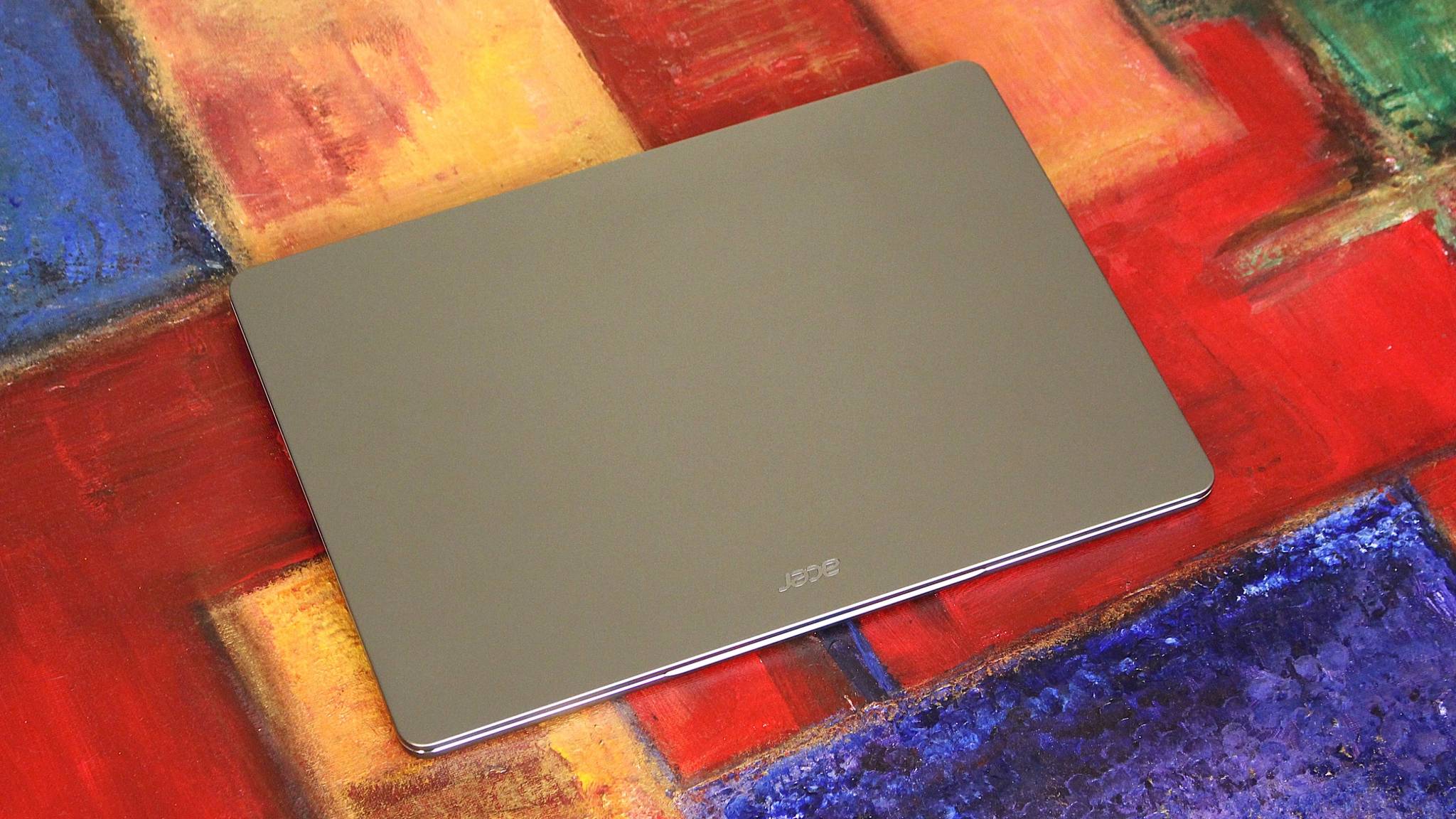
This is Acer's best $699 laptop to date, with an attractive exterior, a solid feel in the hand, the necessary ports, and very impressive battery life. Even so, the display and trackpad pull it below its same-priced rivals, so next to the ASUS and Dell models it is the weakest so far. It suits you if you want a thin and light Windows laptop that lasts all day without charging and you like a 120 Hz screen. It is not for people who need a precise trackpad, a powerful configuration, heavy multitasking, or decent speakers and a decent webcam.
The Swift Air 14 shows that at $699 Acer does well on the things you can see and feel at a glance, like the metal body, keyboard, and battery, but falls short on the trackpad, which you touch almost every minute. Bloatware can be dealt with by reinstalling Windows, but a misclicking, crooked trackpad is hard to fix that way, which is why Migovi rates this laptop below its rivals at the same price. If this model reaches Vietnam, try the trackpad in person at the store before deciding, and consider it only if all-day battery life and a 120 Hz screen matter more to you than a good hands-on experience.
Source: Windows Central
Reviewed by: Hero Association