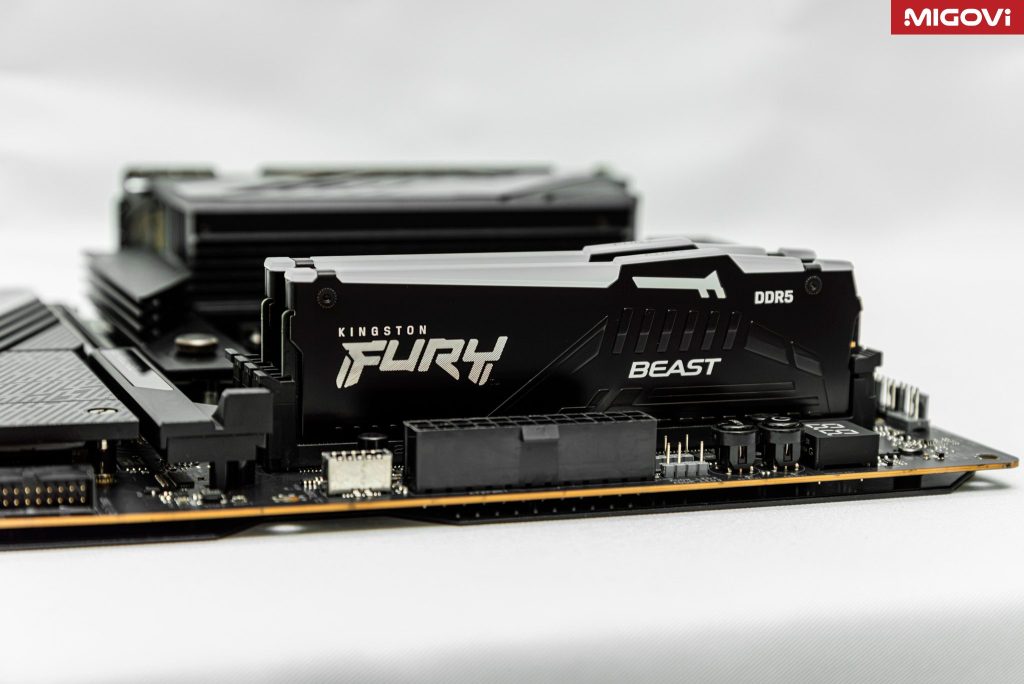
The Kingston FURY Beast RGB DDR5-5600 CL36 16 GB, part number KF556C36BBEAK2-16, is a 2 x 8 GB kit with both AMD EXPO and Intel XMP profiles. It currently sells for about 369.99 USD at Newegg in the US. RAM used to be a component you bought almost without thinking, but since memory chip prices spiked, the question has changed: is 16 GB still enough in 2026, and is it worth this price?
The short answer is that this kit is strong on stability, design, and warranty, while capacity and price are the two things to think hard about before you pay.
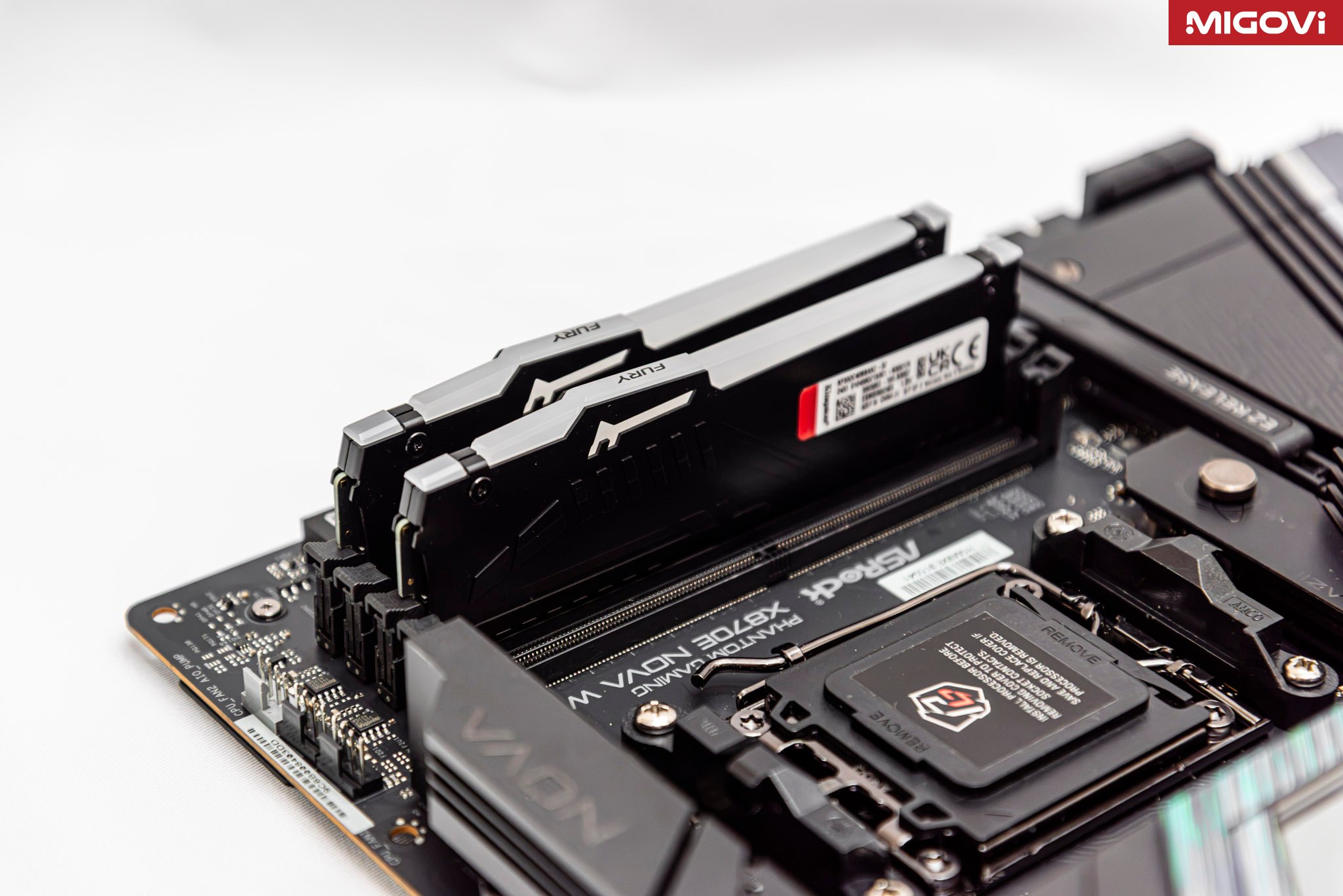
Table of Contents
16 GB is enough for a light build, but only just
New games keep getting hungrier. Forza Horizon 6, which launched in May 2026, still runs on 16 GB at the recommended settings (1440p, High preset). The Extreme preset, however, calls for 24 GB, and Extreme RT with ray tracing needs 32 GB. Play a game while keeping a browser, Discord, and streaming software open, and 16 GB fills up fast. Windows then has to page data out to the SSD, which is nowhere near as fast as RAM, so the whole experience stutters.
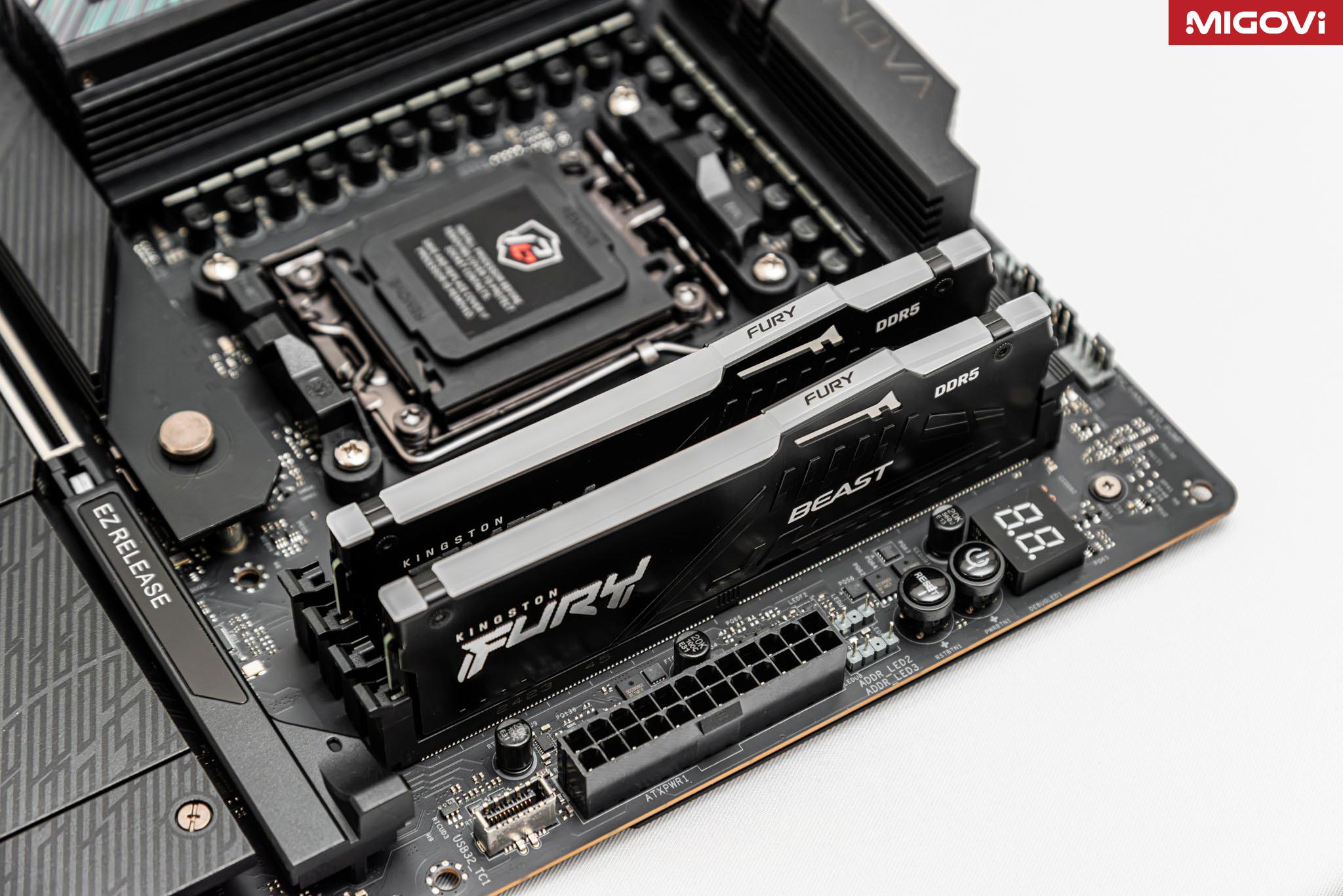
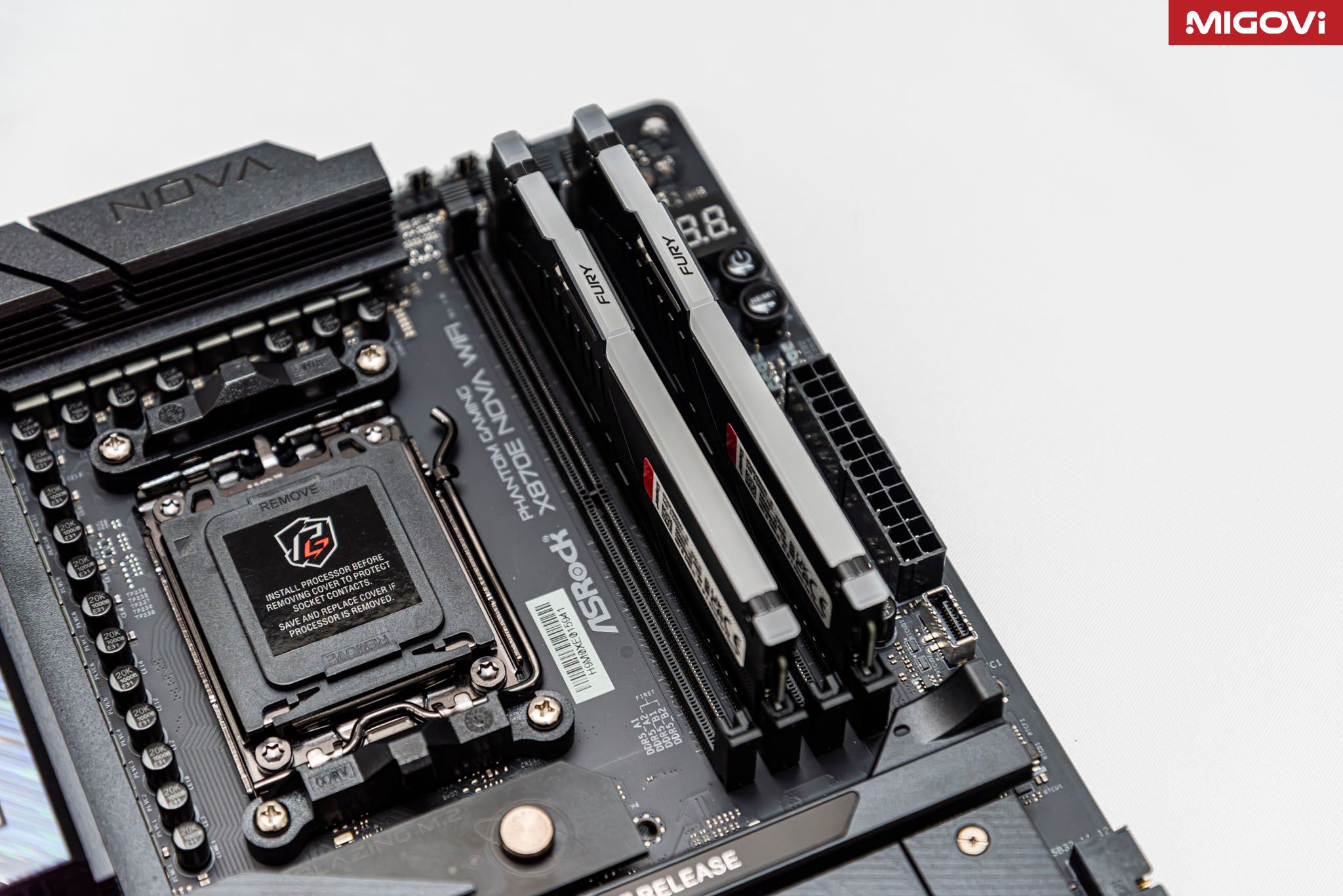
That makes this kit best suited to eSports gaming rigs, office and study PCs, or new builds that need to get running now and be upgraded later. If you are counting on that later upgrade, keep one thing in mind: mainstream motherboards have only 4 RAM slots, and adding a second kit to run 4 modules usually forces speeds down compared with 2 modules. That is a physical limitation. If you know you will need 32 GB, save up and buy a 2 x 16 GB kit outright to avoid trouble down the road. And if your budget allows, going straight to 32 GB spares you a second upgrade while prices are still at their peak.
RAM prices are not what they used to be, and even budget kits cost far more
The contract price of a single 16 Gb DDR5 chip has climbed from 8.70 USD in October 2025 to about 48 USD in September 2026, an increase of nearly 452%. Samsung, SK hynix, and Micron are shifting capacity to HBM and server DRAM for AI, leaving less and less for mainstream users. On top of that, Micron exited the consumer RAM business entirely in early 2026.
There is no sign of relief yet. At an investor meeting on November 2, 2026, Team Group's CEO said the tightest period will last from Q4 2026 through Q2 2027. In the US, the cheapest 2 x 16 GB DDR5-6000 CL30 kit was once just 59 USD in April 2025. By early November 2026 it had reached 429 USD.
In Vietnam, the FURY Beast RGB 2 x 8 GB DDR5-5600 CL40 version (KF556C40BBAK2-16) is selling for roughly 6,199,000 VND to 6,590,000 VND at major retailers. Before the memory chip crunch it cost about 1,650,000 VND. The CL36 version with EXPO, like the kit in this review, is usually harder to find. If you plan to pair it with an AMD platform, check the part number carefully before buying.
A definite plus for Kingston is the limited lifetime warranty on the FURY Beast line. With RAM prices swinging this hard, a long warranty and a wide distribution network give buyers much more peace of mind than lesser-known brands. If you do buy, get a matched 2-module kit from the start instead of pairing single sticks, since memory chips from different batches can cause errors when EXPO or XMP is enabled. Buy from a reputable store with an official warranty, too, because counterfeit RAM is rampant on the market.
5600 MT/s is easy to run stable on both Ryzen 9000 and Core Ultra 200S
In theory, the kit running in dual channel at 5600 MT/s delivers a peak bandwidth of about 89.6 GB/s. First word latency at CL36 is around 12.9 ns, noticeably lower than the 16.7 ns of the JEDEC DDR5-4800 CL40 standard. Simply enabling EXPO or XMP makes the system clearly faster than leaving the RAM at its default settings.
- FURY Beast RGB DDR5-5600 CL3612.9 ns
- JEDEC DDR5-4800 CL4016.7 ns
Because this figure is derived from timings, it shows the benefit of enabling a profile rather than the performance you would measure in any particular application. The CL36 timing is also what puts this kit slightly ahead of the CL40 version in the same line.
The biggest advantage of 5600 MT/s is stability. It is the officially supported speed for Ryzen 9000, while Core Ultra 200S (Arrow Lake) supports up to DDR5-6400. Neither platform's memory controller has to work beyond its limits to handle overclocking. As a result, you should rarely see long boot times, hangs, or blue screens of the kind that come from pushing RAM beyond what the CPU can handle. The kit carries an EXPO label but still includes 2 full XMP 3.0 profiles, so it works with Intel platforms without manual tuning.
There is one technical limitation to know about. Each 8 GB DDR5 module uses only 4 x16 memory chips, and that layout has fewer bank groups than a 16 GB module with 8 x8 chips. As a result, in some memory-intensive workloads and in games, an 8 GB module is typically a little slower than a 16 GB module with the same speed and timings. If you want maximum performance, a 2 x 16 GB kit is still the better choice: faster and with more capacity.
Compact design, soft lighting, and easy to match
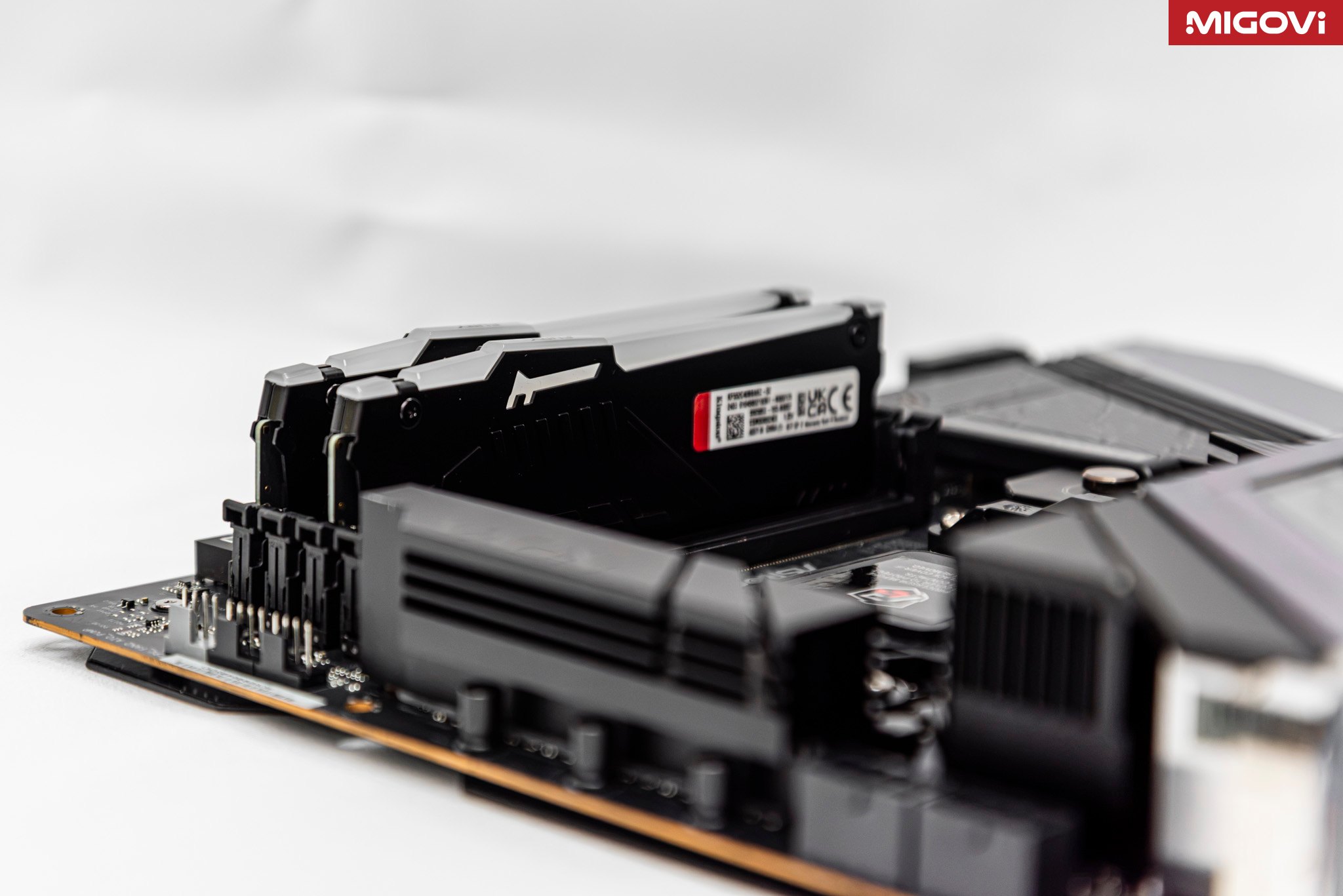
Kingston keeps the Beast line's design language: a black metal heat spreader covering the whole PCB, a FURY logo with glossy diagonal stripes, and a frosted plastic strip along the top edge to diffuse the LEDs. The lighting is soft and even, without individual LEDs showing through as on cheap RAM kits. The height of about 42.2 mm is also friendly, fitting most single-tower air coolers, AIO liquid coolers, and even small ITX cases.
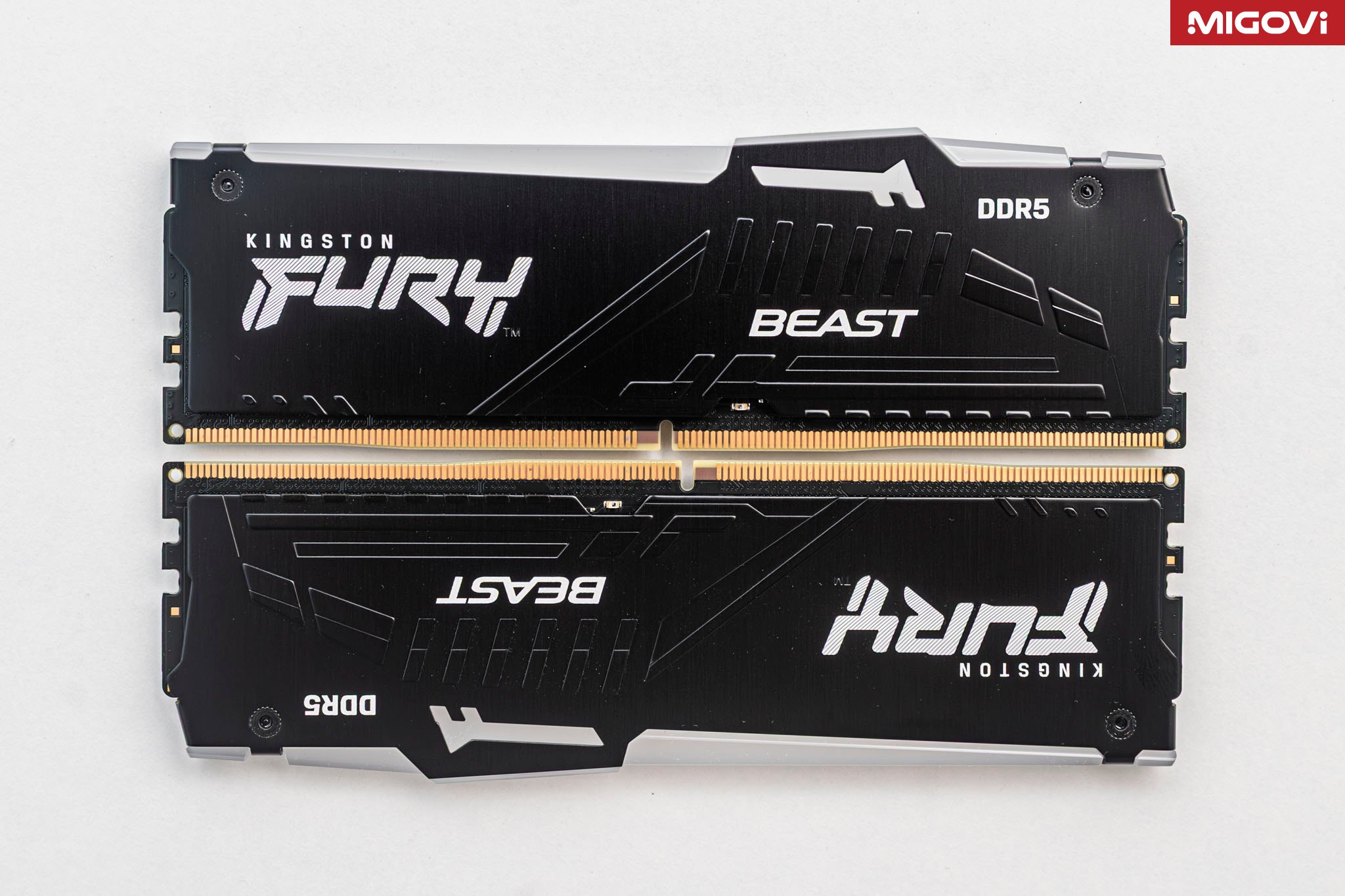
The RGB feature most worth having is the patented infrared sync technology. According to Kingston, it lets the 2 modules “talk” to each other so the LED effects run seamlessly, with no timing or color drift. You can adjust colors and effects in Kingston FURY CTRL, or let your motherboard's RGB software manage everything together.
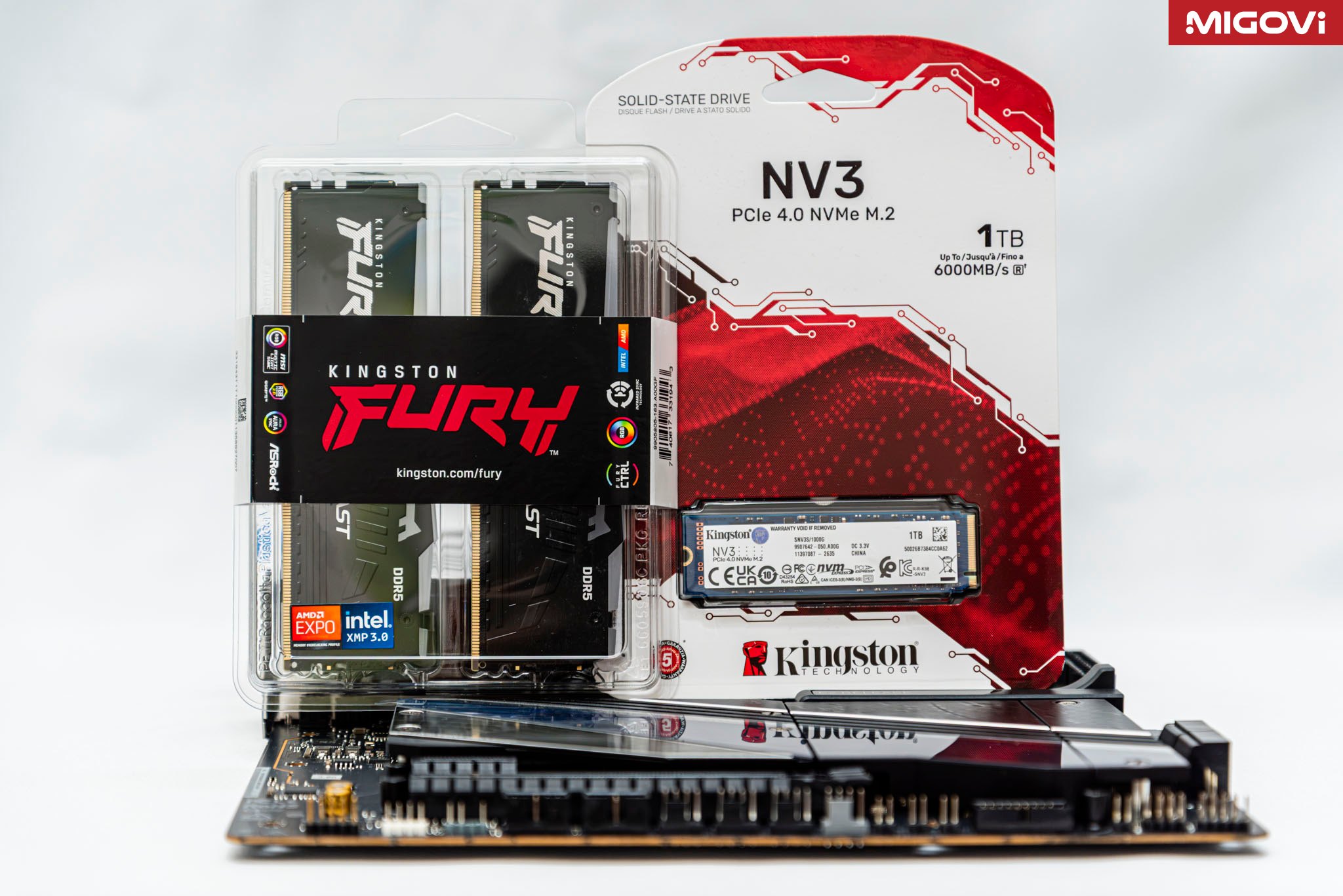
The plainest part of the kit is its packaging: a clear plastic blister with no cardboard box, unlike the premium lines. For a component that gets installed in a PC, with the packaging usually not kept, this is a minor drawback.
7.7/10
Overall
- Performance7.5
- Design and RGB8.5
- Compatibility and stability9
- Capacity6
- Warranty9
- Value at current price6
Pros
- Good-looking design, soft diffused RGB, infrared sync
- Includes both EXPO and XMP profiles, so it works once enabled
- 5600 MT/s runs stable on Ryzen 9000 and Core Ultra 200S
- About 42.2 mm tall, easy to fit with large coolers and small cases
- Limited lifetime warranty
Cons
- 16 GB is close to the bare minimum for AAA games and multitasking
- 8 GB modules use x16 chips, slightly slower than 16 GB modules
- Price is several times higher than before the DRAM crisis
- The CL36 version with EXPO is hard to find in Vietnam
- Basic packaging
Buy it if
- Buy it if you need to build a PC in a hurry on a tight budget but still want stability
- Buy it if you use an eSports gaming, office, or study PC
- Buy it if you want LED lighting for a case with a large cooler or an ITX build
Skip it if
- Skip it if you play AAA games at high settings or game and stream at the same time
- Skip it if you know you need 32 GB: buy a 2 x 16 GB kit outright
7.7/10
Verdict
Good but pricey
The kit's strongest points are compatibility, stability, and the limited lifetime warranty, along with a compact design and soft lighting. Its biggest drawbacks are that 16 GB capacity is close to the limit and that the price is far from what it was before the memory chip crunch. It suits people who need to build a PC quickly on a modest budget and mainly play eSports games or do office work.
Reviewed by: Hero Association