Corsair Sabre v3 Pro PureVector Ultralight review: a 37-gram mouse with optical switches and per-direction sensitivity
Last updated:
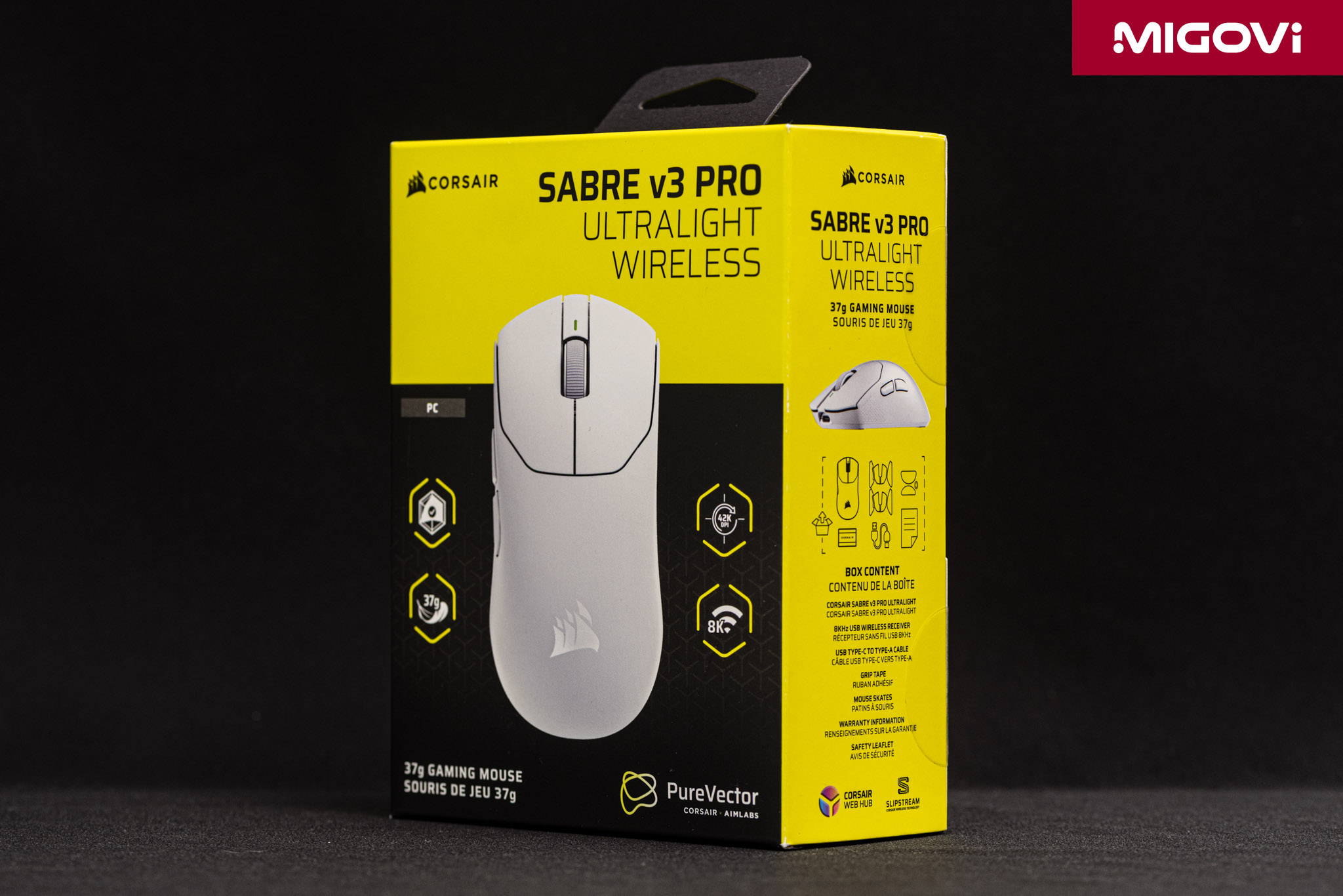
The SABRE v3 PRO PureVector Ultralight weighs 37 grams and packs optical switches, a 42,000 DPI sensor, 8000 Hz polling, and CORSAIR's exclusive PureVector direction-based sensitivity tuning.
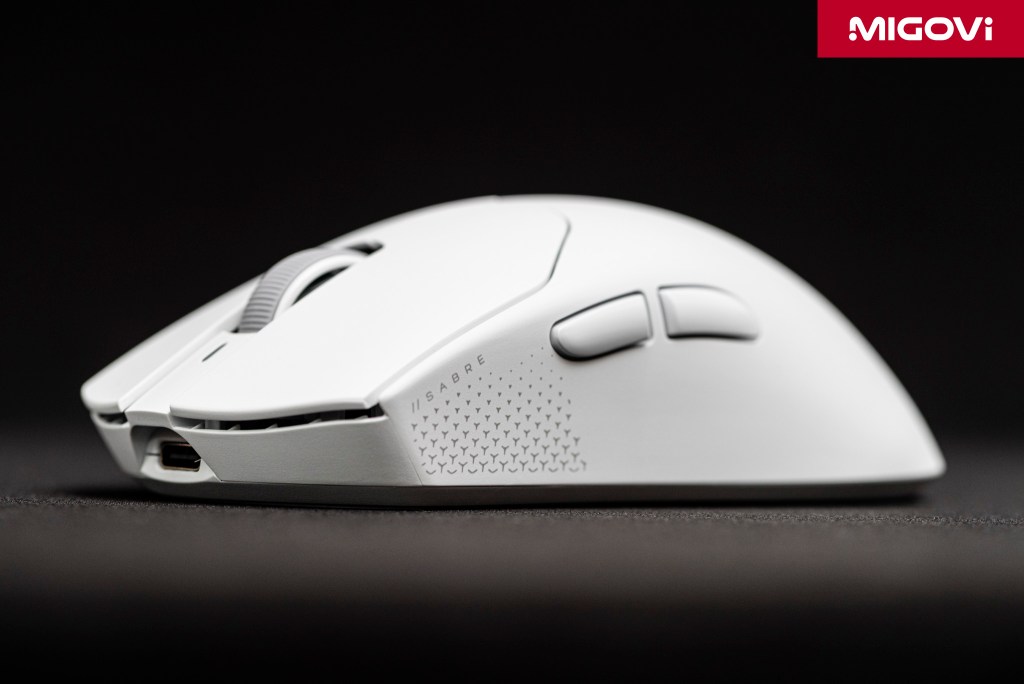
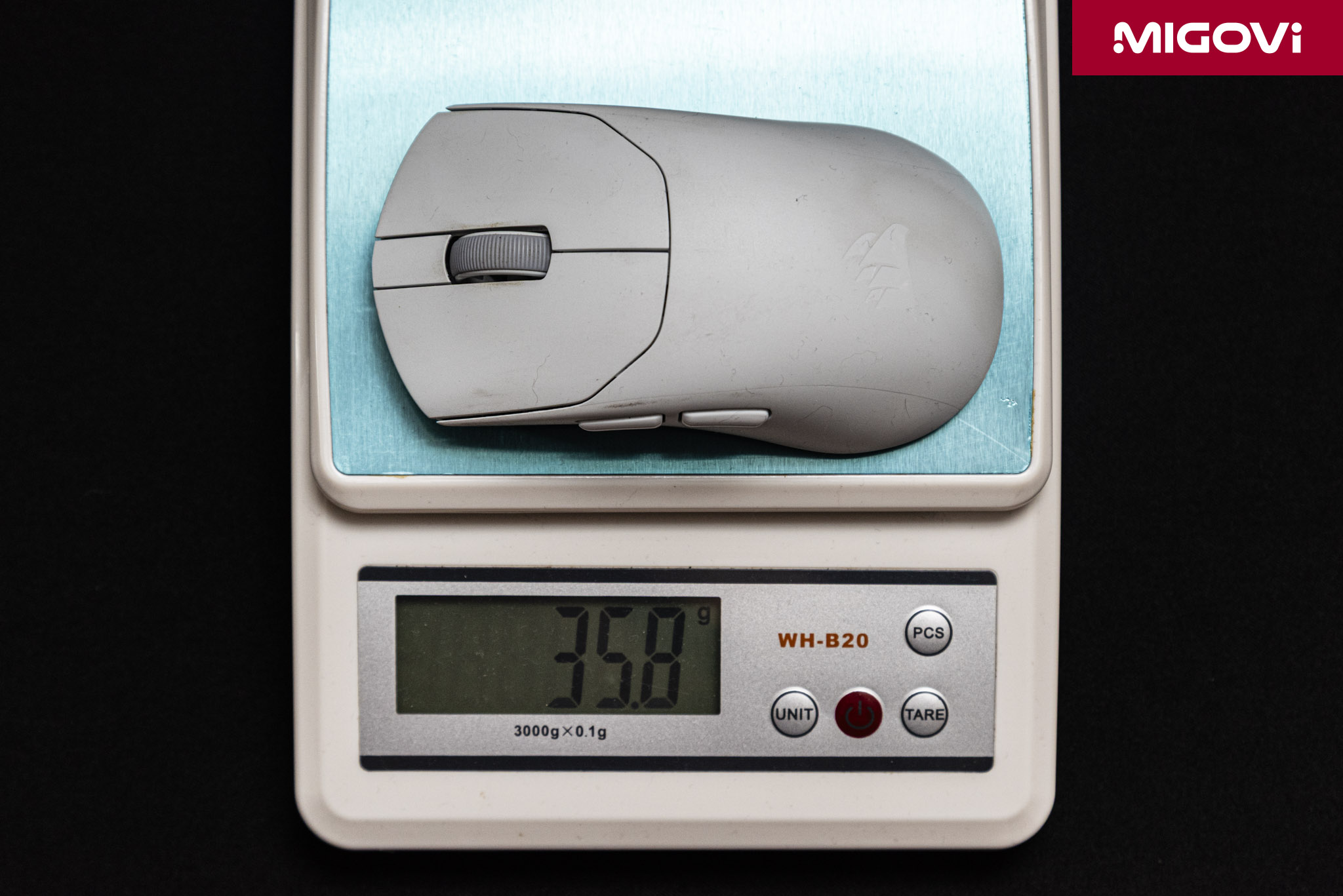
- The white CORSAIR SABRE v3 PRO PureVector Ultralight (CH-931G401-WW) weighs 37 grams, with a fully sealed ABS shell and a medium-sized symmetrical shape measuring 119.25 x 62.55 x 38.21 mm.
- The hardware gets a big upgrade over the SABRE v2 PRO: optical switches and scroll wheel encoder, the MARKSMAN X 42,000 DPI sensor, a Nordic 54 Series microcontroller, and 8000 Hz polling in both wired and wireless modes.
- PureVector was developed by CORSAIR with Aimlabs. It measures your aiming bias when flicking in each direction, then stores a separate sensitivity for each direction directly in the mouse firmware.
- Battery life reaches 140 hours at 1000 Hz, double the previous generation. In exchange, the Ultralight version drops the physical DPI button and Bluetooth.
- It costs 179.99 USD, or 4,200,000 VND in Vietnam, with a 2-year warranty.
Table of Contents
CORSAIR SABRE v3 PRO Ultralight Wireless
For the past few years, premium gaming mice have competed on little more than three numbers: DPI, weight, and polling rate. With mice under 50 grams, sensors above 30,000 DPI, and 8000 Hz polling now common, upgrades built on those same specs are unlikely to produce differences players can actually feel. CORSAIR has taken a different approach with the all-new SABRE v3 PRO PureVector. Alongside the new hardware, the centerpiece of the SABRE v3 PRO Series is PureVector, a technology that tunes sensitivity by movement direction, developed together with Aimlabs. This review focuses on the white Ultralight version, the lightest of the 6 variants (across both color and design) in the new lineup.
A 37-gram design with no holes

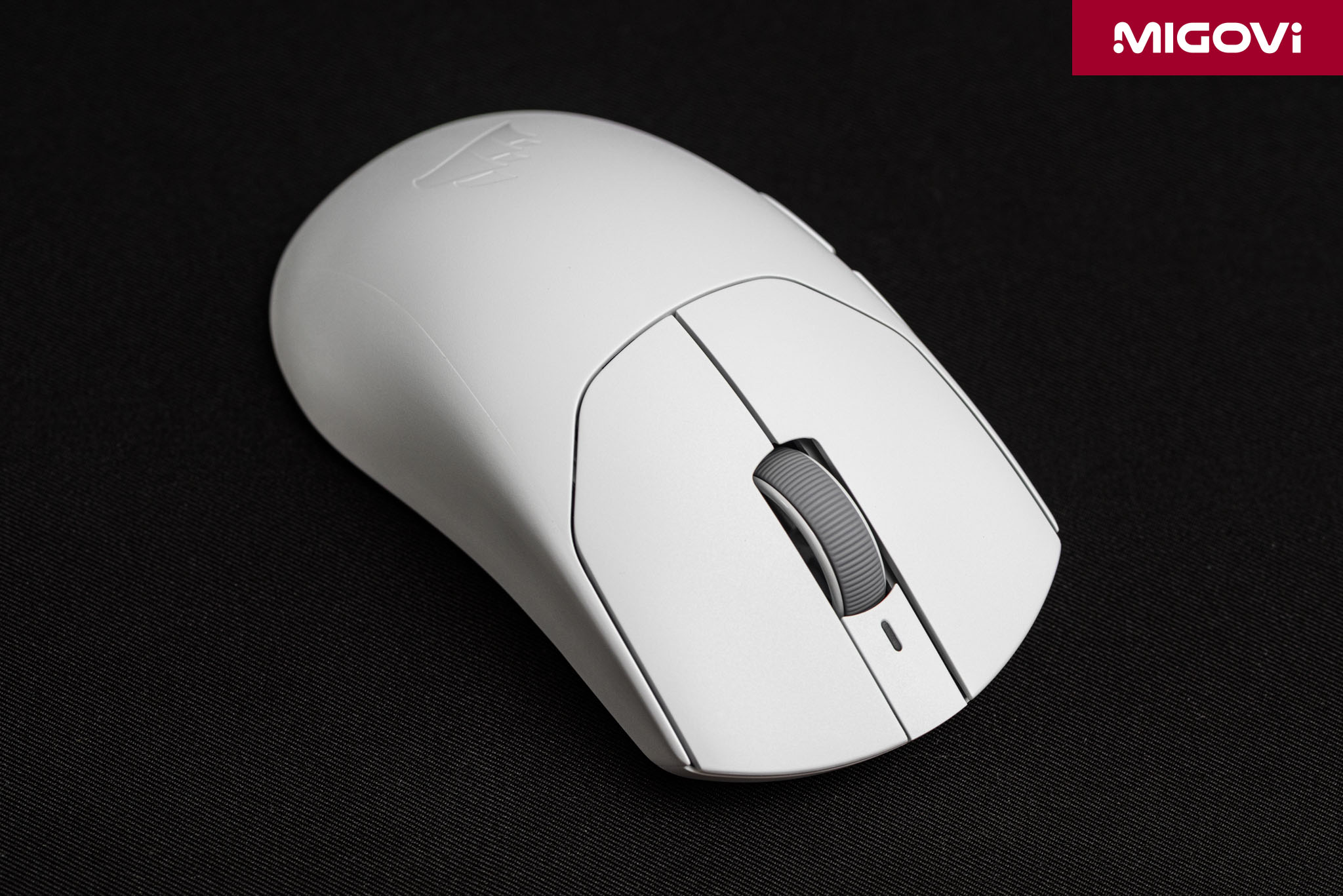
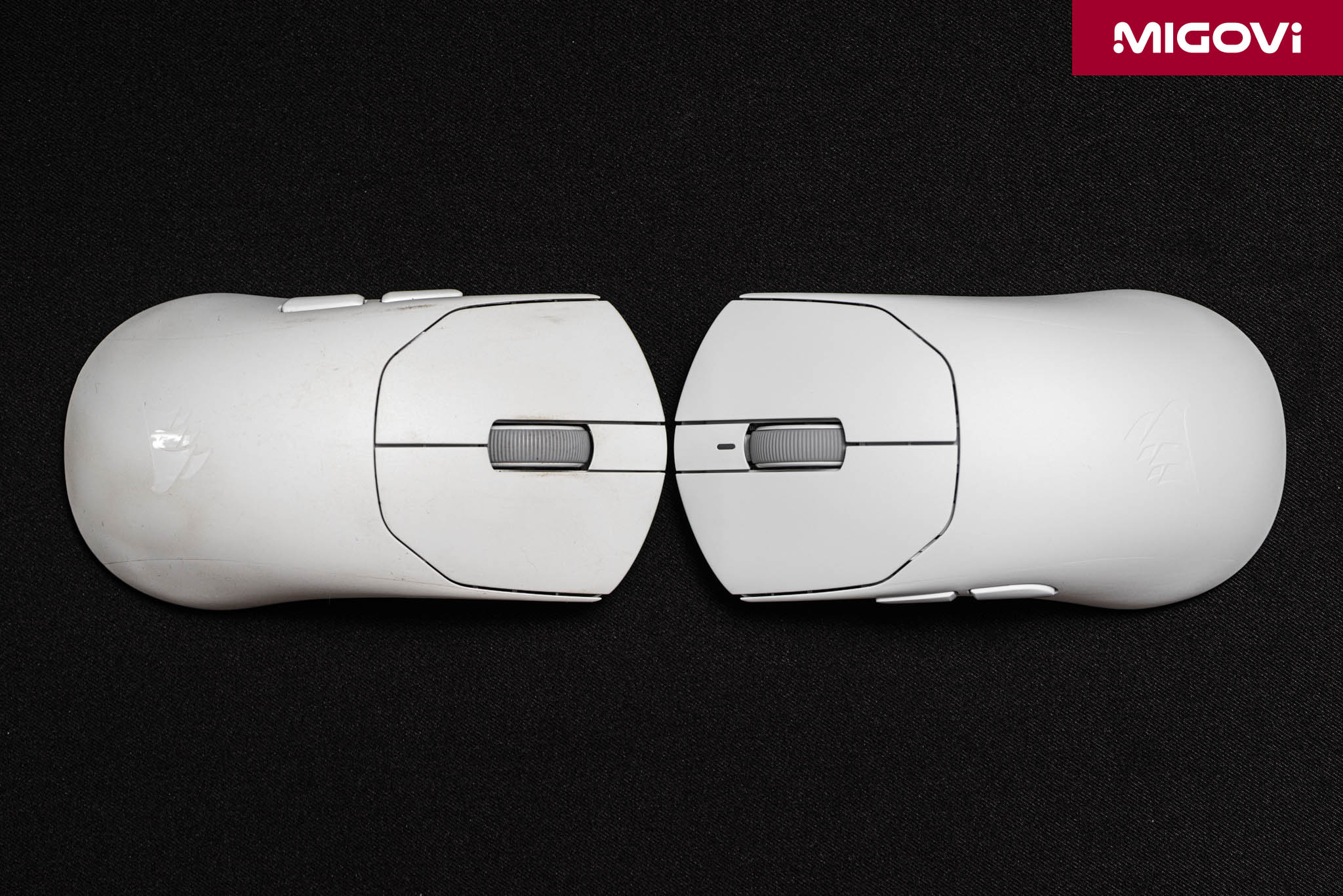
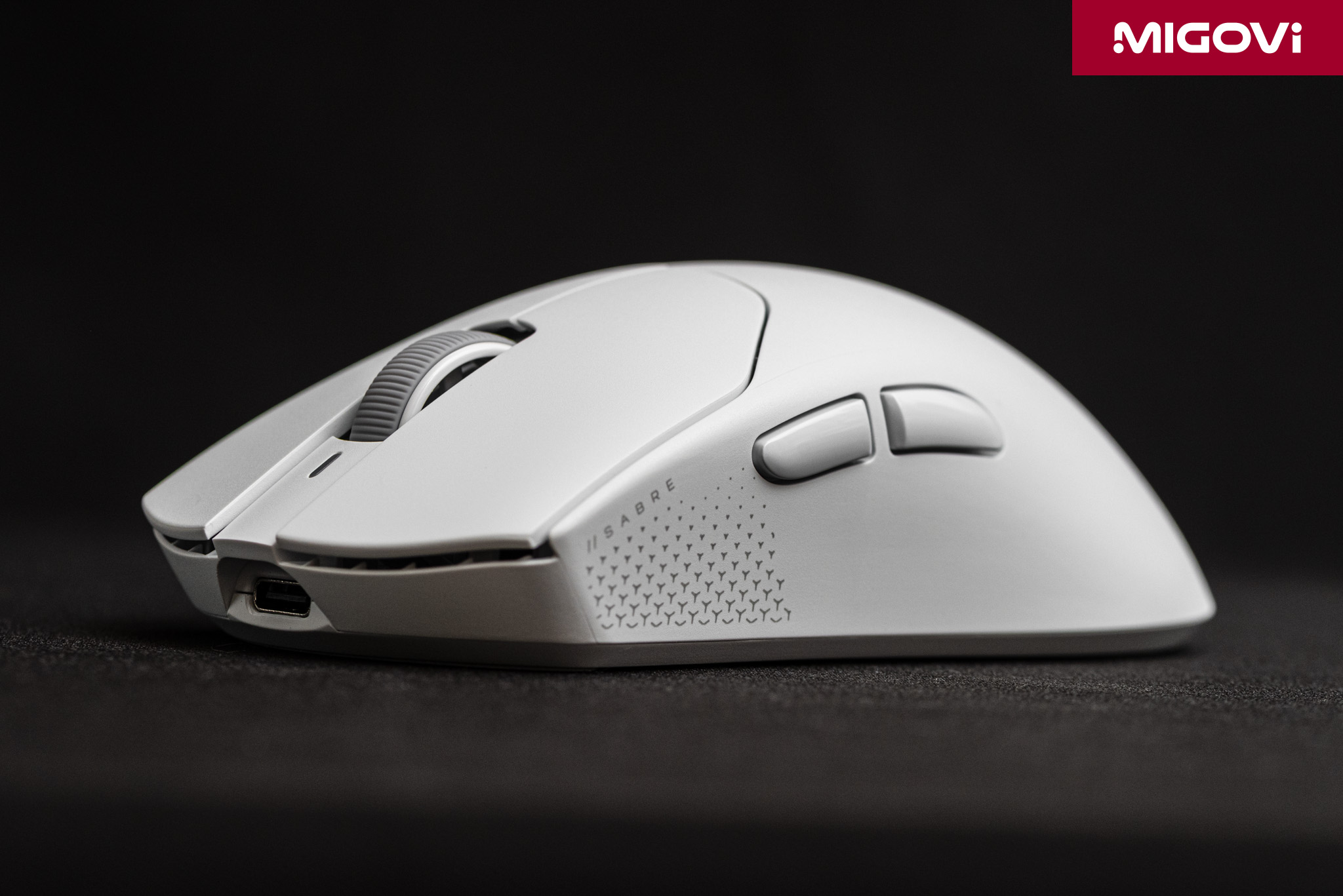
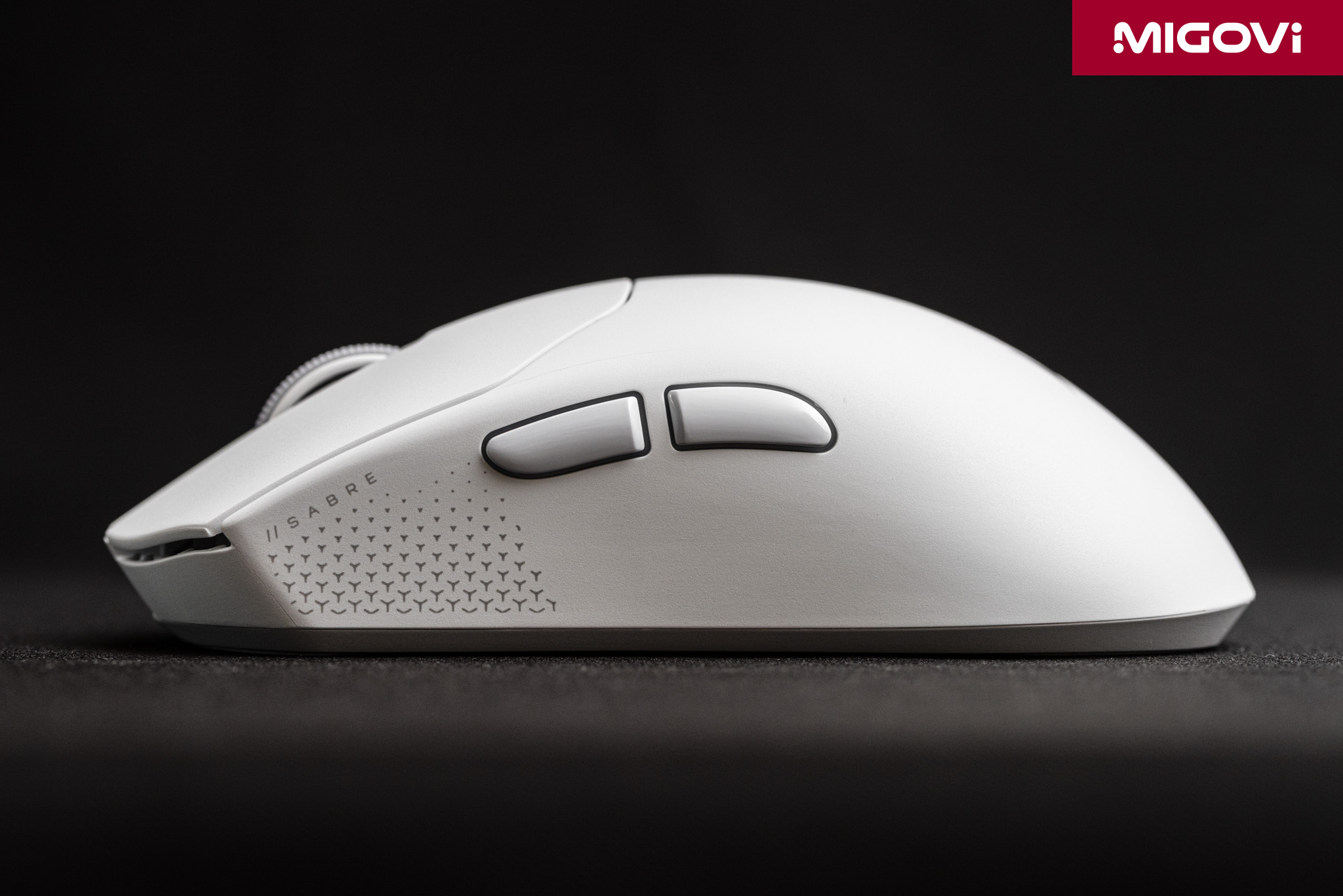
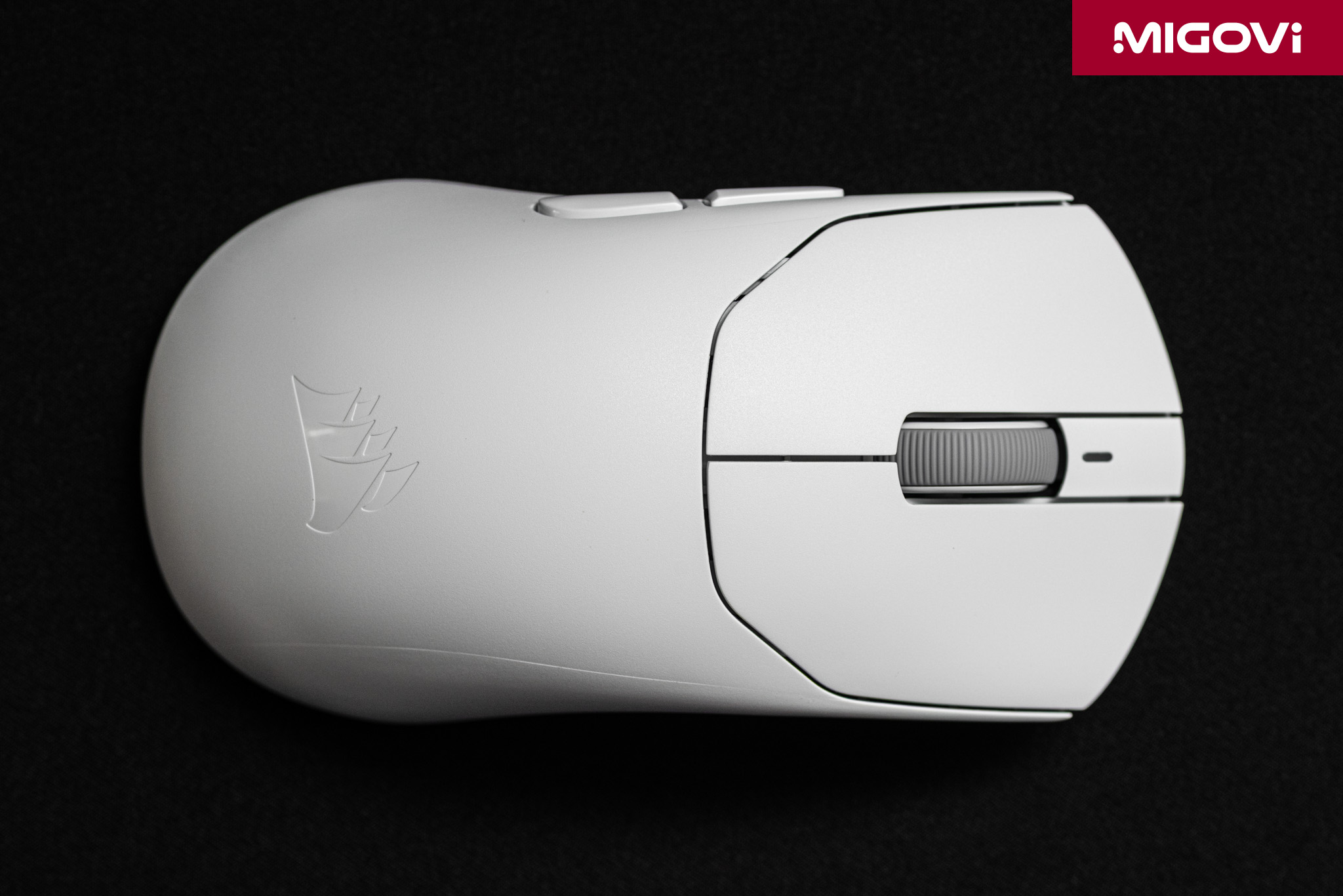
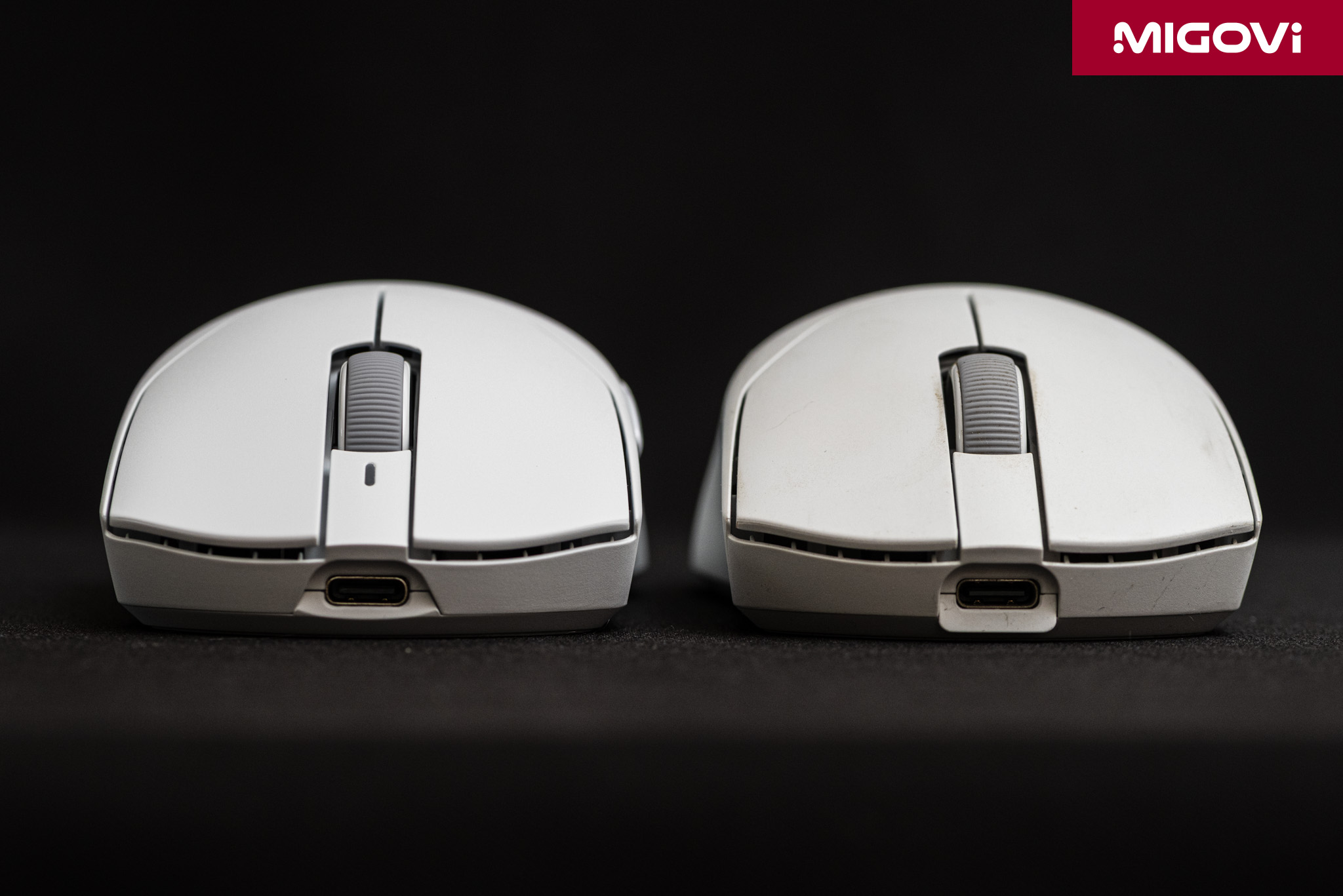
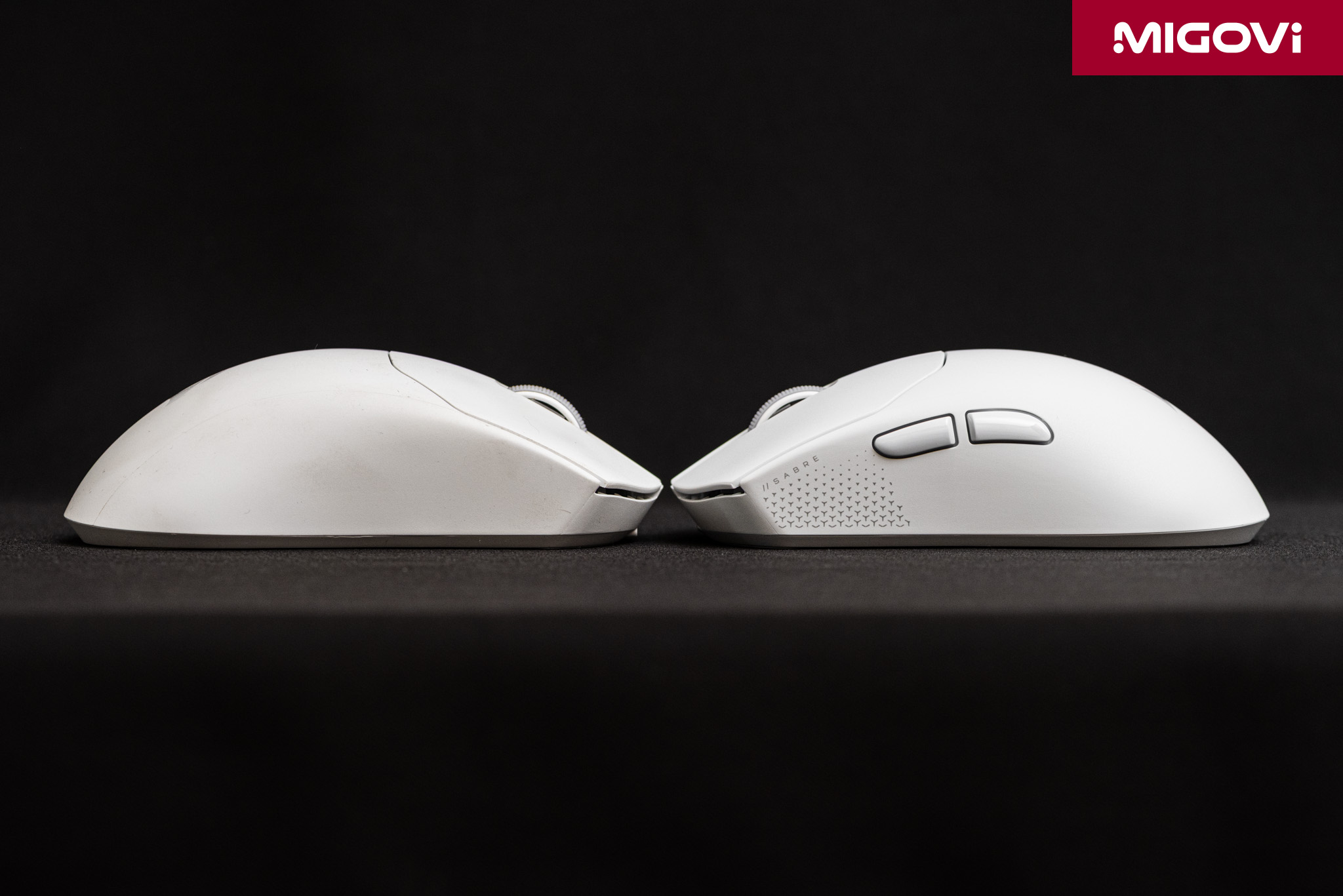
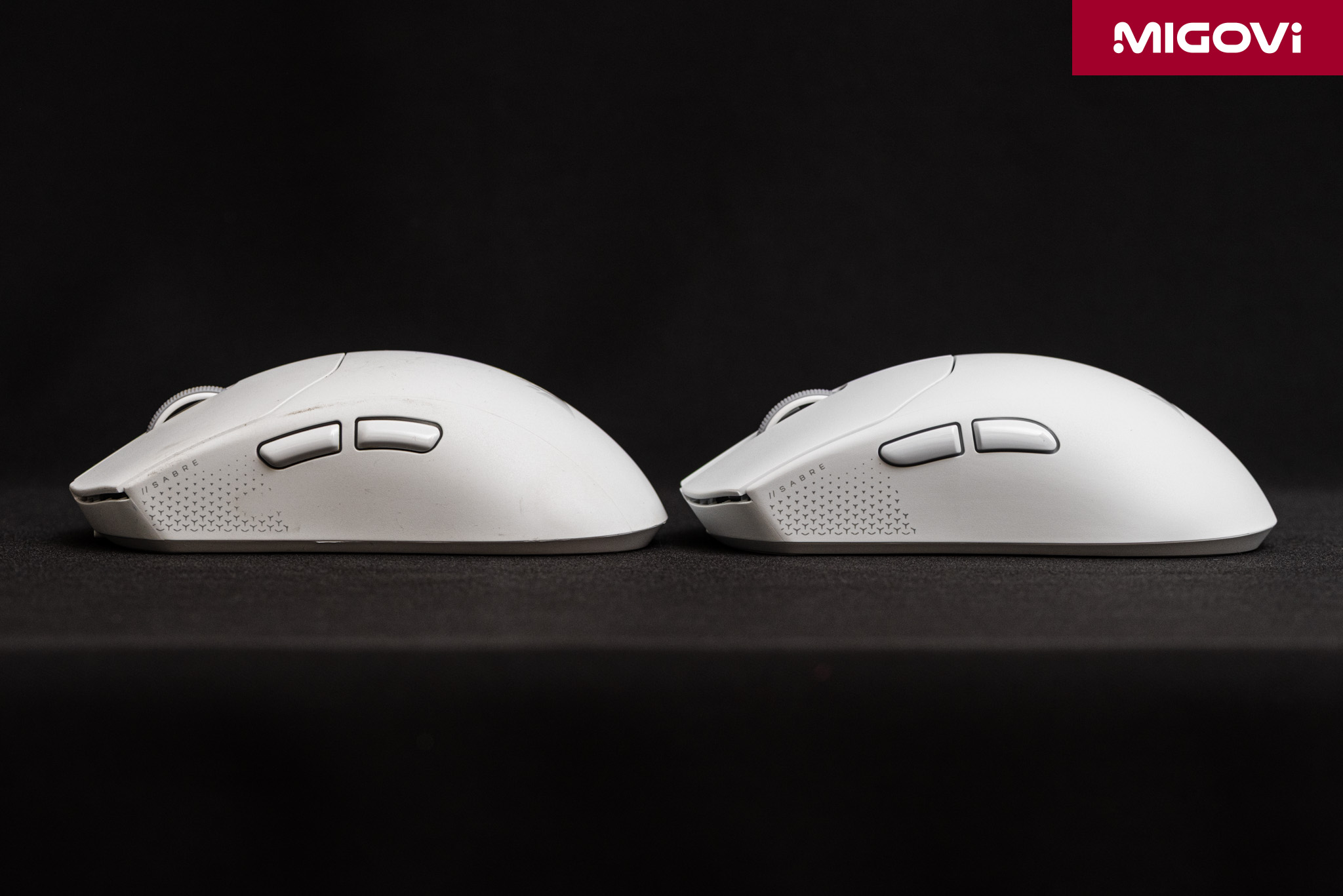
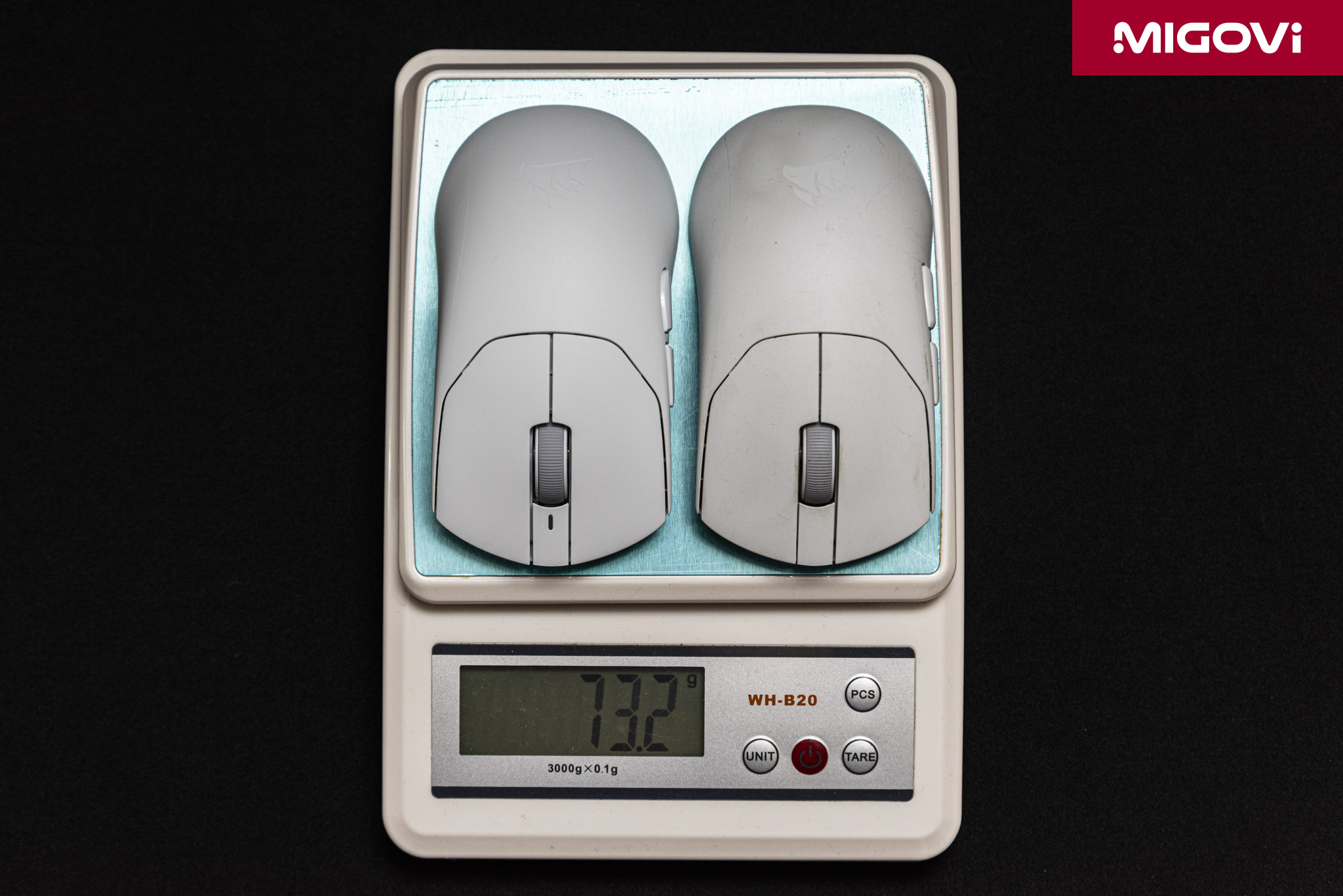
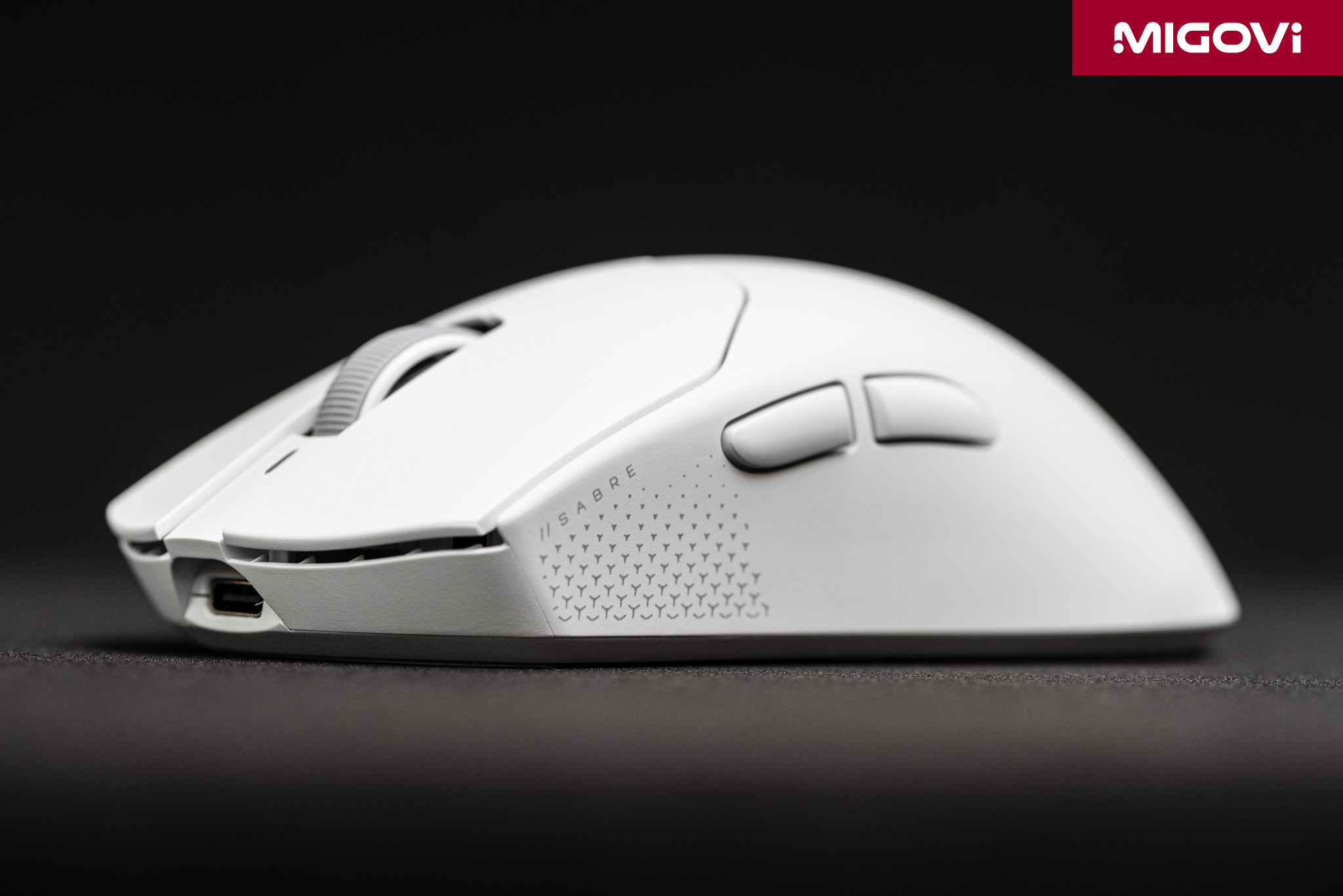
The SABRE v3 PRO PureVector Ultralight weighs 37 grams and uses a fully sealed ABS shell, with no honeycomb perforations or cutouts. CORSAIR cut weight by thinning the internal walls that don't bear load. The sealed shell keeps dust and sweat out, and the surface under your hand feels continuous. At 119.25 x 62.55 x 38.21 mm, the medium-sized body is nearly identical to the SABRE v2 PRO Ultralight. The symmetrical shape, with a low back and slim sides, is best suited to claw and fingertip grips. If you use a palm grip and have large hands, you'll be more comfortable with the asymmetrical 41-gram Ultralight ERGO.
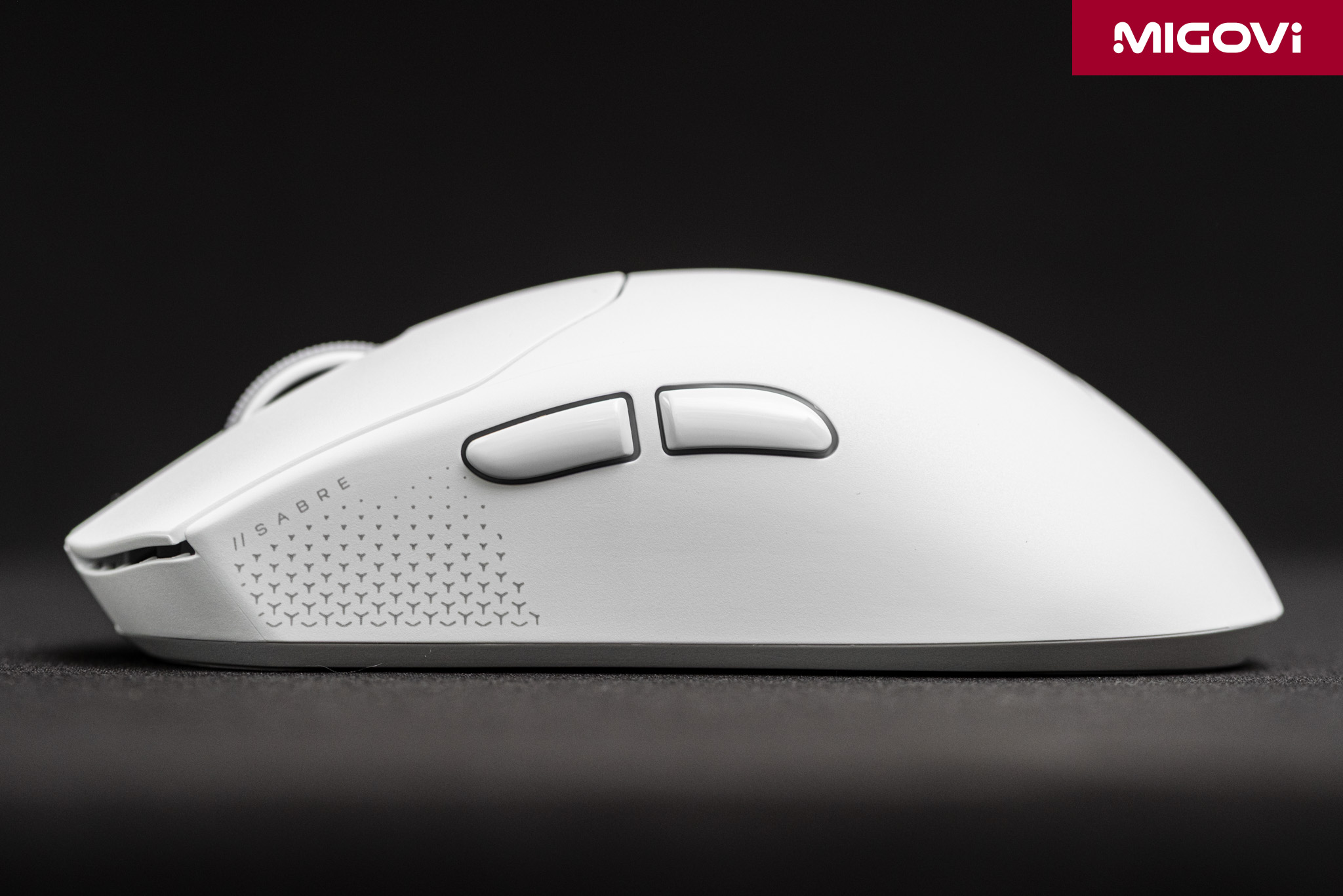
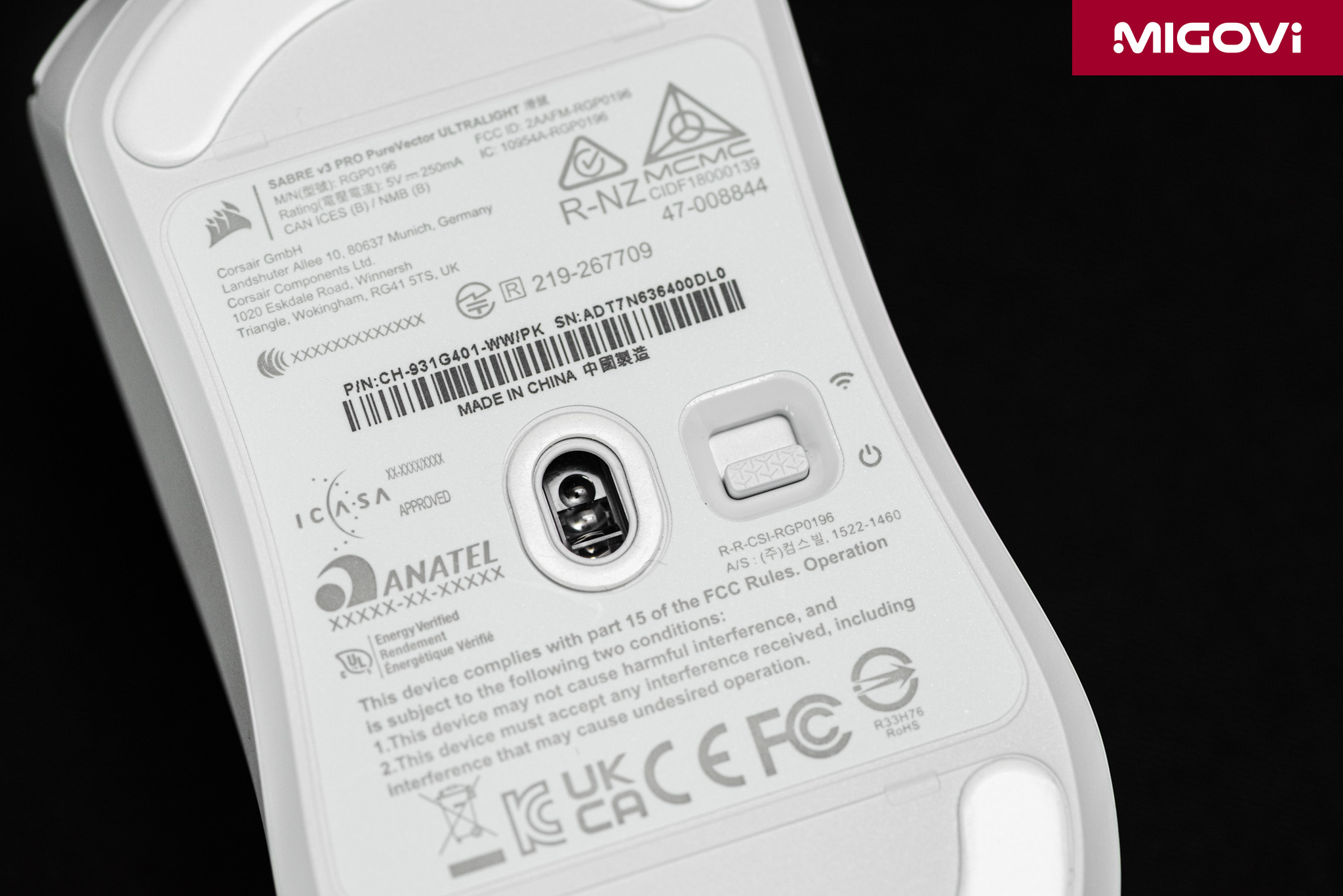
To get down to 37 grams, the CORSAIR SABRE v3 PRO PureVector Ultralight makes a few trade-offs. There is no dedicated DPI button. To change the DPI level, you hold the right mouse button and the side Back button for 3 seconds, and the LED flashes a color corresponding to the new level. This is a bit inconvenient for people who switch DPI mid-match. Still, the mouse suits its target audience, who typically stick to a single DPI. The Ultralight version also has no Bluetooth and connects only through the 2.4GHz SLIPSTREAM receiver or a USB-C cable. If you want Bluetooth for use with an office laptop, you'll need the MG or CF version.
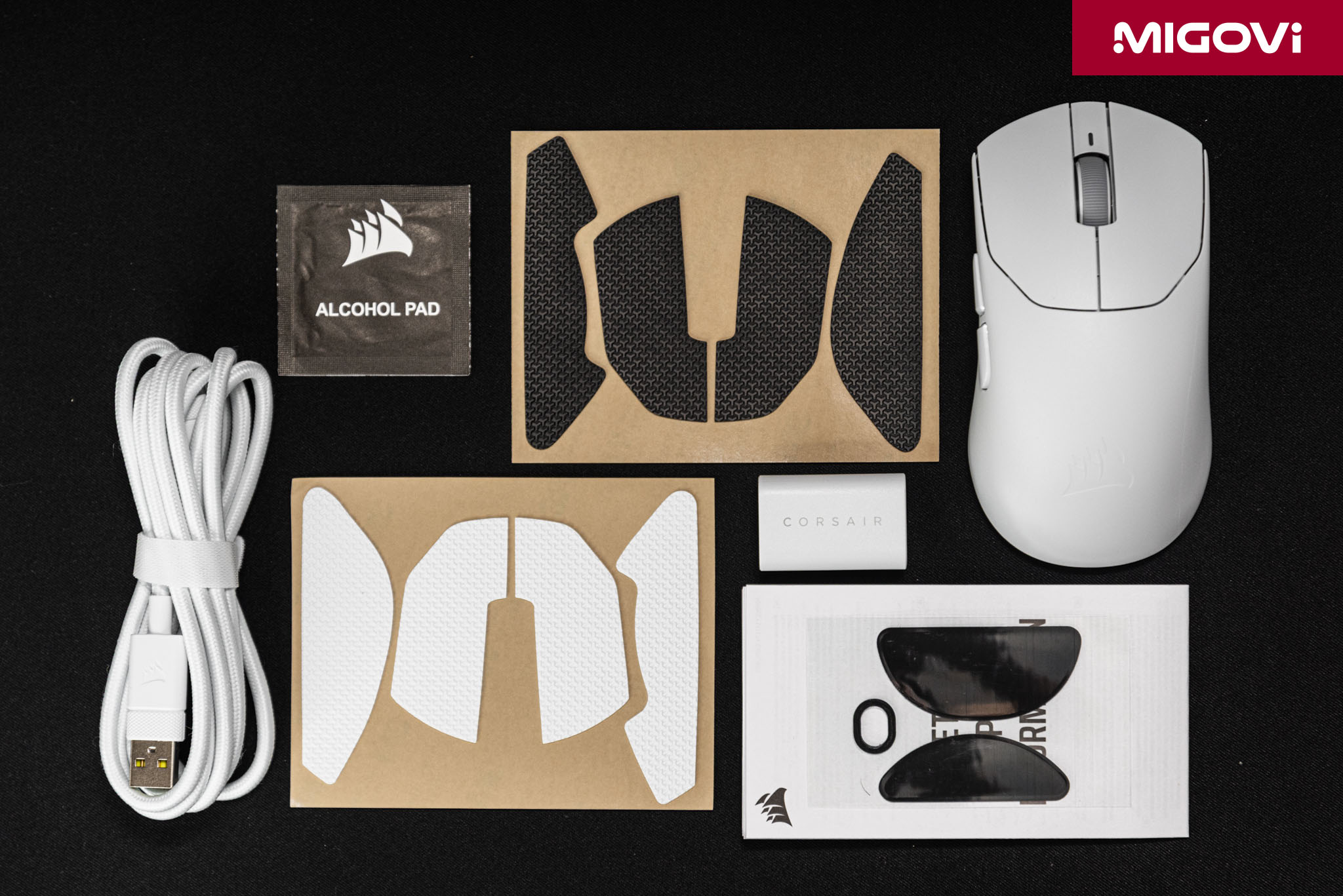
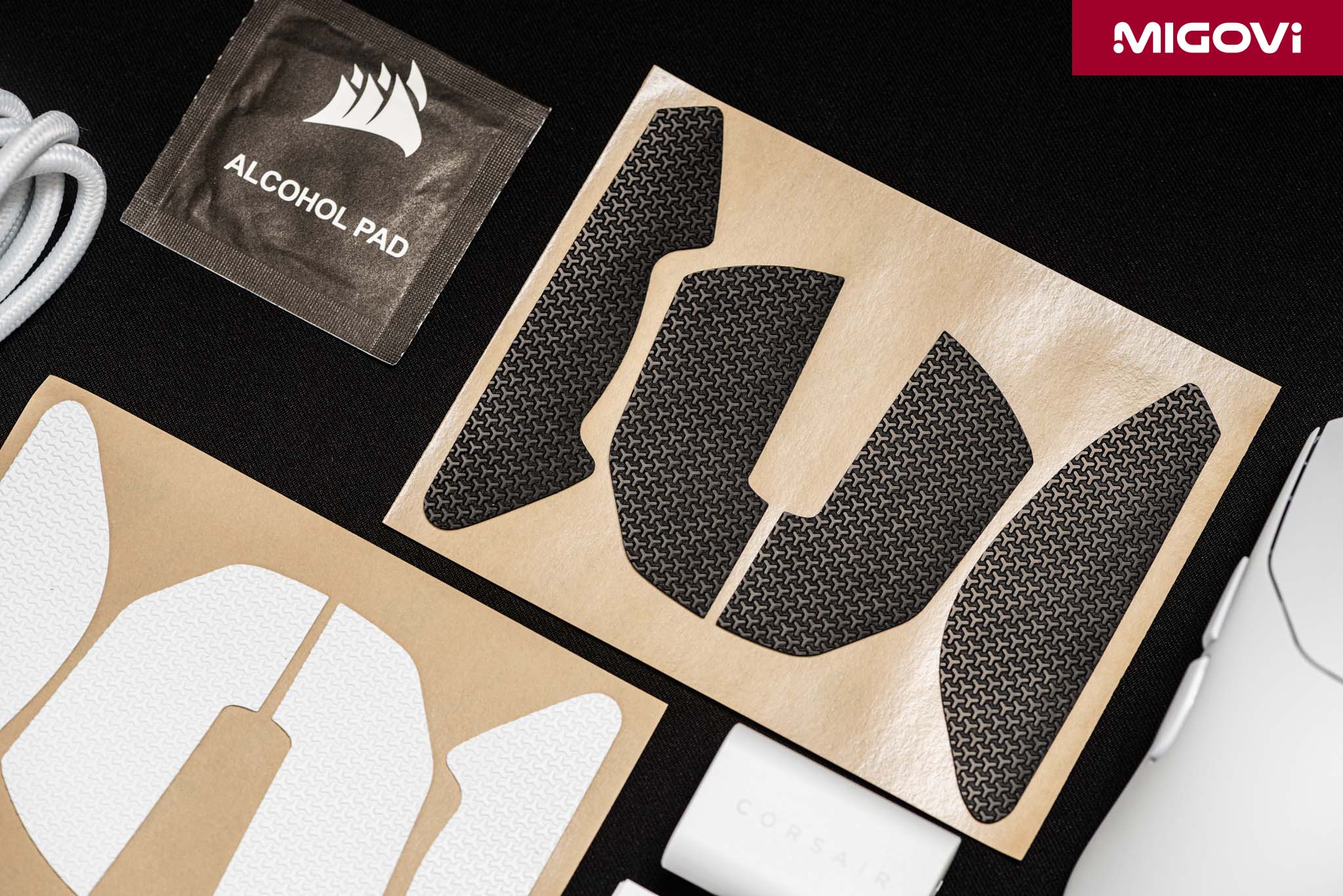
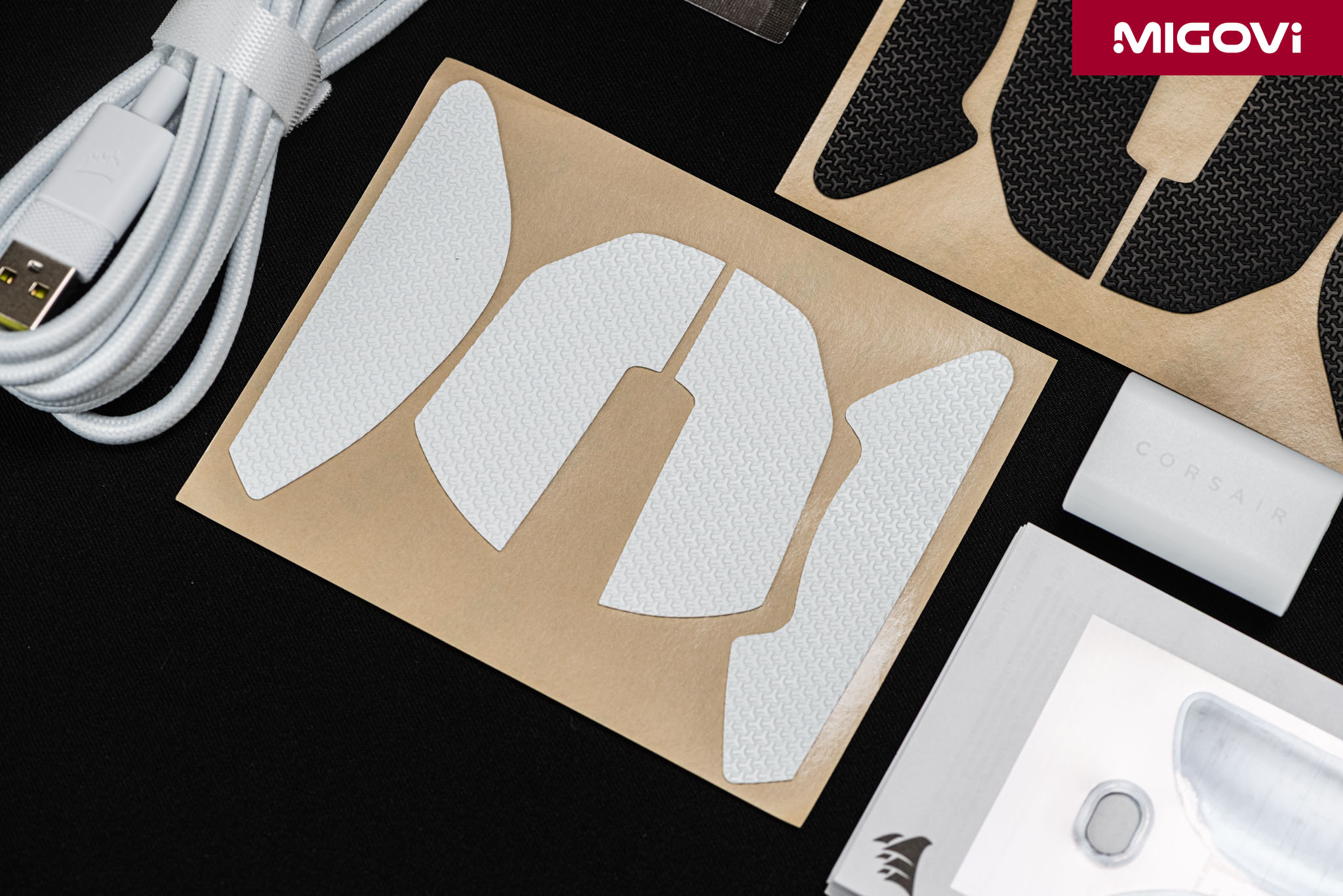
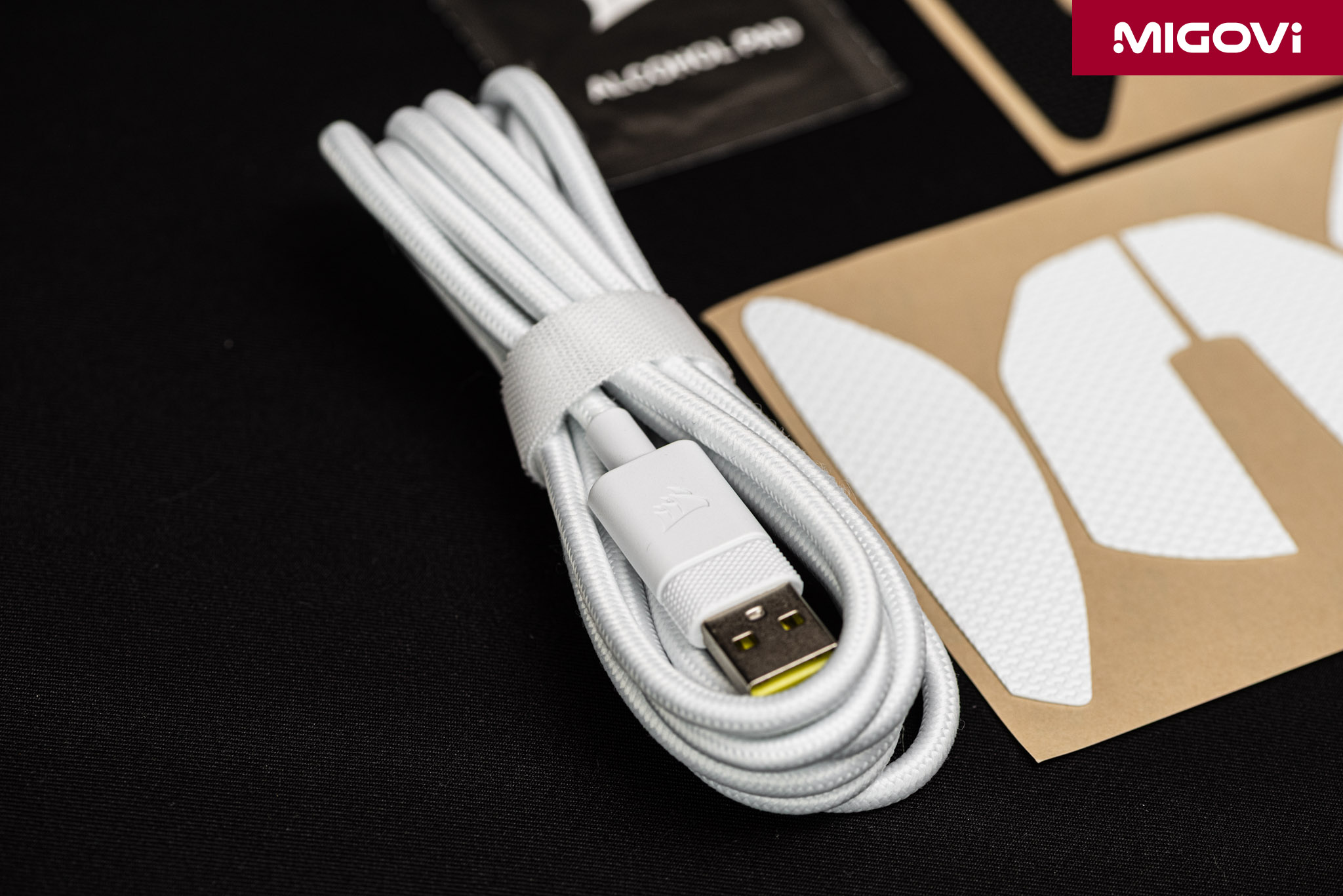
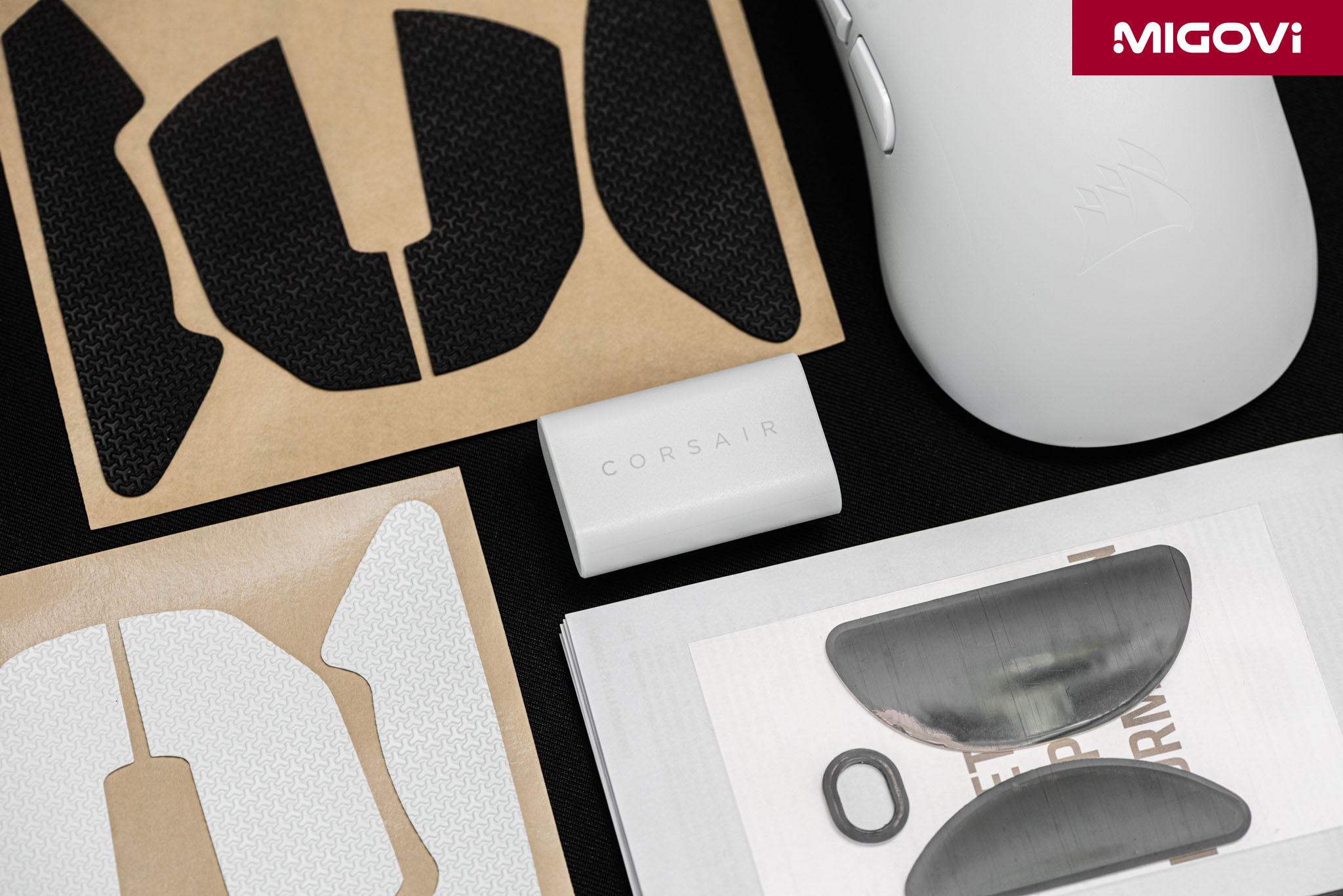
The bundled accessories show that CORSAIR understands gamers' need to tweak. The box includes textured anti-slip stickers (black and white) to apply to the ABS surface, which can get slick when your hands sweat. The company also adds a set of large UPE feet alongside the small pre-installed set. The small feet glide faster and lighter, while the large feet add contact area for more stable stops. The USB-C receiver has a clip so you can place it near your mousepad, and the mouse comes with a 1.8 m paracord cable. On the white version, the shell, buttons, and cable all share the same tone, giving it a minimalist yet upscale look.
Optical switches and scroll encoder
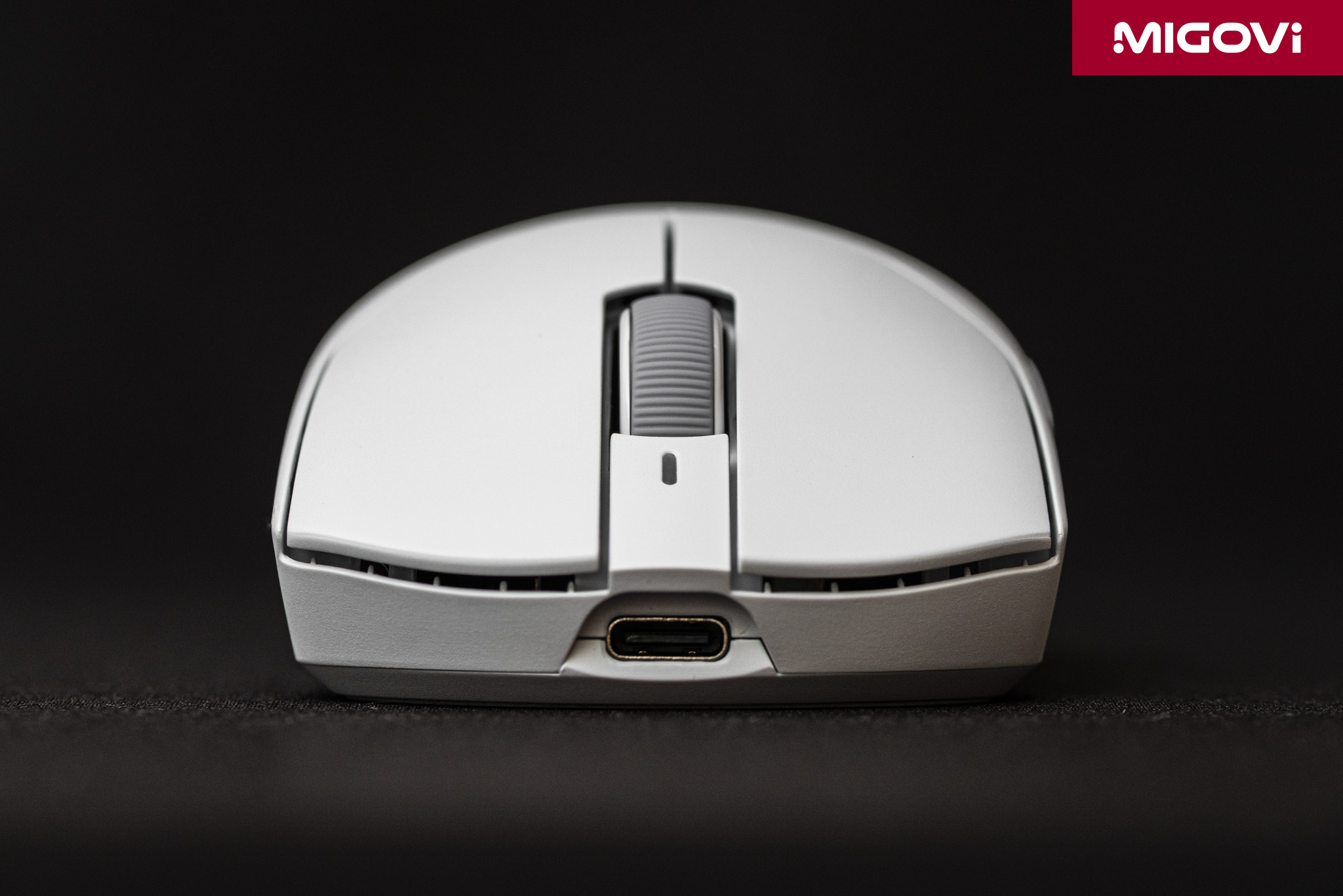
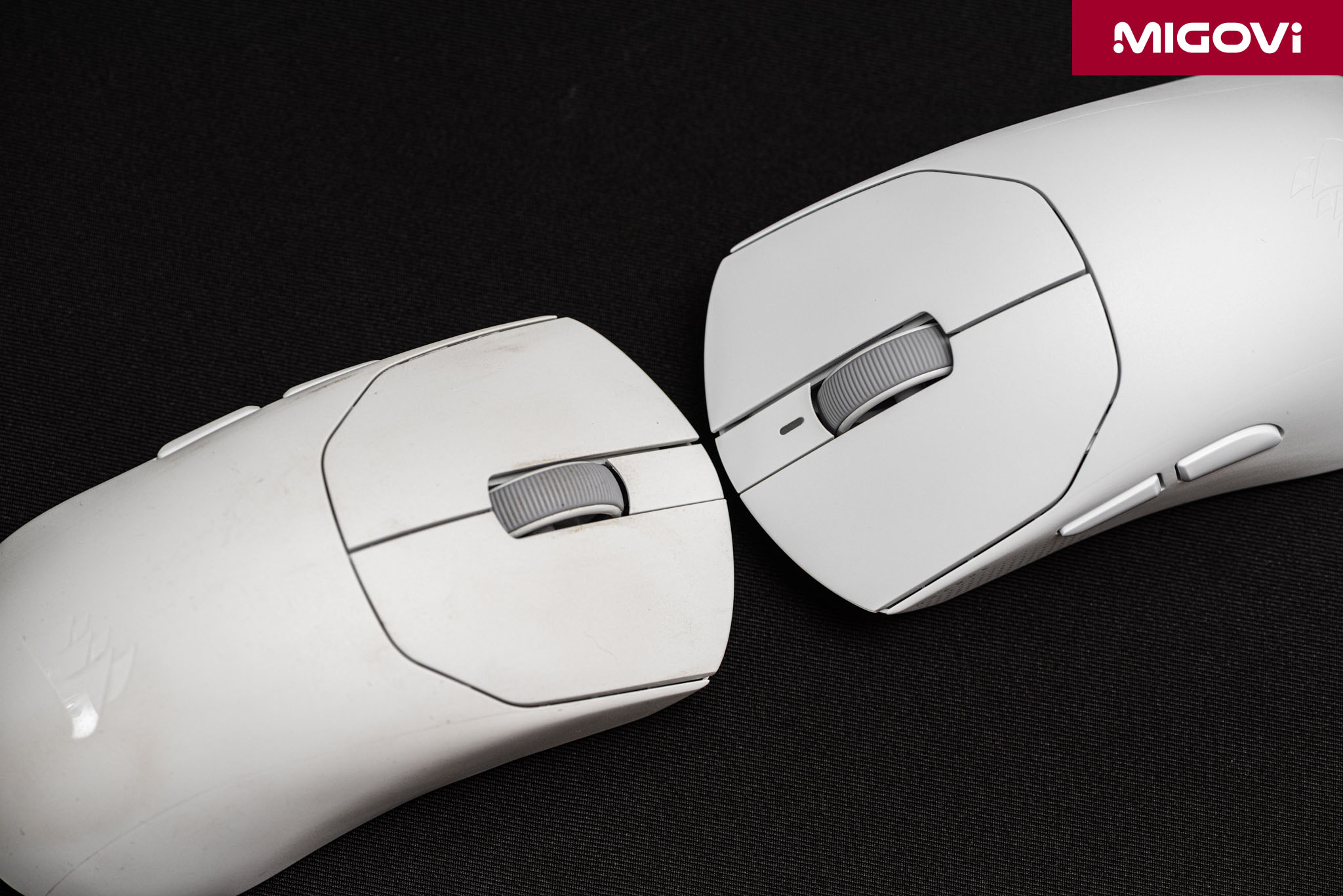
The most valuable hardware change from the SABRE v2 PRO is the switches. The previous generation used mechanical switches, which close the circuit when two metal leaves touch. On contact, the terminals bounce for a few thousandths of a second, so the firmware has to insert a debounce delay. Over time, mechanical contacts can also oxidize and cause double-click errors, especially in hot, humid climates like Vietnam's. The SABRE v3 PRO uses optical switches tuned by CORSAIR, rated for 100 million clicks. A click is registered when the switch's central stem interrupts an infrared beam, which eliminates contact bounce entirely. According to CORSAIR, these optical switches have an average click latency of 0.25 ms. The scroll wheel also uses an optical encoder in place of a mechanical brushed encoder, reducing reverse-scrolling caused by dust and wear (Migovi's earlier SABRE v2 PRO Ultralight developed a scroll wheel fault).
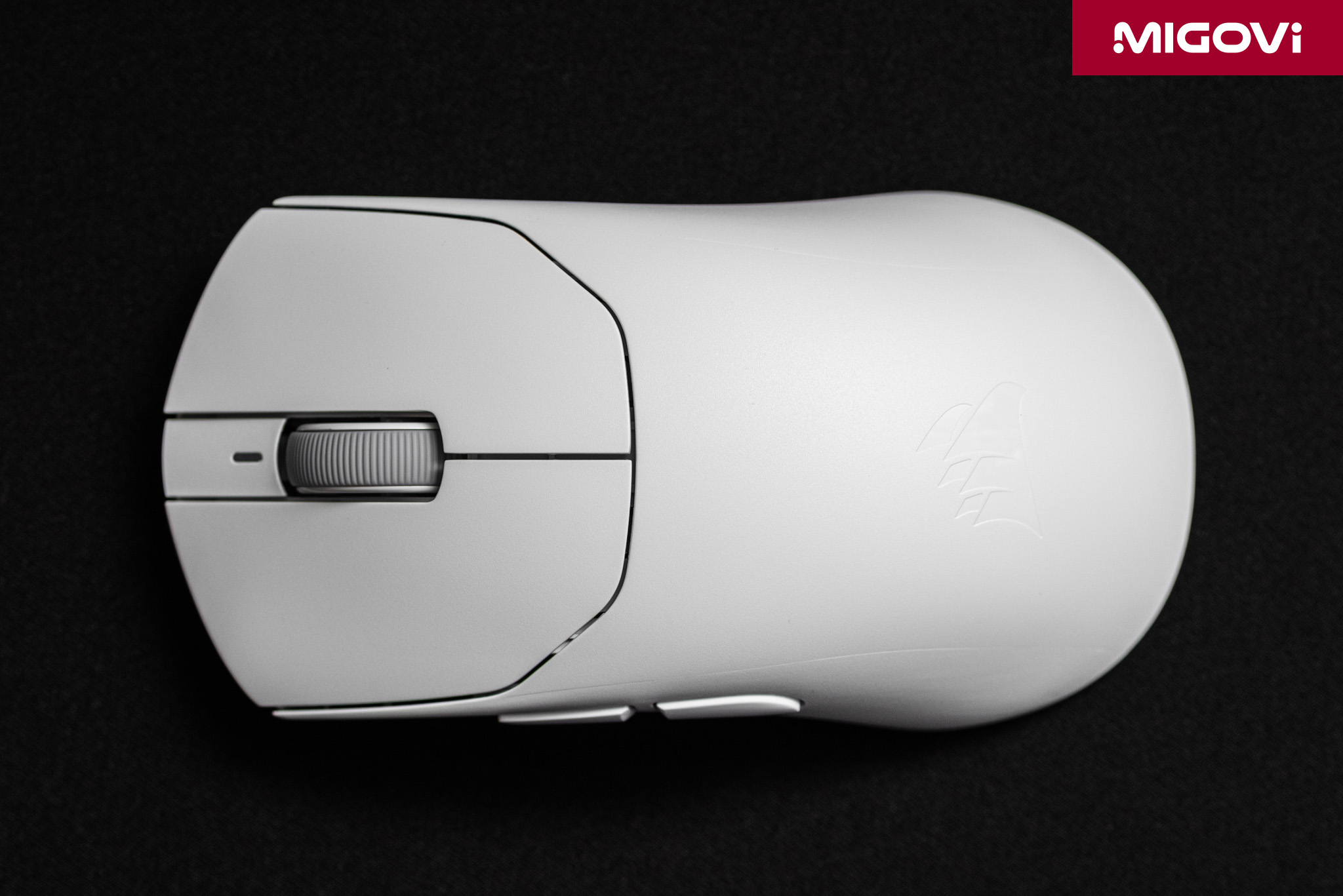
In actual use, the left-click switch feels a bit heavy, with noticeable pre-travel and post-travel, while the scroll wheel has fairly distinct detents. Note also that when connecting the SABRE v3 PRO PureVector to CORSAIR Web Hub, you should turn off debounce (Button Response Optimization is on by default). Because the switches are optical, debounce is unnecessary, and only with it off can you take full advantage of the 0.25 ms latency.
MARKSMAN X sensor and Nordic 54 Series

The CORSAIR MARKSMAN X optical sensor raises resolution from 33,000 to 42,000 DPI compared with the previous MARKSMAN S. Its tracking speed rises from 750 to 800 IPS, and maximum acceleration from 50G to 70G. In practice, the maximum DPI figure matters little, since most FPS gamers use only 400 to 3200 DPI. The 70G acceleration is more noteworthy, because it gives the sensor extra headroom when players flick their arms hard across a large mousepad. The "brain" of the SABRE v3 PRO PureVector is the Nordic 54 Series microcontroller, which enables true 8000 Hz polling in both wired and 2.4 GHz wireless modes. CORSAIR Web Hub offers 7 levels from 125 Hz to 8000 Hz, set separately for each connection mode.

Thanks to the new MCU, the Ultralight version's 210 mAh battery lasts up to 140 hours at 1000 Hz, double the 70 hours of the SABRE v2 PRO Ultralight. With 8000 Hz polling enabled, battery life is around 24 to 25 hours, almost unchanged from the previous generation. In other words, the battery gains come mainly at lower polling rates. An 8000 Hz polling rate also needs a PC with a capable CPU and a high-refresh-rate display to be fully worthwhile, since high polling rates consume some processor performance. In testing, 2000 Hz or 4000 Hz struck a reasonable balance between smooth cursor movement and battery life.
PureVector
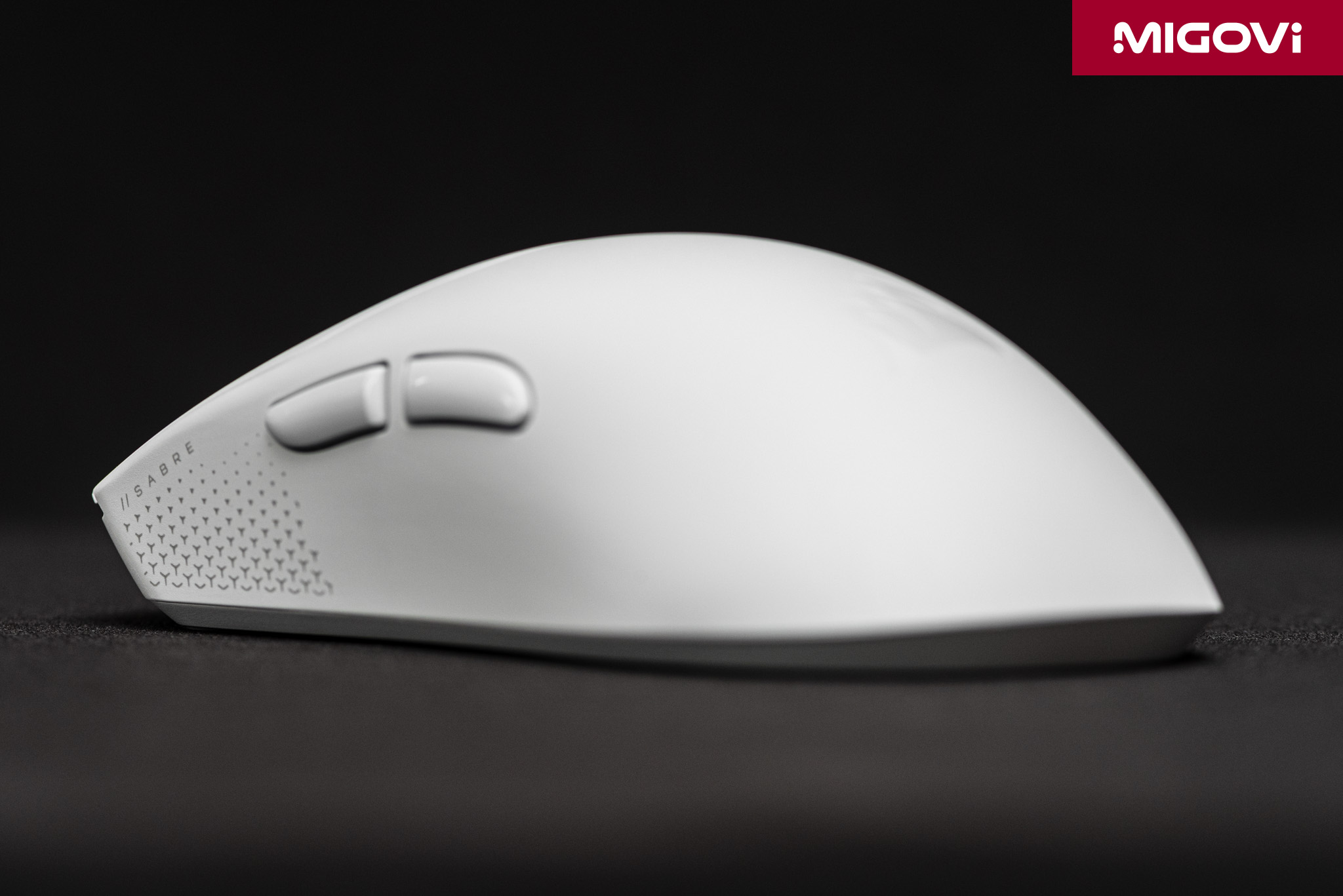
PureVector starts from a simple observation: the hand does not move a mouse equally in every direction. Pushing the mouse away, pulling it toward you, and flicking diagonally all engage different muscle groups and joints. People simply can't be equally precise in every direction, so you often overshoot in one direction and undershoot in another. PureVector measures that bias through a shooting test of about 5 minutes in Aimlabs, then calculates a separate sensitivity for each direction and writes it directly to the mouse firmware. After tuning, the computer sees only the signal of an ordinary HID mouse. You can take the SABRE v3 PRO PureVector to another PC freely, with no background driver or software required. Migovi will analyze how PureVector works in detail in a separate article.

According to CORSAIR, PureVector shortens the aim-and-correct phase by up to 81 ms, or 33%, and reduces directional error by 18% on average. In the beta program on the Spidershot task, novice players improved their scores by 30% on average, advanced players by 12%, and professional players by 8%. Our real-world testing produced lower results than the company's figures. Migovi found it hard to notice a clear difference with PureVector on or off in games, though it did help us get used to the new mouse shape a little faster. In other words, the more consistent your technique as a gamer, the less noticeable the benefit of this technology will be.
CORSAIR Web Hub
The SABRE v3 PRO PureVector doesn't require iCUE, in line with a shift CORSAIR has been making for some time. All settings are handled through CORSAIR Web Hub, a WebHID website that runs in Chromium-based browsers such as Chrome or Edge. The interface has 4 sections: device selection, button assignment, DPI, and device settings. All 5 mouse buttons can be remapped to keyboard keys, media controls, or macros. The DPI section allows 5 levels (default 400, 800, 1200, 1600, and 2000 DPI), plus a Sniper level when assigned to a button. The advanced settings include the usual competitive-mouse options: 3 Lift Height levels, mousepad surface tuning, Angle Snapping, Motion Sync, and Ripple Control.
This approach is lightweight and simpler for most users, but it has limits. The mouse stores only 1 profile in memory, and if you use Firefox or Safari, you can't access Web Hub. Firmware updates for the mouse and receiver must be done separately for each device over a wired connection. If you use several CORSAIR products, old and new, you must close iCUE when opening Web Hub. In return, gamers competing anywhere don't need to install and run extra background software, and their configuration always travels with the mouse.
More than just 1 gram heavier
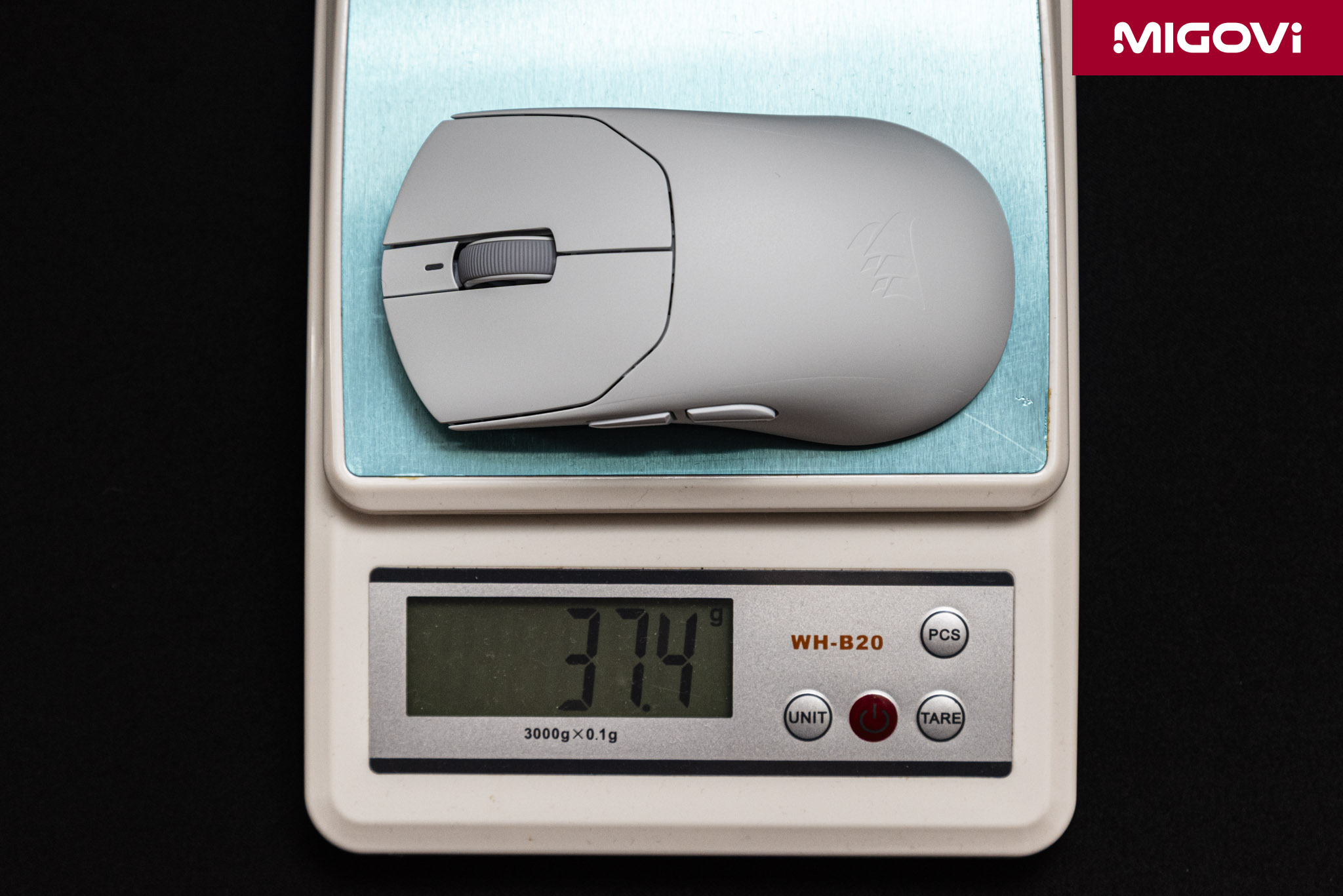
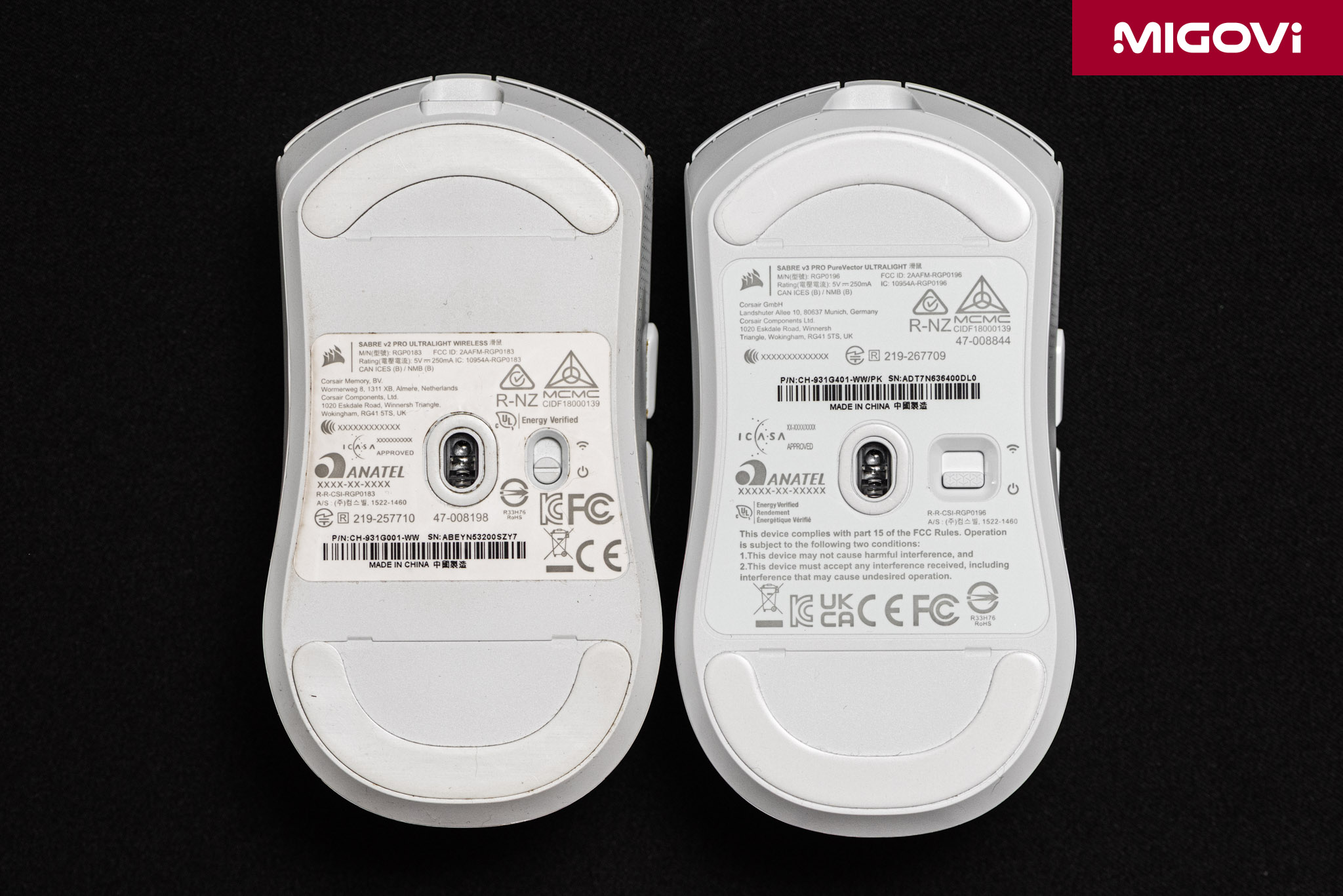
At a glance, the SABRE v3 PRO PureVector Ultralight is easy to dismiss as a minor update, since its looks are nearly unchanged and it is only 1 gram heavier. In reality, CORSAIR has replaced almost everything inside: the switches and scroll encoder are now optical, the sensor moves up to MARKSMAN X, the MCU switches to the Nordic 54 Series, and battery life at 1000 Hz doubles. The SABRE v3 PRO also expands from 3 to 6 versions, with the ERGO shape now offered in all 3 materials. The especially important piece is PureVector, which sets this CORSAIR product apart, offering deep customization and offsets for each gamer rather than just basic DPI changes.
In the premium ultralight segment, the SABRE v3 PRO PureVector Ultralight competes directly with the Logitech G PRO X SUPERLIGHT 2, as well as mice from brands such as WLMouse and G-Wolves. On hardware alone, those rivals hold their own, and many cheaper Chinese mice now also offer high-end sensors and 8000 Hz polling. CORSAIR's own advantage lies in PureVector, a technology currently found only on the SABRE v3 PRO PureVector line, along with a global warranty network. For the SABRE v3 PRO PureVector, the Ultralight and Ultralight ERGO versions cost 179.99 USD. The magnesium alloy MG versions (49 grams and 55 grams) cost 199.99 USD, and the carbon fiber CF versions (48 grams and 54 grams) cost 229.99 USD, sold only through CORSAIR's own channels. These two add Bluetooth 6.0, a dedicated DPI button, and up to 200 hours of battery life for those who want familiar controls and connectivity.
Verdict

The CORSAIR SABRE v3 PRO PureVector Ultralight costs 179.99 USD internationally and 4,200,000 VND in Vietnam, with a 2-year warranty. That is a high price for an ABS-shell mouse with no special coating. Competitive FPS gamers who play regularly, especially those still hunting for the right sensitivity or who often overshoot in certain directions, will benefit most from PureVector. Conversely, if you just want a light, fast mouse with long battery life for casual gaming, there are cheaper options that are plenty good enough. If you need Bluetooth or a physical DPI button, the CORSAIR SABRE v3 PRO PureVector MG version is worth considering despite being 12 grams heavier.
For Vietnamese gamers, the 4,200,000 VND price puts the SABRE v3 PRO PureVector Ultralight on par with the top wireless mice from Logitech and Razer. Its hardware is competitive, but the real reason to choose this mouse, and its biggest selling point, is PureVector. Migovi advises users to calibrate under the most familiar conditions before using it: the same mousepad, the same seating posture, and the same DPI and sensitivity you currently play with. Then compare results over at least several days rather than judging after a few matches. Note that the calibration process requires an Aimlabs account on Steam and the Chrome or Edge browser. For users who are sensitive to click feel (optical switches instead of mechanical), it's worth trying the buttons in person at a store with display units before buying.


Reviewed by: Hero Association