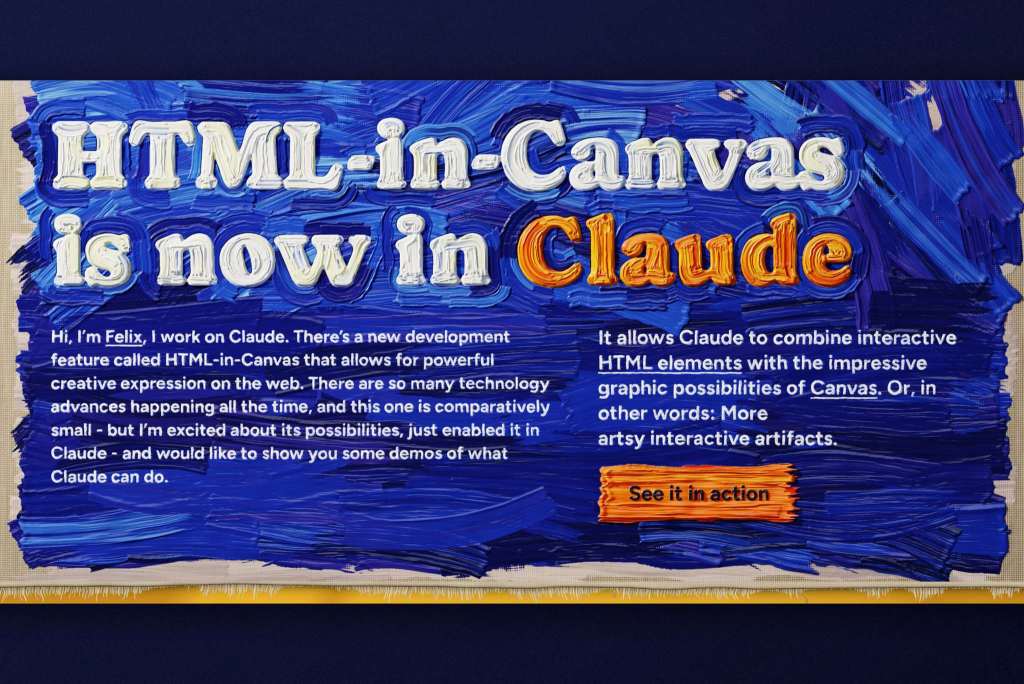
Claude can now build interactive web pages inside a canvas using HTML-in-Canvas, keeping text selectable, buttons functional, and screen reader support intact.
- Claude can build interactive web pages inside a canvas using the HTML-in-Canvas feature
- Text, buttons, and other web elements remain real HTML, so they can be selected, copied, and clicked
- Google is developing HTML-in-Canvas into a web standard that preserves both interactivity and accessibility
- The feature works in Chrome and Edge from version 157, as well as the Claude desktop app from version 5.11492
- Safari and Firefox don't support it yet, and users need to explicitly ask for HTML-in-Canvas in their prompt
Table of Contents
The long-standing trade-off in web design
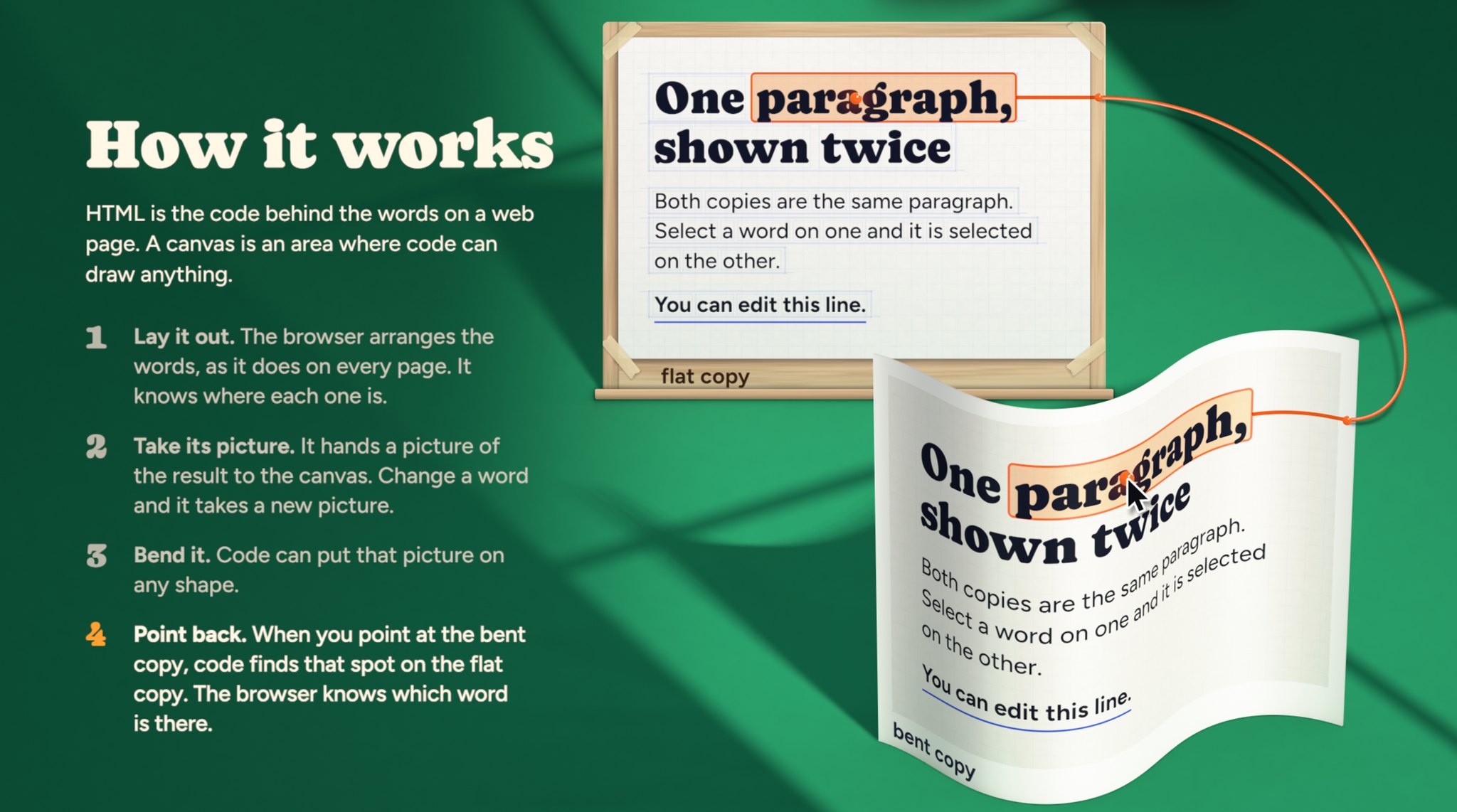
Web design has always forced a choice between two approaches. Standard HTML elements are clickable, their text can be selected, and screen readers can read them. The downside is that they are very hard to bend or distort visually.
Canvas is the opposite: it lets you draw almost anything. But the browser treats it as a flat image, so users can't select text or click links inside it.
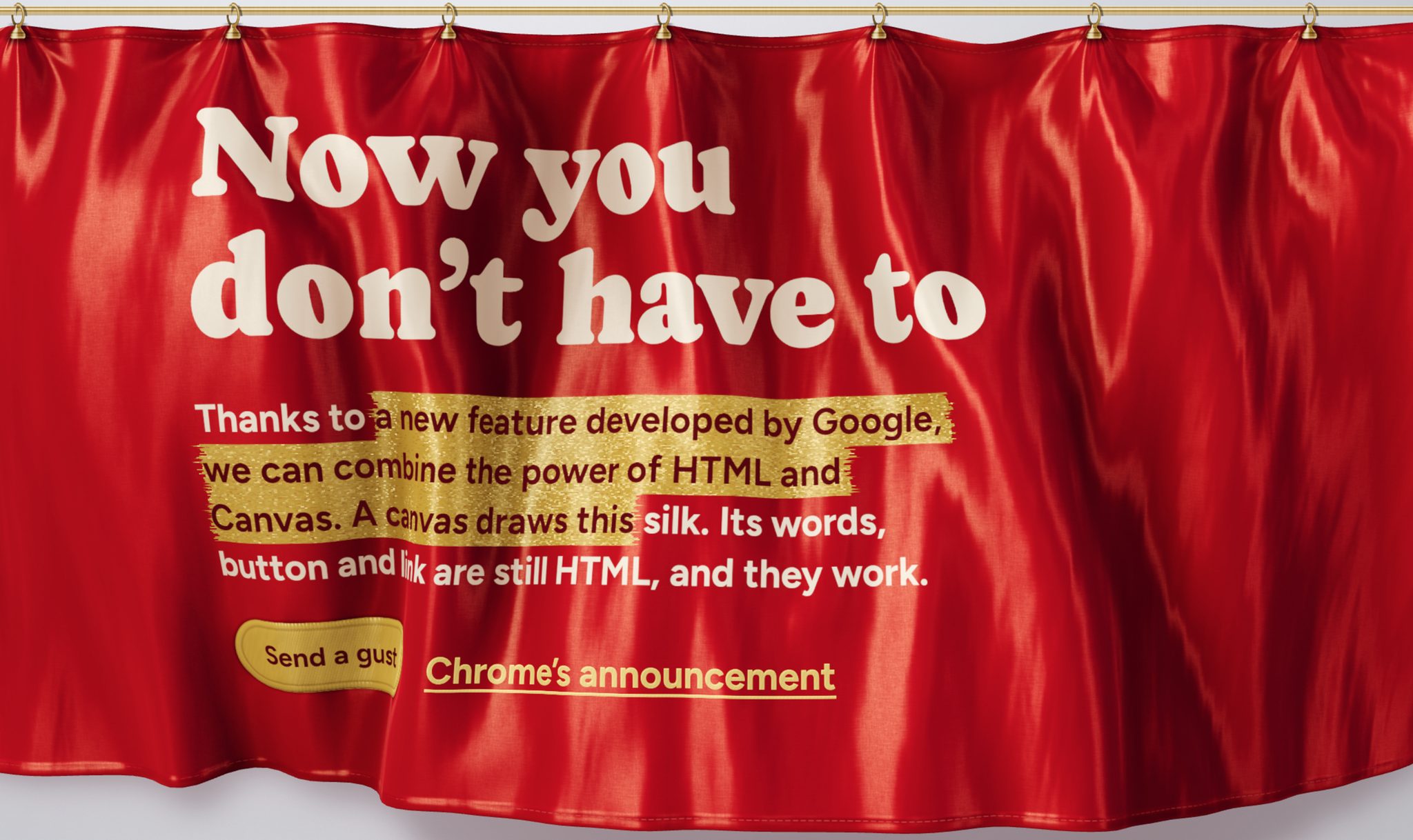
HTML-in-Canvas was created to ease that trade-off. It places real page elements inside canvas graphics while keeping them interactive. Google is developing it into a web standard, with the goal of preserving both interactivity and accessibility.
What Claude can build
Felix Rieseberg, who works on Claude at Anthropic, said on X that Claude can now build "bizarre & beautiful" web pages with this feature. He said the feeling is reminiscent of the Flash era.
The accompanying demo page has 15 examples. One page is rendered as a knitted pattern, another is a 3D cube, and another uses an exploded layer view. Despite the complex graphics, the content is still real text that users can highlight and copy as usual.
Browser support and how to enable it

HTML-in-Canvas currently runs in Chrome and Edge from version 157. In the Claude desktop app, the feature is available from version 5.11492. Safari and Firefox don't support it yet. To get Claude to use it, users must explicitly ask for HTML-in-Canvas in the prompt. If it isn't named, Claude won't apply it on its own.
What stands out is that HTML-in-Canvas brings heavy graphical effects to web pages without sacrificing accessibility, which was a weak point of the Flash era. However, with Safari and Firefox still lacking support, developers should treat this as experimental and prepare fallbacks for users on other browsers before shipping to production sites.
Source: The Decoder (AI)
Reviewed by: Hero Association