Users without a Google AI plan can only generate clips up to 10 seconds long in Google Flow, while seamless 15-second scenes are reserved for Plus, Pro, and Ultra subscribers.
- Gemini Omni 1.2 Flash in Google Flow can generate seamless scenes of up to 15 seconds at 360p or 720p, and extend them by up to 10 more seconds per prompt
- Users without a Google AI plan can only make clips of 3 to 10 seconds, with 50 Flow credits per day
- Upscaling to 1080p is for subscribers, while 4K is available only on the Ultra plan
- Users in Vietnam who are not on the Ultra 20x plan get a clearly visible marker added to their videos
- Older models in Flow, including Omni Flash 1.1, will be retired on December 5
Table of Contents
What Omni 1.2 Flash changes in Flow
Google Flow is the AI filmmaking space Google introduced at I/O. Earlier this month the company launched Gemini Omni 1.2 Flash, and Flow's official account has now posted a rundown of what the upgrade enables: longer clips, scene extension, and more precise editing.
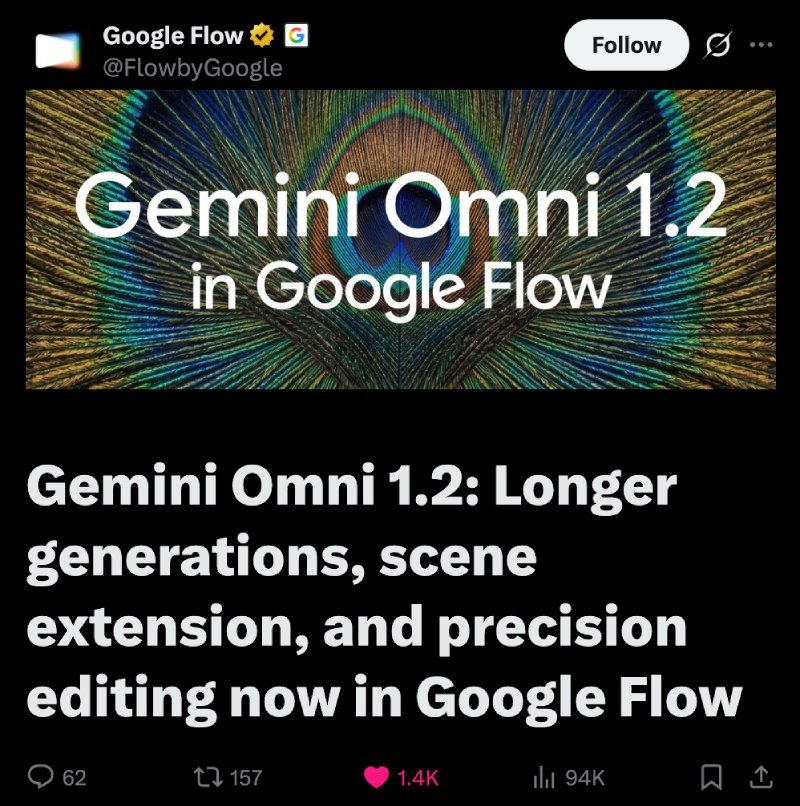
The most noticeable change is that Flow can now generate a single seamless scene of up to 15 seconds in 360p or 720p drafts, so you no longer have to stitch several short clips together. One Flow demo takes a room the user likes and recreates it as a blue dusk during a gloomy storm, while the furniture, faces, and camera movement stay the same, which shows editing is more precise than before. On the timeline, you can extend a clip by up to 10 seconds per prompt, and attach reference images if you want a new character or prop to appear.
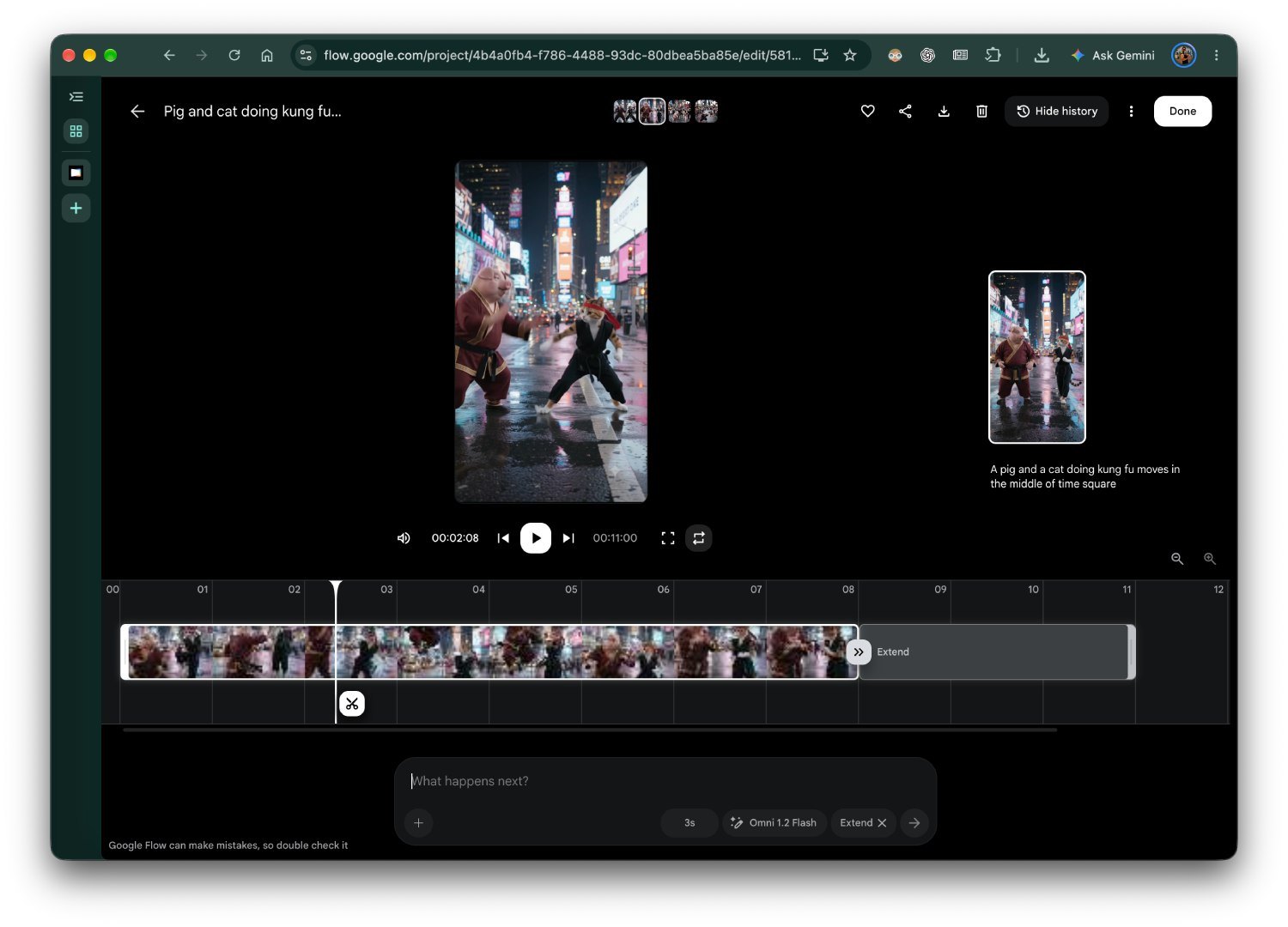
Not everyone gets all of these features. According to the official documentation, users without a Google AI plan can only generate and edit clips of 3 to 10 seconds, while Plus, Pro, and Ultra subscribers get the 15-second window along with clip extension and upscaling. In addition, frames-to-video and clip extension currently work only on the web.
Credits, peak hours, and resolution
Flow is available to users 18 and older in supported countries, and each person receives 50 Flow credits per day. A 10-second clip costs 10 credits at 360p or 30 credits at 720p, so if you often regenerate to pick the best take, the free allowance runs out fairly quickly. Users without a subscription may also face limits on video generation during peak hours, typically around 14:00 to 17:00 UTC.
Subscribers get additional monthly credits and can upscale 360p drafts to 1080p, with the Ultra plan reaching 4K as well. Details for each plan are on Flow's official help page.
Watermarks and the retirement of older models
Every video made with Flow carries a SynthID watermark, a sensible approach as AI models produce increasingly photorealistic imagery. Users in India, South Korea, and Vietnam who are not on the Ultra 20x plan also get a clearly visible marker added to their videos automatically, so anyone creating content in Vietnam on a lower tier should factor that in.
A 15-second clip is still not enough for many needs, but at least you no longer have to generate several clips and stitch them together to get one complete scene. Alongside this upgrade, Google plans to retire older models in Flow, including Omni Flash 1.1, on December 5, so anyone still relying on them should move to the new version before then.
A seamless 15-second scene may be short, but it tackles the most annoying problem in AI video: stitching separate segments together while keeping characters and settings consistent, especially since the demo shows the furniture, faces, and camera movement staying intact when the scene switches to a storm. Still, a 50-credit daily allowance, when a single 10-second clip at 720p already costs 30 credits, makes the free tier better suited to experimenting than to serious work. For Vietnamese users, the visible marker on videos from plans below Ultra 20x is worth considering if you plan to publish your output, so try the free tier first before deciding to subscribe.
Source: Digital Trends
Reviewed by: Hero Association