The $19.99-per-month AI Pro plan can now use Gemini 4 Carbon in Google Antigravity. Until now, the model was limited to the $99.99-per-month AI Ultra plan.
- Gemini 4 Carbon is open to the AI Pro plan (19.99 USD per month) in Antigravity, where it previously required the AI Ultra plan (99.99 USD per month)
- Gemini usage limits have been reset for all users, and the Hydrogen model is also open to everyone, as Google promised
- Gemini 4 Argon and 3.8 Flash will leave Antigravity on November 30
- Version v2.34.0 can import MCP servers, skills, and custom commands from Claude Code, Codex, or Cursor
- Version v2.33.0 can connect over SSH to a remote 64-bit Linux machine
Table of Contents
Carbon comes to the AI Pro plan
After a wave of new model launches this month, Google is putting them in the hands of more Antigravity users. The first step is Gemini 4 Carbon: AI Pro subscribers paying $19.99 per month can now use the model, whereas before they had to upgrade to the $99.99-per-month AI Ultra plan to get access.
In the same announcement, Google said it is resetting Gemini usage limits for all Antigravity users. This reset follows another one on Saturday, when the development team shipped caching improvements that let you get 22% more work done within the same limit. As for the Hydrogen model, Google is making good on its earlier promise and opening it to all users.
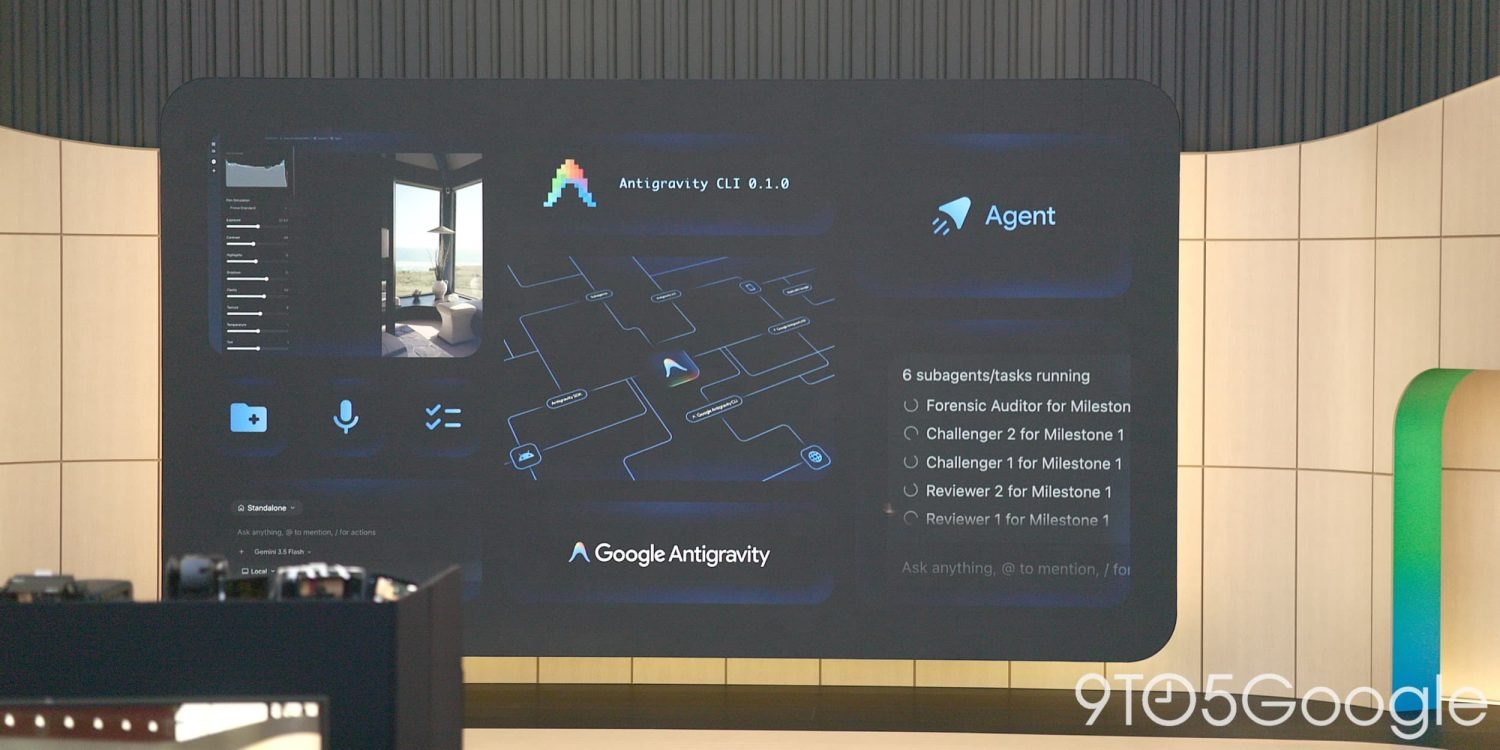
Antigravity's Orchestrator also gets a redesigned model picker, which makes choosing the Orchestrator and Executor models clearer. To set them up, go to Settings > Models > Orchestrator Settings. The new models come with some housekeeping: Gemini 4 Argon and 3.8 Flash will leave Antigravity on November 30, so anyone using either model in their workflow needs to switch to another option before then.
Other changes in Antigravity
On the tooling side, v2.34.0 lets you move MCP servers, skills, custom commands, subagents, and instruction files from coding assistants such as Claude Code, Codex, or Cursor into a plugin you own. To get started, just ask the agent to import your setup. For anyone running several tools side by side, it saves reconfiguring everything from scratch when trying a new platform.
Version v2.33.0 lets you connect the Antigravity app to a remote 64-bit Linux machine over SSH, using the sidebar, the project menu (SSH Host...), or the command palette (Connect to SSH Host...). Antigravity installs a remote server over OpenSSH based on your ~/.ssh/config file, so projects, Git worktrees, agents, and terminals all run on the host and keep working even after you close the app window.
The two earlier releases focused on how you work with agents. In v2.32.2, side questions (/btw) open in their own Side Question tab in the side panel. You can ask follow-ups over several turns and let the agent read files, search the workspace, or run read-only commands without interrupting the main conversation. Meanwhile, v2.32.0 added Dynamic Workflows, which use a Python runtime bundled with the app to orchestrate multiple subagents running in parallel, along with multistep tasks.
Interface updates
On the design front, the Antigravity Dock icon in v2.34.0 now follows Dark Mode and the tinted icon style on macOS 26 and later. Before that, v2.30.0 gave the sidebar and title bar a shared background, with the conversation view and side panel sitting on top of it as rounded cards, even in split-screen layouts. Your messages also appear as chat bubbles on the right side of the conversation.
Carbon's arrival on the AI Pro plan suggests Google wants Antigravity to have more paying users rather than reserving its strongest model for the most expensive tier. The gap between the two plans is $80 per month, a big barrier for most individual developers. This is most noteworthy for users in Vietnam weighing Antigravity against Claude Code or Cursor, especially since v2.34.0 lets you bring over your existing setup, so the cost of switching tools is lower than before. Still, a powerful model is only useful if the usage limits are generous enough, so the first thing to do is use this limit reset to try Carbon on your real work before deciding whether to upgrade. If you rely on Gemini 4 Argon or 3.8 Flash, switch to another model before November 30 so your workflow doesn't break midway.
Source: 9to5Google
Reviewed by: Hero Association