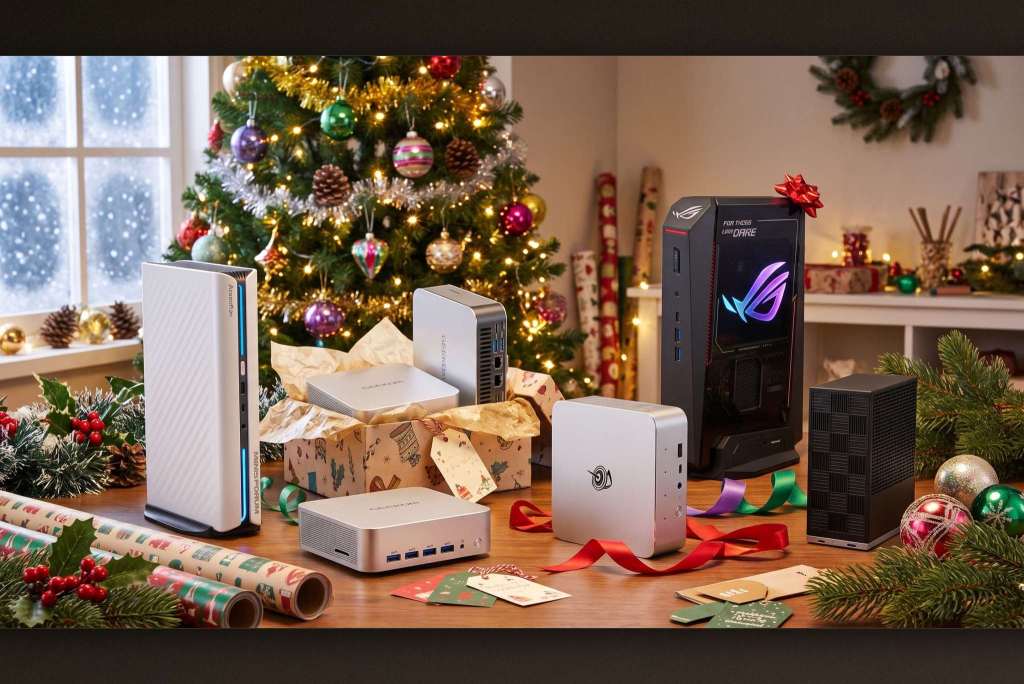
From a $399 machine for home use to compact workstations starting at $1,799, every type of user has a sensible mini PC if you choose by how it will be used.
- A mini PC makes a good gift for families, students, gamers, and creative professionals, with prices from 399 USD to around 1,799 USD and up
- For gaming: the ASUS ROG NUC 16 or the MINISFORUM G1 Pro (both with an RTX 5060 mobile), or the Geekom A9 Max if you want to save money
- For home and school: the Beelink SER5 or SER9 Pro, or the Lenovo IdeaCentre Mini X for anyone curious about Windows on ARM
- For creative work: the Geekom IT13, HP Z2 Mini G1a, or Framework Desktop
- Prices are in USD, and the ASUS ROG NUC 16 has no price listed yet
Table of Contents
Who a mini PC makes a good gift for
The holiday season is approaching, and a mini PC is worth considering as a gift: it is compact, delivers desktop-class performance without taking up space, and doesn't cost a fortune. The list below covers only a small slice of the market, made up of models that Windows Central and its sister sites have tested and found worth the money. This guide helps you pick the right machine for the recipient in three steps, by group: gamers, families and students, and creative professionals.
Step 1: Pick a machine for the gamer
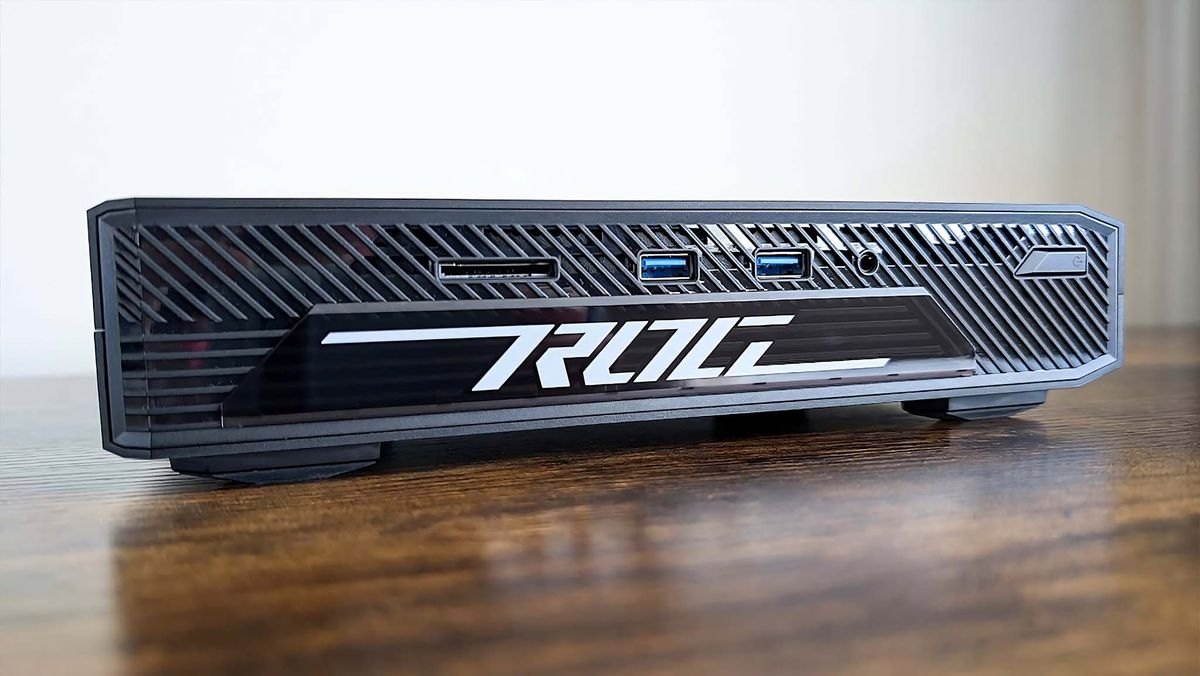
Gamers need a strong CPU, but a GPU powerful enough for modern titles matters even more, so both picks here have a discrete graphics card. The ASUS ROG NUC 16 pairs an NVIDIA RTX 5060 mobile GPU with an Intel Core Ultra 7 270HX CPU, and suits mid-range gaming with the latest DLSS improvements. The MINISFORUM G1 Pro costs 1,759 USD, undercutting the ASUS while still using the RTX 5060 mobile, and adds an AMD Ryzen 9 8945HS chip and 32 GB of RAM, twice what the ASUS offers.
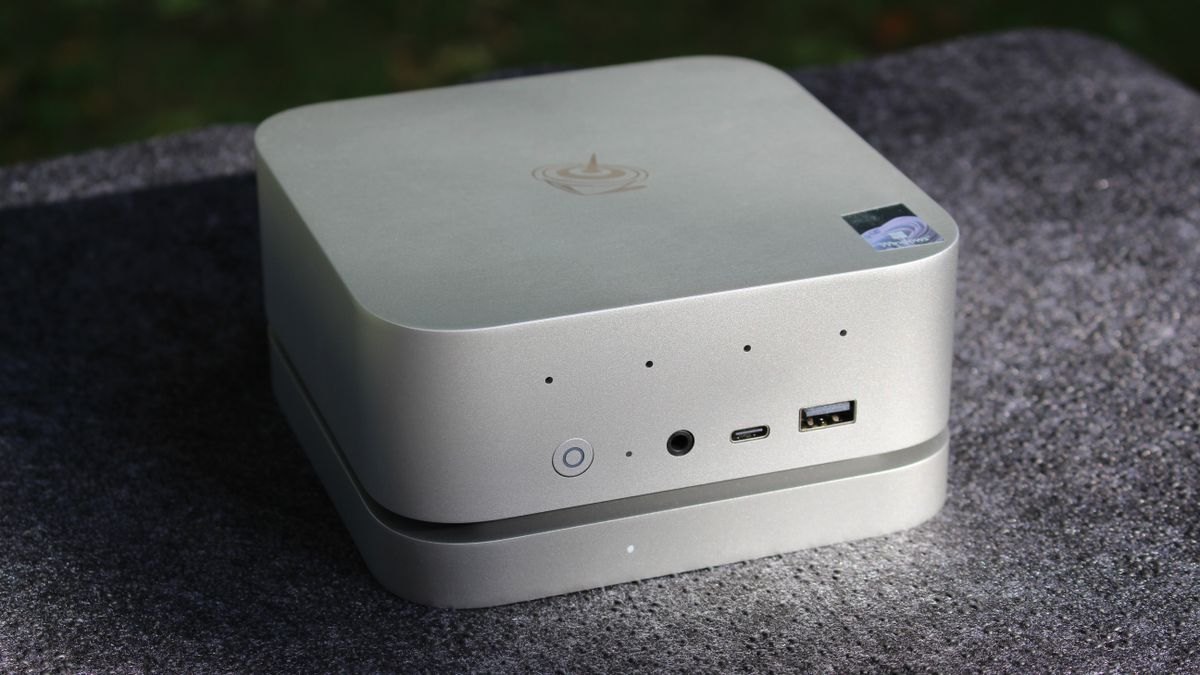
If the recipient doesn't need a discrete graphics card, the Geekom A9 Max is a solid alternative at around 1,599 USD, with an AMD Ryzen AI 9 HX 470 CPU and Radeon 890M integrated graphics. It still runs every game, and you save a few hundred USD compared with the two discrete-GPU models above.
Step 2: Pick a machine for families and students
For everyday home use such as email, web browsing, movies, and office work, the Beelink SER5 is the easiest pick: an AMD Ryzen 5 5500U chip, 16 GB of RAM, and a price of just 399 USD. Anyone who needs more power can step up to the Beelink SER9 Pro, which has a Ryzen 7 H 255, 24 GB of LPDDR5x RAM, and a 1 TB SSD. It can handle heavy multitasking, so it also suits students, at 697 USD.
The Lenovo IdeaCentre Mini X uses a Snapdragon X chip and is probably best for people who want to try Windows on ARM. It is fast, power-efficient, and well built, starting at 1,399 USD.
Step 3: Pick a machine for creative work
This is the most powerful group on the list, aimed at resource-hungry creative work. The Geekom IT13 has an Intel Core Ultra 7 365H CPU, 32 GB of DDR5 RAM, a 1 TB SSD, and Iris Xe integrated graphics, giving hobbyist creators plenty of room to experiment, at around 1,399 USD. One step up is the HP Z2 Mini G1a with an AMD Ryzen AI Max PRO chip, which sets the standard for mini workstations in AI performance and is a great fit if you need a lot of VRAM. It starts at around 1,799 USD but climbs quickly with configuration.
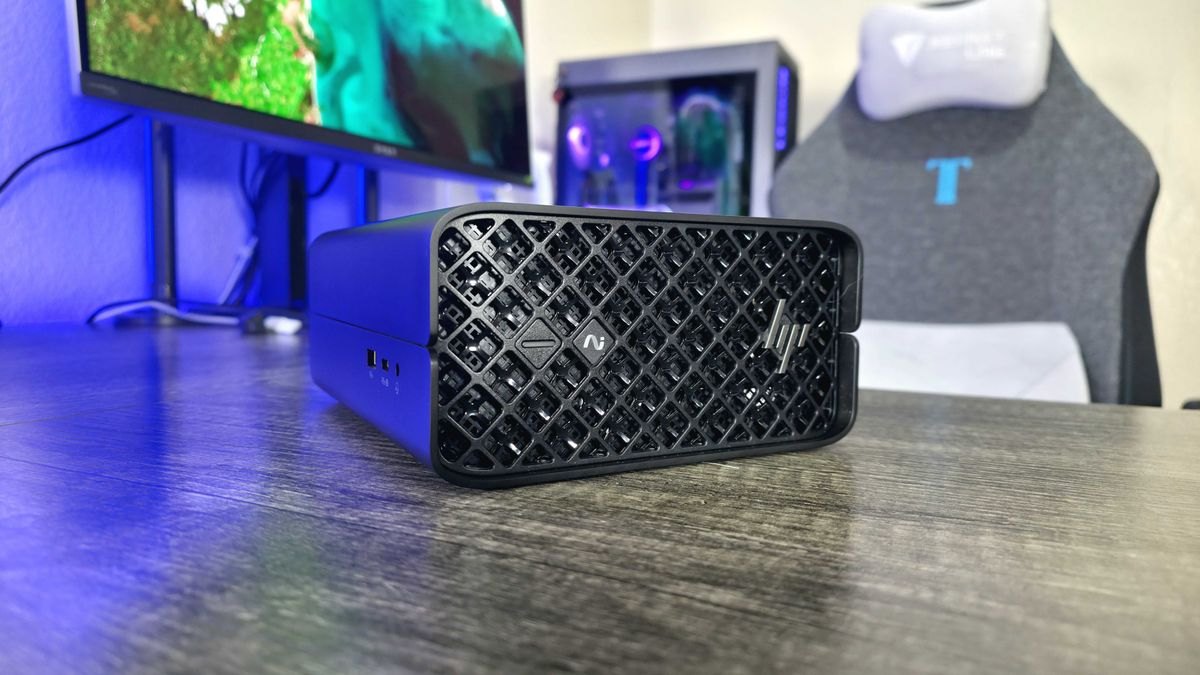
The Framework Desktop takes a different approach: it is a modular PC that you can upgrade gradually over many years, adding as much or as little hardware as you like. Configurations with the AMD Ryzen AI Max 300 chip start at around 1,269 USD, and you choose every component that goes into the machine.
Before you buy
All prices above are in USD and are for reference only, since many models, such as the HP Z2 Mini G1a and Framework Desktop, get more expensive as you upgrade the configuration. The ASUS ROG NUC 16 has no price listed yet, and the ROG NUC photo above shows an older version of the line. Before buying, work out what the recipient will use the machine for: games need a powerful GPU, while AI or heavy graphics work needs plenty of RAM and VRAM.
The list spans prices from 399 USD to more than 1,799 USD, so the first thing to do is choose by workload rather than chase the highest specs. For home or school use, the Beelink SER5 at 399 USD is already enough, and paying more for a faster machine only makes sense if the recipient truly games or does graphics work. Among the gaming picks, the MINISFORUM G1 Pro is both cheaper and has twice the RAM of the ASUS, which uses the same RTX 5060 mobile, so on paper it is the more practical choice. The list doesn't include retail prices in Vietnam, so compare prices and warranty terms from local sellers before deciding.
Source: Windows Central
Reviewed by: Hero Association