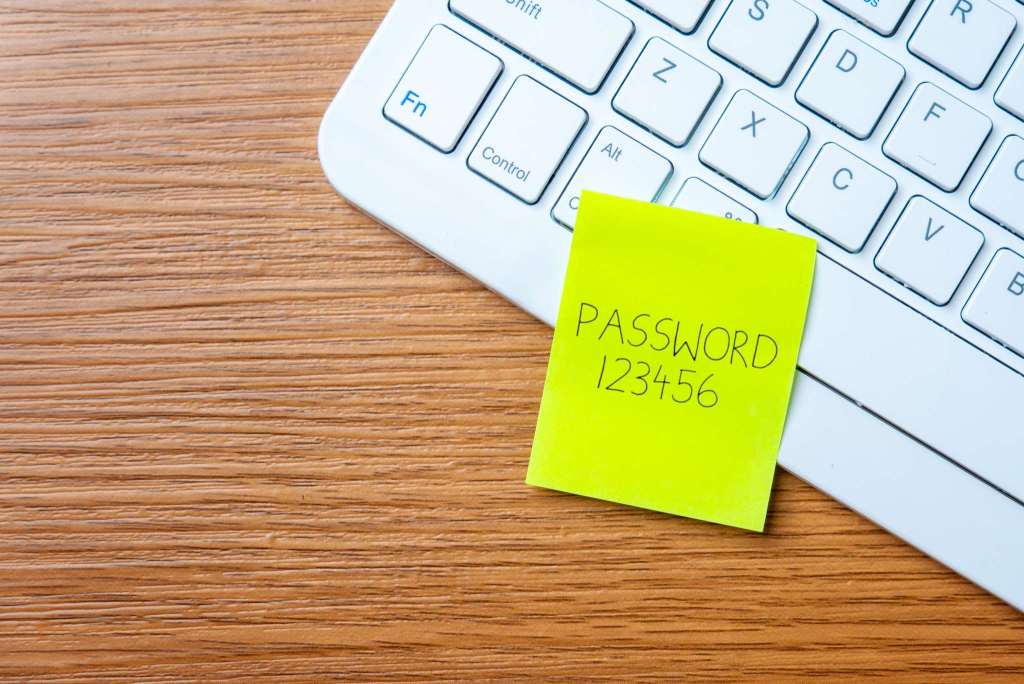
More than 7.2 million uses across 44 countries show that 123456 is more dangerous than it looks, because attackers rely on automated tools rather than sitting down to guess.
- NordPass found 123456 topped its most common password list for the seventh time in eight years, with more than 7.2 million uses across 44 countries
- The rest of the top 10: admin, 12345678, 123456789, 1234, 12345, password, Aa123456, Pass@123, and 1234567890
- Passwords based on trends, or ones that just add a few digits at the end, barely make an account any safer
- Recommendation: use a unique password of at least 15 characters for every account, and turn on multifactor authentication
- A password manager and passkeys are the practical way to keep many strong passwords without having to remember them
Table of Contents
This year's password list
User data is constantly being attacked, stolen, or exposed, yet the habit of choosing easy-to-guess passwords has barely changed. According to the latest analysis from NordPass, the password and passkey manager from Nord Security, 123456 was the world's most common password for the seventh time in the past eight years. In the US, the three most-used passwords were 123456, password, and admin. Across the 44 countries analyzed, 123456 alone appeared more than 7.2 million times, followed by admin, 12345678, 123456789, 1234, 12345, password, Aa123456, Pass@123, and 1234567890.
NordPass has published its Top 200 most common passwords ranking since 2019. It draws on passwords exposed in public data breaches as well as dark web data troves, then sorts them by country. Over the years, the company has found that password habits are clearly shaped by trends and pop culture: in recent years Lebron0319, Savage20, and roblox.com1 made the top 3, while the 2010s brought Lachimolala, telegram, and minecraft. These passwords evoke a familiar era, but the report is blunt that personal interests are a terrible foundation for a password, especially when those interests are visible on public social media, since automated tools can work them out in seconds. Adding a number at the end doesn't help either, because attackers have already programmed their tools to try common number combinations and symbol substitutions.
Why weak passwords are dangerous
According to Adam Benjamin, managing editor at CNET, the main risk isn't someone sitting down to guess your password. The threat comes from data-harvesting algorithms, or bots that use credential stuffing, which means trying huge numbers of username and password pairs stolen in earlier breaches. So using an obscure phrase or switching to another language doesn't make a password any stronger. In his view, a good password is one that takes too much effort for an algorithm to crack.
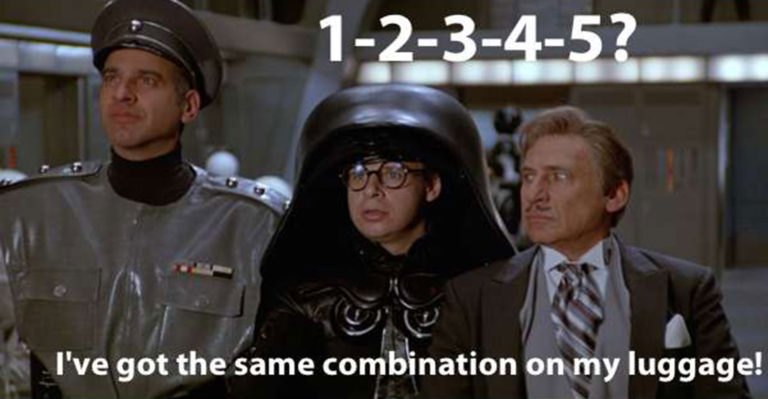
Many readers will remember the scene in Spaceballs (1987) where the password to the air shield of the planet Druidia turns out to be 12345, and Dark Helmet angrily calls it "the stupidest combination I've ever heard of in my life." The joke has long been a classic example of weak passwords and PINs, but in real life the same thing keeps happening.
One research team once guessed the password 123456 to get into McDonald's recruiting chatbot, gaining access to 64 million records that included applicants' names, emails, and phone numbers. In 2023, the Akira ransomware group breached KNP Logistics Group, a 158-year-old UK transport company, simply by guessing one employee's weak password, then locked its data and demanded a ransom of 6.6 million USD. As a result, the company had to cease operations and let 700 employees go. The AI era is making this even easier: one study showed an AI system can infer passwords just by listening to keystrokes.
How to protect your accounts
NordPass advises giving every account its own password of at least 15 characters, with uppercase letters, lowercase letters, digits, and special characters. Old, weak passwords should be changed right away, since reusing one password for convenience is exactly what hackers count on. You should also turn on multifactor authentication, which adds a step beyond the login password, such as a one-time code sent by text or email, a security question, face recognition, or a fingerprint.
The problem is that bank accounts, social networks, online stores, and government services are countless, and coming up with and remembering dozens of unique passwords is exhausting. Benjamin argues that creating compliant passwords for hundreds of logins is nearly impossible, so CNET recommends a password manager: it automatically generates and updates passwords for apps, Wi-Fi networks, and websites, stores them in an encrypted vault that opens only after identity verification, and can autofill login details. Joe Supan, a senior writer at CNET, adds that a good manager should support passkeys, meaning sign-in with biometrics such as a face or fingerprint, or a PIN, and that he would have a hard time recommending a tool that lacks this feature. CNET's top two picks right now are NordPass and Bitwarden.
This data shows the problem isn't that users don't know weak passwords are bad. It's that remembering many strong passwords is something people simply can't do, so they take the easiest route. That's why Migovi thinks the advice to "use a longer password" isn't enough on its own, while a password manager combined with passkeys solves the memory problem at its root. If you're using one password for multiple accounts, start by changing the ones for your email and bank, since those are what attackers usually go after first, then turn on multifactor authentication for them. After that, pick a password manager that supports passkeys and gradually move your remaining accounts over.
Source: CNET
Reviewed by: Hero Association