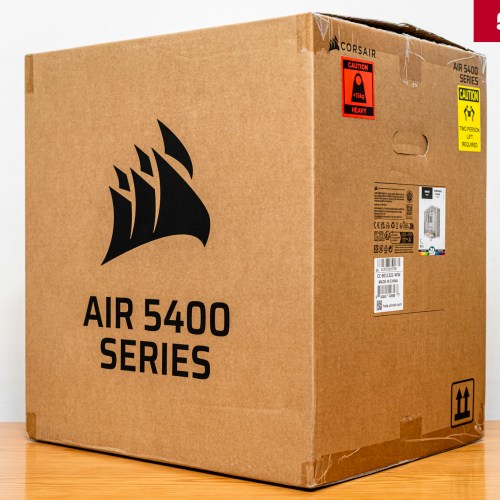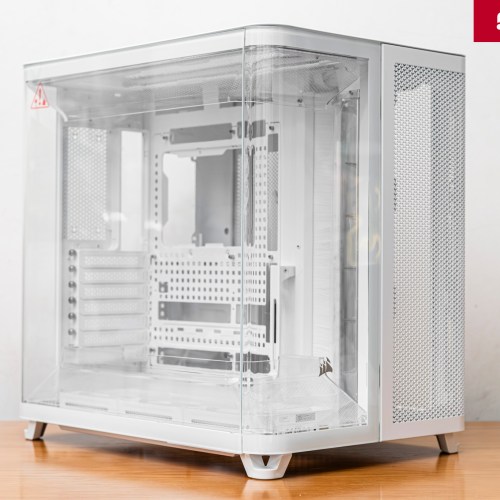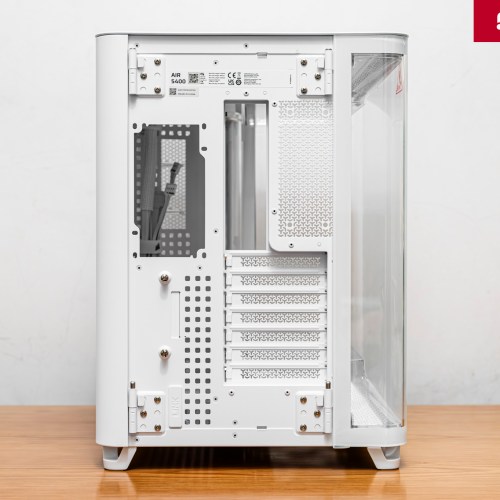

CORSAIR AIR 5400 review - The first Triple-Chamber case
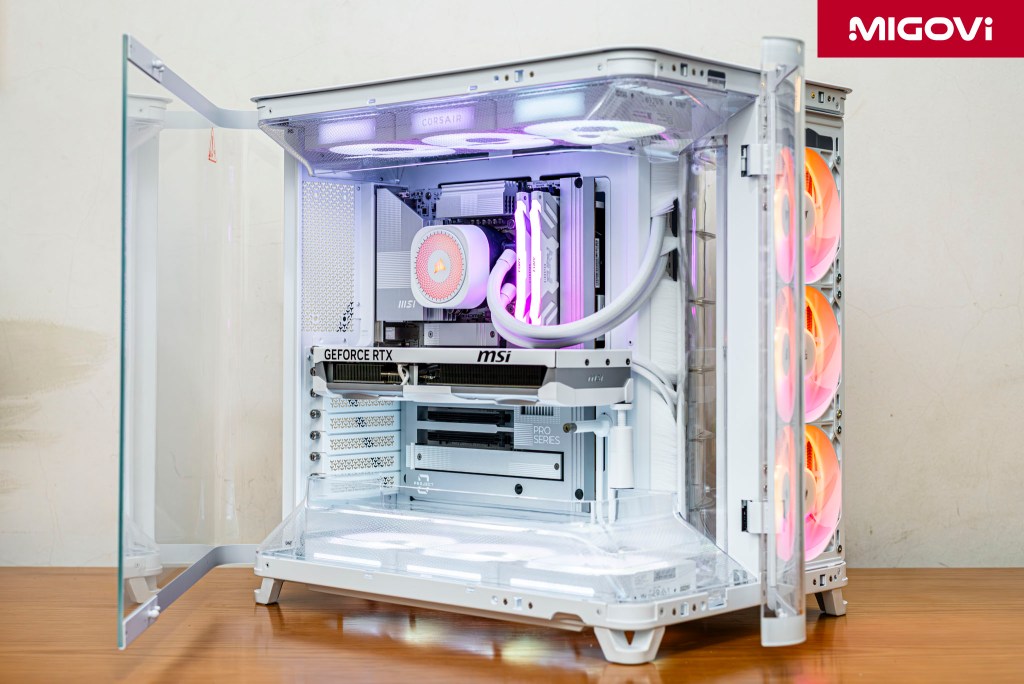
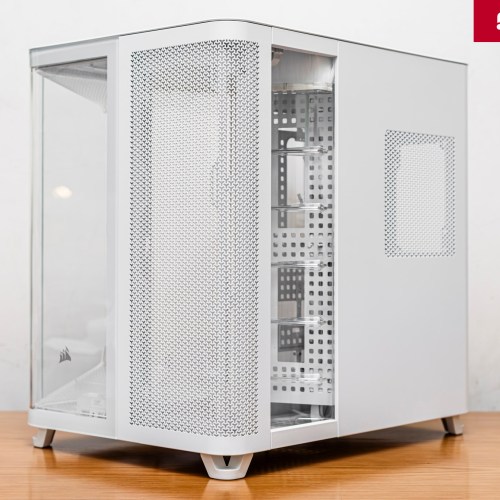
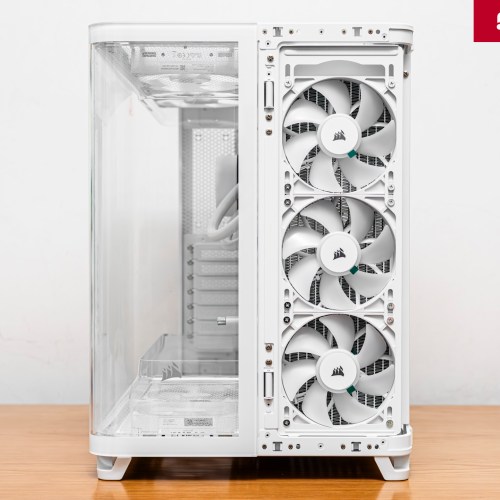
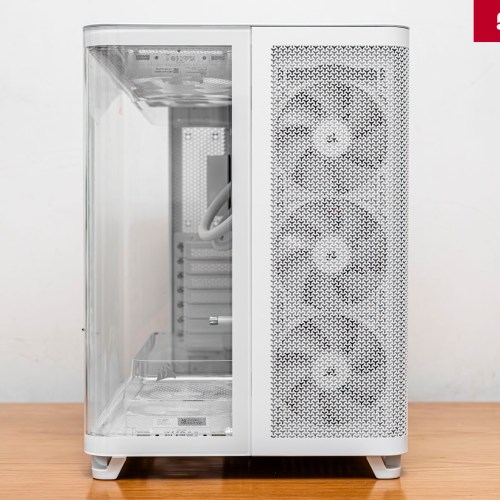
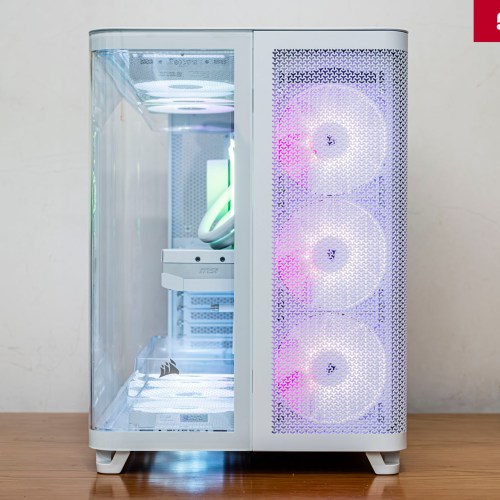
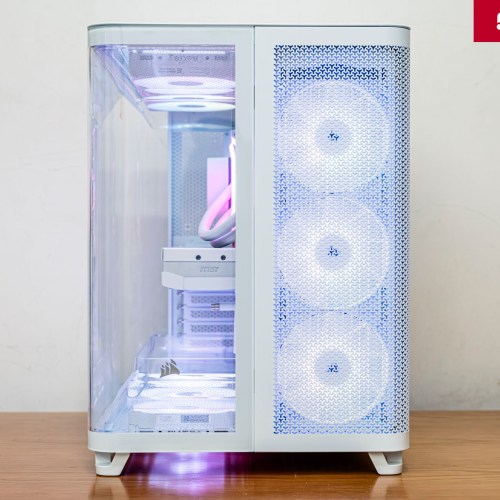
Appearing at COMPUTEX 2025, the CORSAIR AIR 5400 is the first case model with a triple-chamber design.
In the high-end PC case market, the fishbowl design trend has become very popular and is favored by customers. This type of computer case prioritizes aesthetics with tempered glass panels around to create a panoramic view, showing off the entire hardware components inside. However, with modern systems, components are increasingly consuming more power, accompanied by increased heat dissipation, causing the fishbowl case to face a difficult problem of cooling capacity - beautiful but hot.

According to CORSAIR's testing, traditional case models (1 chamber) such as the FRAME 4000D, although the cooling efficiency is better than the fishbowl type, users are forced to make a trade-off in terms of heat. Specifically, if the AIO radiator is mounted in the front with a fan sucking in fresh air from the outside, the CPU radiator will work most effectively, but the GPU temperature in the case will increase (more than 3.8 degrees Celsius). On the contrary, if the AIO radiator is mounted on the top, the hot air from the GPU is sucked through the CPU radiator, causing the cooling efficiency of this radiator to decrease (CPU temperature is higher than 5.3 degrees Celsius). This is the physical limit of familiar 1-chamber cases, due to thermal cross-contamination. Therefore, the CORSAIR AIR 5400 is a technical solution to directly solve both requirements: fishbowl aesthetics with effective cooling ability.
Article content
Triple-Chamber Design
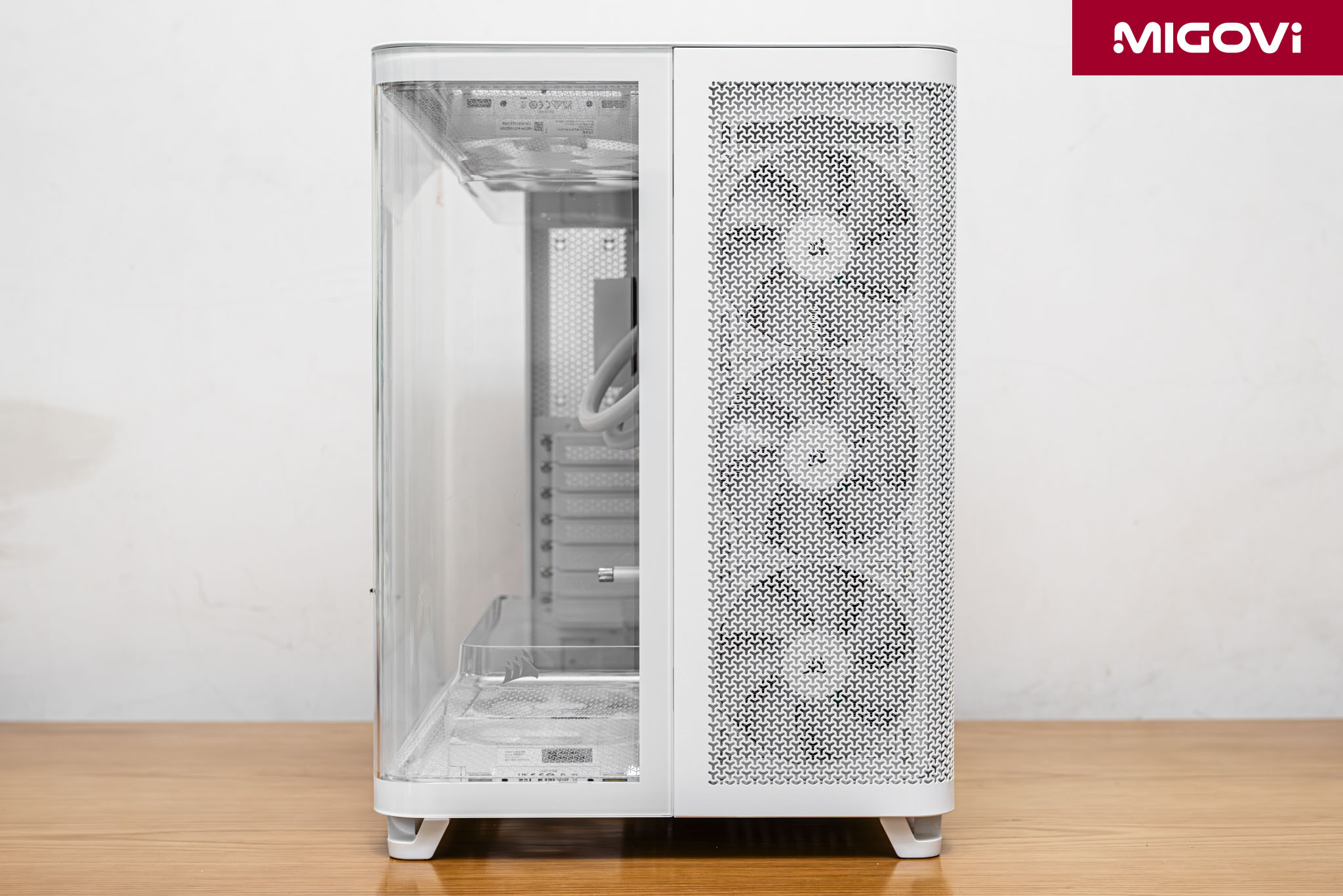
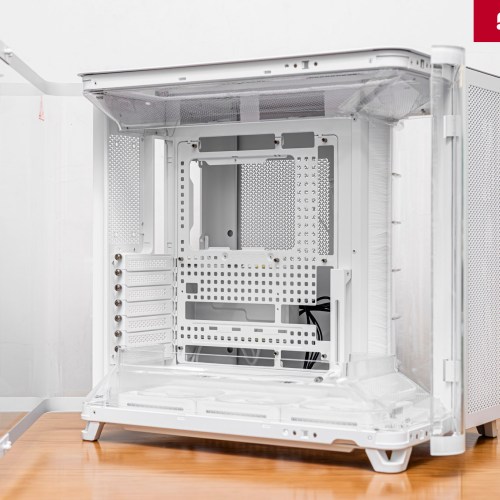
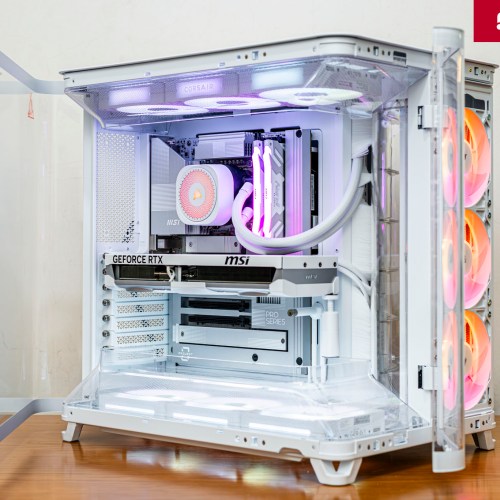
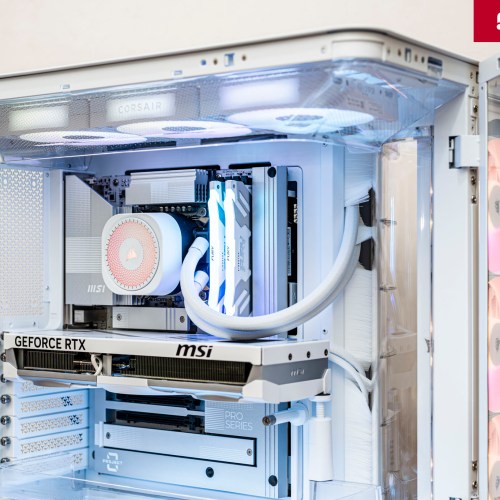
To avoid the heat trade-offs of traditional cases, the CORSAIR AIR 5400 features a Triple-Chamber Design. This is also CORSAIR's first Triple-Chamber case, inheriting the spirit of the AIR 540 Dual-Chamber model, launched in 2013. The technical goal of the Triple-Chamber design is to improve the cooling efficiency of system components by isolating the main heat sources. Inside the CORSAIR AIR 5400 are 3 separate chambers including:
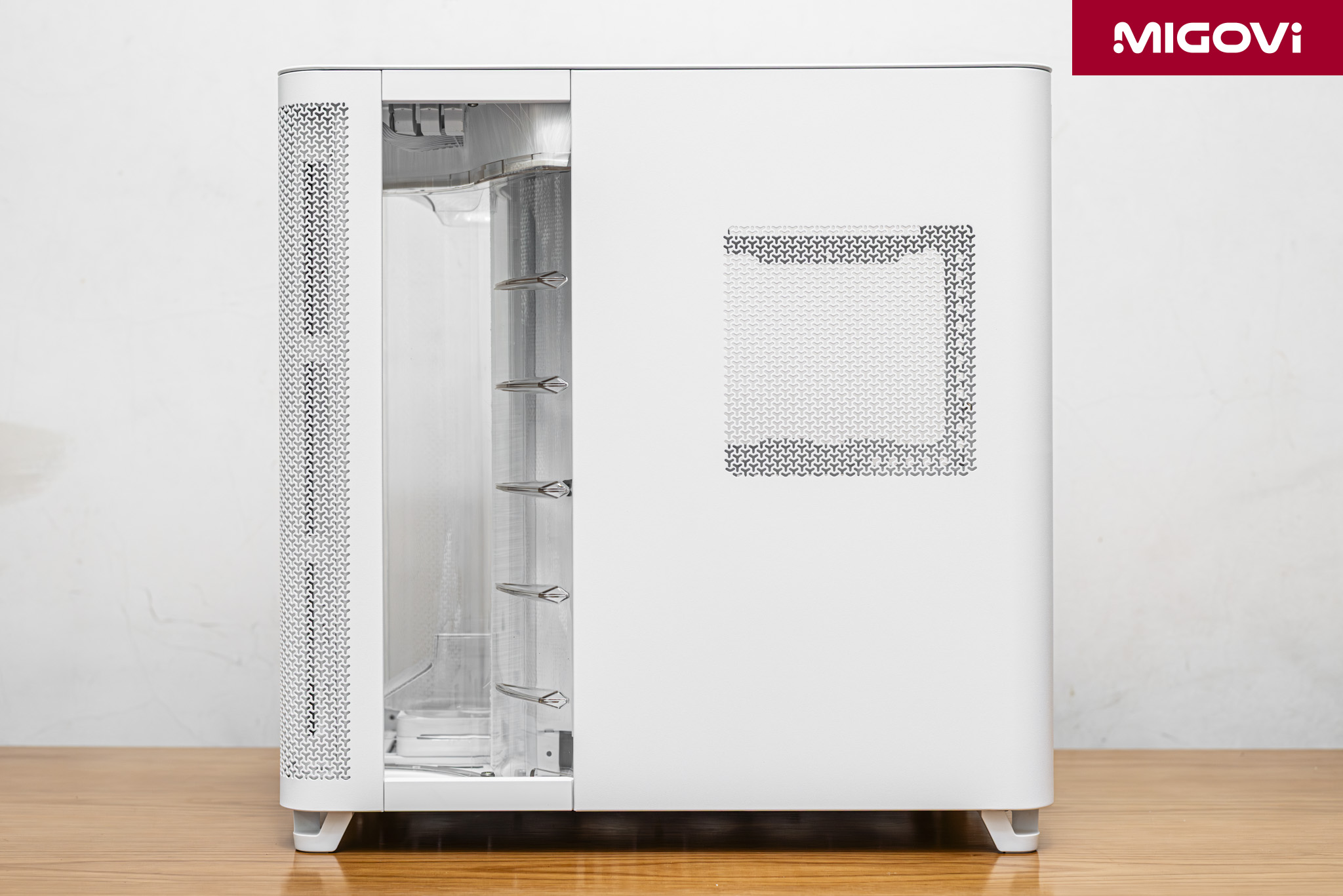
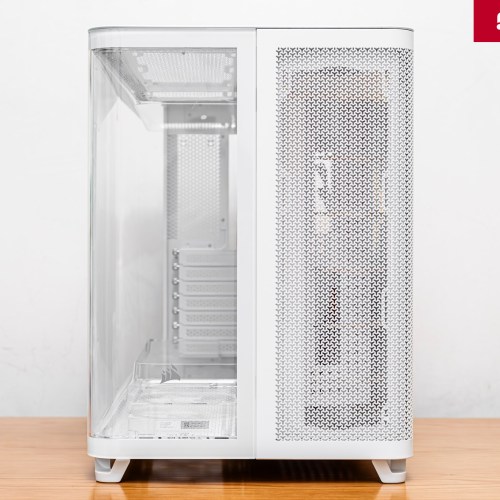
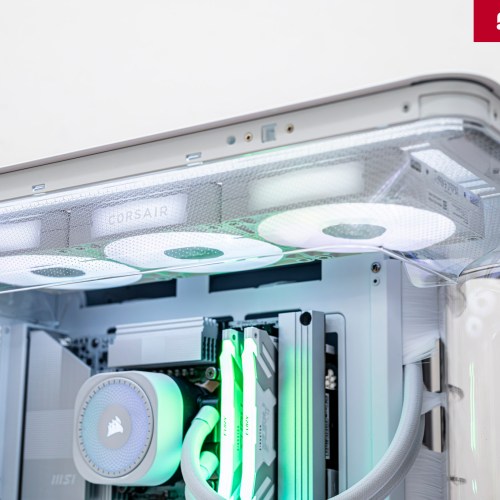
- Chamber 1 (CPU Cooling): Located right at the front, specially designed for AIO water cooling with radiators up to 360 mm. Chamber 1 draws fresh air directly from the outside, separated from the rest of the case.
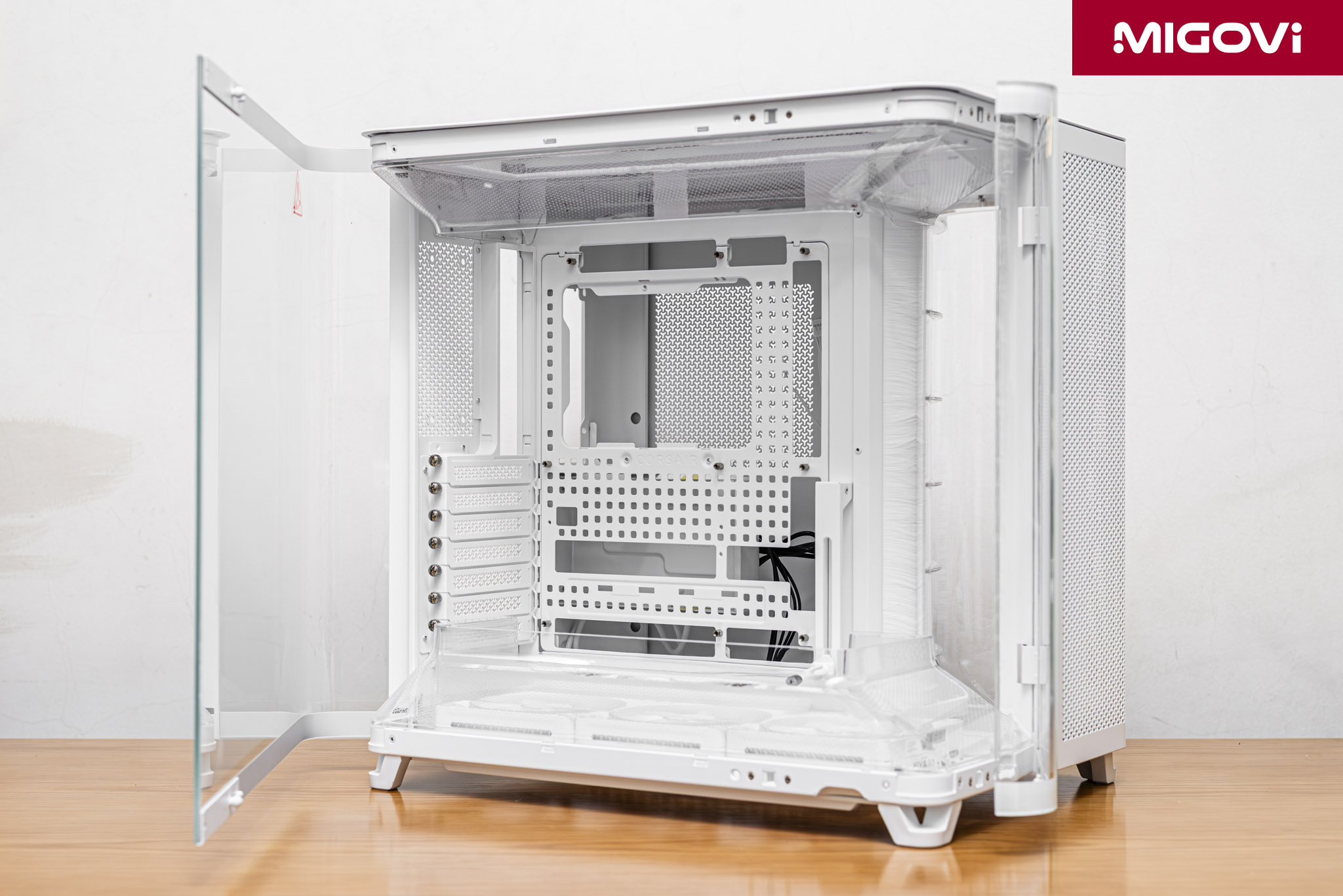
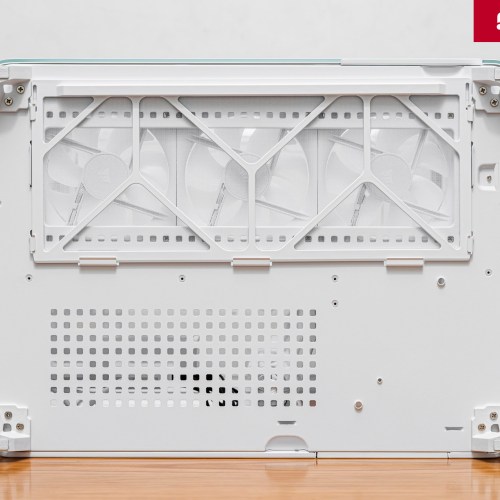
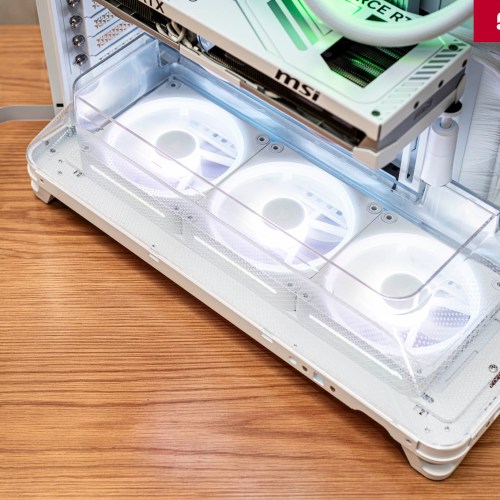
- Chamber 2 (Main Chamber): Contains computer system components like traditional case, including mainboard, CPU, GPU. This chamber takes fresh air from outside from bottom to top thanks to 3 exhaust fans at the bottom.
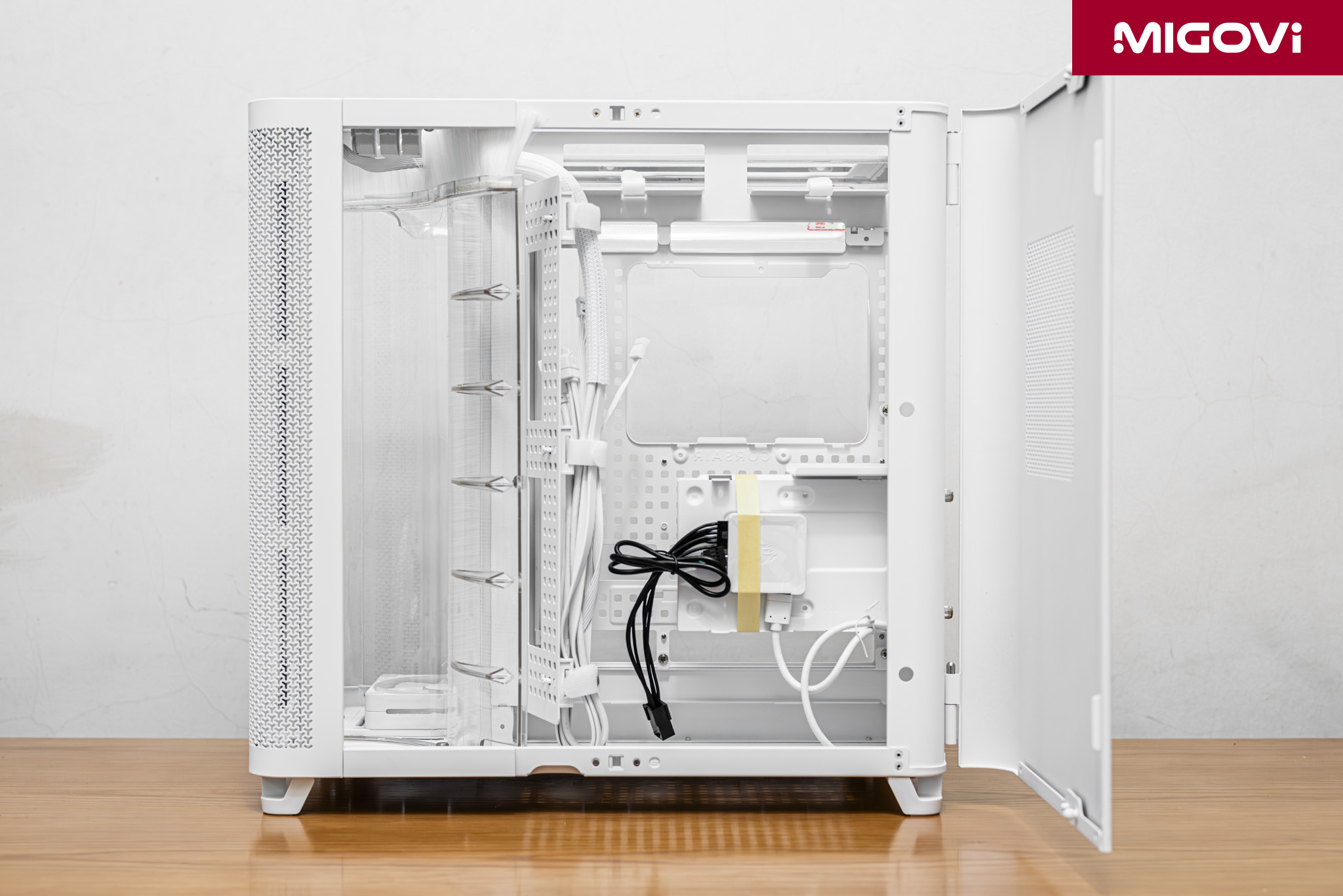
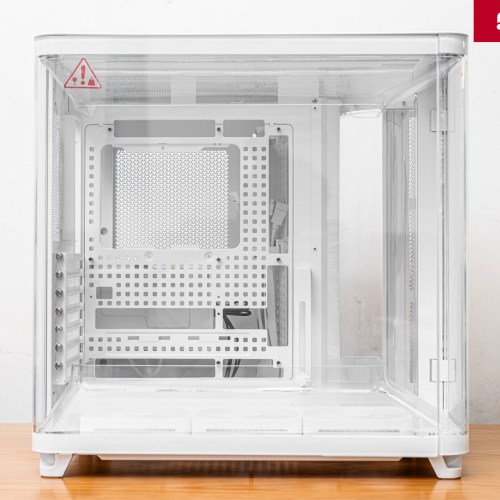
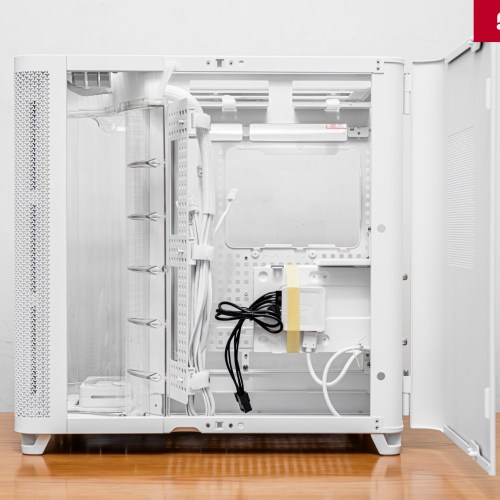
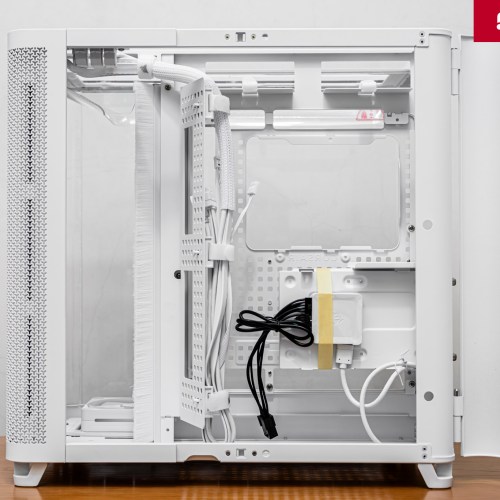
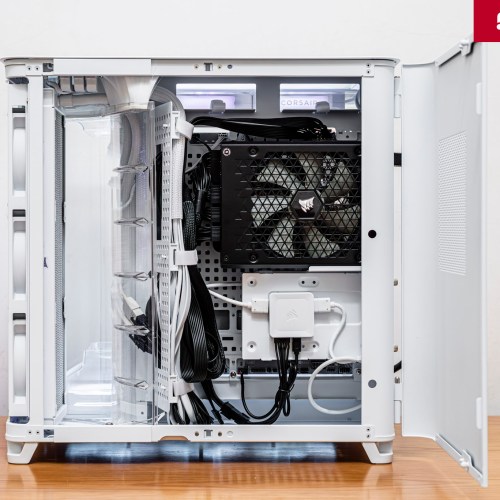
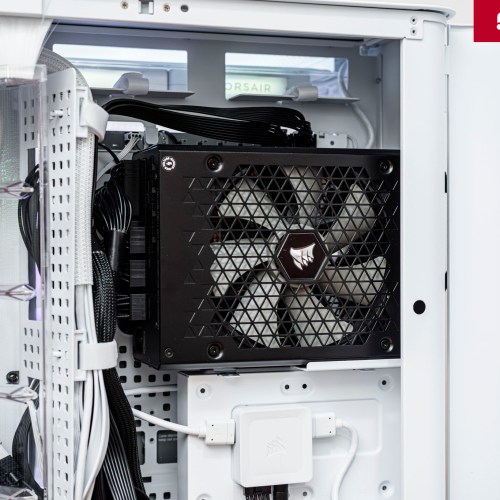
- Chamber 3 (PSU and cable management): Located right behind chamber 2, where the power supply, cables and old standard storage hard drives (2.5/3.5 inch) are mounted, completely separate from the 2 main heat sources.
Optimization techniques on the CORSAIR AIR 5400
Chamber 1 - Dedicated CPU heatsink
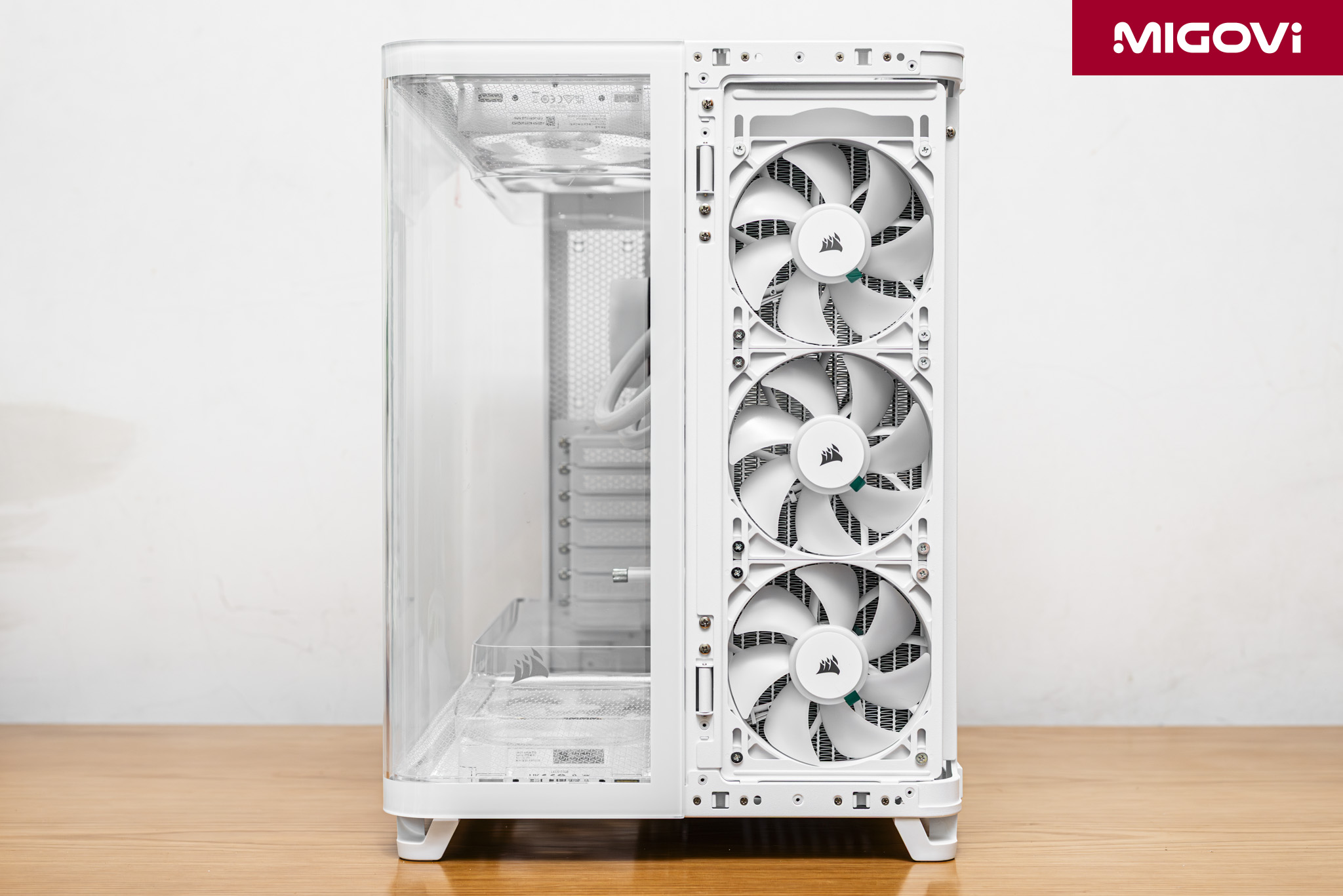
The design of the first chamber is a CORSAIR innovation that plays a key role in shaping the installation experience and cooling performance of the AIR 5400. Chamber 1 at the front has only one function: to house the radiator of the CPU water cooler (AIO or custom) and direct the hot air out. If you do not use an AIO water cooler but only use an air cooler for the CPU, it is very clear that the CORSAIR AIR 5400 is not working as it was designed to. In this case, Chamber 1 is considered useless and the AIR 5400 becomes a familiar dual-chamber case (like the CORSAIR 6500D AIRFLOW).
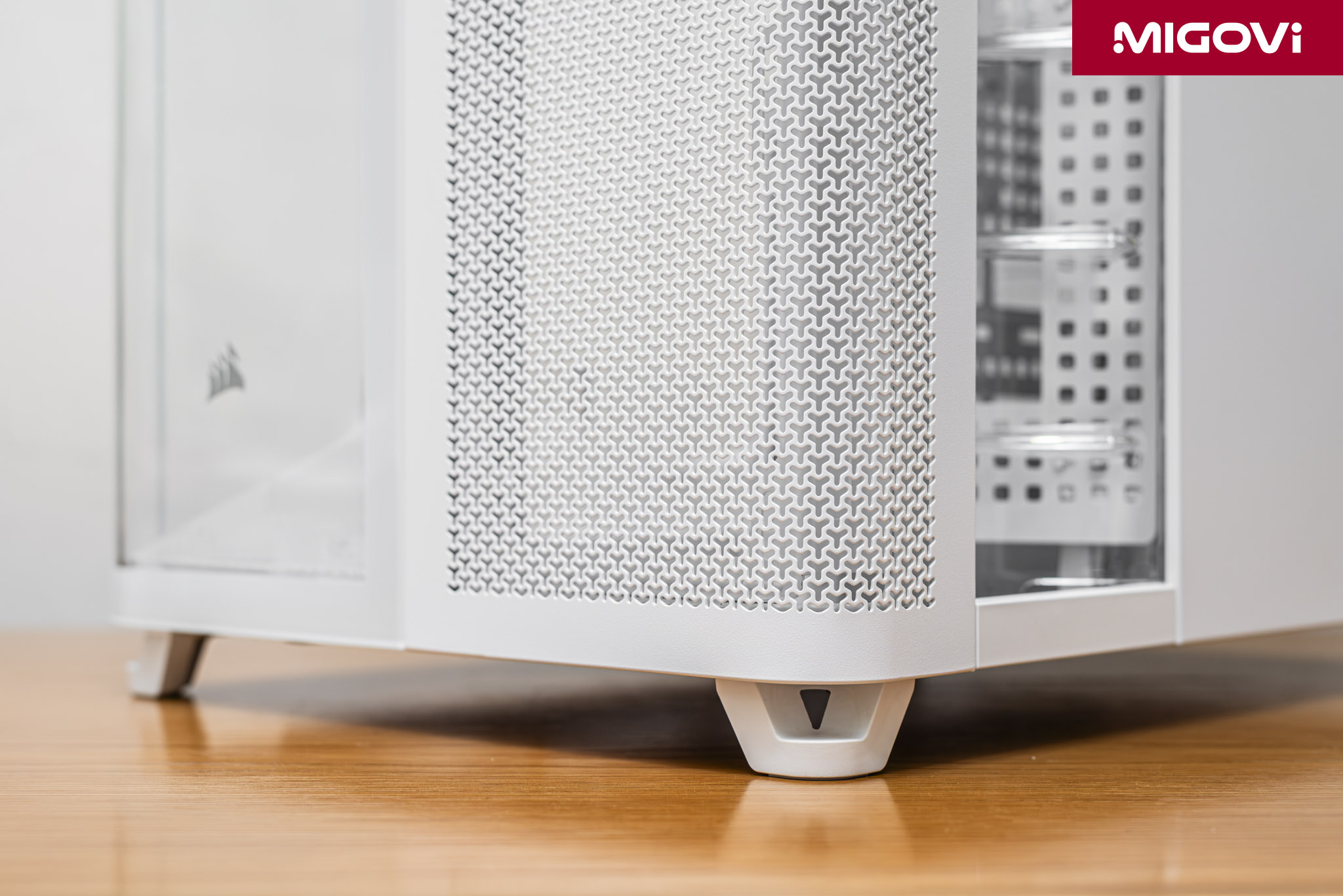
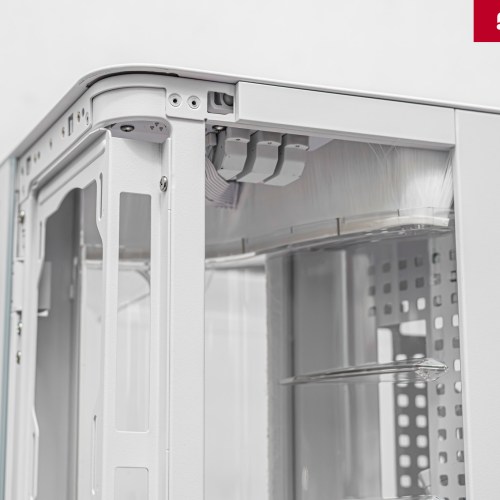
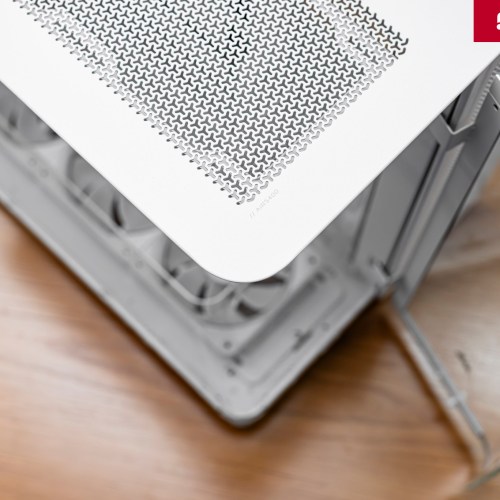
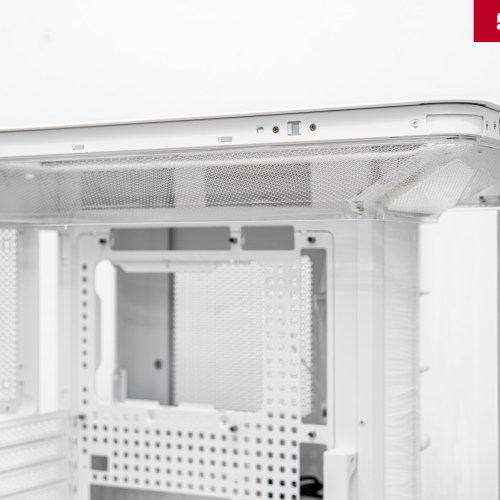
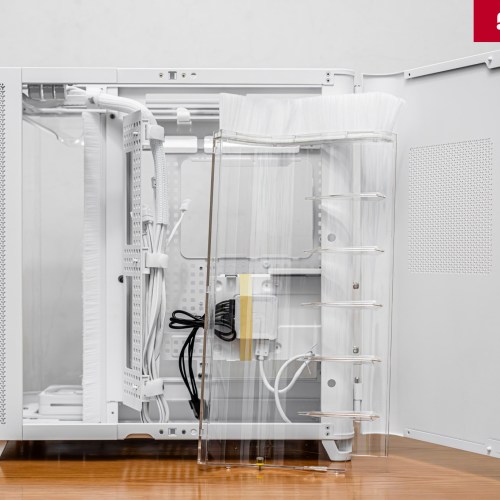
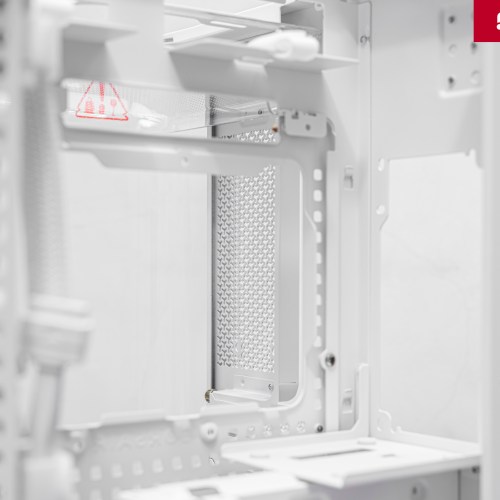
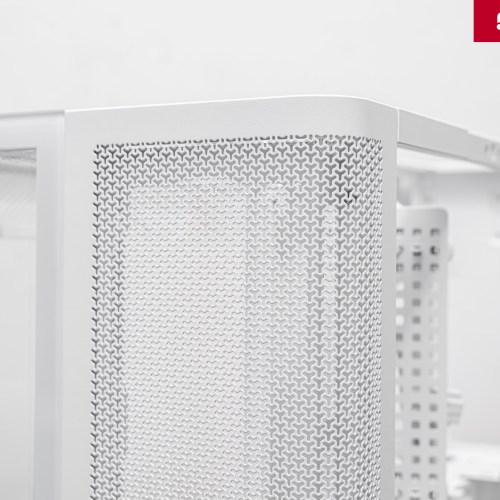
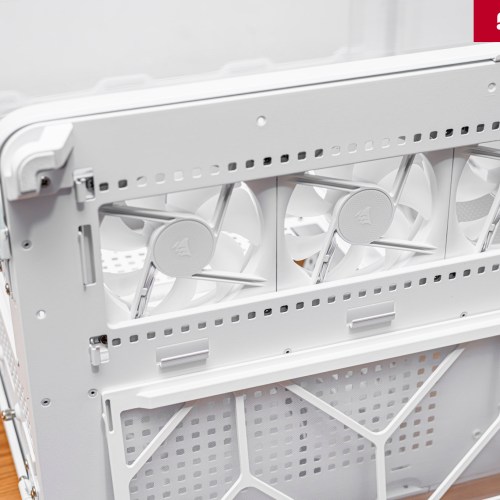
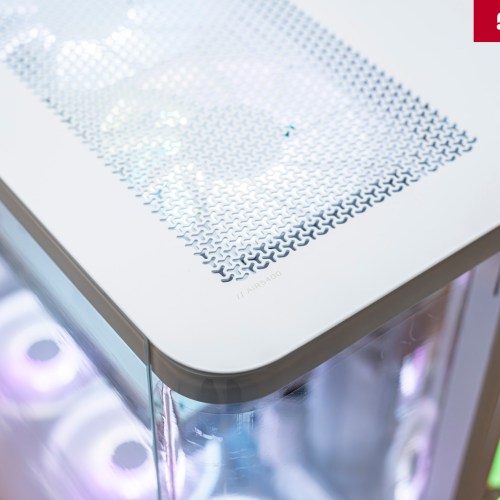
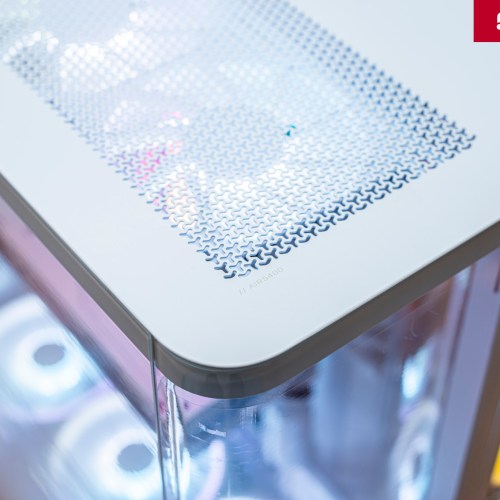
In front of chamber 1 is a mesh metal panel, perforated with CORSAIR's signature Y-shape. Right behind this metal panel, you can attach an additional dust filter (included in the product accessories). The frame of chamber 1 can mount a radiator up to 360 mm in size (only supports 3 sizes: 120 mm, 240 mm and 360 mm). Chamber 1 space is separated from the rest of the case by a molded transparent plastic panel (CPU Cooling Exhaust Opening), which directs hot air straight out (right side). This mechanism allows hot air coming out of the AIO radiator to be immediately released, quickly guided out of the case, instead of being re-entered into the system. The AIO's airflow never enters the main chamber, making it a closed subsystem.
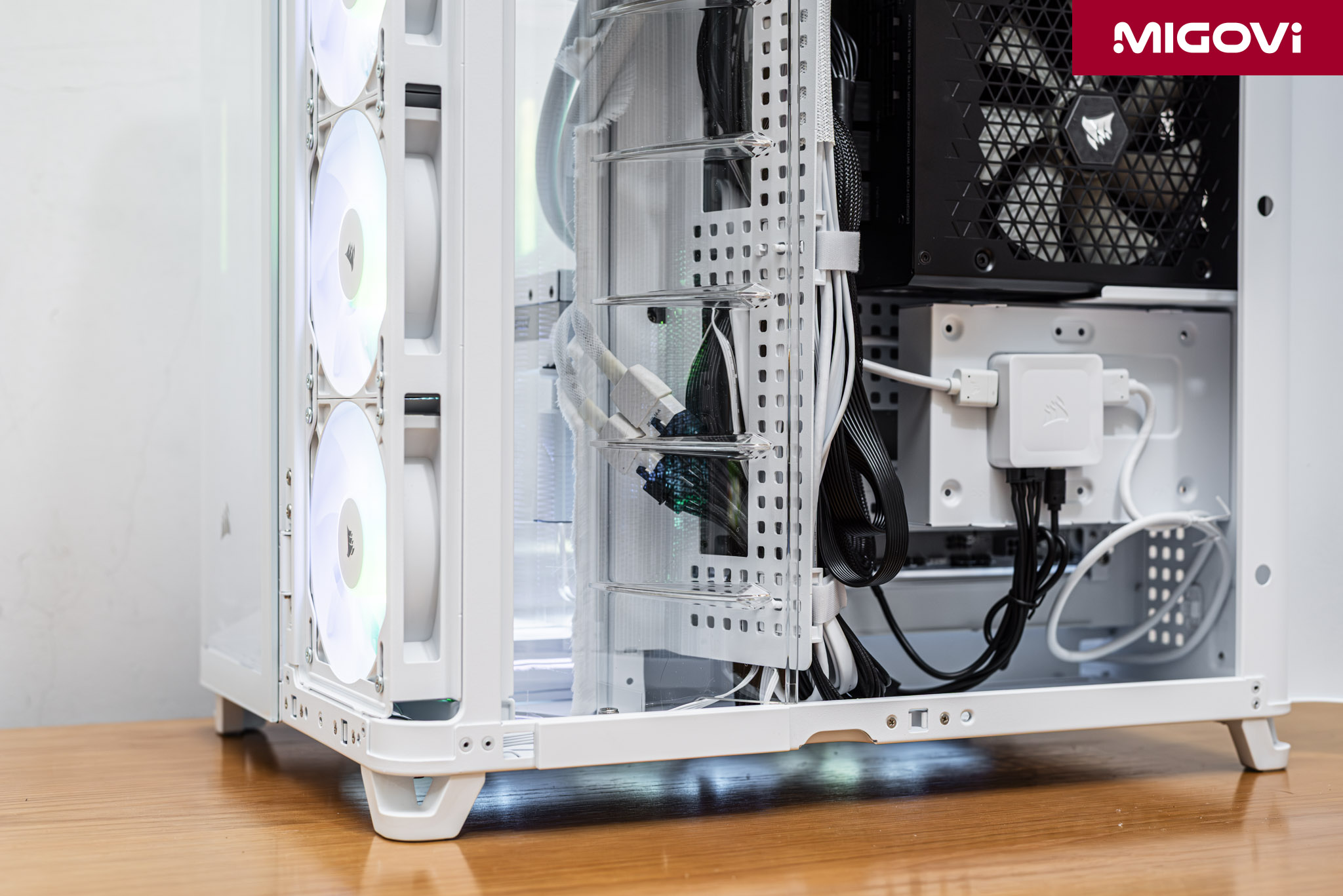
The CORSAIR AIR 5400 will perform best and most accurately with AIO or custom liquid cooling. This also means that the AIR 5400 is a dedicated design, optimized for a mid- to high-end cooling scenario. Therefore, the AIR 5400 is very suitable for systems using power-hungry, heat-generating CPUs, such as the Intel Core i9-14900K, or pushing the performance of the AMD Ryzen 9 9950X to the highest level.
Chamber 2 - GPU and mainboard

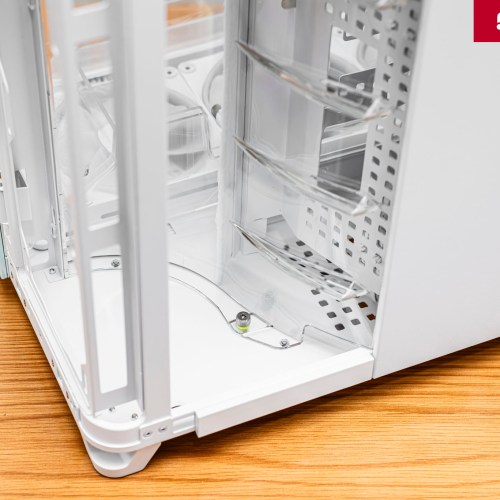
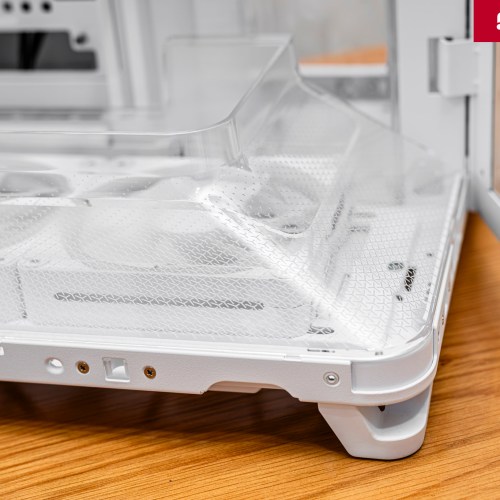
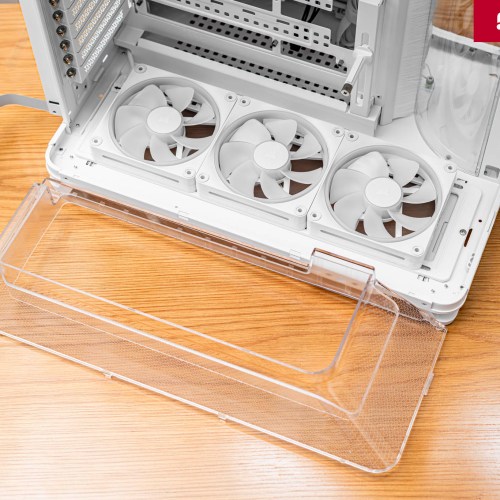
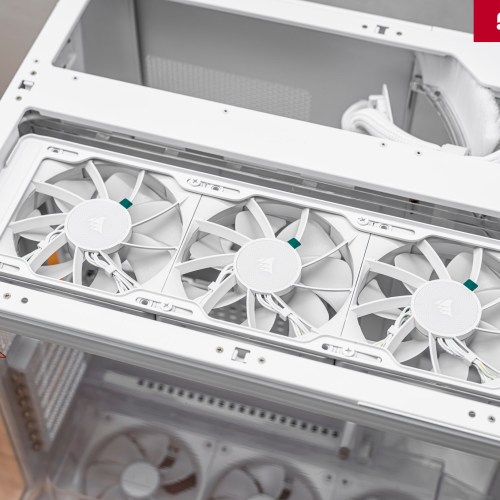
The main chamber is designed to optimize airflow for the GPU and motherboard. The technical solution here is Dual Airflow Ducts, creating a vertical, chimney-style airflow. Each duct is designed in a large funnel shape, directing the airflow from bottom to top. The CORSAIR AIR 5400 comes with 3 cooling fans located at the bottom of the case, drawing fresh air from the outside, going to the GPU, through the motherboard and exiting at the top. According to CORSAIR, the bottom air duct helps improve the cooling temperature by 1 degree Celsius compared to when it is not there. On the top, the AIR 5400 also has a similar symmetrical air duct, users can attach 3 more 120mm fans on top to increase cooling efficiency.
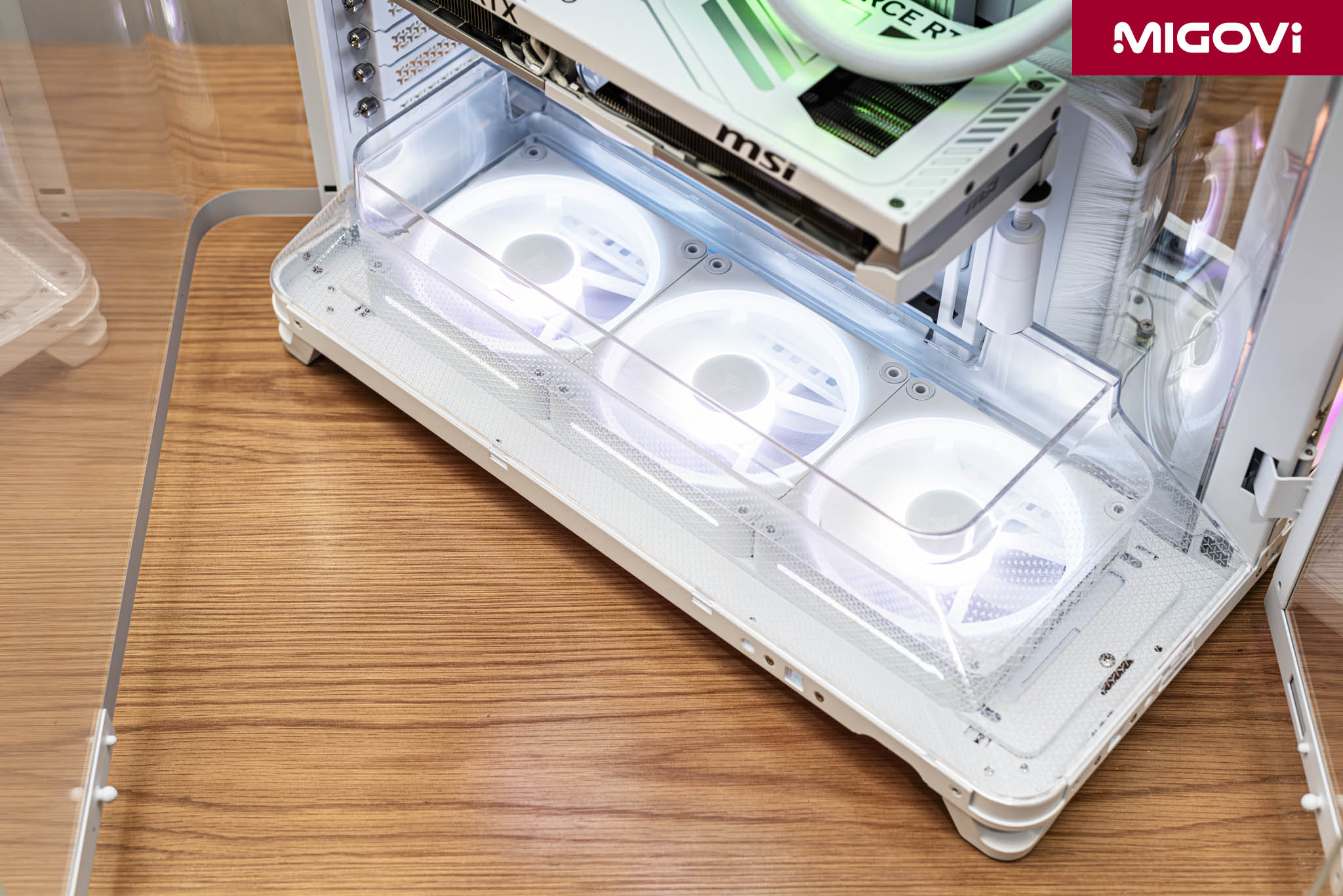
Increasing cooling performance without sacrificing aesthetics, the CORSAIR AIR 5400 comes with three 120mm cooling fans (iCUE LINK LX-R RGB model). These are fans with reverse blades (Reverse-Rotor Fans). Without reverse fans, the aesthetics of the entire system will be seriously affected, as conventional fans will expose the fan shroud. The CORSAIR iCUE LINK LX-R RGB has a rotation speed of 400 - 2400 RPM, creating an airflow of 11.5 - 66.7 CFM, static pressure of 0.14 - 4.72 mmH2O with a noise level of 10 - 37.7 dBA. The fan uses a Magnetic Dome bearing so it operates super quietly and has almost no friction.
Chamber 3 - PSU, cables and storage
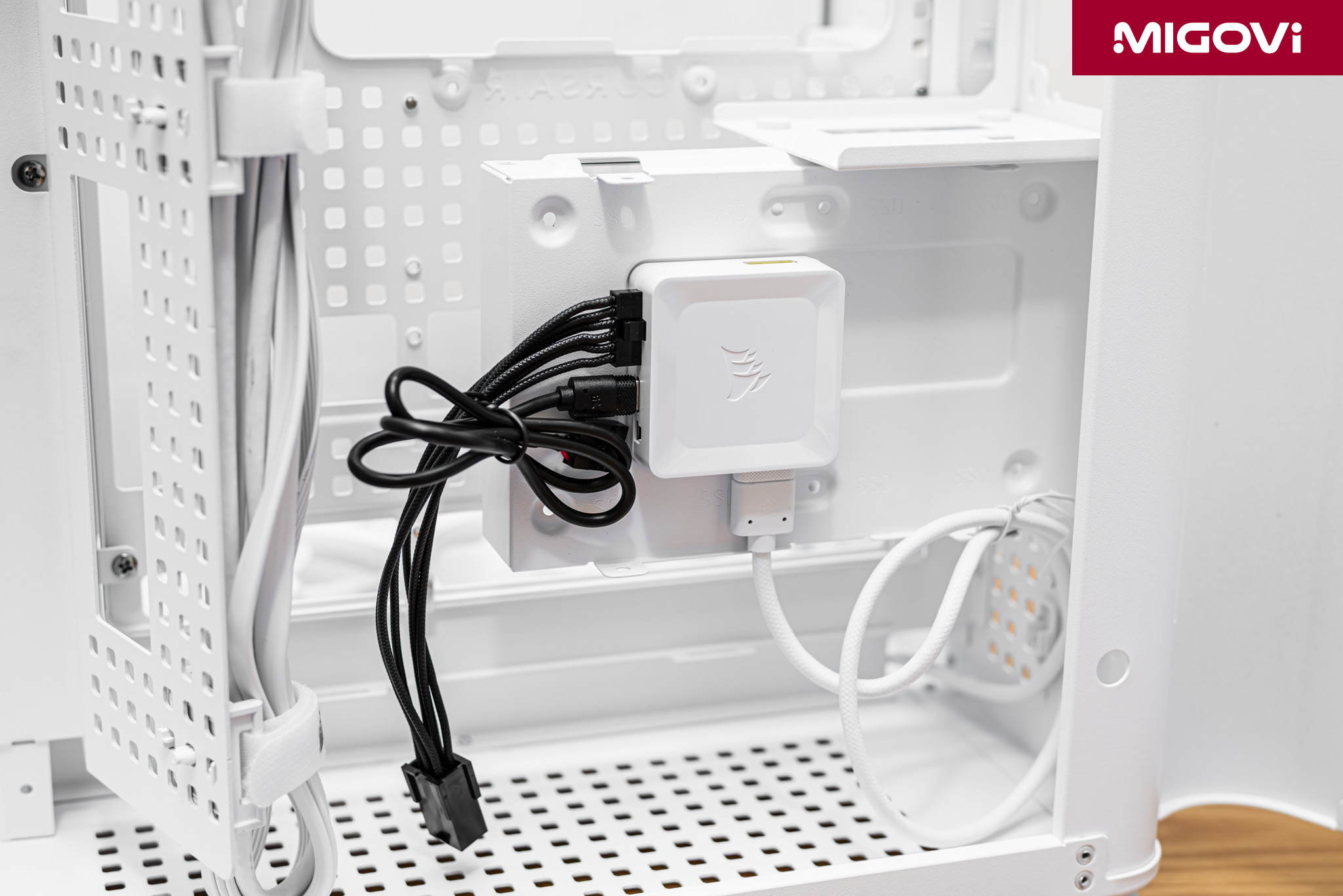
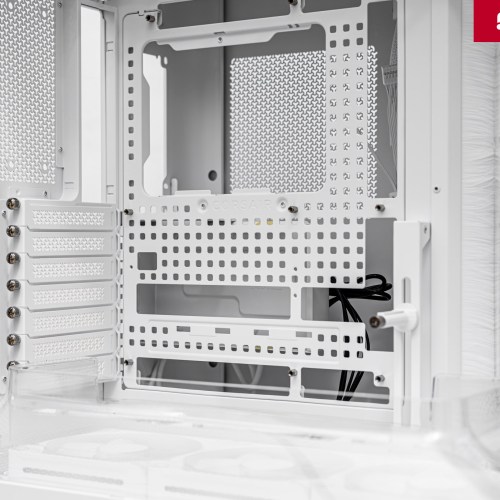
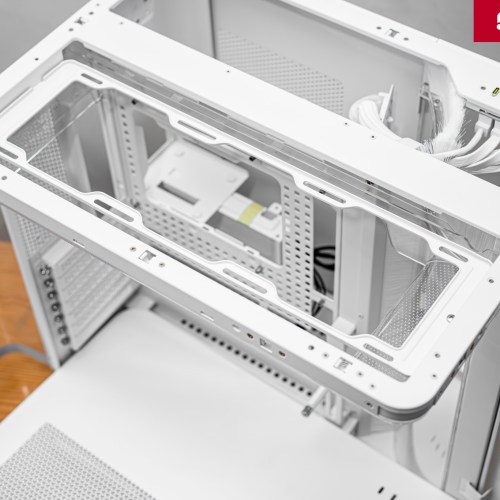
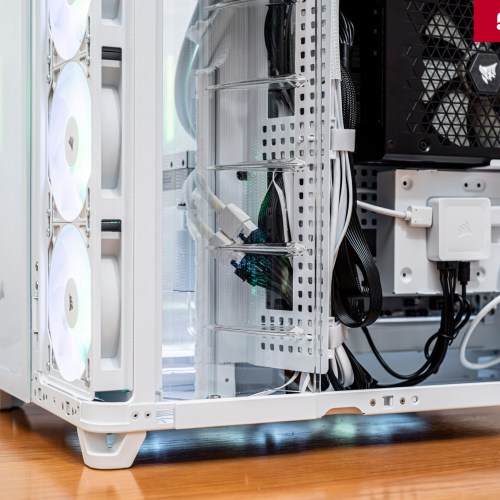
Located entirely behind the motherboard tray, the third chamber provides a generous 134mm of cable routing space. CORSAIR has included two notable features in chamber 3:
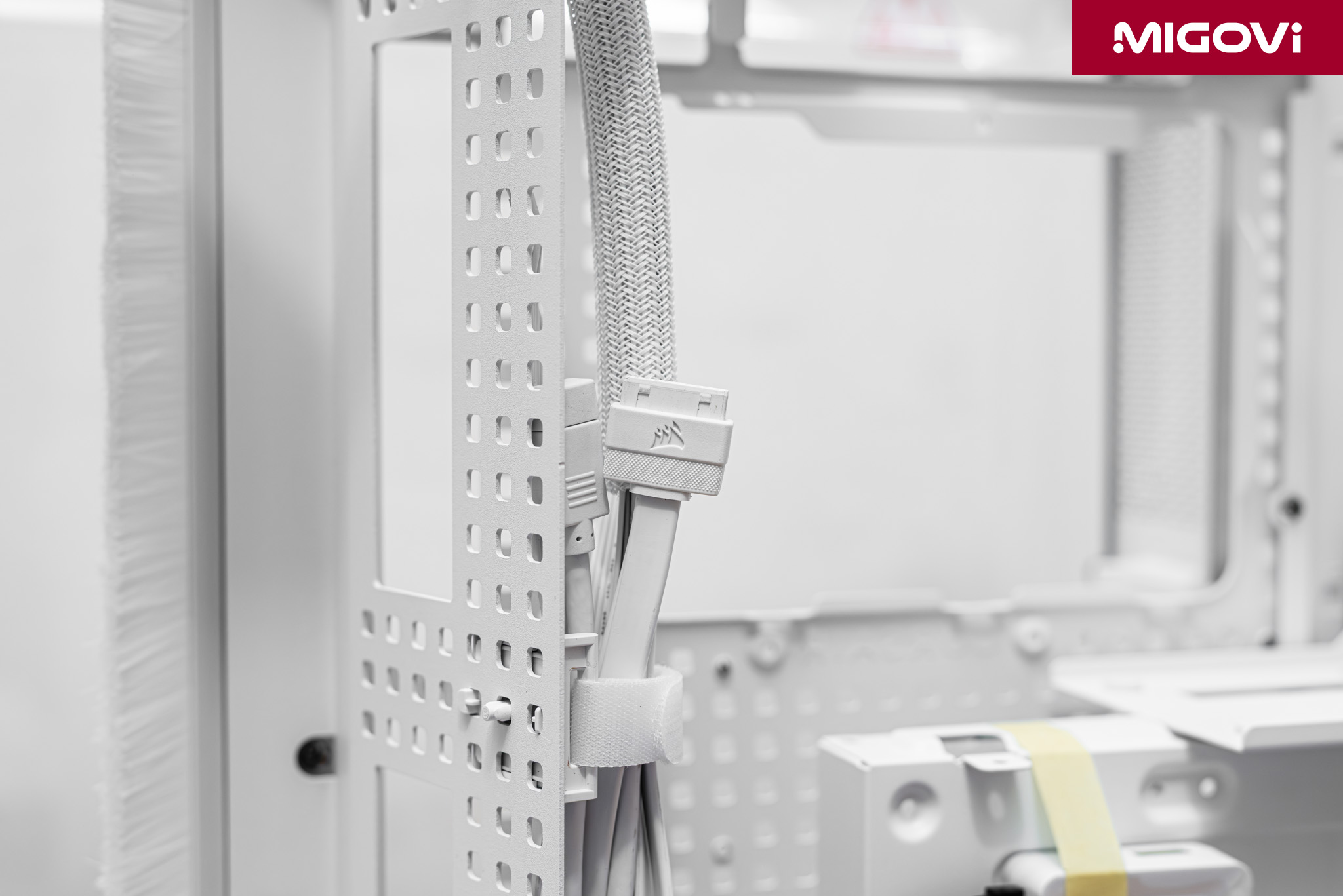
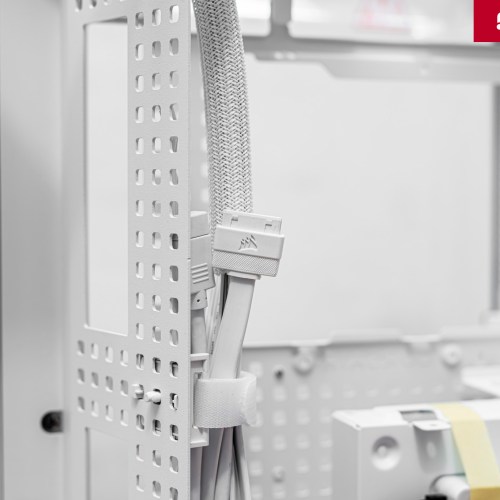
- RapidRoute 2.0 : This is Corsair's second generation of cable management technology. Instead of fixed cable ties, the motherboard tray is designed like a pegboard, and the cable ties are movable and removable. This allows users to completely customize the cable tie location.
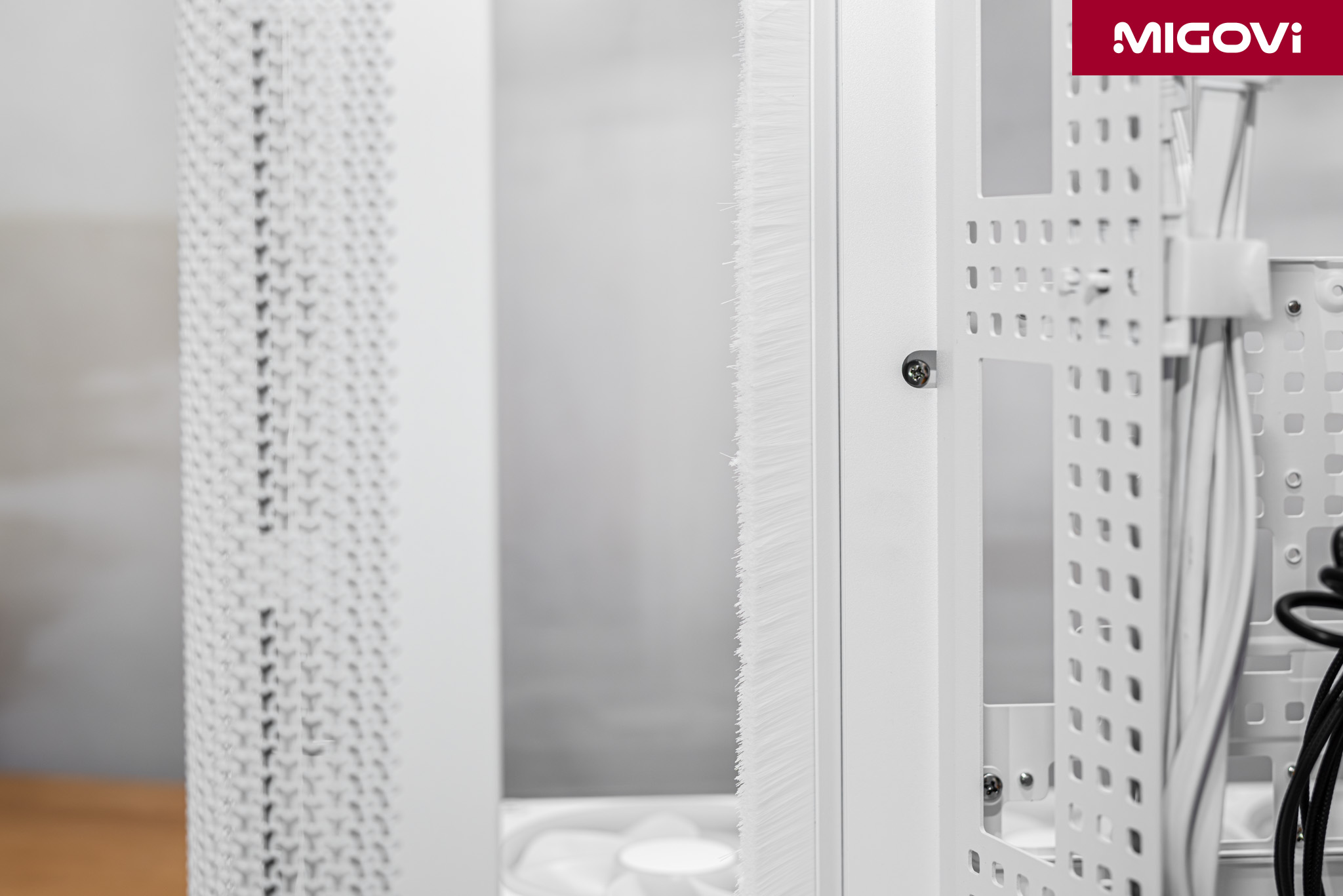
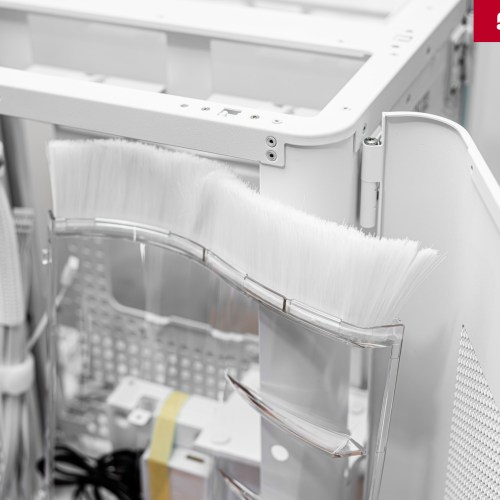
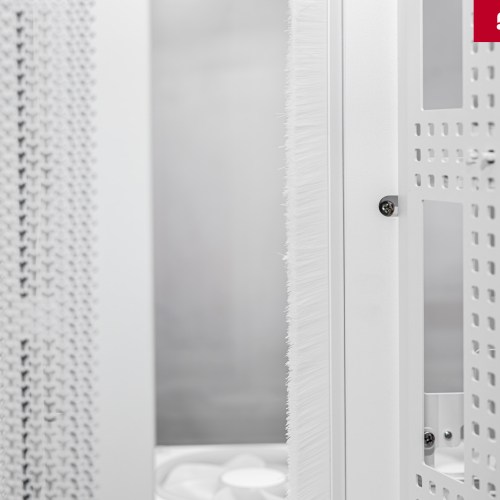
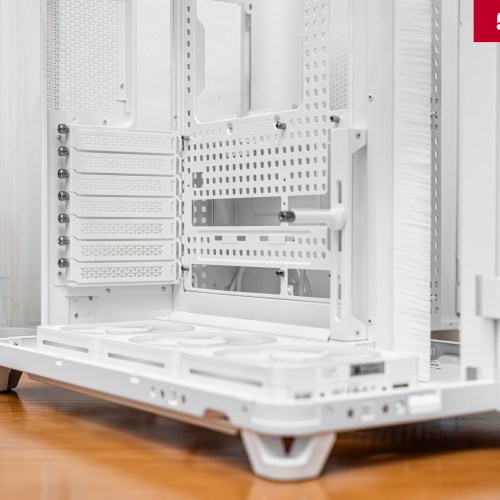
- Nylon Brush Dividers : Instead of traditional rubber grommets, the AIR 5400's wiring holes use nylon brushes. This option provides a cleaner look and more flexibility when routing thick cable bundles between chambers. The nylon brushes also help prevent dust and provide a clearer separation between adjacent chambers.
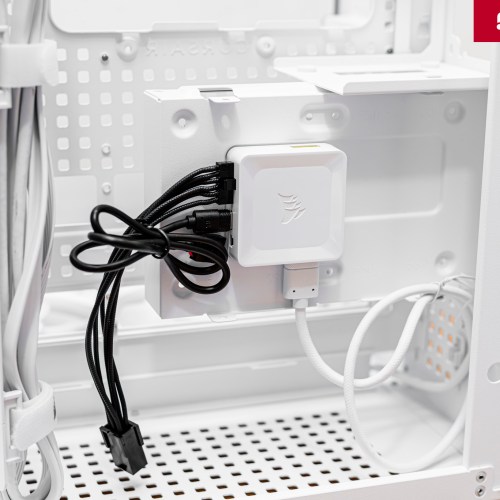
However, there is a trade-off on the CORSAIR AIR 5400: users are limited in storage capacity (SSD/HDD 2.5/2.5 inch). There is only 1 old standard storage device tray, supporting up to 2 2.5 inch hard drives and 1 3.5 inch hard drive at the same time. When installing a 3.5 inch hard drive, you have to find another location for the iCUE LINK hub.
CORSAIR AIR 5400 Thermal Efficiency
Test configuration

- CPU: Intel Core Ultra 9 285K
- Mainboard: MSI PRO Z890-S WiFi PZ
- RAM: Kingston FURY Renegade DDR5 RGB
- GPU: MSI GeForce RTX 5070 Tu VENTUS 3X PZ
- SSD: TEAMGROUP T-FORCE Z540 TM8FF1002T
- Cooler: CORSAIR NAUTILUS 360 RS ARGB
- PSU: CORSAIR HX1200i
- Case: CORSAIR AIR 5400 LX-R RGB, CORSAIR FRAME 4000D RS ARGB
- Fan: CORSAIR iCUE LINK RX120 RGB x 3
Using the same configuration and system space (room temperature 30 degrees Celsius), the CORSAIR AIR 5400 LX-R RGB case model compared to the FRAME 4000D RS ARGB has much better cooling efficiency thanks to the triple-chamber design:
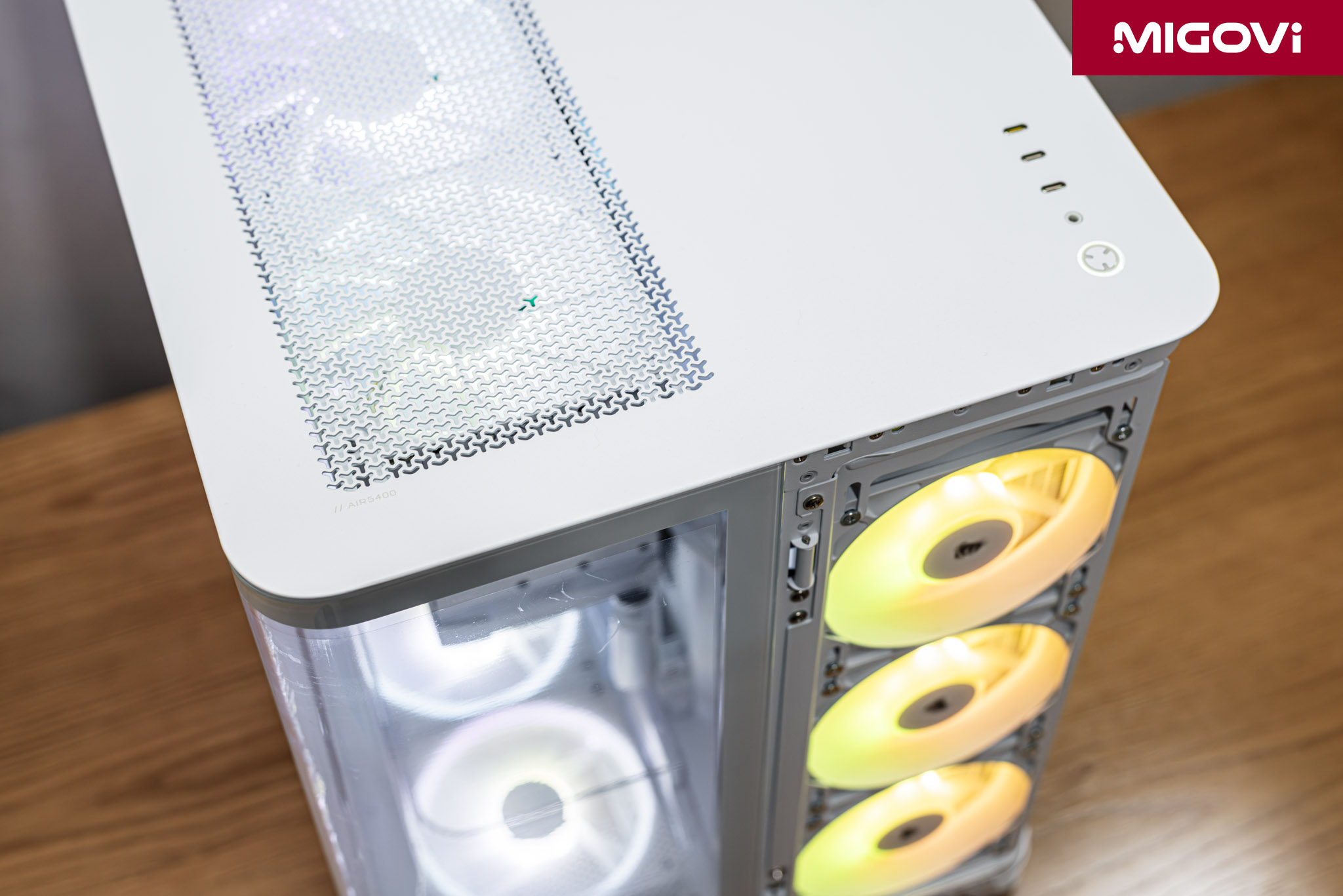
- AIR 5400 vs FRAME 4000D (Front AIO): GPU temperature is 4 degrees C cooler.
- AIR 5400 vs FRAME 4000D (AIO on roof): CPU temperature is 5 degrees C cooler.
- AIR 5400 vs FRAME 4000D (Side AIO): CPU temperature is 3 degrees cooler, GPU is unchanged.
The results show that the AIR 5400 can achieve lower or equal temperatures on both of the system's hottest components. The triple-chamber design separates the heat sources, directing them in different directions, thus eliminating cross-contamination.
VRM and M.2 SSD area
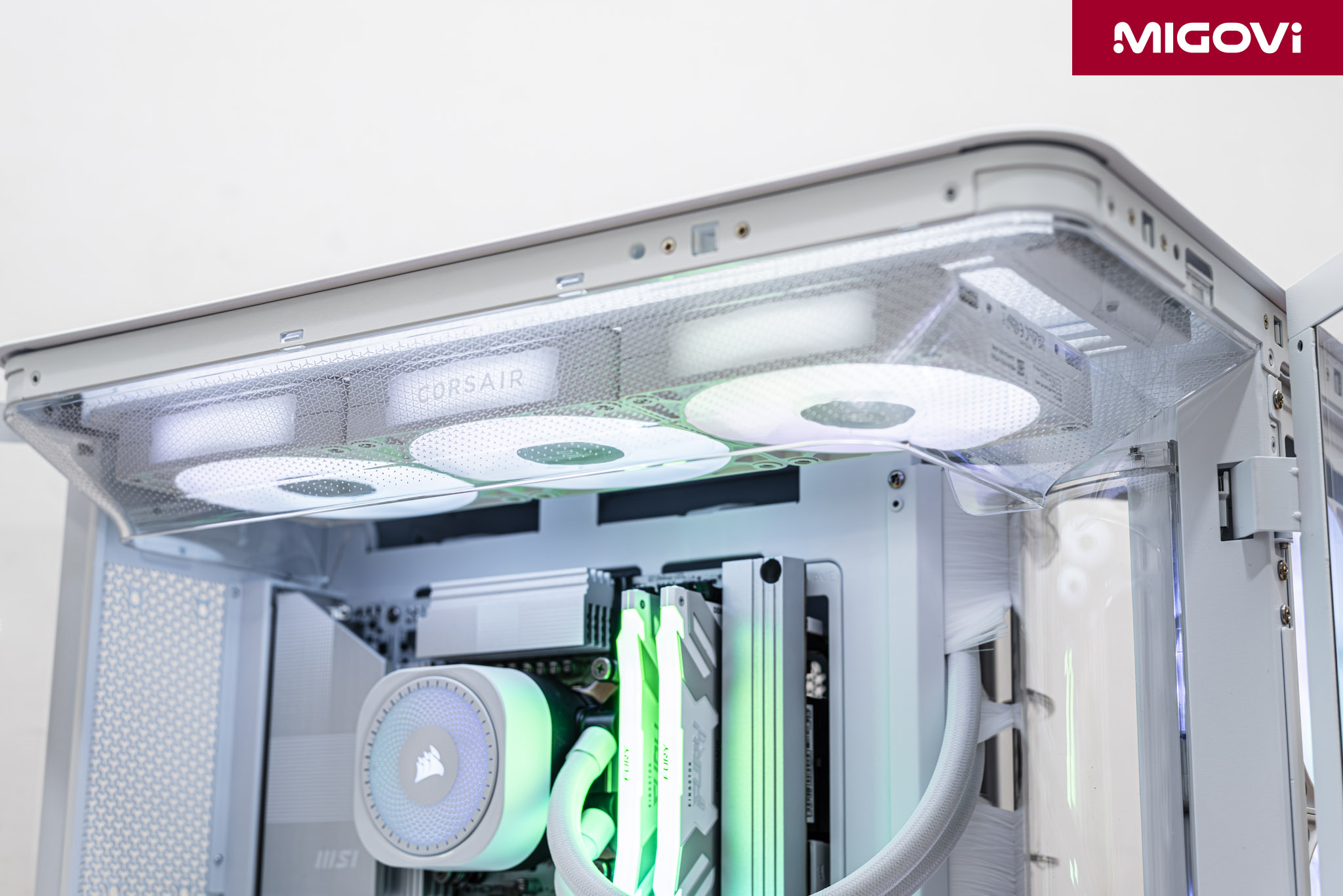
Isolating hot air streams also has some impact on the temperature of the VRM area on the motherboard, along with high-speed M.2 SSDs. This can be explained by the fact that CORSAIR does not equip the AIR 5400 with a 120mm fan at the rear. If you add a cooling fan at the rear (via the mounting accessory), the temperature of the VRM area and M.2 SSD will decrease by an average of 6 degrees Celsius. If you use a high-end system and often run heavy loads, you should consider equipping an additional 120mm exhaust fan at the rear of the AIR 5400.
Additional features
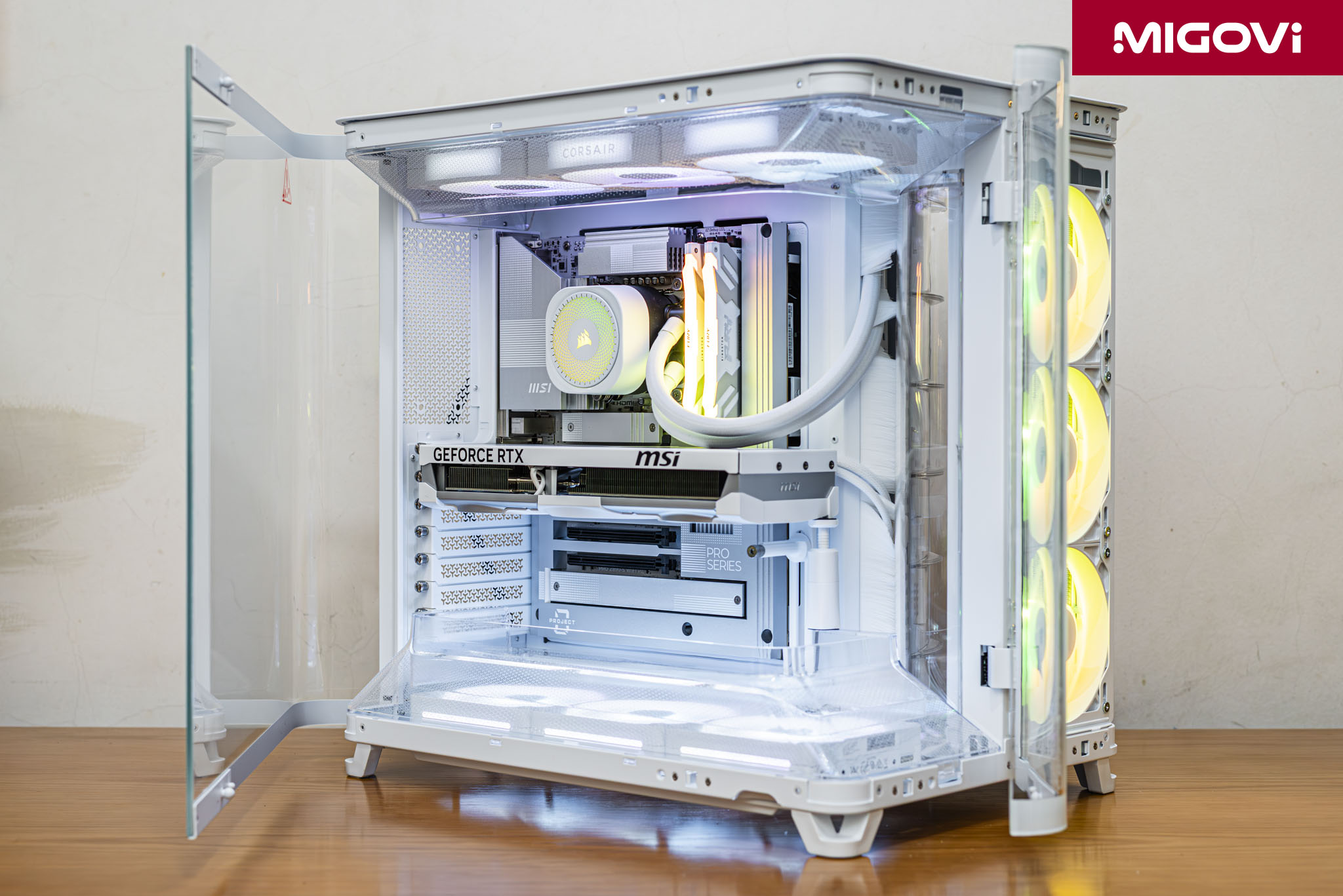
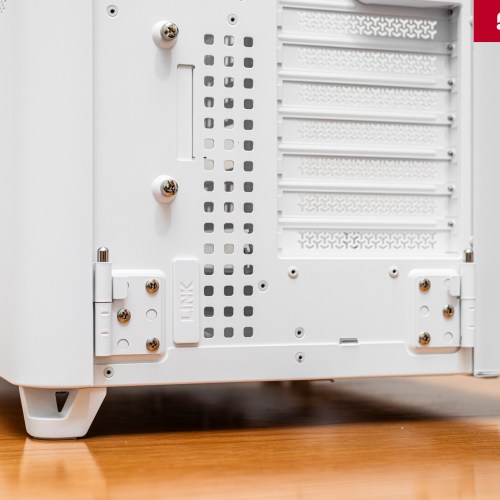
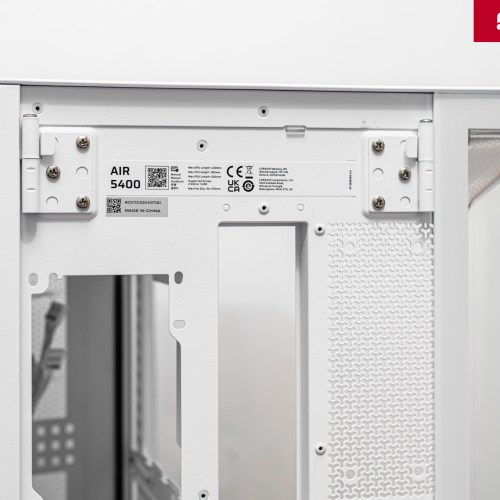
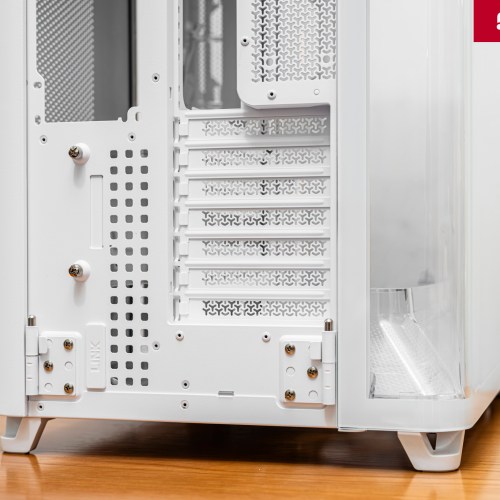
Similar to other products manufactured by CORSAIR, the AIR 5400 triple-chamber case also possesses a very commendable design and QoL (Quality of Life) features. First is the design of the French Door Glass Side Panels. When installing system components, you just need to simply open these glass panels according to the hinges, without having to completely disassemble them. Hardware upgrades or future tweaks (if any) are also very easy to access the area inside the case.
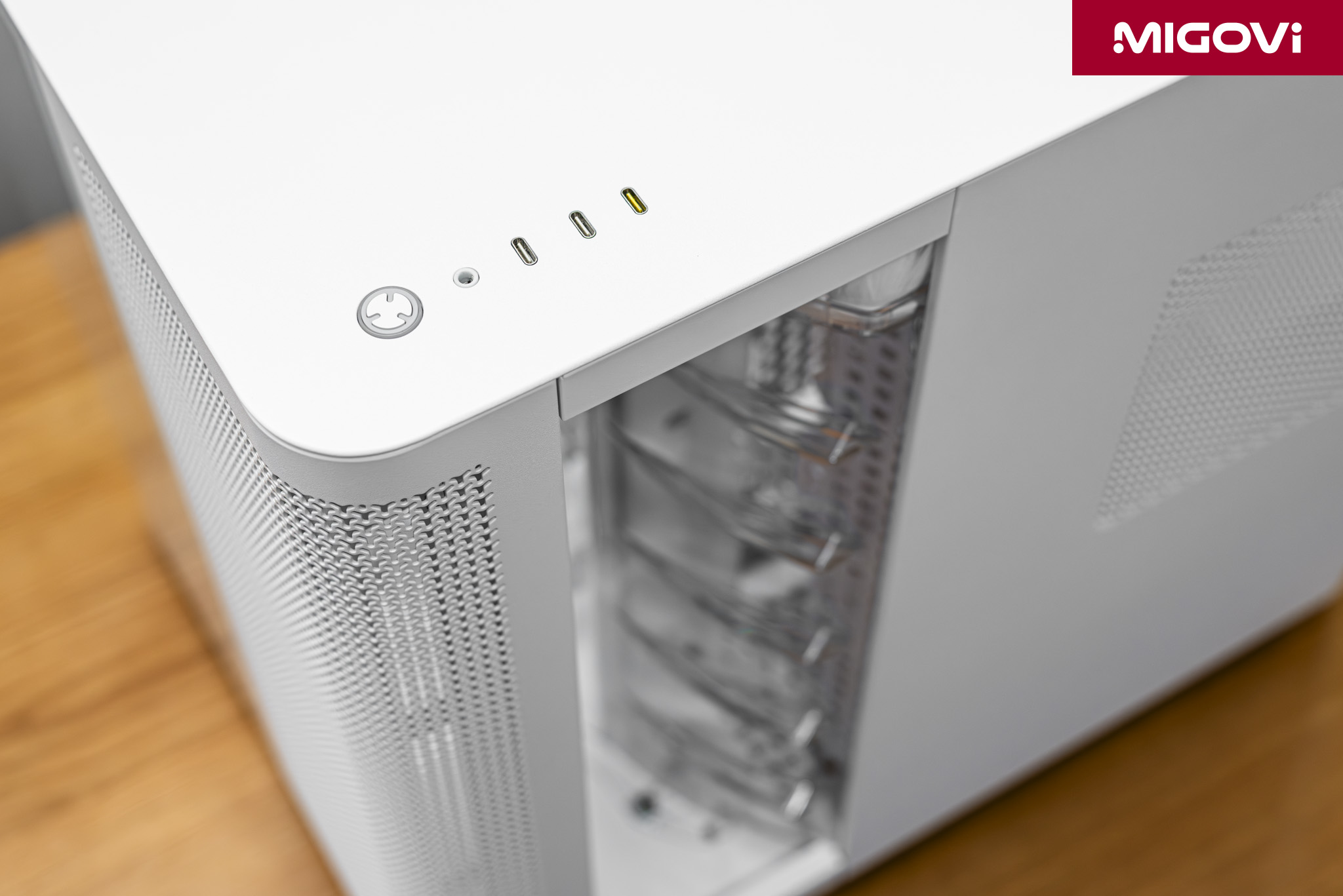
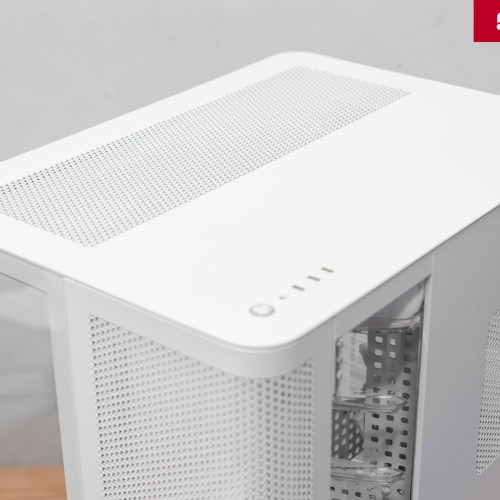
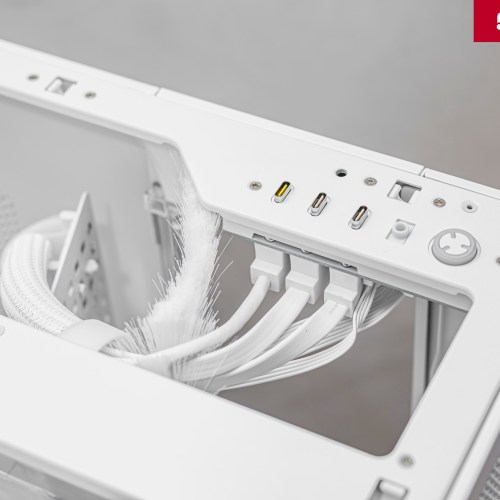
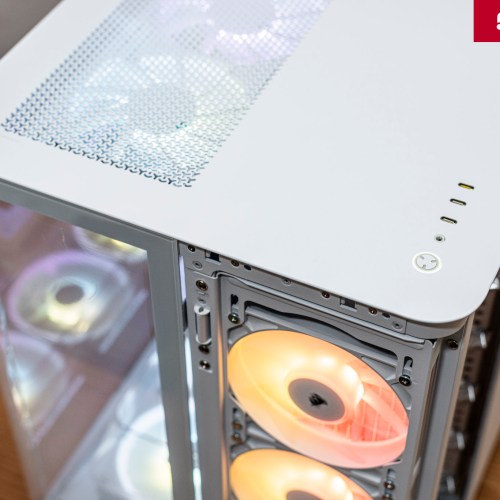
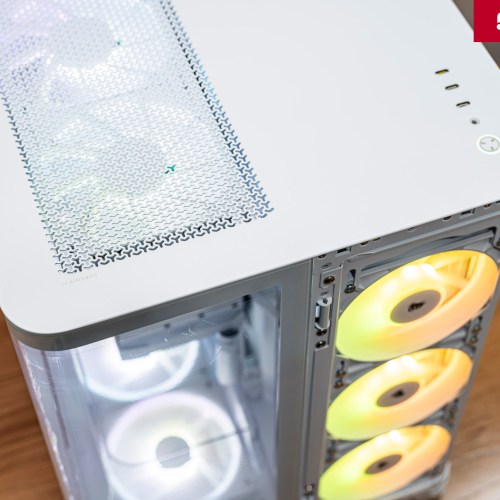
The upgrades of the CORSAIR AIR 5400 are in the top I/O panel, including a power button (with LED), 1x 3.5mm audio port and 3x USB Type-C ports. Among these are 1x USB 3.2 Gen 2×2 port (yellow) and 2x USB 3.2 Gen 1 ports (white). For those who have completely switched to modern connections, 3x Type-C ports are a very worthy upgrade, allowing for quick and easy peripheral connection. On the contrary, if you are still loyal to USB Type-A, the top I/O panel of the AIR 5400 can be a limitation.
Accessories such as screws of CORSAIR AIR 5400 are contained in a transparent plastic box with a convenient opening lid. CORSAIR also generously gives away QuikTurn fan mounting screws. This is CORSAIR's innovation that helps users fix the cooling fan very quickly and firmly.
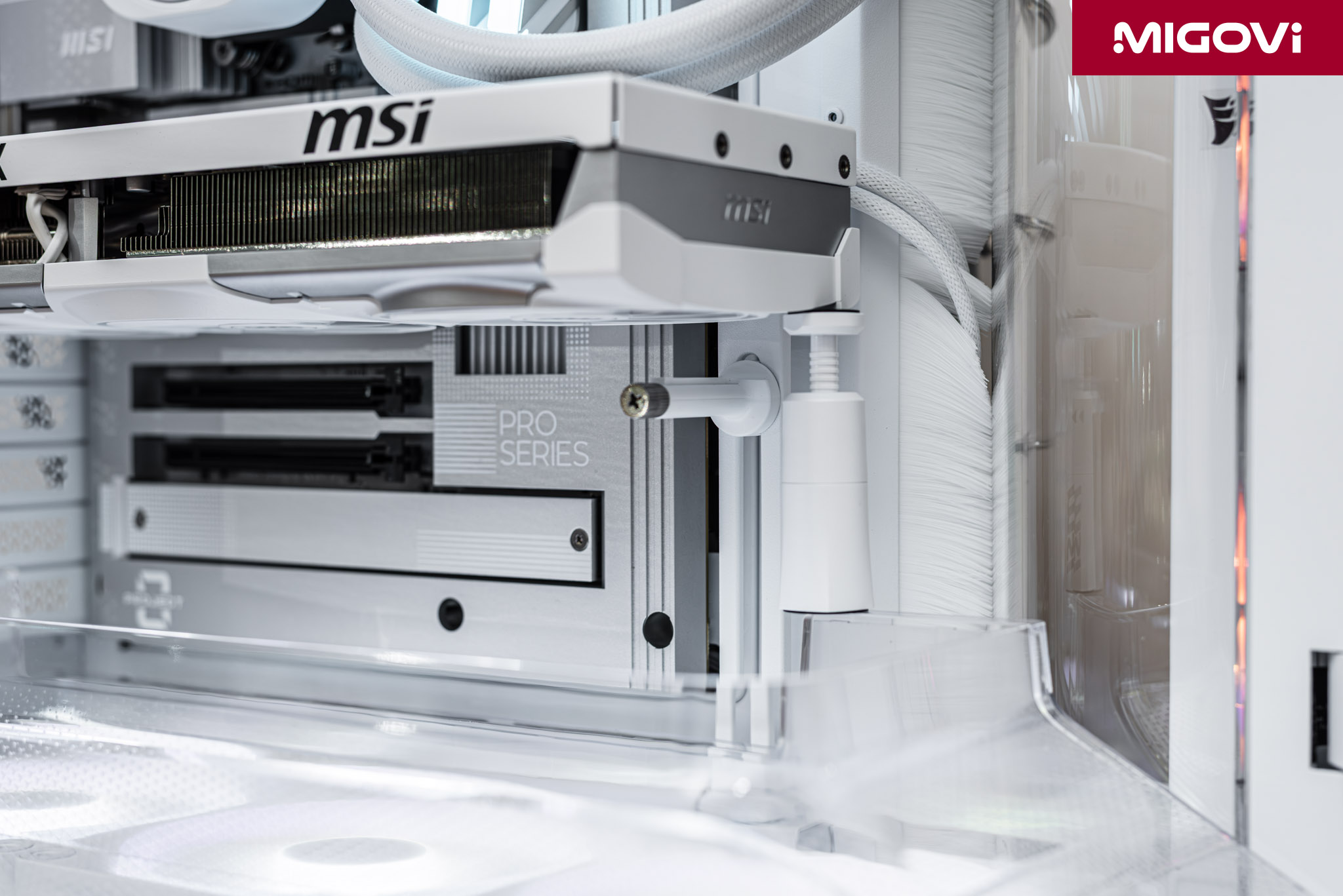
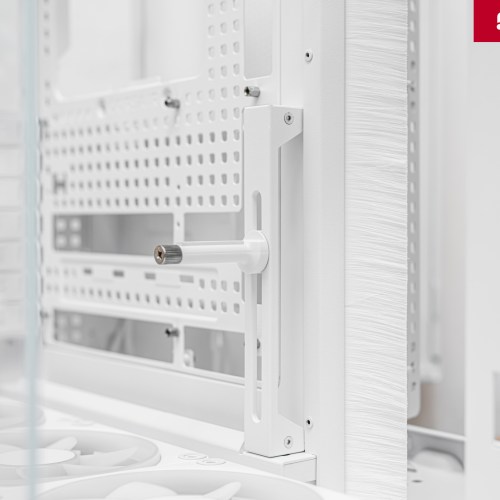
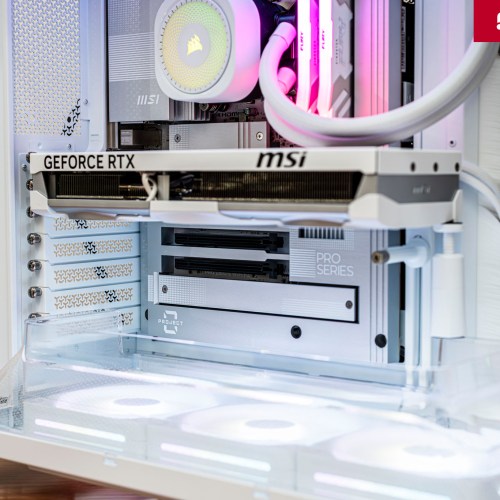
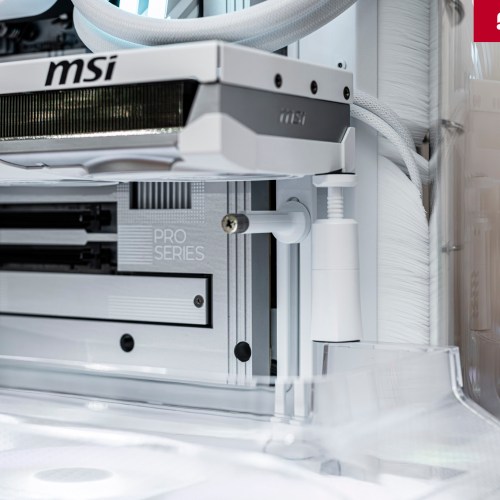
CORSAIR has a built-in GPU support (Anti-Sag Bracket), ready for high-end graphics cards that are long and heavy. However, this GPU support is not compatible with thin-design cards, such as the MSI GeForce RTX 5070 Ti VENTUS 3X PZ in the article. In such cases, you must use a traditional bracket, placed on the edge of the lower air duct.
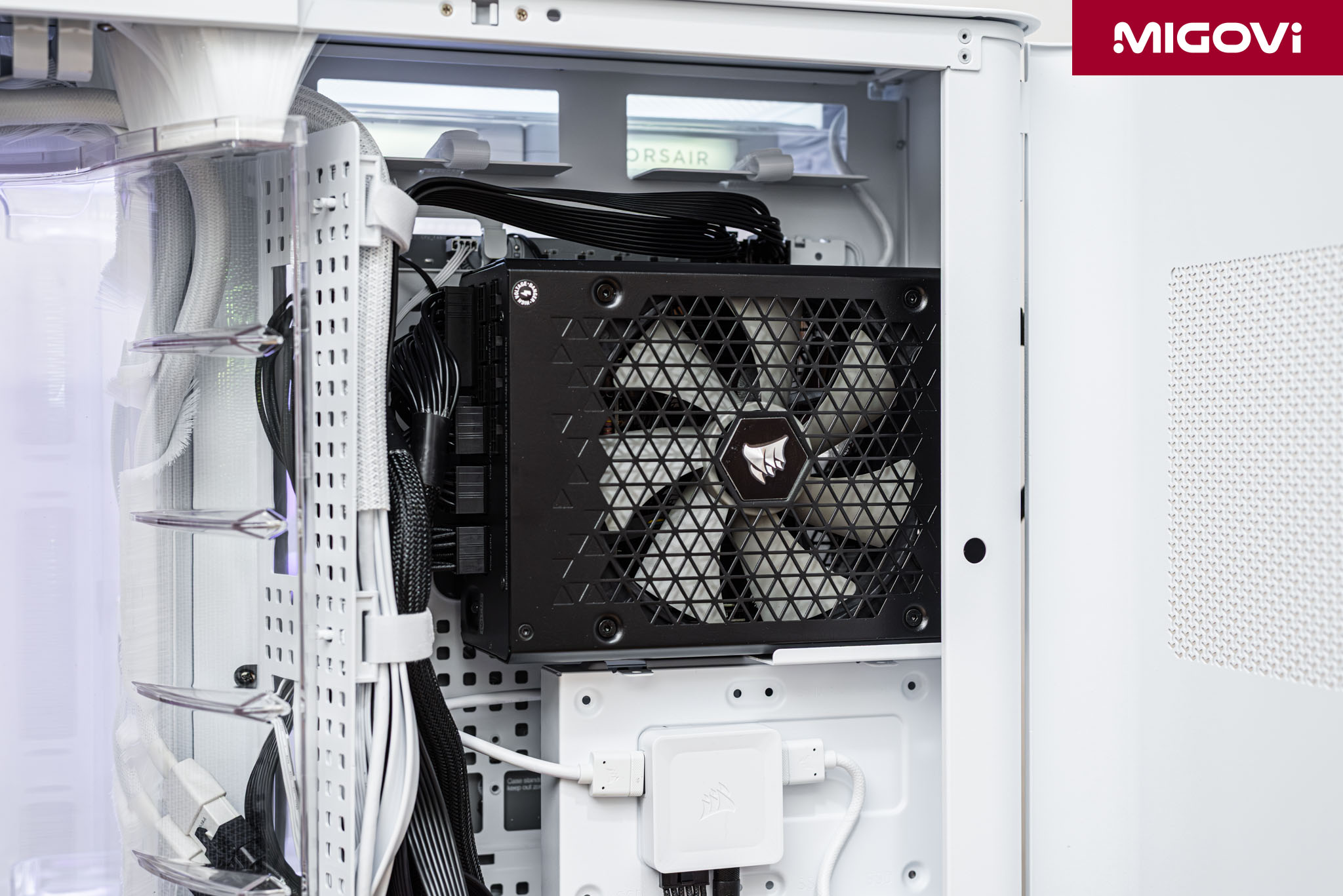
If you use high-end power supplies like the CORSAIR HX1200i, the power cable is quite large and takes up space behind. In addition, high-power power supplies like the HX1200i are often longer than standard, so cabling is quite troublesome. For best results, you can use the CORSAIR AIR 5400 with power supplies from 1000 W or less, or if you need high power, switch to the SHIFT Series power supply also from CORSAIR, such as the HX1200i SHIFT. With the new, smaller and neater Type-5 cable, cabling will be comfortable and easy.

With chamber 1 for AIO radiators, note that installation can sometimes be a bit difficult. Migovi's advice (for 360mm radiators) is to not tighten the screws to the frame, put everything in place first (including the molded plastic plate used to direct the airflow), then fix it. Migovi uses CORSAIR NAUTILUS 360 RS ARGB so the wiring for the power supply and fan lights is a bit complicated, if possible, you should equip CORSAIR AIO water cooler models compatible with the iCUE LINK ecosystem to simplify the process.
Conclude

Not a copy-paste, but a completely new innovative design, the CORSAIR AIR 5400 is aimed at mid- to high-end systems using AIO water cooling for the CPU. This is the answer to solving the cross-thermal effects between key components, while still maintaining high aesthetics, true to the segment that the AIR 5400 is aimed at. The 3-chamber design with the AIO radiator isolation chamber helps to significantly reduce CPU temperature, while chamber 2 will dedicate all airflow to the GPU. Other design features of the case are still typical of CORSAIR, bringing the best convenience to users.
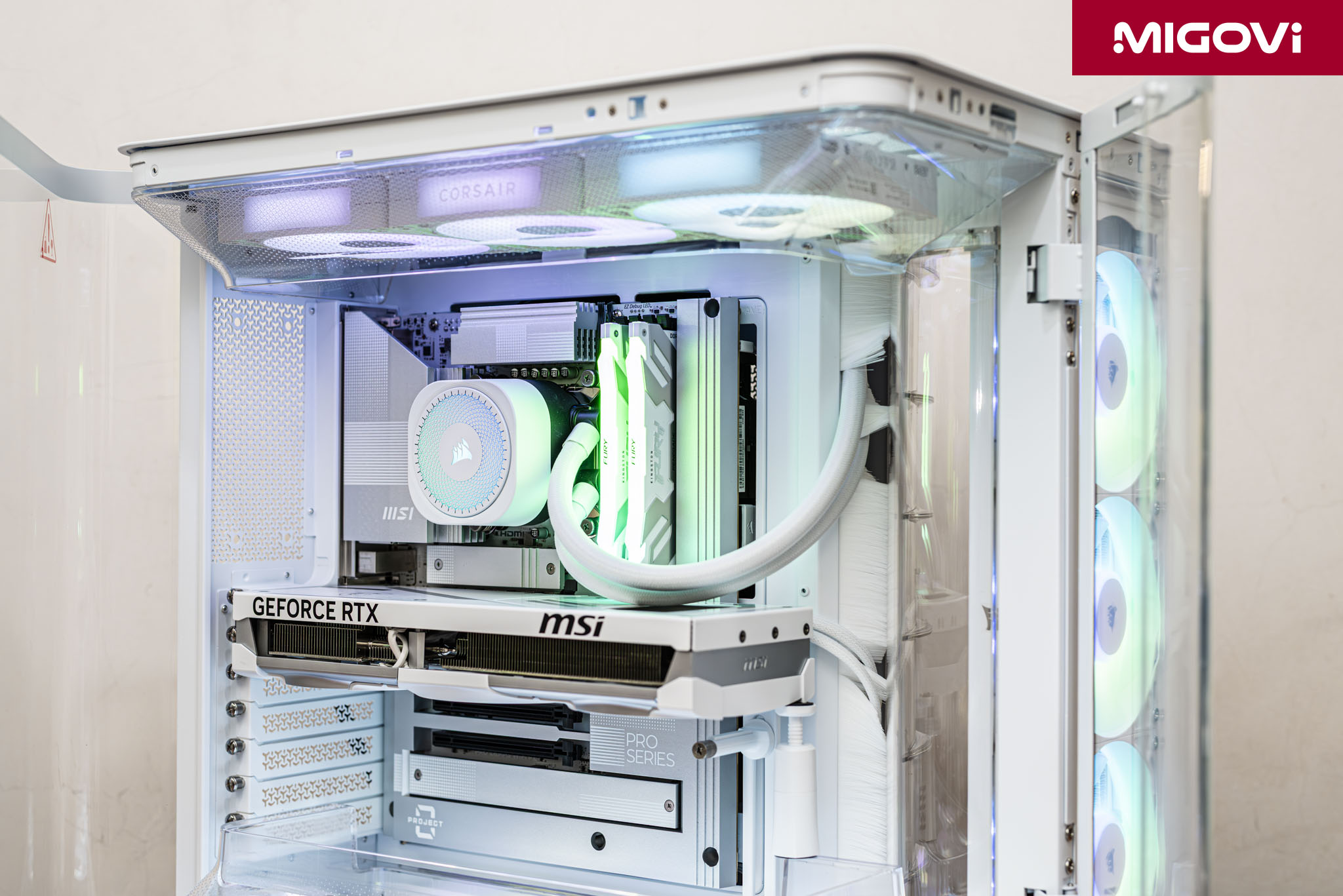
Of course, no product is perfect, AIR 5400 is aimed directly at a specific group of customers: forced to use AIO heatsink for CPU, less interested in old standard HDD/SSD for storage. CORSAIR AIR 5400 is quite picky, it is not a case for everyone, but if you satisfy the design requirements, and at the same time prioritize AIO CPU performance, this is definitely the only aquarium case on the market that completely solves your problem.