
ASUS ProArt PA32QCV review - 6K monitor for professional needs

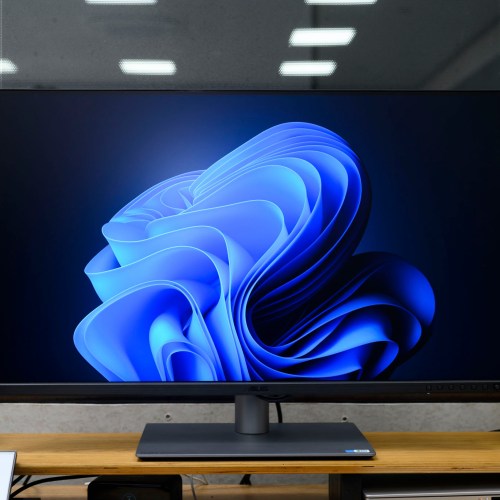
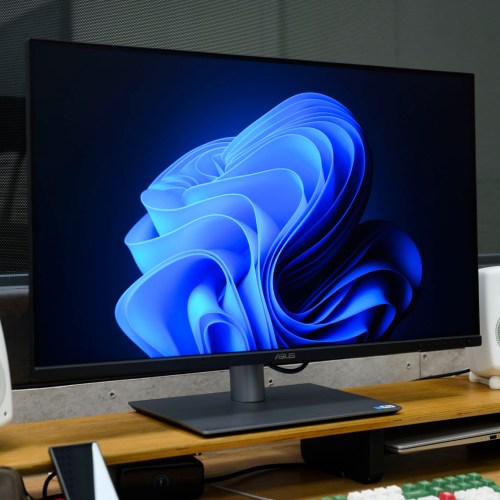
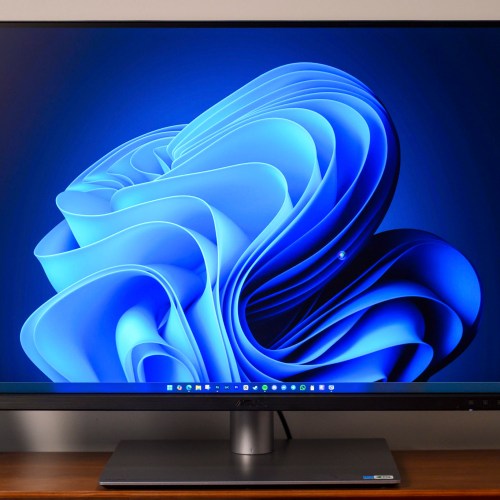
ASUS ProArt PA32QCV is a worthy choice for those who want to equip a 6K monitor for professional graphics needs.
Have you ever wanted a high-quality 6K monitor like the Apple Pro Display XDR but the price was too much for you? Are you working in the art field with work related to images and videos with strict display needs? If you answered yes to the above 2 questions, then ASUS ProArt PA32QCV is the answer for you. ProArt PA32QCV is a monitor model created with the goal of providing high-quality image display, high resolution for a comfortable working space, along with a price that is not too difficult to access.
Article content
Market positioning
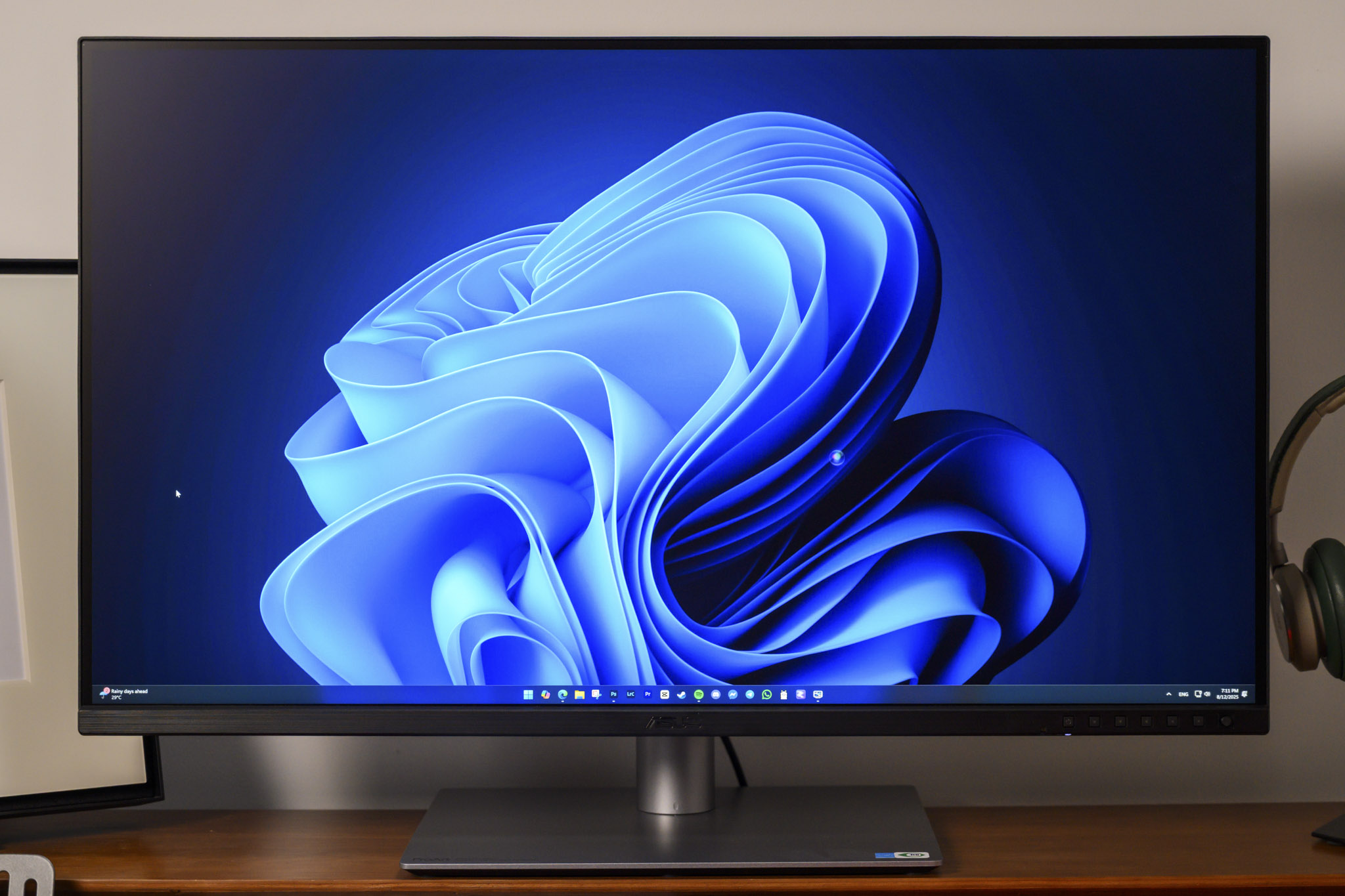
In the current monitor market, ASUS ProArt PA32QCV was born to become both a direct competitor and an alternative to Apple Pro Display XDR. The investment level for Apple Pro Display XDR is too high, up to 4999 USD for the monitor alone; and if you want an ergonomic stand, please spend another 999 USD. Nearly 6000 USD will get you a 6K resolution screen, 218 PPI pixel density and accurate colors, but how many people can afford to invest? With ASUS ProArt PA32QCV, you will have everything as above for only 1299 USD (price in Vietnam is less than 40 million VND), of course its appearance will be difficult to compare, but is what you care about most is display quality or product appearance?
Not only is it on par with the Apple Pro Display XDR in terms of resolution, pixel density and color, the ProArt PA32QCV is even better than the Apple Pro Display XDR in terms of the number of ports, integrated features such as Auto KVM (Keyboard, Video, Mouse) to control 2 systems with just 1 keyboard - mouse set. ASUS cleverly overcomes the weaknesses of its competitor, which is 4.6 times more expensive, while maintaining its strengths in display quality and exclusive technologies such as LightSync and LuxPixel.
6K 10-bit IPS panel
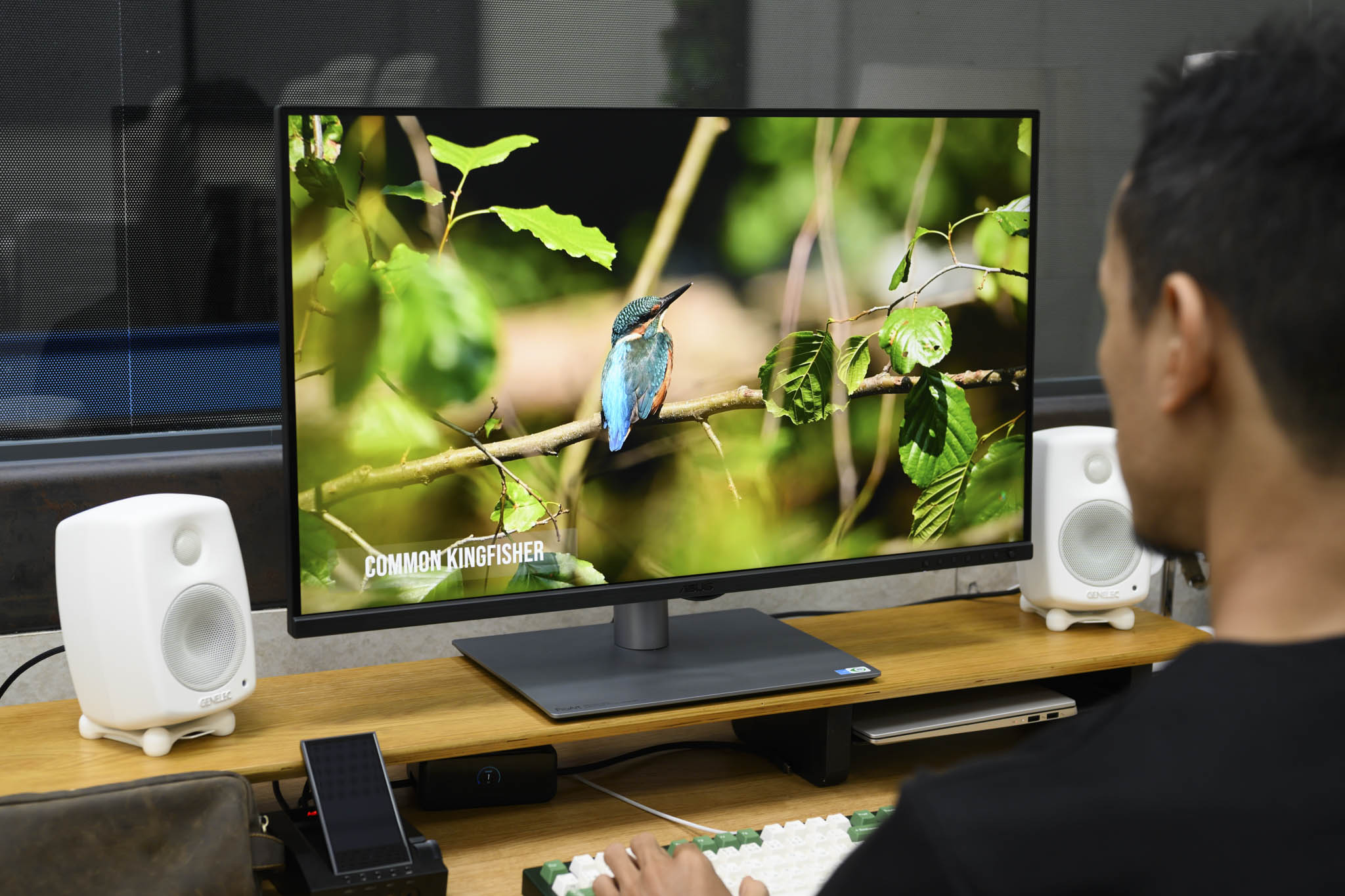
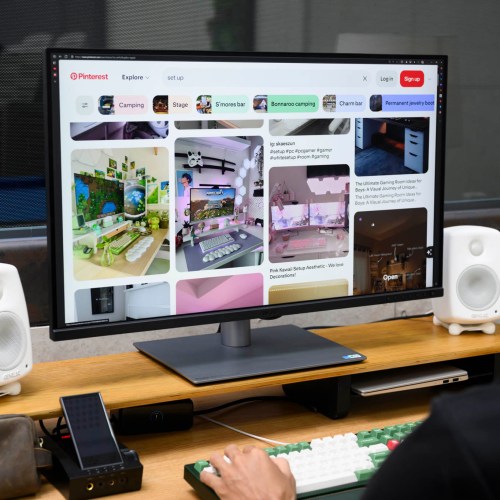
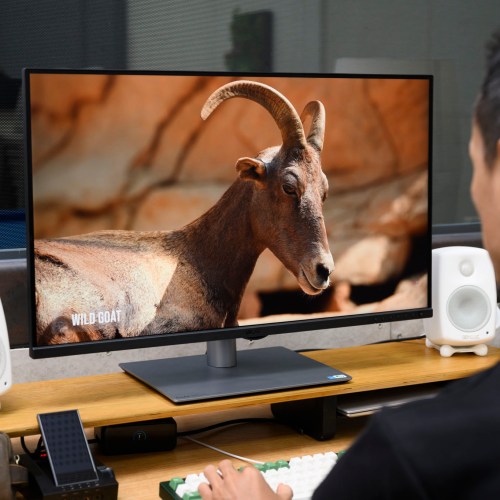
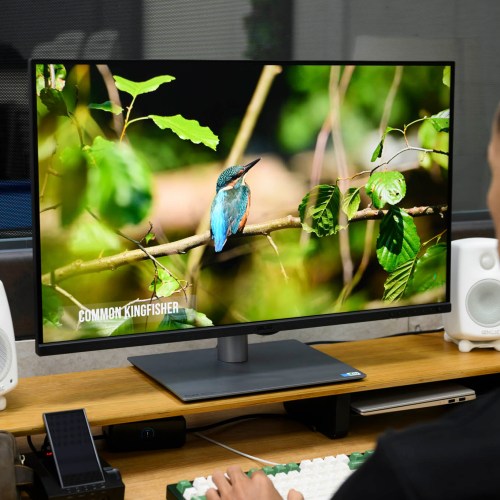
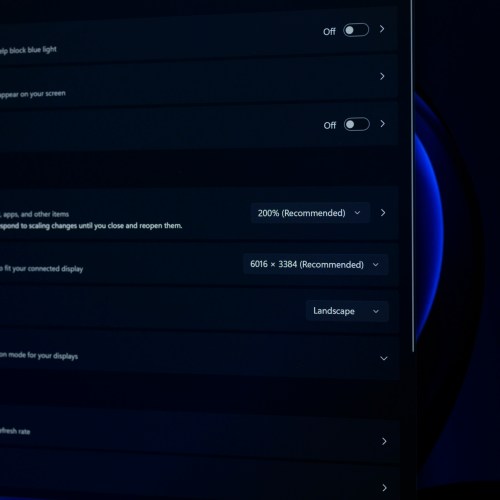
ASUS ProArt PA32QCV uses a 31.5-inch IPS panel with 6K resolution (6016 x 3384) provided by AU Optronics. The pixel density of this screen is more than 219 PPI, exceeding the 218 PPI Retina that Apple always uses. The special feature of this panel is true 10-bit - a very remarkable and valuable detail, especially when compared to current ProArt 5K models that only stop at 8-bit + FRC (Frame Rate Control). When placing the 10-bit ProArt PA32QCV next to another 5K 8-bit + FRC screen like the ProArt PA27JCV, even without knowing the specifications, you can easily see that the colors displayed on the 10-bit panel are much more beautiful. 10-bit display capability enables reproduction of over 1.07 billion colors, delivering smooth color transitions without banding.
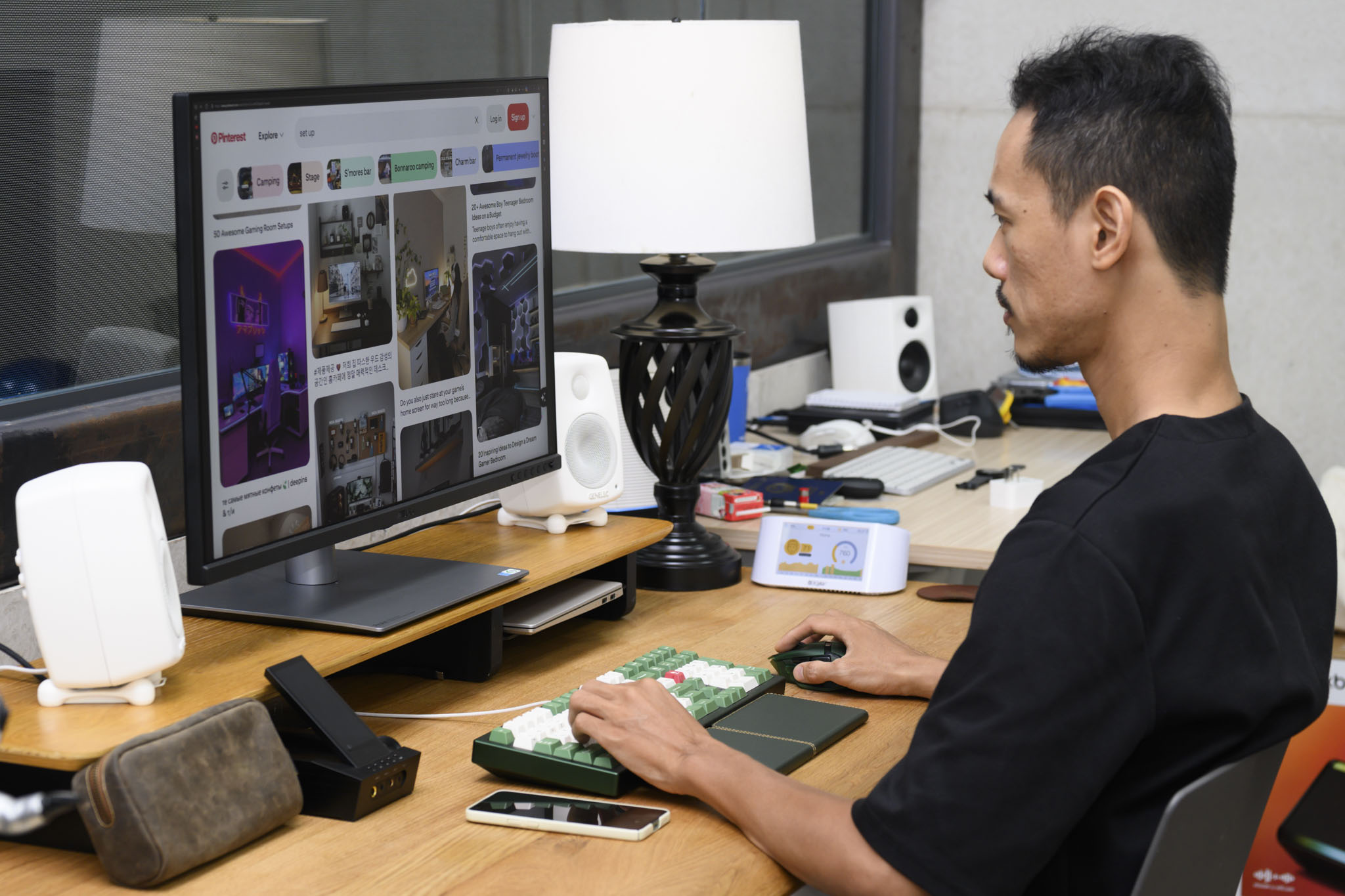
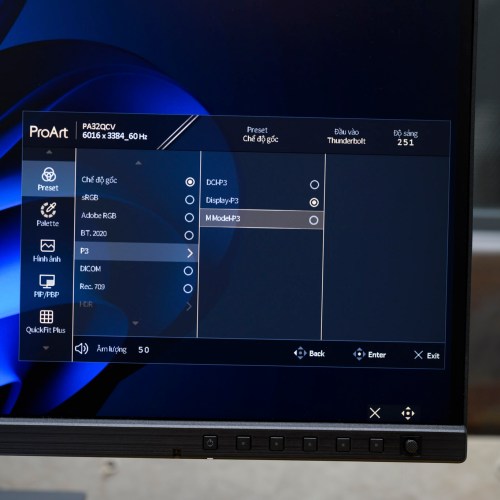
According to ASUS, the ProArt PA32QCV model is capable of covering 98% of the DCI-P3 color space (the film industry standard), color accuracy Delta E < 2, factory calibration. The monitor is Calman Verified certified, showing that the target of the PA32QCV is the group of customers who specialize in post-production and video editing.
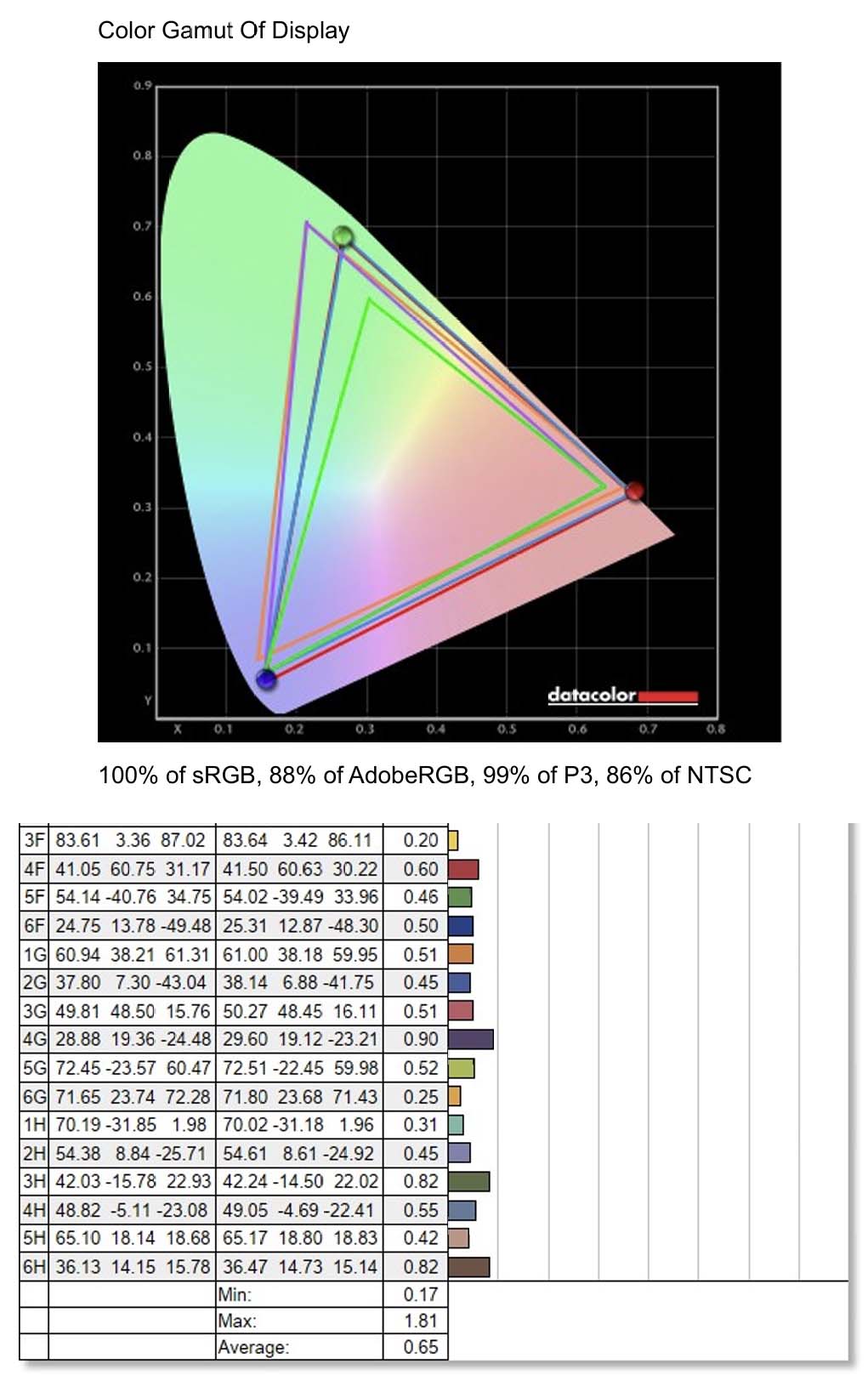
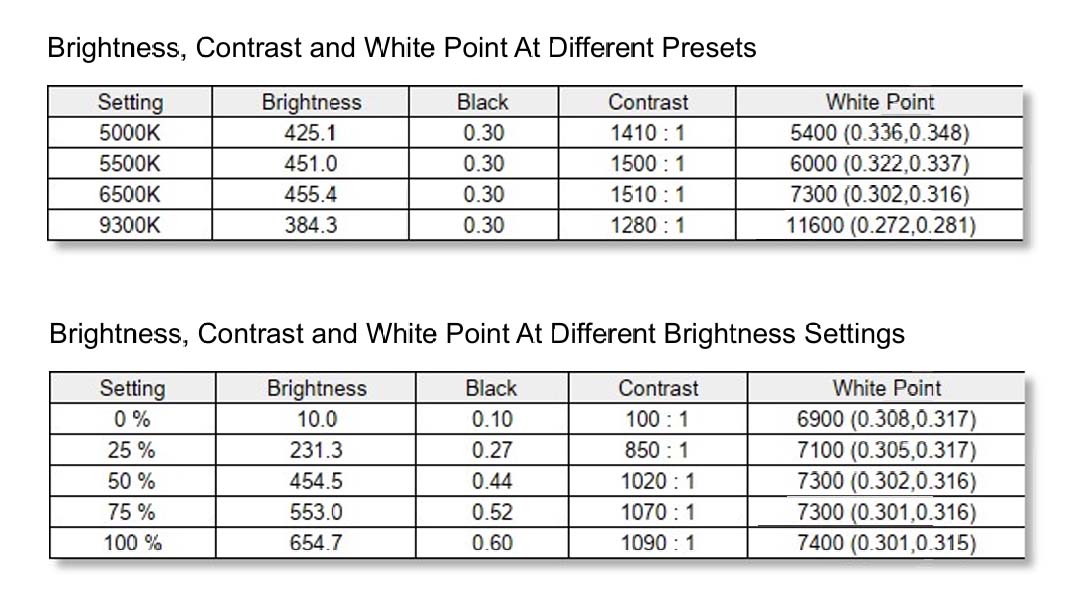
I tried measuring with the SpyderX Elite device in the Native mode of the screen, the results were even better than the company announced. Specifically, the screen covers 100% of the sRGB color space, 99% of the DCI-P3 color space, 88% of AdobeRGB, 86% of NTSC. Brightness at 100% reaches 654 nits, contrast 1090:1. At the 6500K setting, the brightness reaches 455 nits, contrast 1510:1. The default color accuracy is highest at 1.81, lowest at 0.17, average at 0.65.
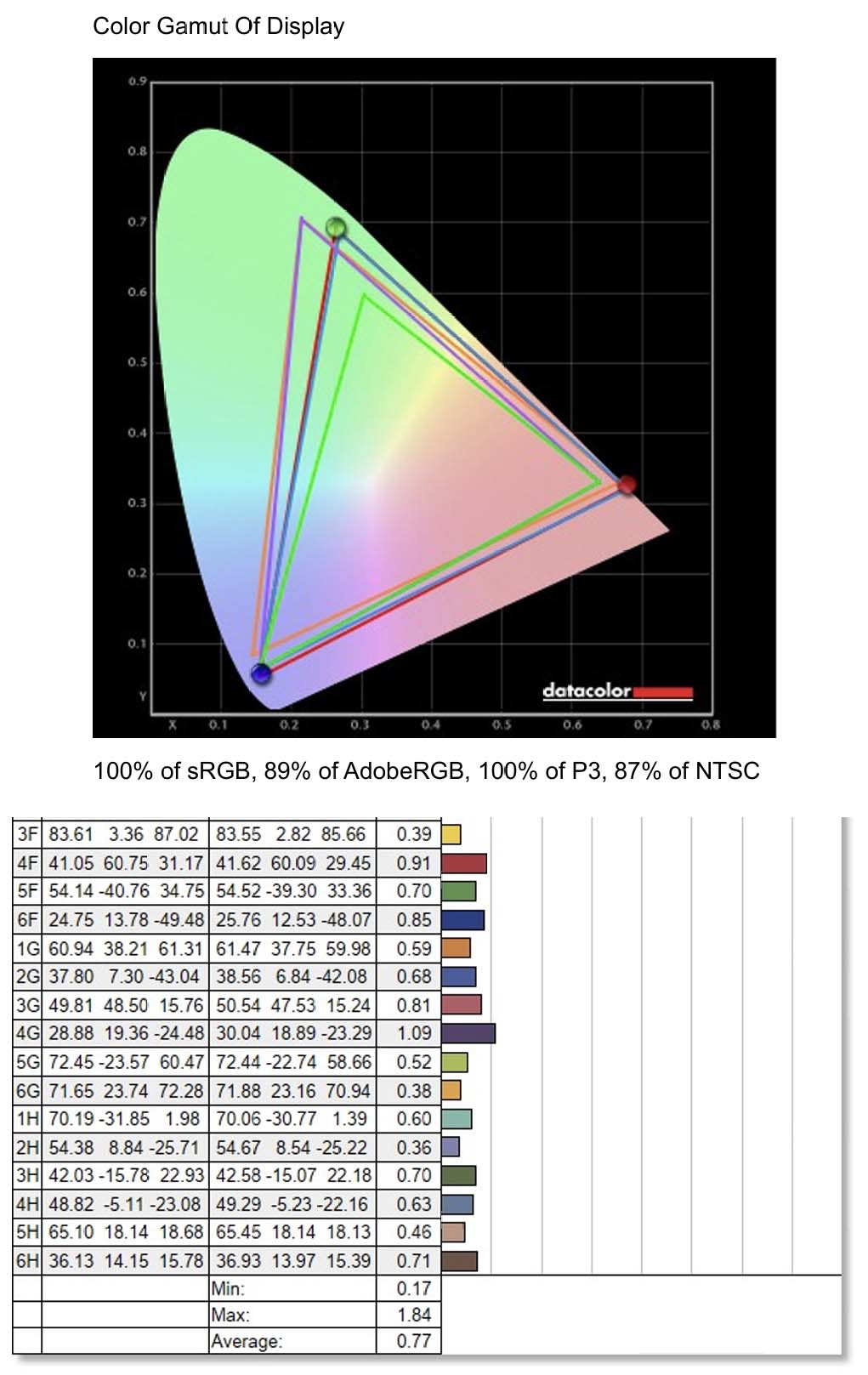
Also in Native mode, after calibration with SpyderX Elite, the results showed that the ProArt PA32QCV achieved 100% sRGB, 100% DCI-P3, 89% AdobeRGB and 87% NTSC. The lowest color accuracy was 0.17, the highest was 1.84 and the average was 0.77. These are extremely impressive numbers, especially for those who are extremely picky about color accuracy. When a monitor has accurate color, you will save a lot of time in editing and post-production to produce the final product.
LuxPixel and LightSync Technology
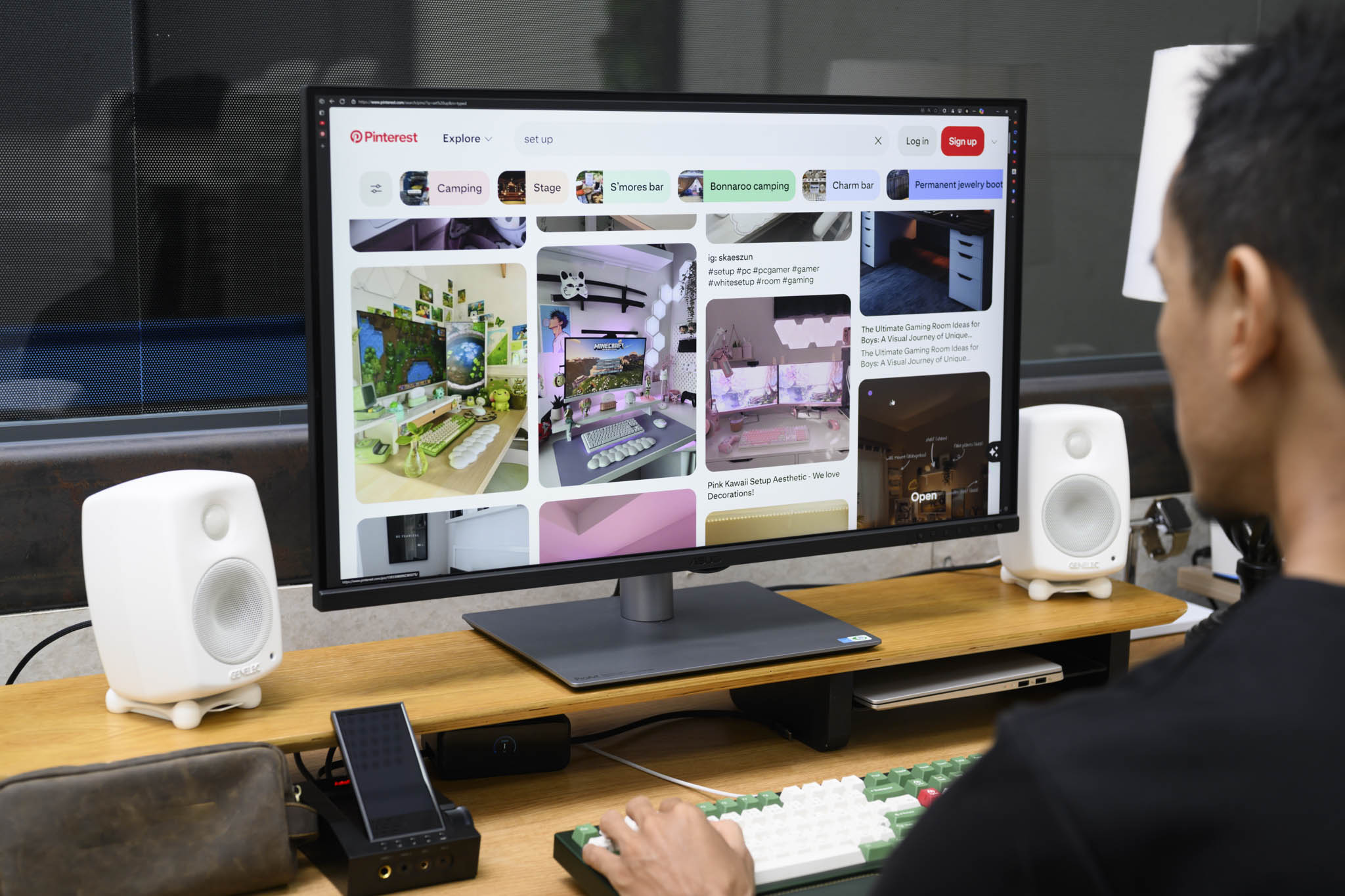
LuxPixel technology is a combination of AG and LR, which stand for Anti-Glare and Low-Reflection. To put it simply, the anti-glare coating on the screen is improved by ASUS to reduce and eliminate poor display conditions in many environmental conditions. If you have ever used a mirror screen, you will see that the sharpness of the image is very good, while the screen is coated with an anti-glare coating, the edges of the image feel soft, not as sharp. The advantages of each type of coating will be disadvantages and vice versa. ASUS's LuxPixel not only helps reduce glare but also limits light reflection, thereby providing better display: anti-glare, anti-reflection while maintaining the necessary sharpness.
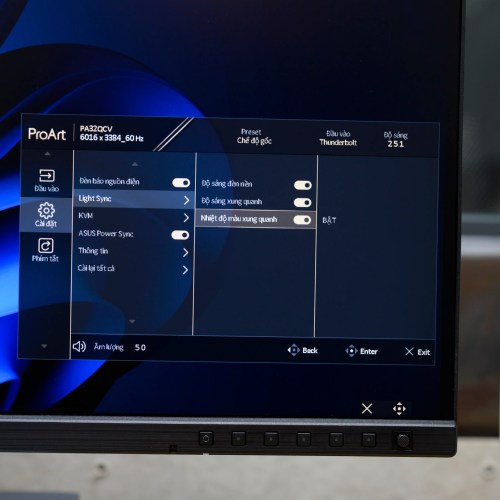
Next to LuxPixel is the Light Sync feature, combining Ambient Light Sensor and Backlight Sensor to create a common lighting solution. As a graphic designer, you probably know that the screen needs a warm-up period to achieve its best display performance. Warm-up time is about 30 minutes, which is quite annoying if you need to work urgently or can lead to unnecessary errors and take time to adjust. Backlight Sensor is a backlight sensor that automatically increases brightness when the screen is first turned on to compensate for brightness in the best operating condition. This sensor also automatically reduces the brightness compensation when the screen reaches the required warm-up level. Ambient Light Sensor will automatically monitor the ambient brightness, thereby adjusting the backlight accordingly, maintaining stable image quality for optimal consistency.
Ports and stand
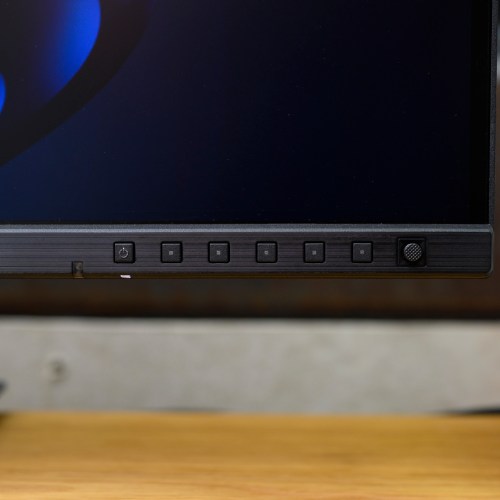
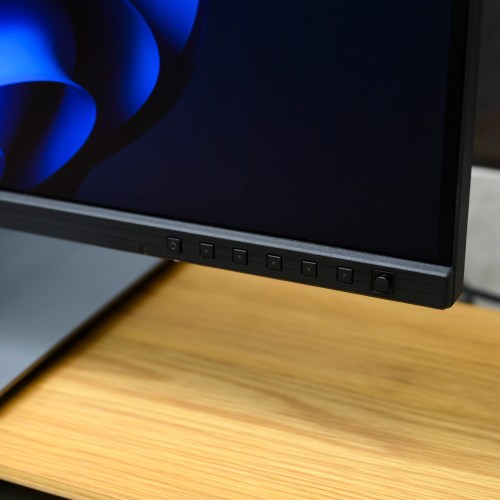
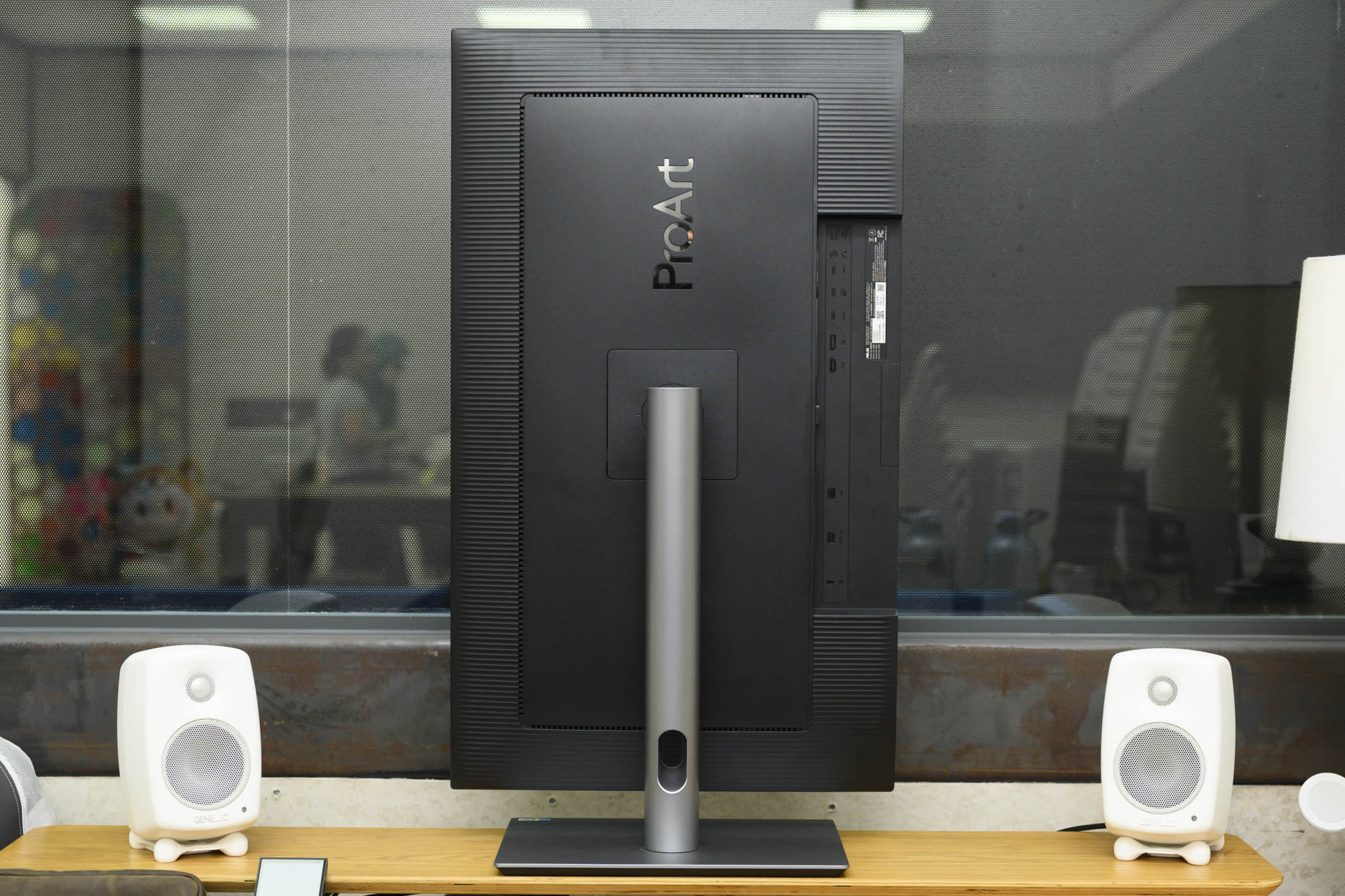
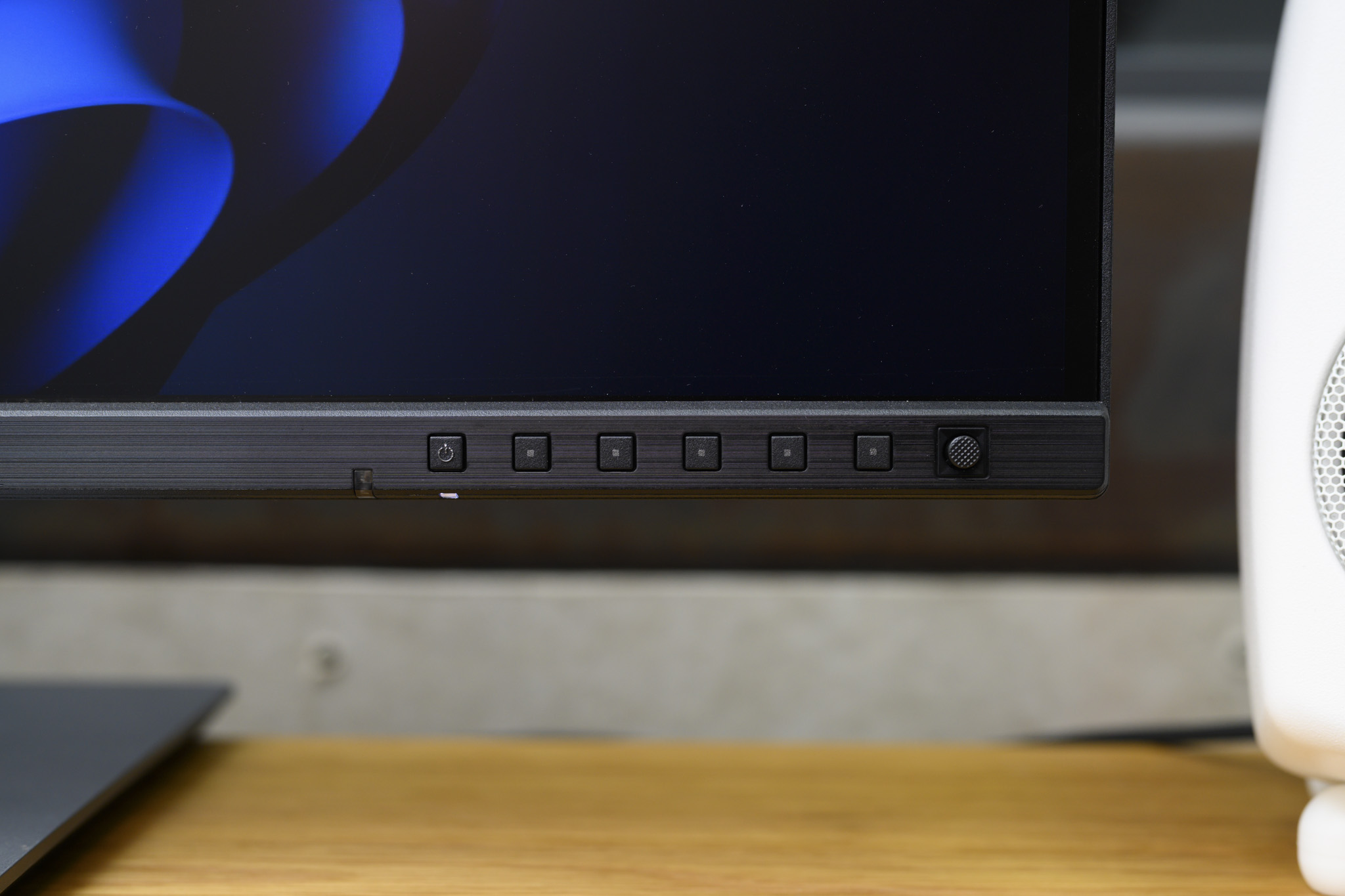
ASUS ProArt PA32QCV adopts a new design language, clean and focused on optimizing space. Compared to previous generations, the monitor's stand is 33% smaller and the monitor body is 30% thinner, with the thinnest point being only 8mm. Physical control buttons, including the 5-way navigation joystick, are located at the front bottom edge, making it easy for users to operate when needing to adjust the OSD (On-Screen Display) menu.
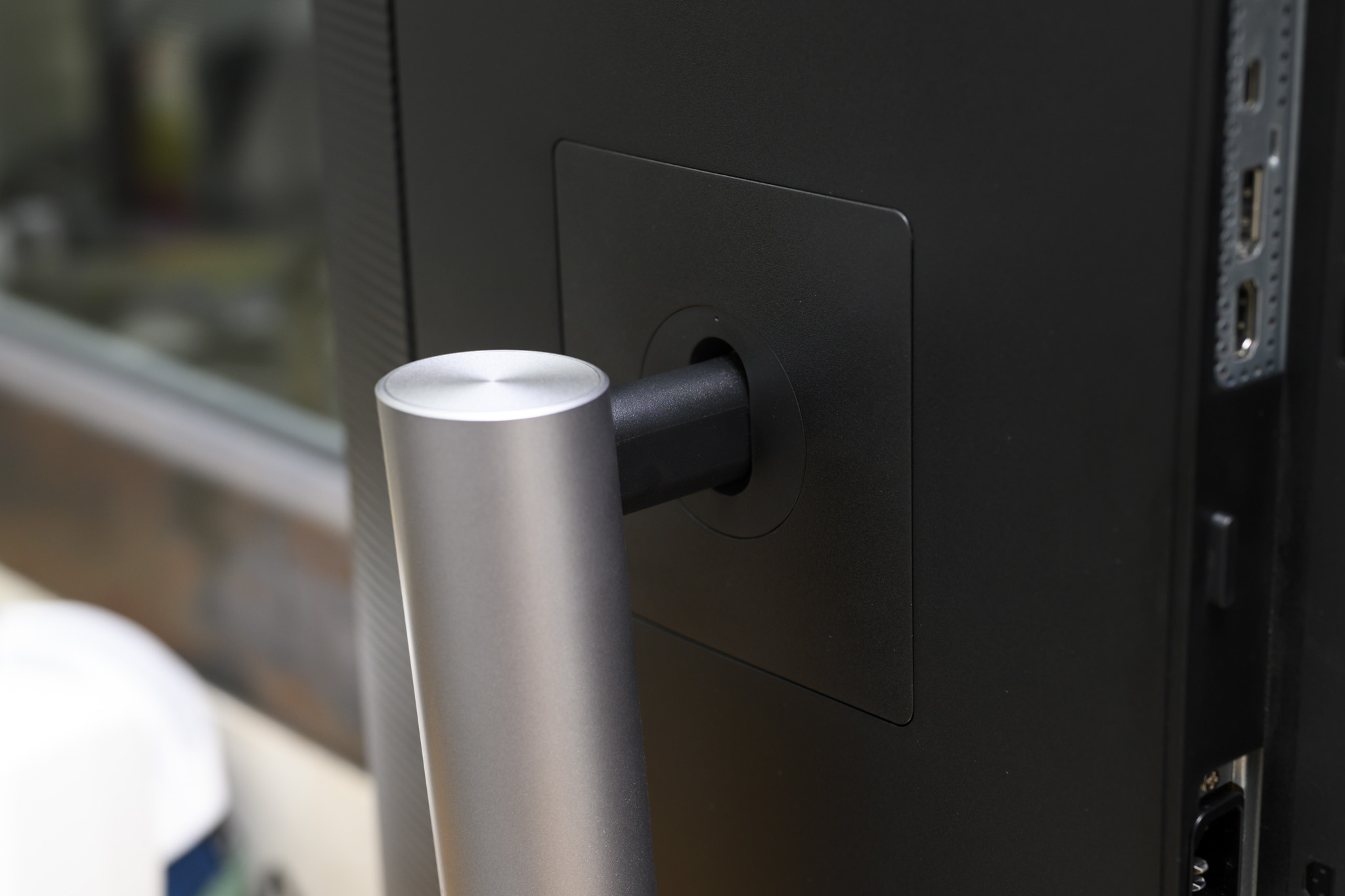
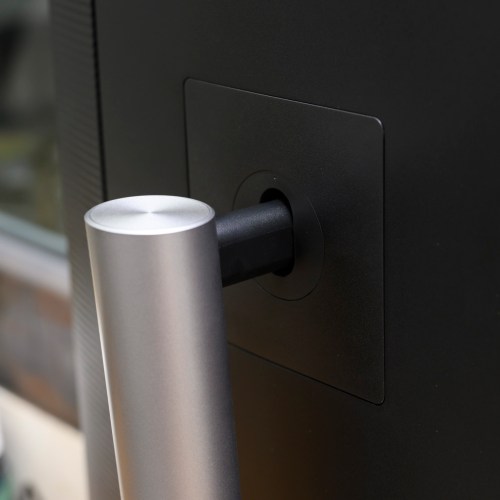
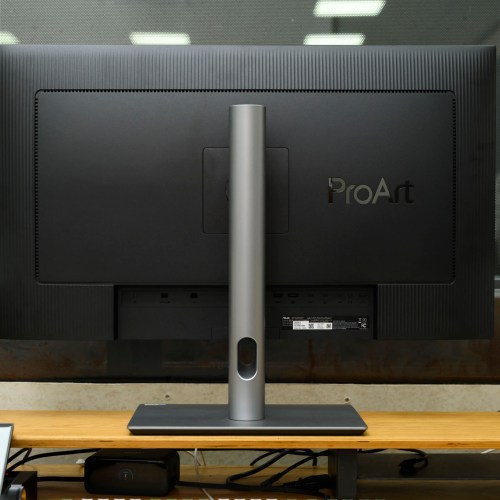
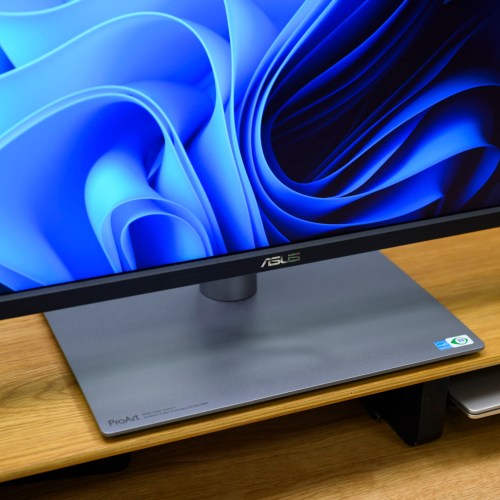
The ProArt monitor series is distinguished by its ergonomic stand. The PA32QCV allows users to adjust it comfortably to suit their needs and posture. You can adjust the height from 0 – 130 mm, swivel horizontally to both sides (swivel) ±30°, tilt from +23° to −5° and rotate vertically 90° (pivot). In addition, the monitor also supports a 100 x 100 mm VESA mount with a quick-release screwless mechanism, making mounting on third-party monitor arms simple and quick.
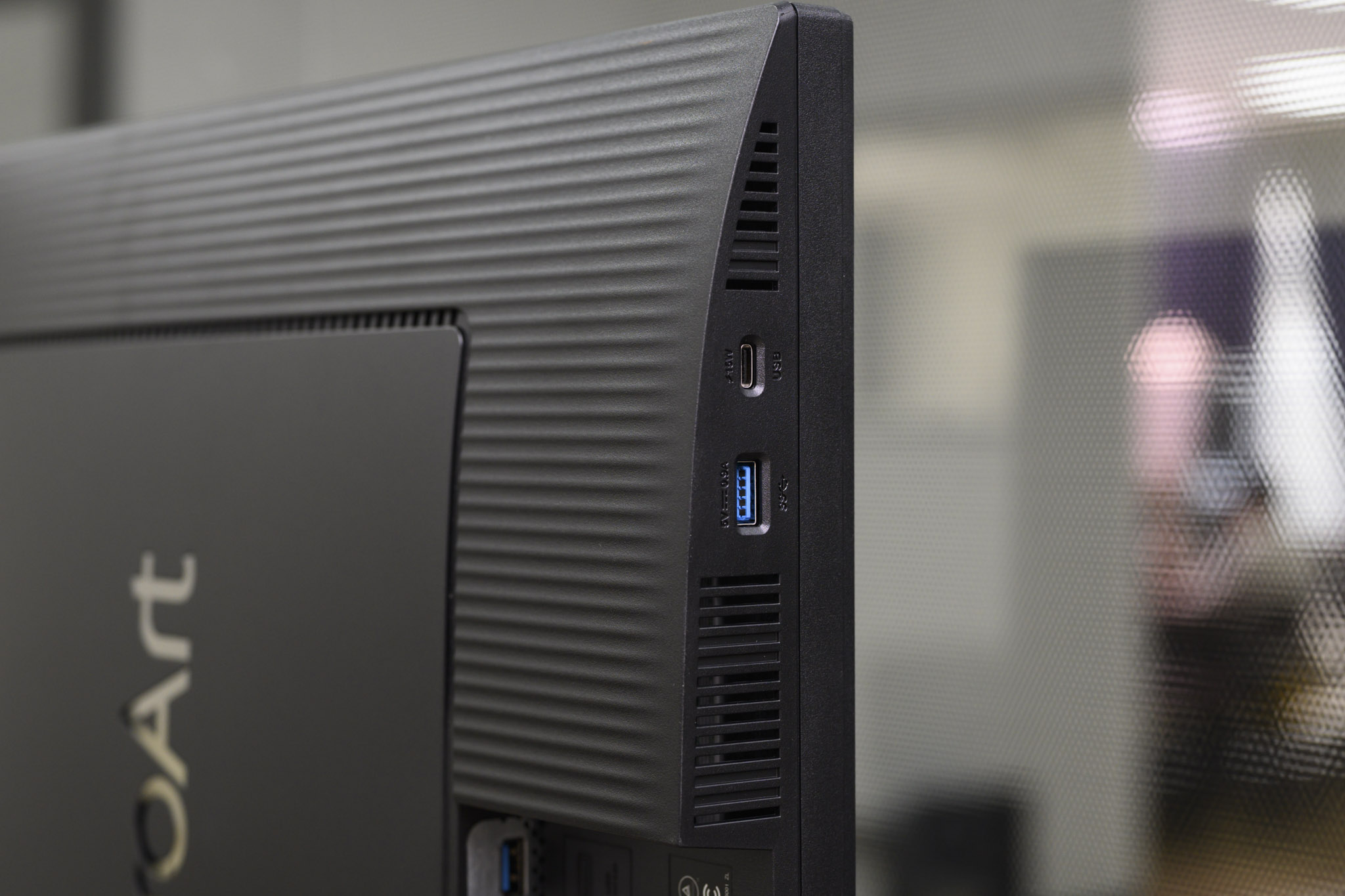
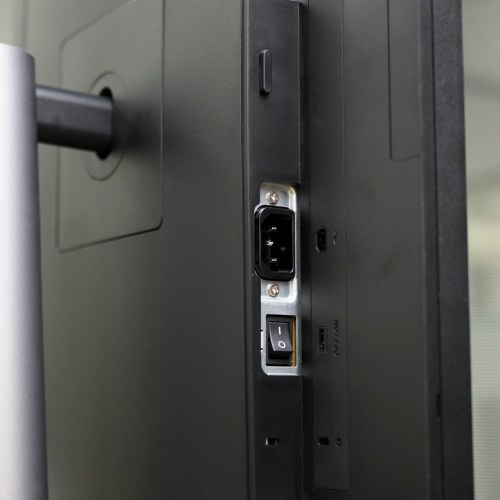
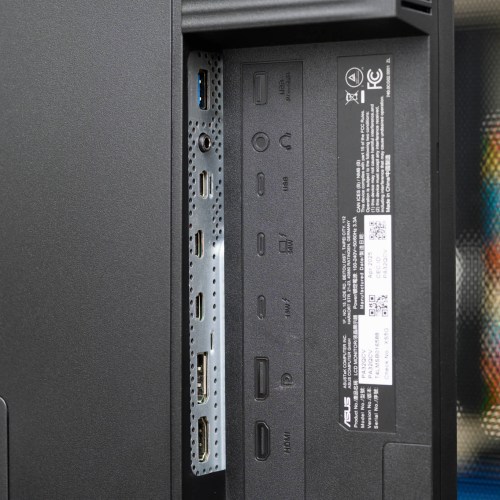
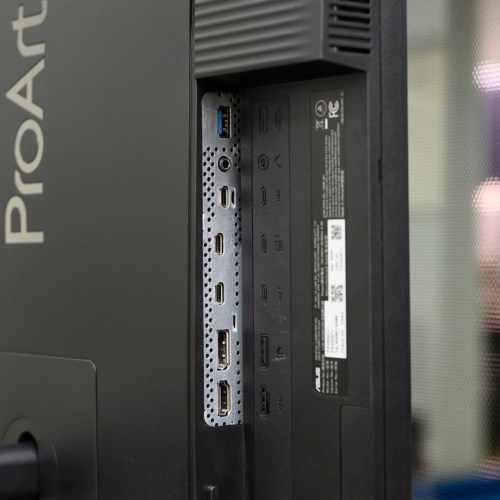
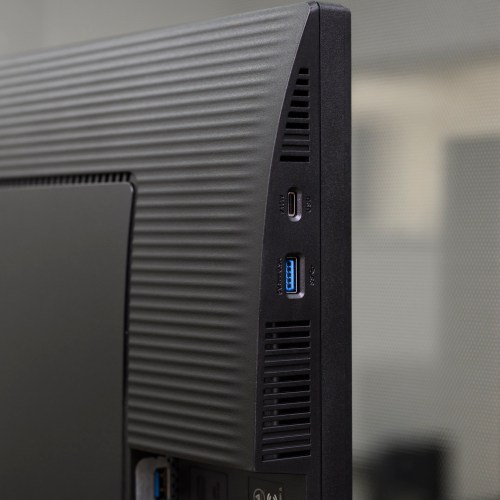
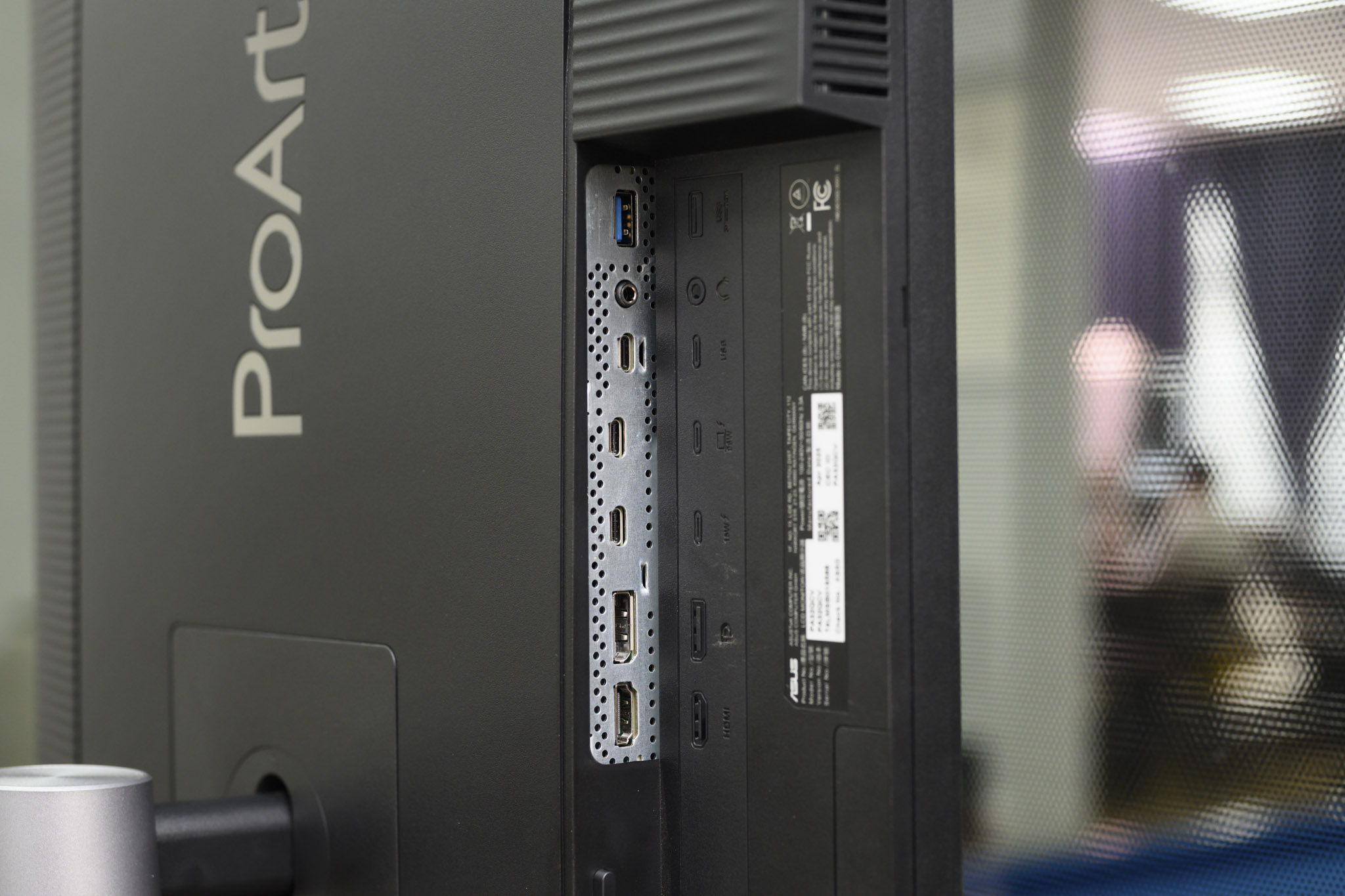
ASUS equips the ProArt PA32QCV with a variety of connection ports, but the most prominent are 2 Thunderbolt 4 ports. You can connect the monitor to your laptop via Thunderbolt 4, transmit image signals, data and simultaneously charge the laptop with a capacity of 96W. If you want to expand your workspace, the second Thunderbolt 4 port allows daisy chain connection to another 4K or 5K monitor. In addition, the monitor also has popular connection ports such as HDMI 2.1, DisplayPort 1.4 (supports DSC - Display Stream Compression), USB hub with Type-A and Type-C ports.
ProArt PA32QCV born for macOS

The difference in how high-resolution displays are handled on macOS and Windows is huge. The ProArt PA32QCV is designed to accommodate both needs of users on the world's two largest operating systems. For macOS, the operating system can group physical pixels to form a larger logical pixel, a process called scaling. “Retina” is Apple's trademarked term for displays with a pixel density (PPI) high enough that the human eye cannot distinguish individual pixels at normal viewing distances. Technically, macOS calls this mode HiDPI. Apple uses a block of 2 x 2 pixels to build a logical pixel, this 2x ratio is called integer scaling, resulting in sharp, blur-free images and interfaces.
On macOS, the ASUS ProArt PA32QCV will look best at the 3008 x 1692 option with HiDPI enabled. This means that macOS will render the virtual frame at double the resolution, i.e. 3008 x 2 = 6016 and 1692 x 2 = 3384. The resolution of this virtual frame (6016 x 3384) matches the physical resolution of the PA32QCV panel exactly – a perfect 1:1 match – each logical pixel on the interface is made up of blocks of 2 x 2 physical pixels. This process does not require any interpolation or scaling, so text and graphics are absolutely sharp, just like on Apple's Pro Display XDR.
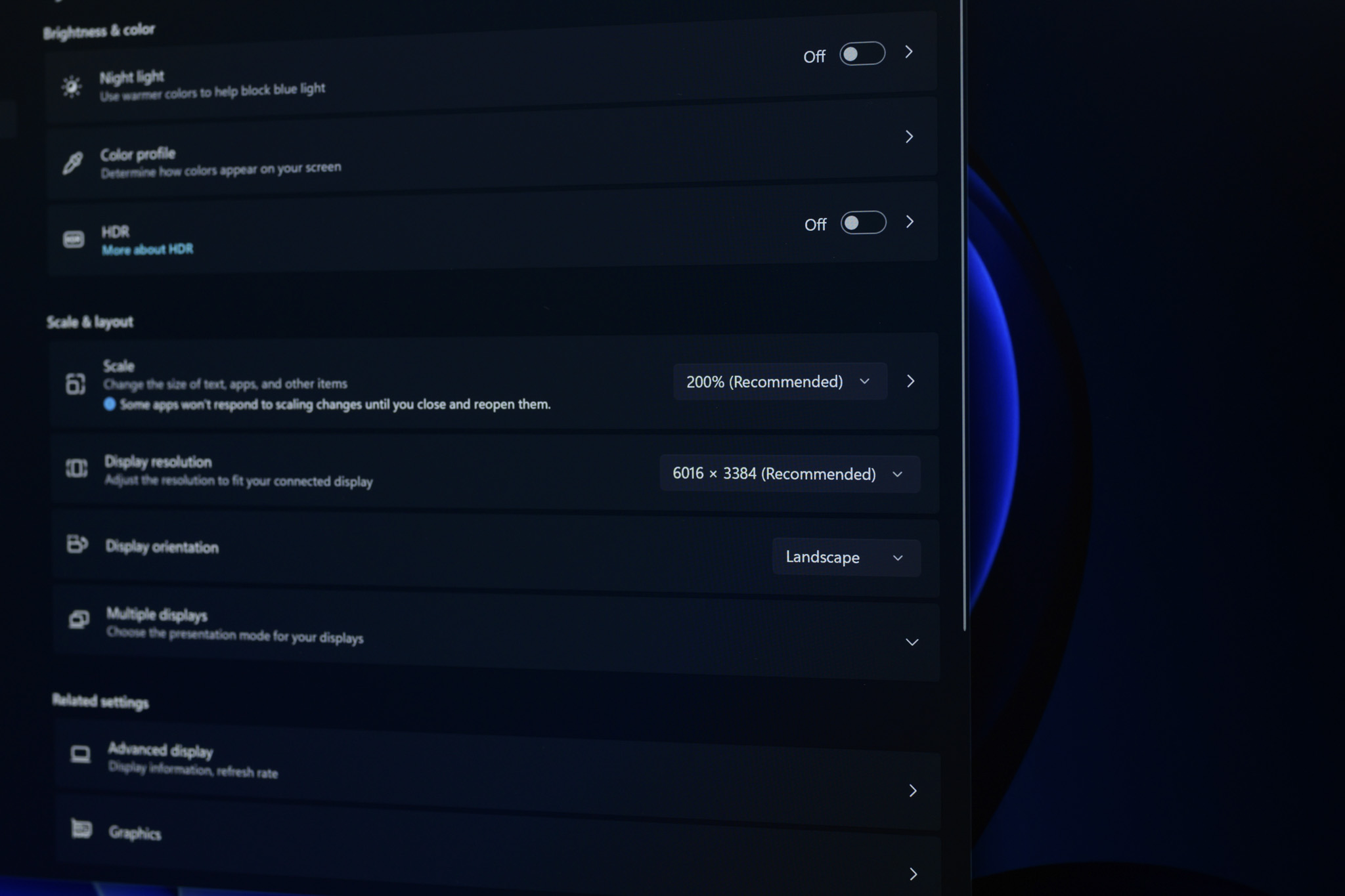
For Windows, Microsoft's operating system handles scaling differently and more flexibly, working well with fractional scaling ratios like 125%, 150%, 175% without blurring like macOS. When using the ProArt PA32QCV with Windows, you can set it to 200% (equivalent to 3008 x 1692) or 175% (equivalent to 3438 x 1934). More specifically, at 150%, you will have a larger workspace than a regular 4K monitor (4011 x 2256 compared to 3840 x 2160), as well as more beautiful and sharper. Windows also has ClearType technology, which uses red, green and blue sub-pixels to smooth the edges of fonts, enhancing clarity.
ASUS DisplayWidget Center
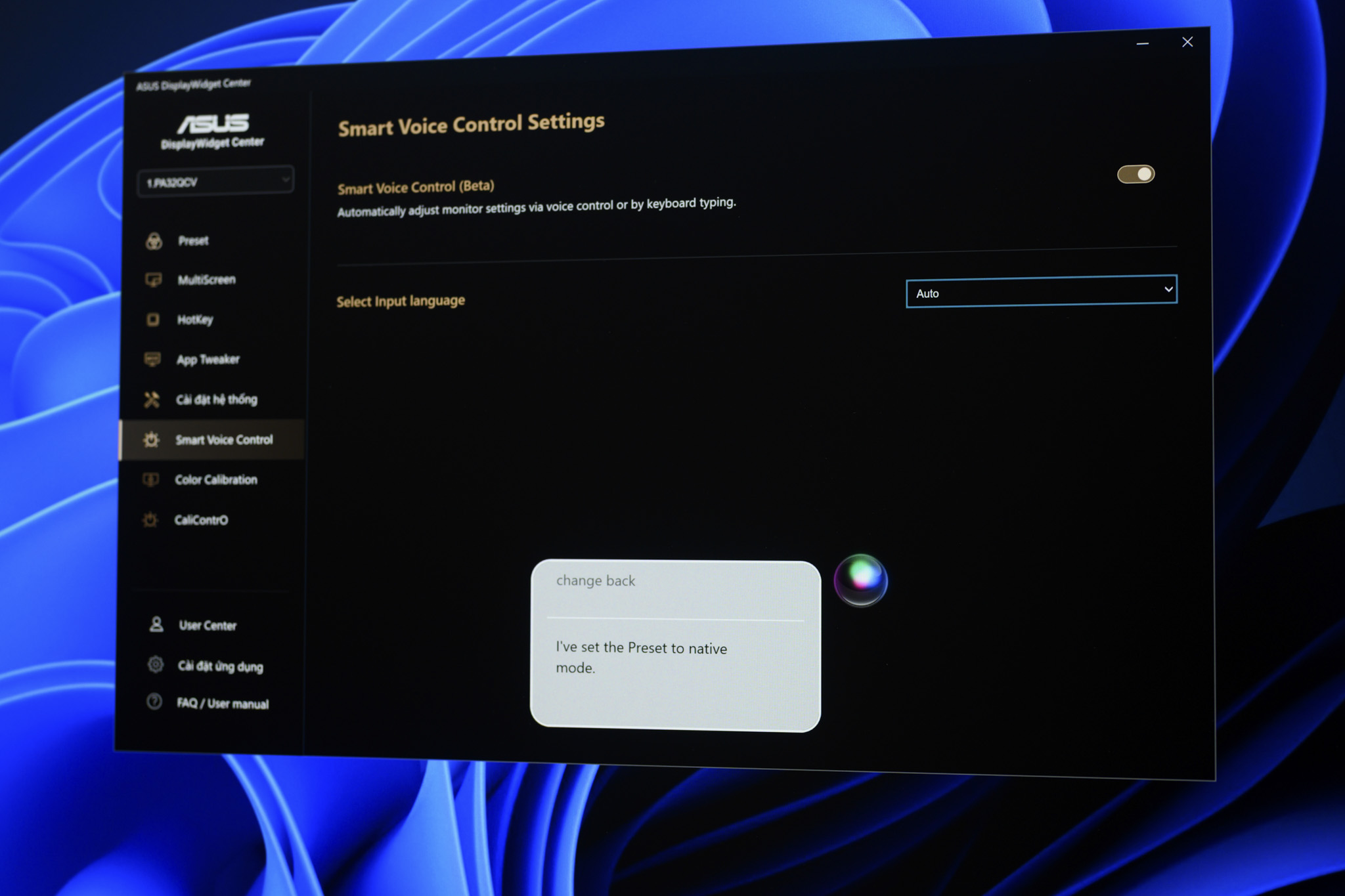
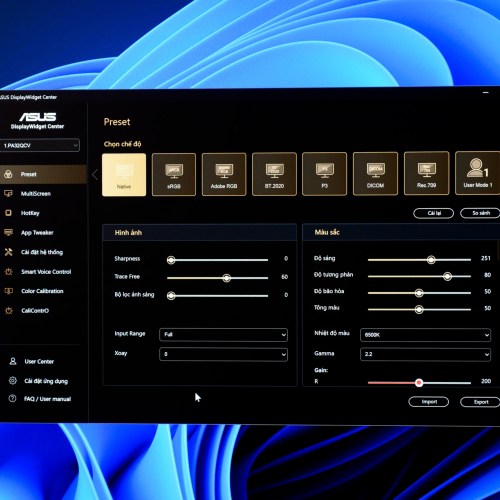
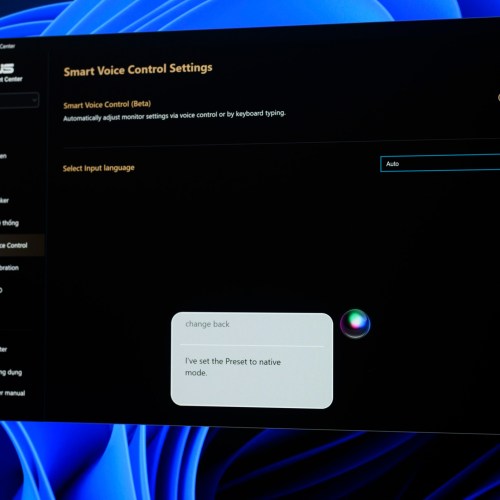
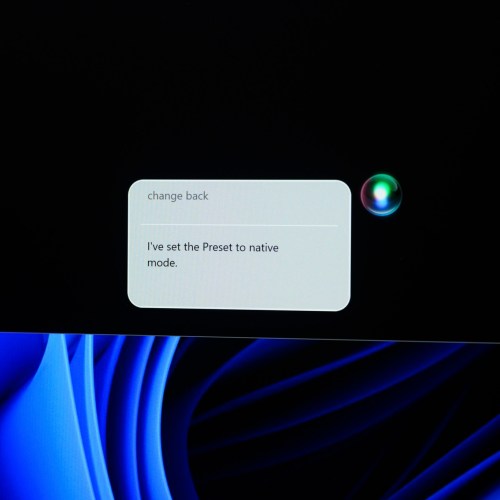
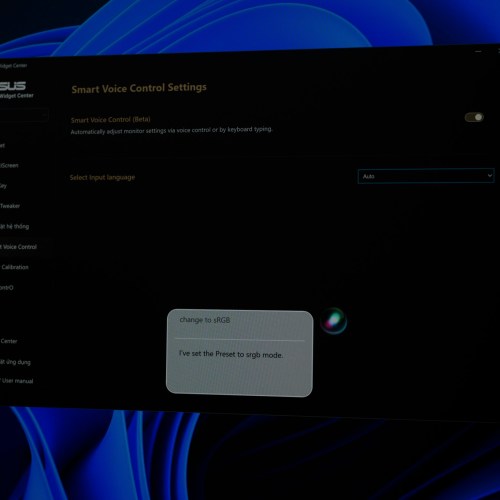
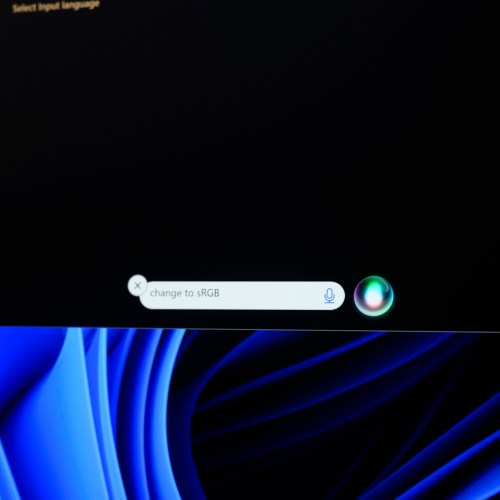
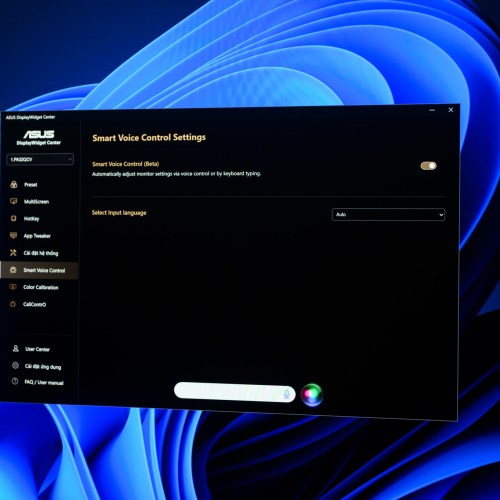
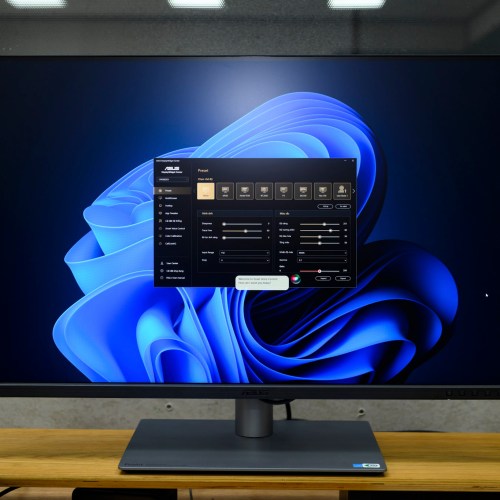
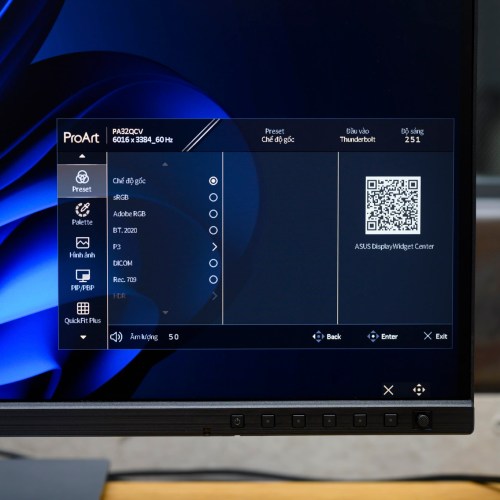
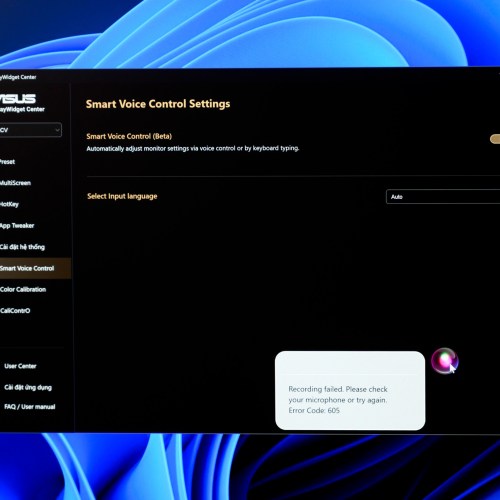
To control the ASUS ProArt PA32QCV screen more conveniently, the manufacturer provides ASUS DisplayWidget Center software, on both macOS and Windows, but the Windows version has more functions. After installing and logging in to your account, you can call the AI assistant to assist in controlling the screen. This AI assistant can enter commands by text or voice, supporting English. For example, if I let the AI assistant change the image mode, just type in the input box (or voice) the content "change to sRGB", the AI assistant will process and change the mode immediately. If you want to go back, you command "change back", or to set the brightness, just "brightness to xx%". This is an impressive point with the ProArt PA32QCV, when moving the navigation buttons to the front edge seems to have improved the experience a lot, ASUS also allows you to adjust parameters without touching the screen.
Conclude
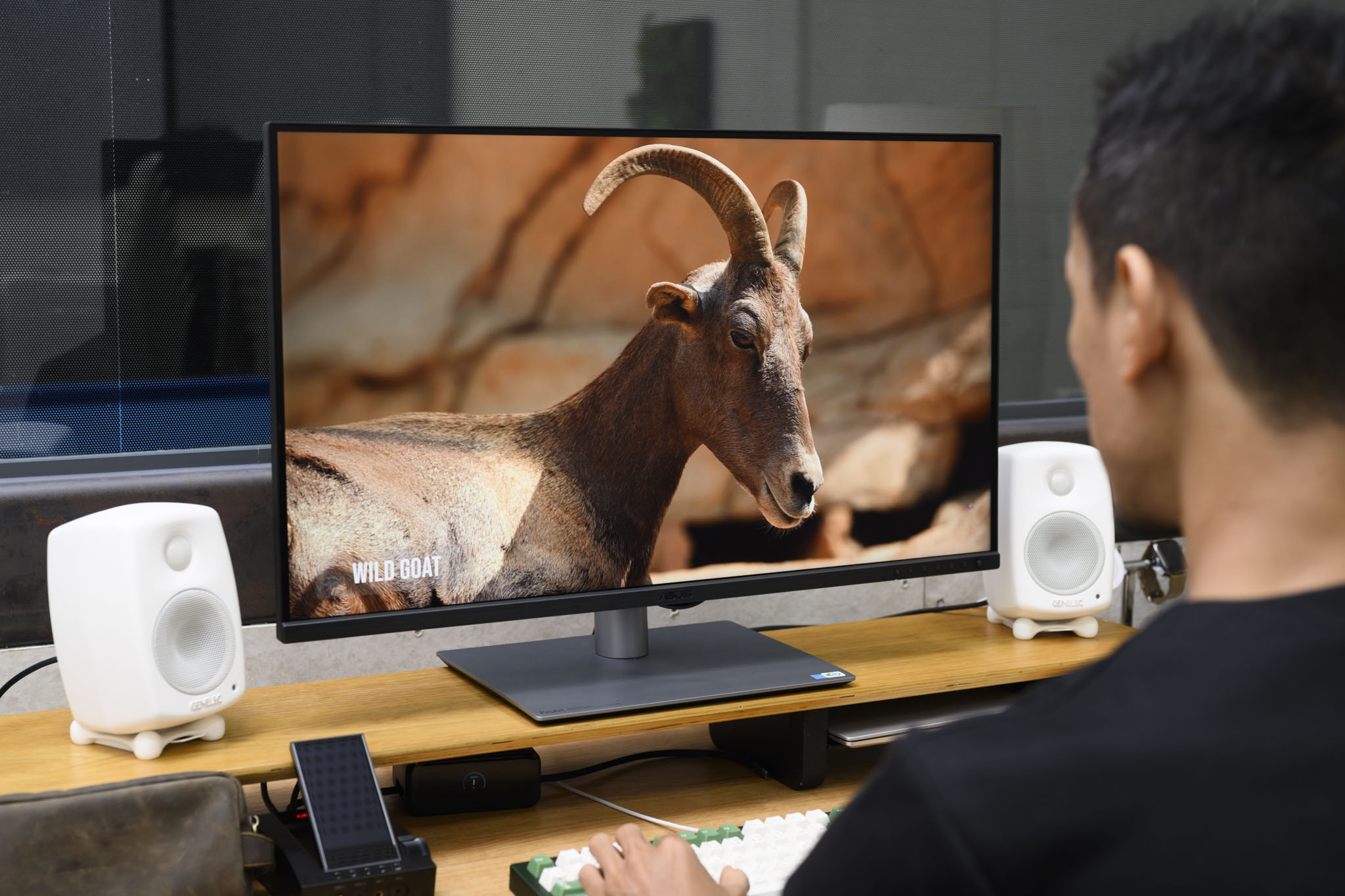
The ASUS ProArt PA32QCV is a near-perfect product for macOS users who are afraid of the high price of Apple 6K monitors, but also afraid of the suboptimal display of regular 4K monitors. Not only does it have a pixel density of 218 PPI, the monitor also has Auto KVM and Thunderbolt 4 connectivity, a flexible stand. It can be said that the ProArt PA32QCV is an impressive 31.5-inch 3rd-party Retina 6K solution, priced reasonably and rich in features.