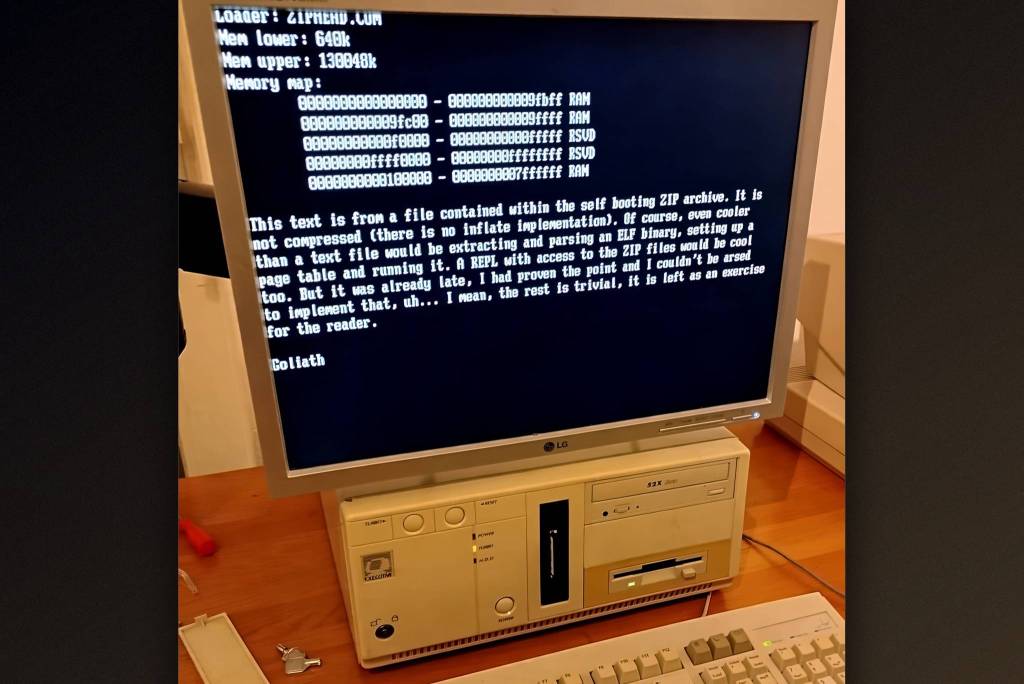
Developer David Oberhollenzer has built a 100% valid ZIP file that can be extracted like any archive and also boots via BIOS or Multiboot as a real operating system.
- David Oberhollenzer (aka Goliath) created a 100% valid ZIP file that is also a Multiboot-compliant operating system image.
- The file can be extracted normally, loaded with GRUB or QEMU, or written to a floppy disk so the BIOS boots it directly.
- The key is the first file, ZIPHEAD.COM, which is stored uncompressed and contains the Multiboot flags, the 0x55AA signature, and the bootloader.
- The ZIP headers are tuned so the CPU reads them as harmless instructions, with the modification-time bytes serving as a jump instruction.
Table of Contents
One ZIP file, three roles
David Oberhollenzer (aka Goliath) has crafted a fully valid ZIP file. It extracts like any other archive, but it is also an operating system image compatible with the Multiboot standard, and it boots via BIOS.
Users can load the file with Linux's GRUB, QEMU, or any Multiboot loader, even after it has been written to another medium. The most entertaining demo is writing the image to a floppy disk. A compatible PC's BIOS then boots straight from it, with no further modification.
Why ZIP can pull this off
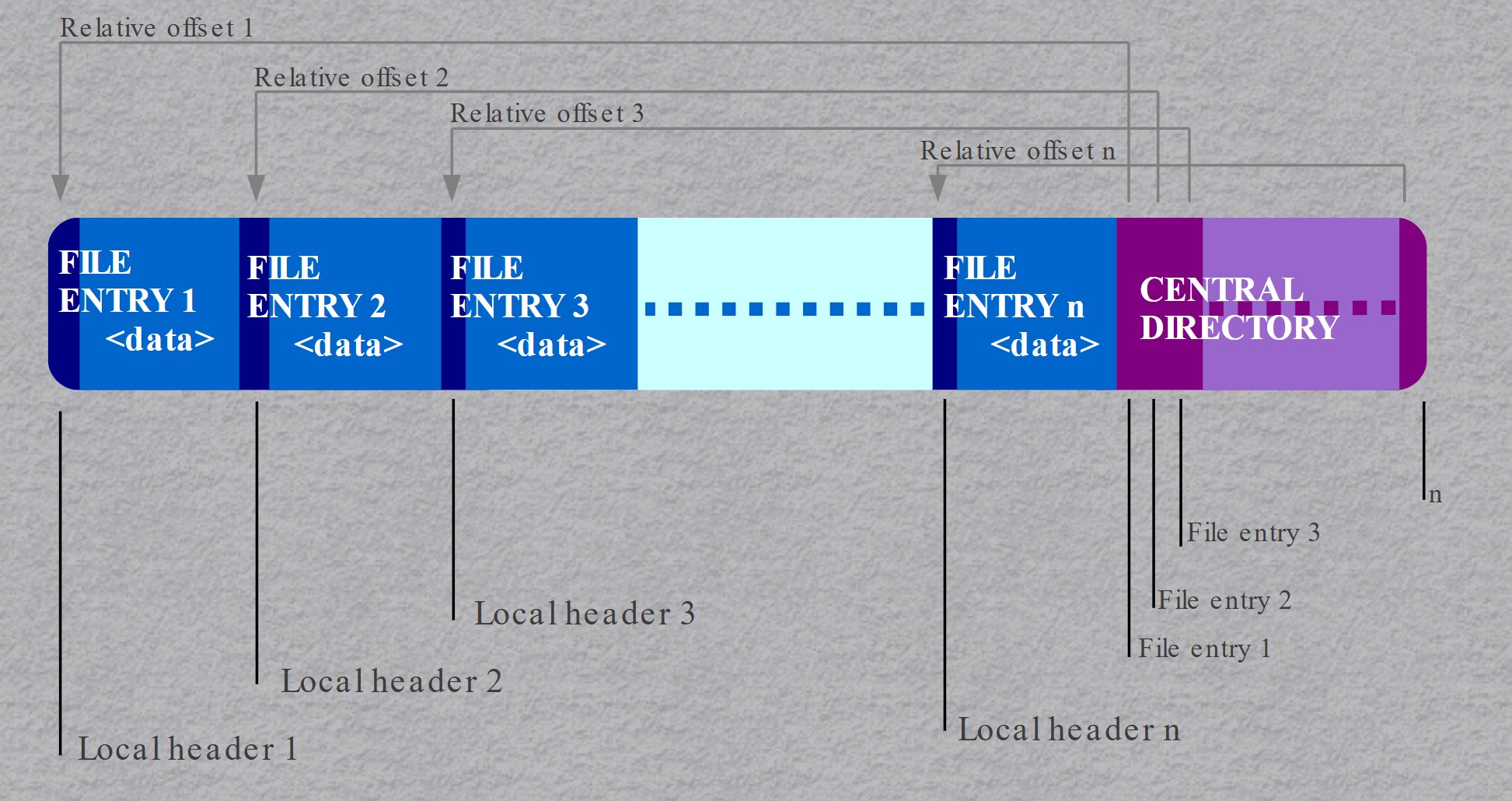
Unlike many formats, ZIP keeps its metadata (the file directory) at the end of the archive. In front of it, the compressed files sit one after another. Each file block has a predictable structure: "PK" followed by the two bytes 03 04, then metadata including the file name and a few extra fields, and only then the content. Any file can be stored uncompressed. Goliath exploits this for the first file, named ZIPHEAD.COM, which sits right at the start of the archive.
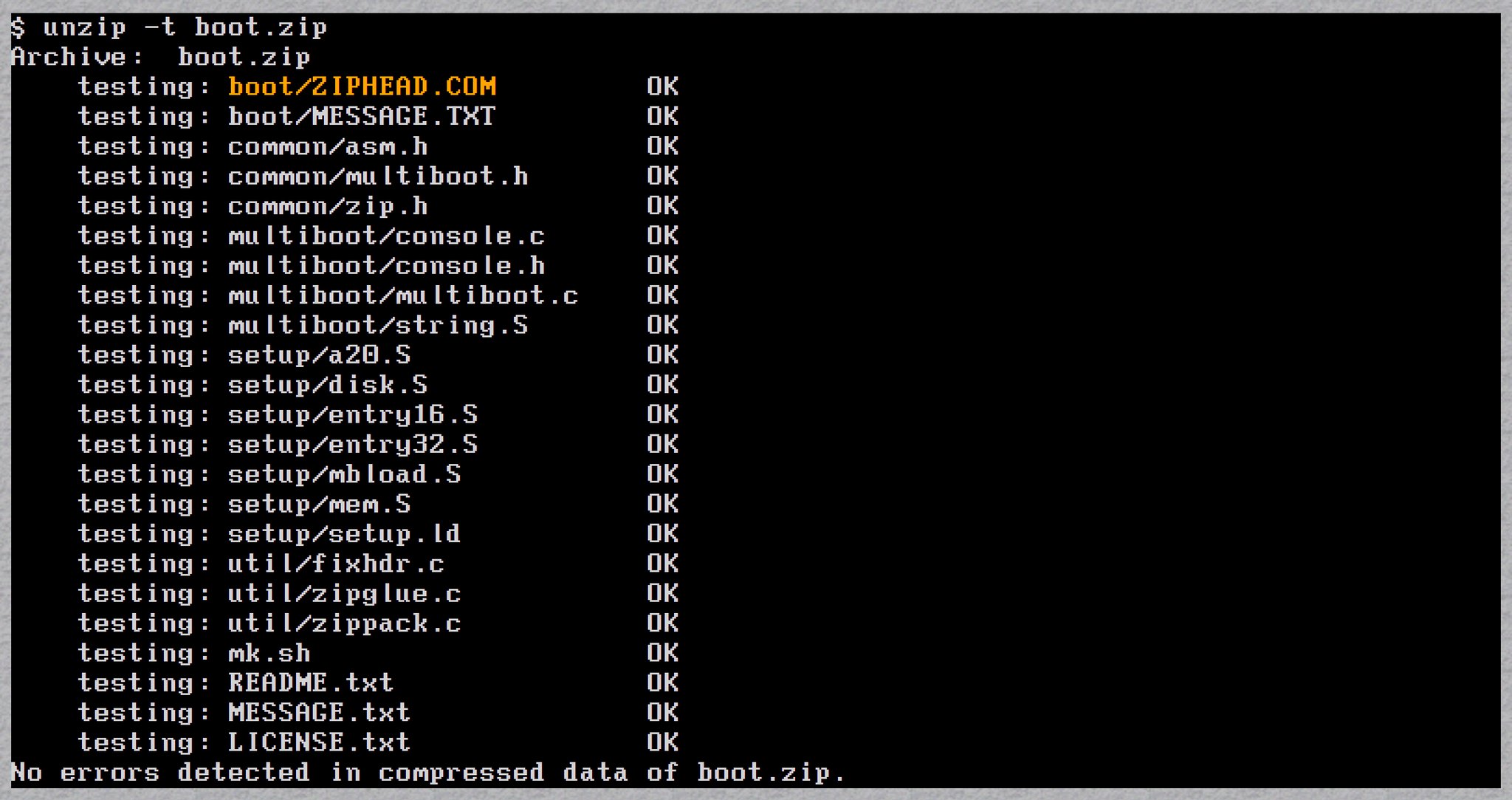
According to Goliath, making a ZIP a valid Multiboot image is the "easy" part. The image only needs to contain the value 0x1BADB002 within its first 8 KiB, followed by a few flags and a checksum. He placed this data in ZIPHEAD, alongside the bootloader. GRUB or QEMU only need the initialization information, and the rest is handled by the bootloader in the uncompressed data region.
The trick that gets BIOS to boot it
The BIOS reads exactly the first 512 bytes of a disk. If they end with 0x55AA, the disk is considered bootable, and the BIOS runs code starting from the first byte. Goliath put 0x55AA at offset 510 of the ZIP, inside the ZIPHEAD content. This doesn't break the Multiboot image, since the standard is fairly flexible about where its data sits.
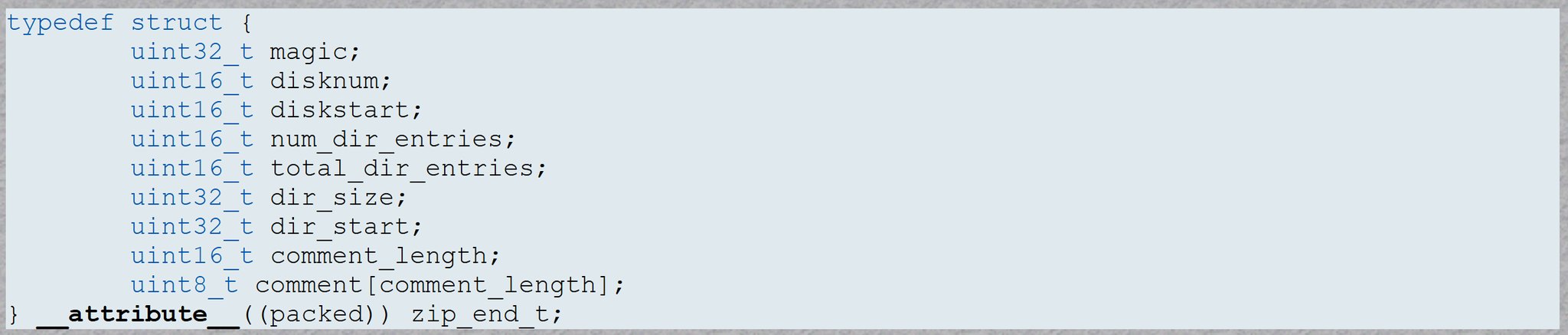
The tricky part is that the ZIP header ("PK" + 0x0304 plus metadata) is now read by the CPU as machine code. The first four bytes are instructions that write nothing to memory, with just one instruction pushing a value onto the stack, so they are harmless. The following metadata bytes are adjusted to become either harmless or useful instructions. For example, the modification-time bytes serve as a jump instruction that leaps deeper into the data.
It sounds simple, but it is much harder in practice. The bytes must satisfy three conditions at once: they must be CPU instructions that don't crash, they must be useful code for setting up the boot process, and they must still form a valid ZIP archive header. If you want the details, you can read Goliath's original blog post.
This project has no commercial value, but it is a good lesson in how "harmless" formats can be ambiguous. A single byte can be both data and an instruction, depending on who reads it. Security researchers call this kind of file a polyglot. Ordinary users have little to worry about, since the machine still has to be deliberately told to boot from such a file. For tinkerers, it is a thought-provoking example of how the BIOS, bootloaders, and file formats "talk" to each other at the lowest level.
Source: Tom's Hardware
Reviewed by: Hero Association