
ViewSonic ColorPro VP2788-5K monitor review
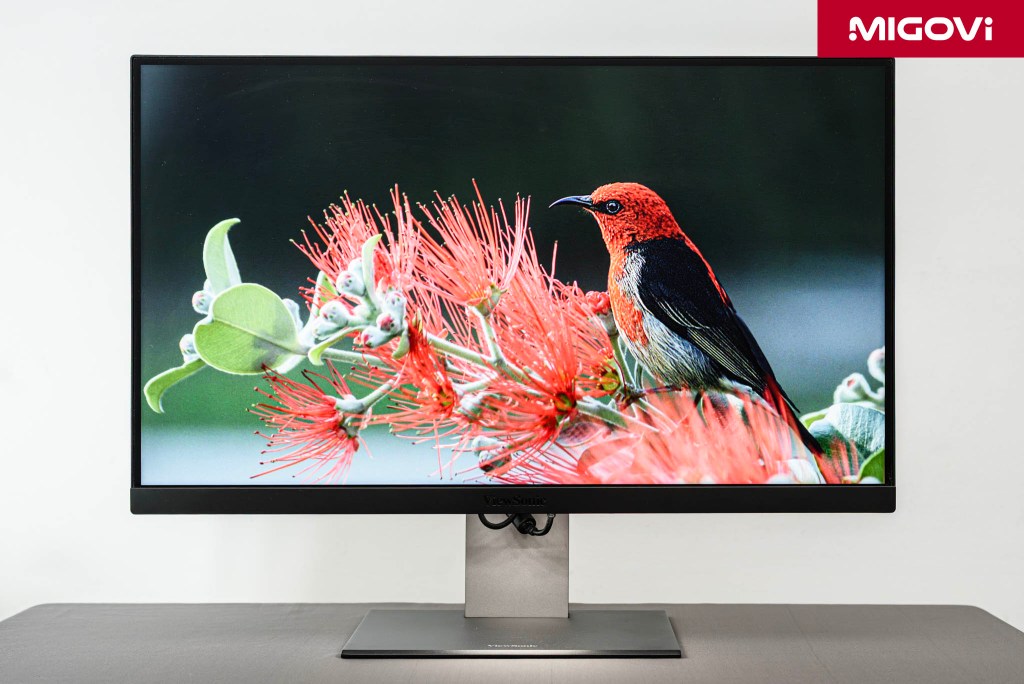
At the same resolution and display quality, the ViewSonic ColorPro VP2788-5K stands out thanks to Thunderbolt 4 and daisy chain capabilities.
The high-resolution professional monitor market is often dominated by expensive options. ViewSonic’s ColorPro VP2788-5K is a confident step into this segment, not only because of its good display quality but also because of its valuable features. The ViewSonic ColorPro VP2788-5K can be considered a direct competitor to the Apple Studio Display and LG UltraFine 5K, but its cost of ownership is quite reasonable. So does the VP2788-5K have the strength to become the priority choice when buying a 5K monitor for graphics needs?
Article content
Practical design
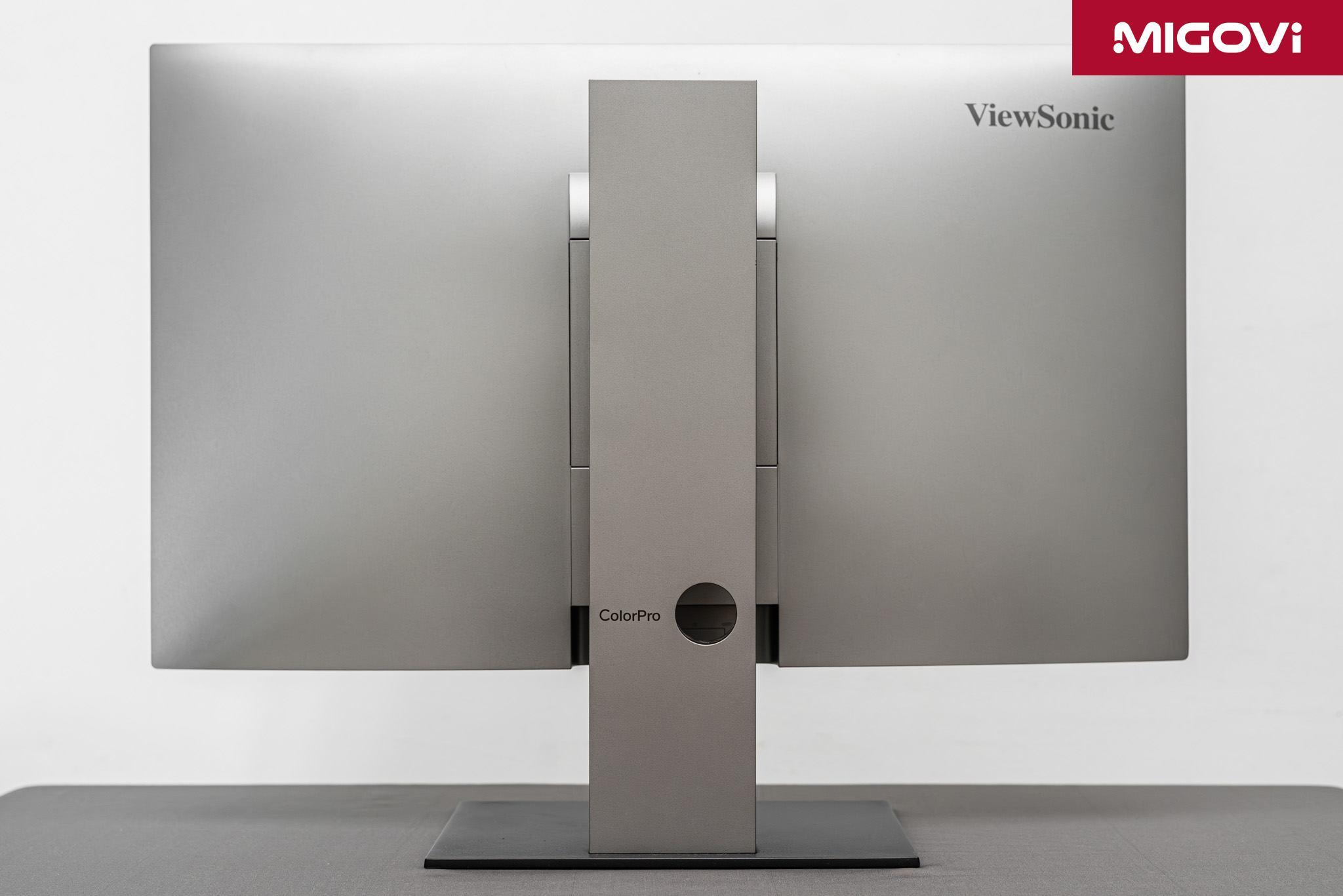
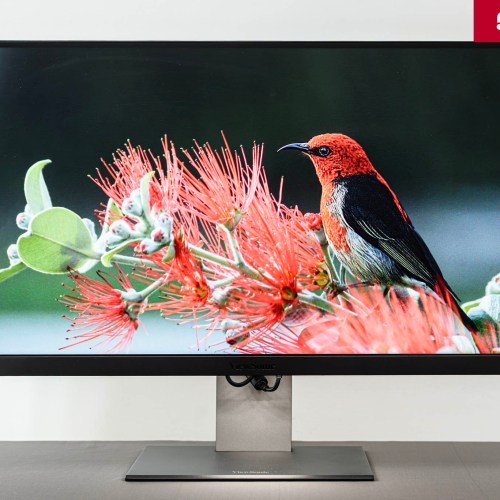
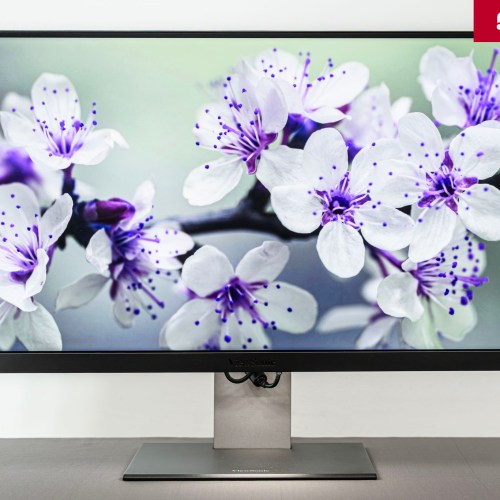
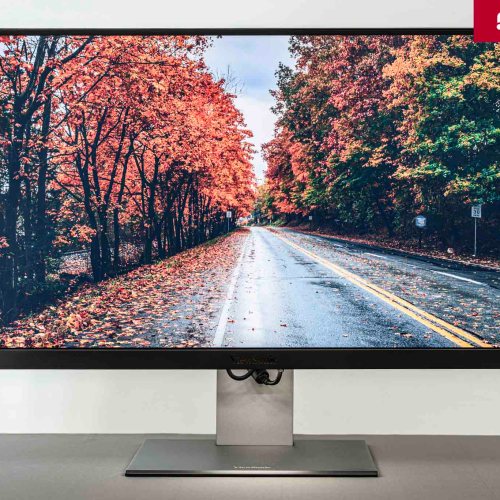
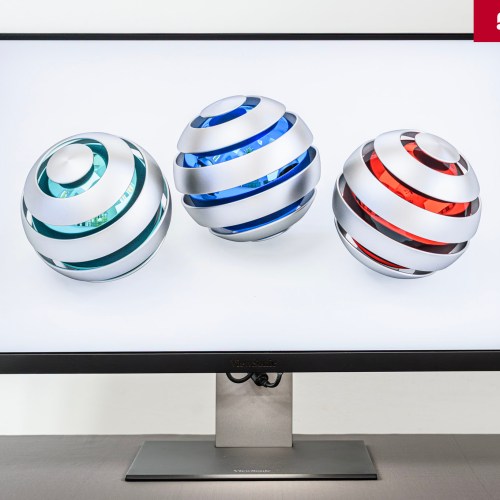
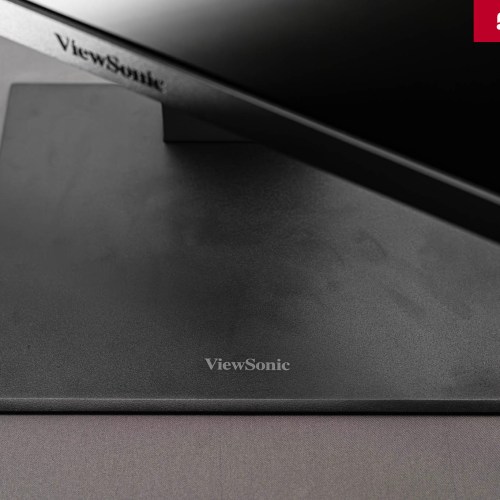
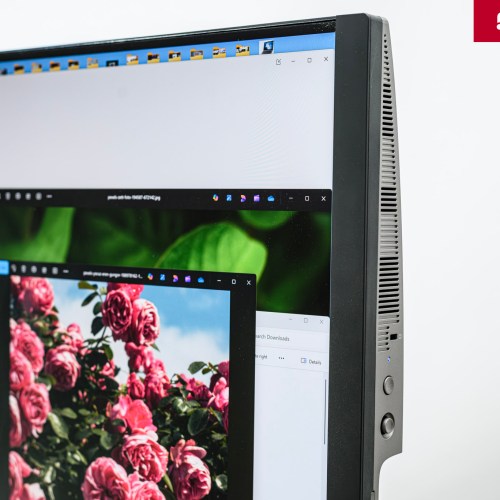
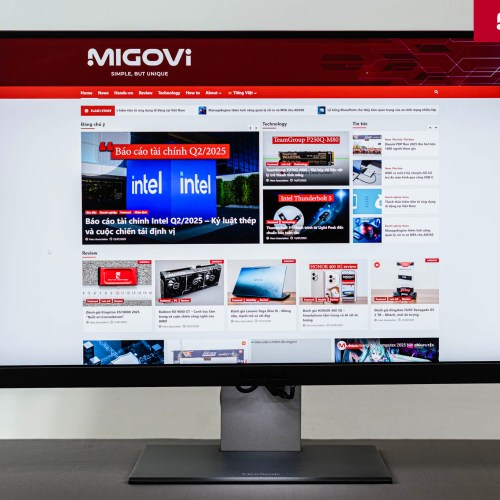
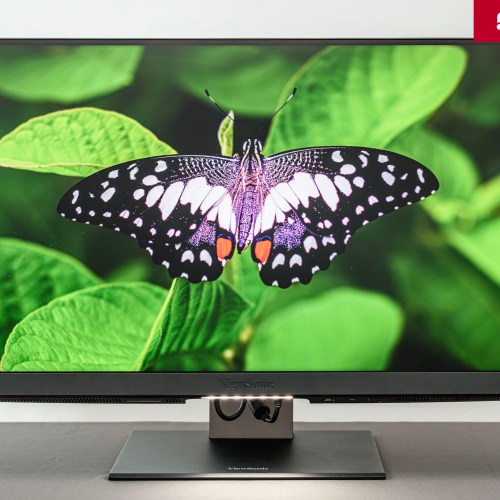
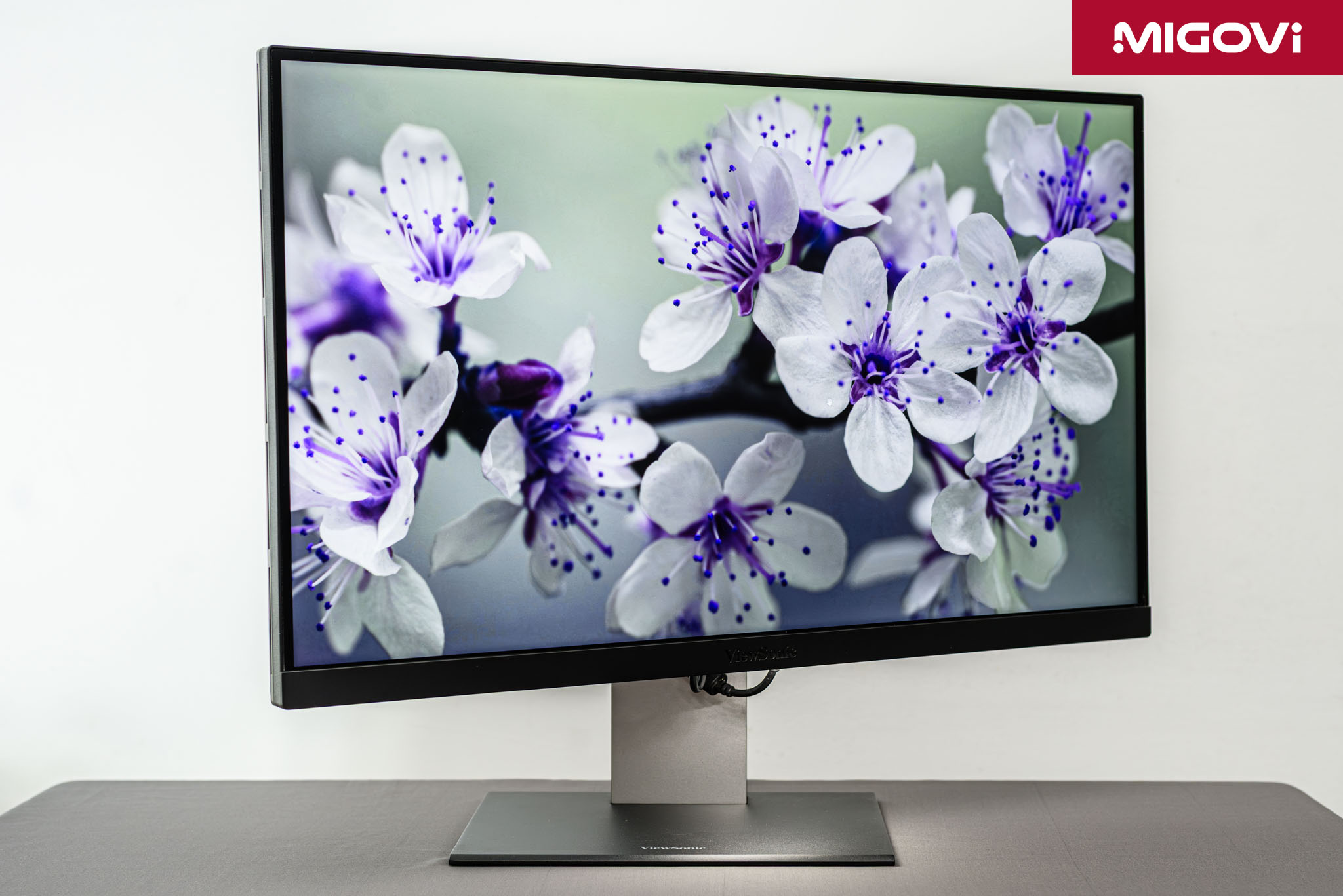
The minimalistic look of the ViewSonic ColorPro VP2788-5K reflects a practical design philosophy that focuses on function and image quality rather than flashiness. The black and dark gray color scheme minimizes distractions and the bezels are thin on the top and sides, while the bottom bezel is thick and features the ViewSonic logo.

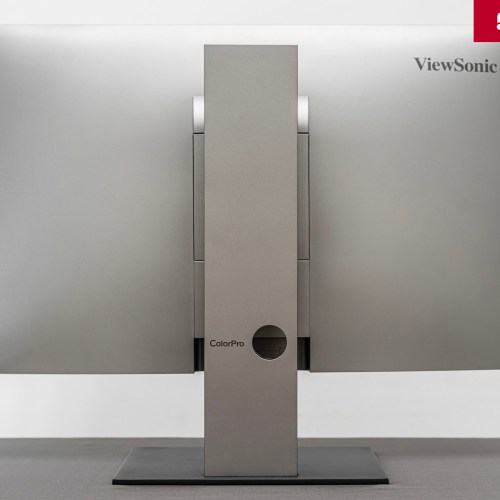
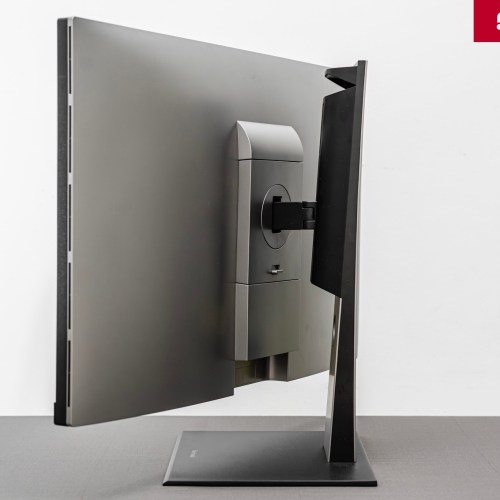
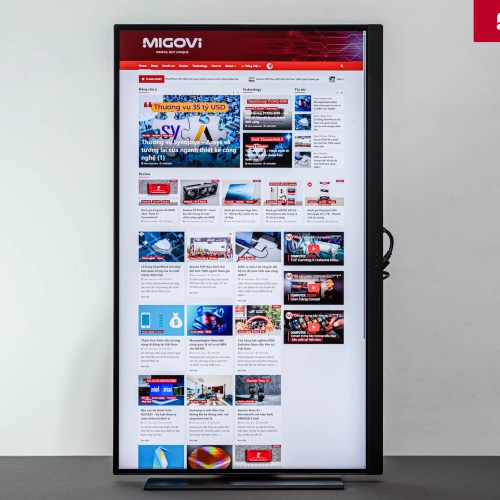
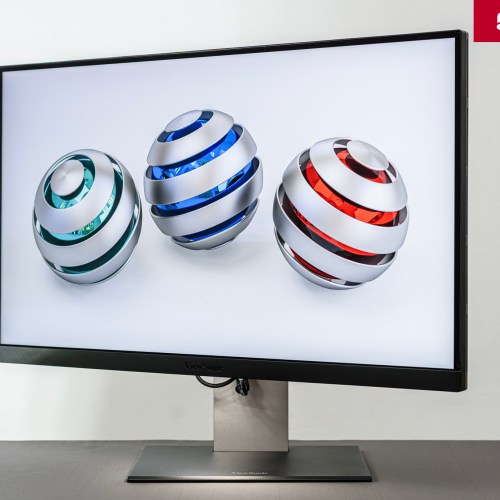
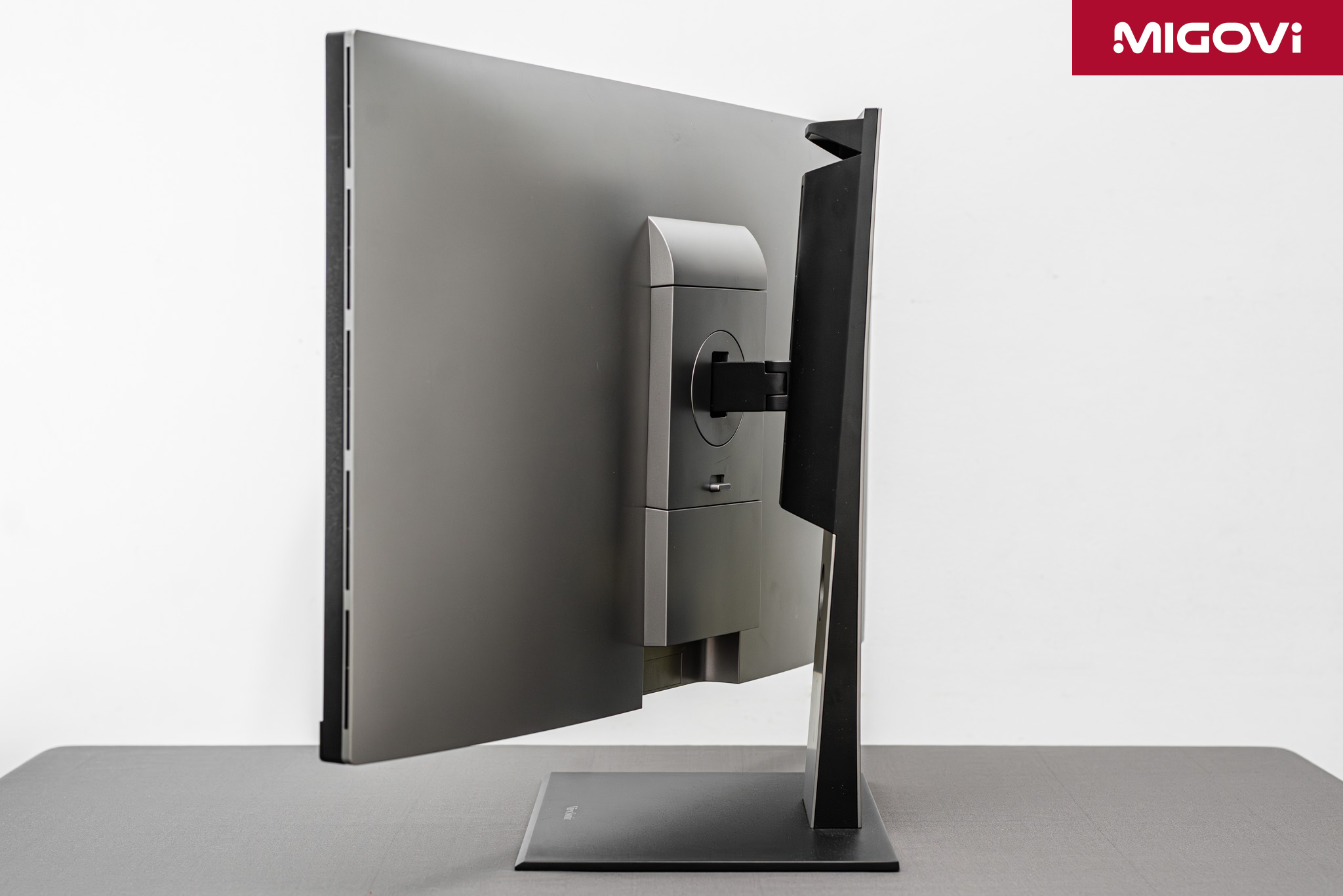
The majority of the monitor's structure is made of hard plastic, with a rough and grainy finish. Meanwhile, the metal stand is quite heavy and sturdy, allowing the VP2788-5K to be kept stable during use as well as when changing positions. The ergonomic stand is very flexible and the swivel design is easy to use. The ViewSonic VP2788-5K allows for a 120mm height adjustment and a tilt adjustment from -5 degrees to 22 degrees. You can also rotate the screen horizontally by 60 degrees (30 degrees on each side) or flip the screen vertically by 90 degrees in both directions, which is very suitable for use in portrait mode.

The monitor supports a standard 100 x 100 mm VESA mount, allowing you to easily mount it on monitor arms to optimize your workspace.
Connection port, built-in speaker
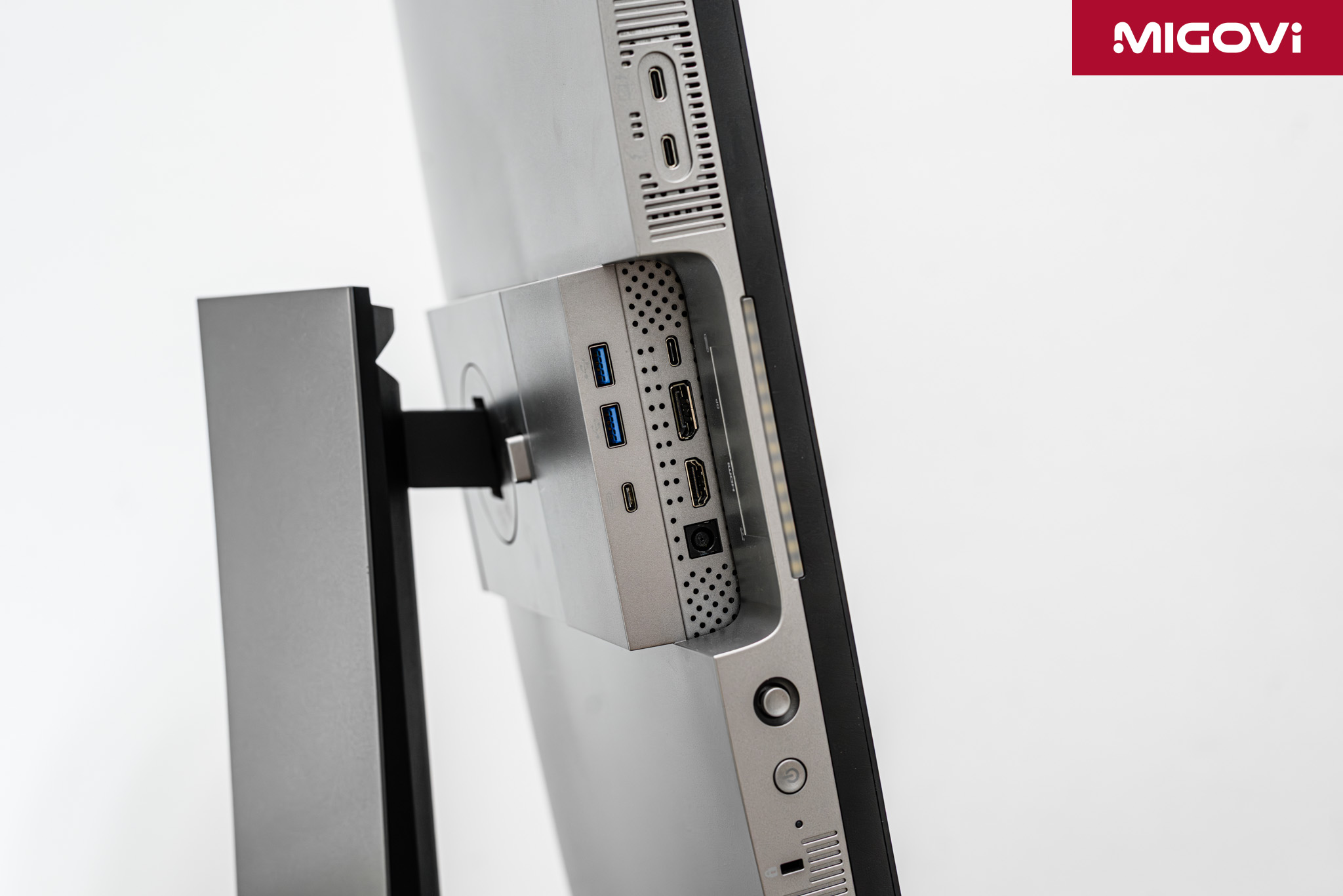
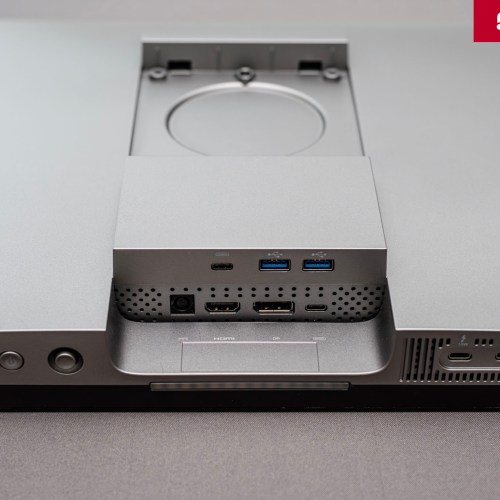
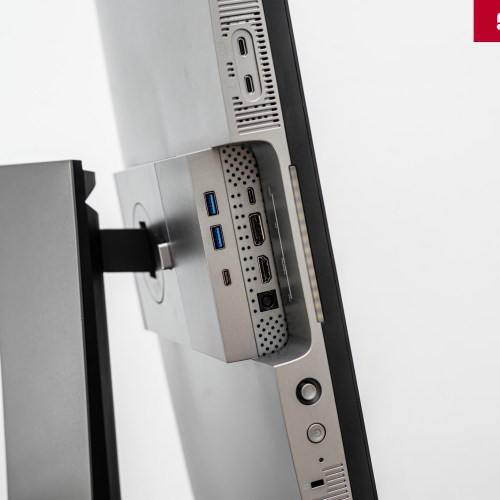
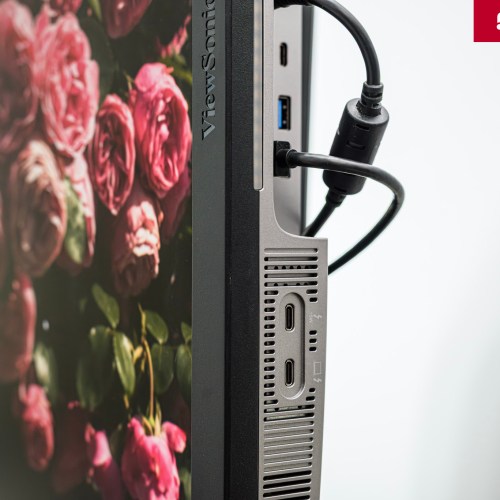
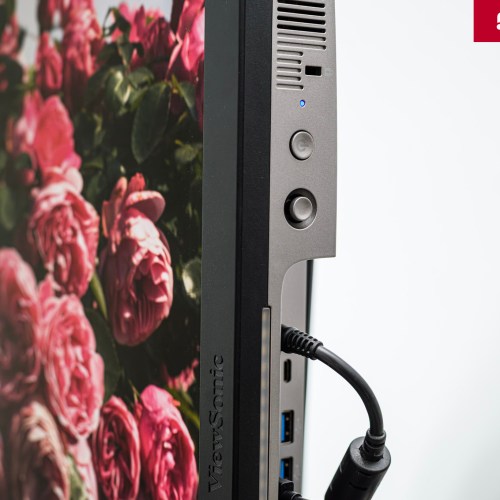
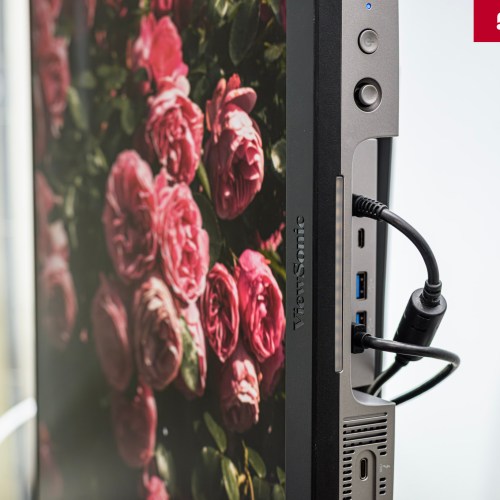
ViewSonic designed the ports on the ColorPro VP2788-5K to face downward, which has both advantages and disadvantages. With the connectors facing downward, users can place the monitor closer to the wall, integrate the arm more easily and also limit the pressure on the signal cable.

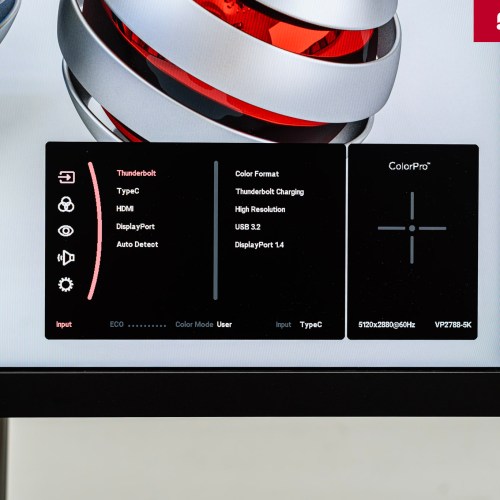
The VP2788-5K has a wide range of connection ports, from basic ports such as HDMI 2.1, DisplayPort to USB 3.2 (Type-A, Type-C) and 2 Thunderbolt 4 ports. The ViewSonic ColorPro VP2788-5K does not integrate power into the monitor but uses an external adapter. The location of the 2 Thunderbolt 4 ports is easy to access when connecting to a computer, but for those who like neatness, especially macOS users, the exposed cables when connecting to the VP2788-5K via Thunderbolt can be annoying. To fix this, you can equip another Thunderbolt 4 cable with a 90-degree angle plug, or use a combination of cables with angled adapters.
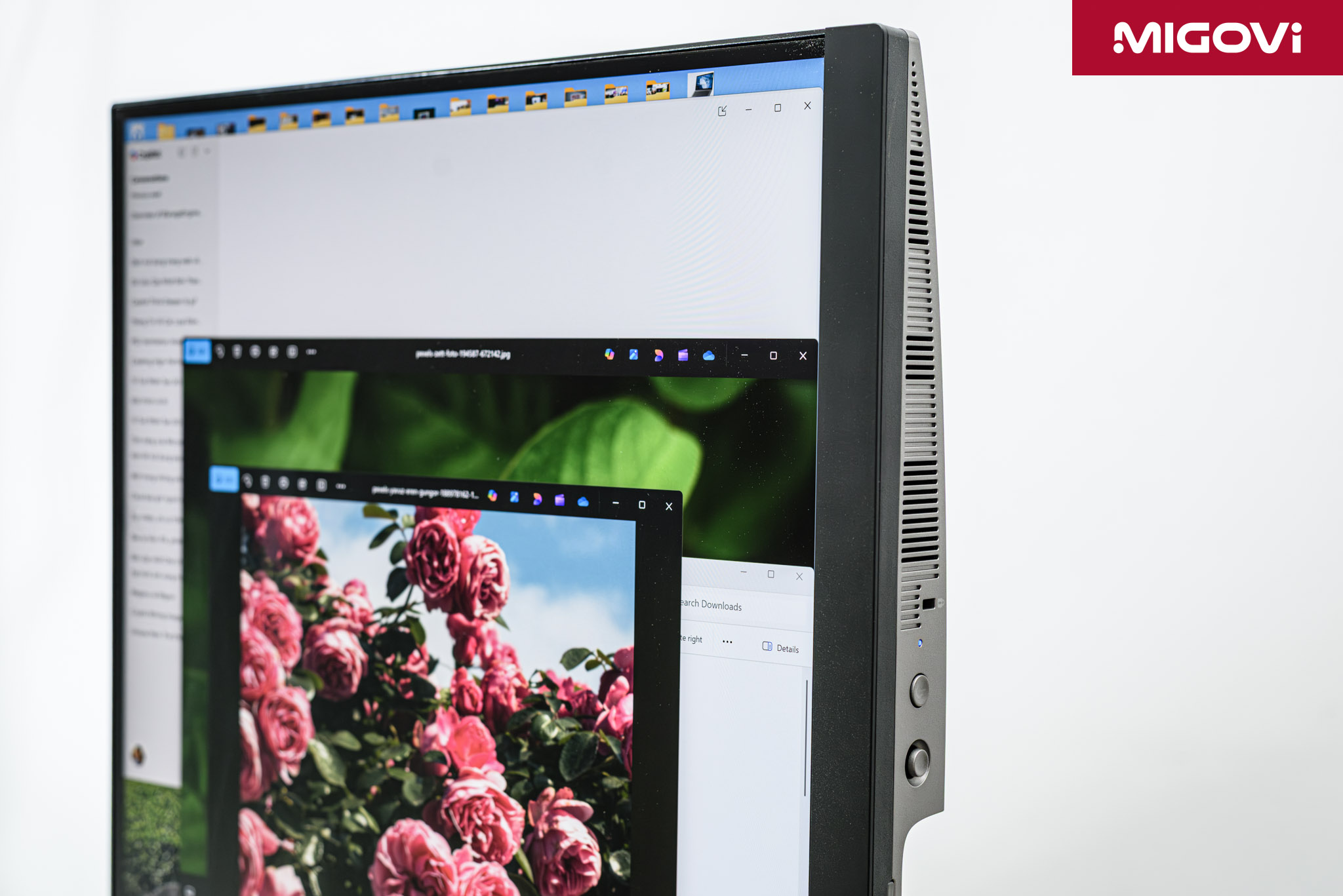
VP2788-5K integrates 2 5W speakers, the sound quality is just enough, can be used to check content when editing videos, or for quick entertainment.
Visibility
5K IPS Panel

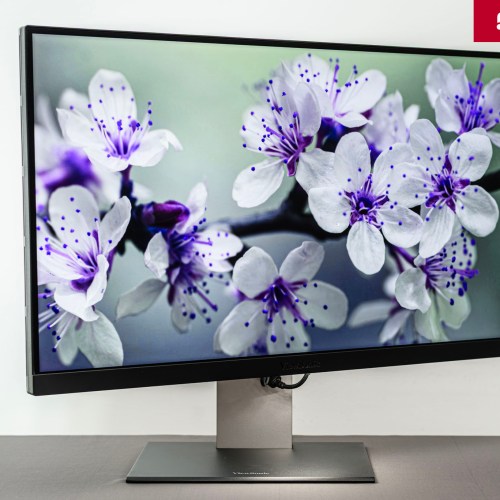
ViewSonic ColorPro VP2788-5K is equipped with a 27-inch IPS panel, 5K resolution (5120 x 2880), pixel density of 218 PPI, equivalent to Apple's Renita standard. Thanks to the high pixel density, ViewSonic VP2788-5K allows macOS users to use HiDPI mode. At this time, the display resolution will be 2560 x 1440, creating a perfect working space, interface elements as well as text displayed sharply, without image holes.
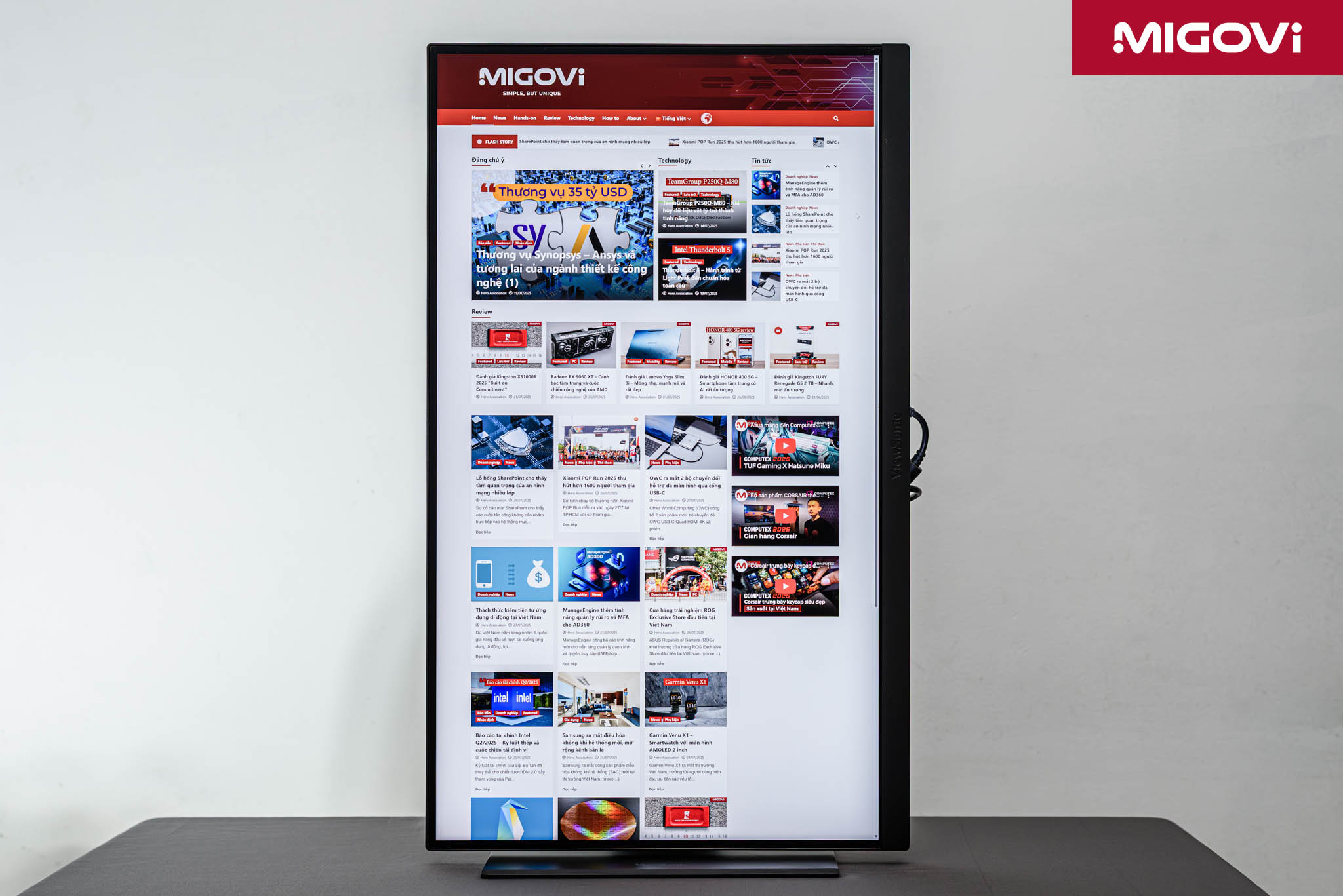
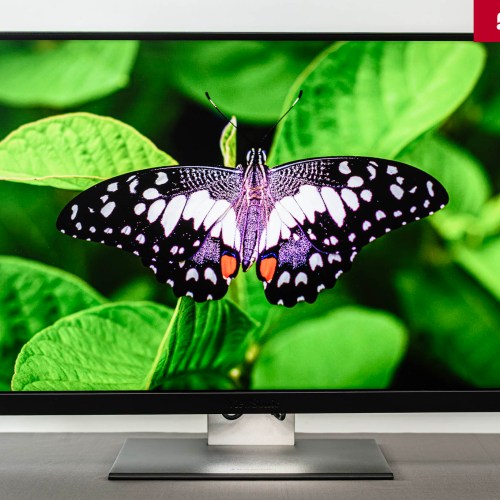
The VP2788-5K's IPS panel has a 10-bit color depth (8-bit + FRC), reproducing up to 1.07 billion colors, making the color transitions of the image smoother and more fluid than 8-bit panels. According to ViewSonic's specifications, the VP2788-5K is capable of covering a wide color gamut, up to 99% DCI-P3 and 100% sRGB, suitable for photo editing or video post-production and is also compatible and consistent when combined with the Apple ecosystem. For printing needs, the VP2788-5K is capable of covering 88% of the Adobe RGB color gamut. The monitor has VESA DisplayHDR 400 basic certification.
AGLR Sub-Specifications and Coatings
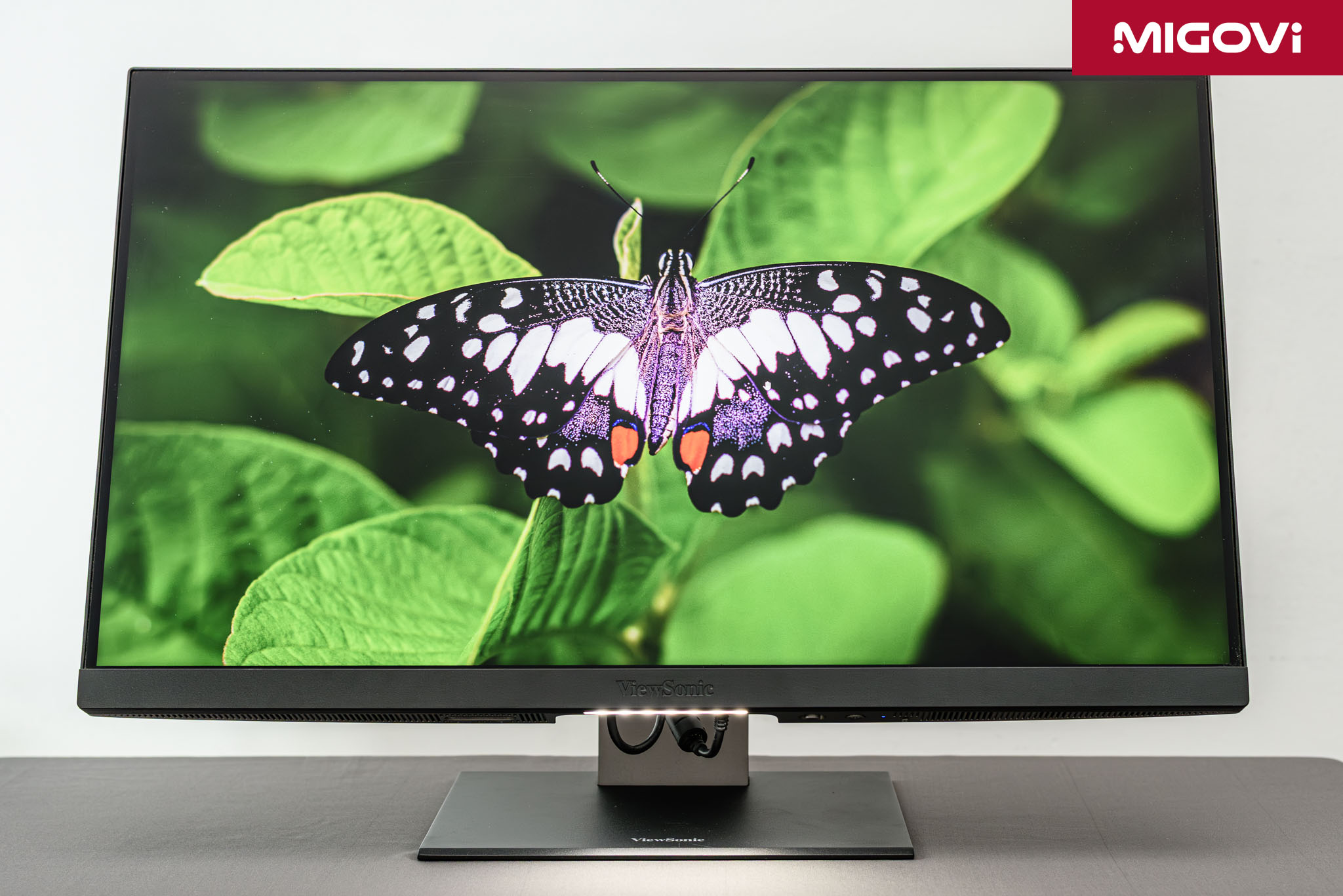
The display has a maximum brightness of 500 nits, which is enough to work comfortably in most environments. This is on par with the LG UltraFine 5K and 100 nits lower than the Apple Studio Display. The highest static contrast ratio according to ViewSonic is 2000:1, which is quite high compared to the usual 1000:1 and 1200:1. The display has an AGLR (Anti-Glare Low Reflection) coating. Testing has shown that the AGLR coating is very effective in handling reflective light sources. As a result, the images displayed on the VP2788-5K are very little affected by glare or reflection, while not affecting the clarity and color accuracy much.
Although it is a professional monitor for work needs, ViewSonic still equips a 75 Hz refresh rate instead of the usual 60 Hz. However, this 75 Hz refresh rate is due to special image processing techniques (scalar processing), which can cause stuttering when watching videos. The advice when using VP2788-5K is that you should still stick to 60 Hz for the best experience.
The response time of ViewSonic VP2788-5K is 14 ms (GtG) and 5 ms (if Overdrive mode is enabled). You also do not need to worry about 5 ms Overdrive mode because it can cause bright edges or back ghosting on the image, which is not beneficial for professional graphics needs.
Quality Certification
Pantone Validated is a certification issued by Pantone to confirm the display device's ability to accurately reproduce a large percentage of Pantone Matching System (PMS) colors. This certification is especially important for graphic and packaging design professionals, as it ensures that colors displayed on screen are highly similar to colors when printed. Pantone Validated also indicates that the ColorPro VP2788-5K's target audience is those in the design and printing industry, rather than Calman Verified, which is popular in the video industry.
The VP2788-5K monitor is factory calibrated before leaving the factory, with Delta E < 2. In addition, the product also supports hardware color calibration, compatible with popular calibration devices such as X-Rite i1Display Pro, Datacolor Spyder X and ViewSonic's own ColorPro Wheel. This ability makes it easy to recalibrate the color after a period of use, ensuring maximum color accuracy.
Stand out with Thunderbolt 4
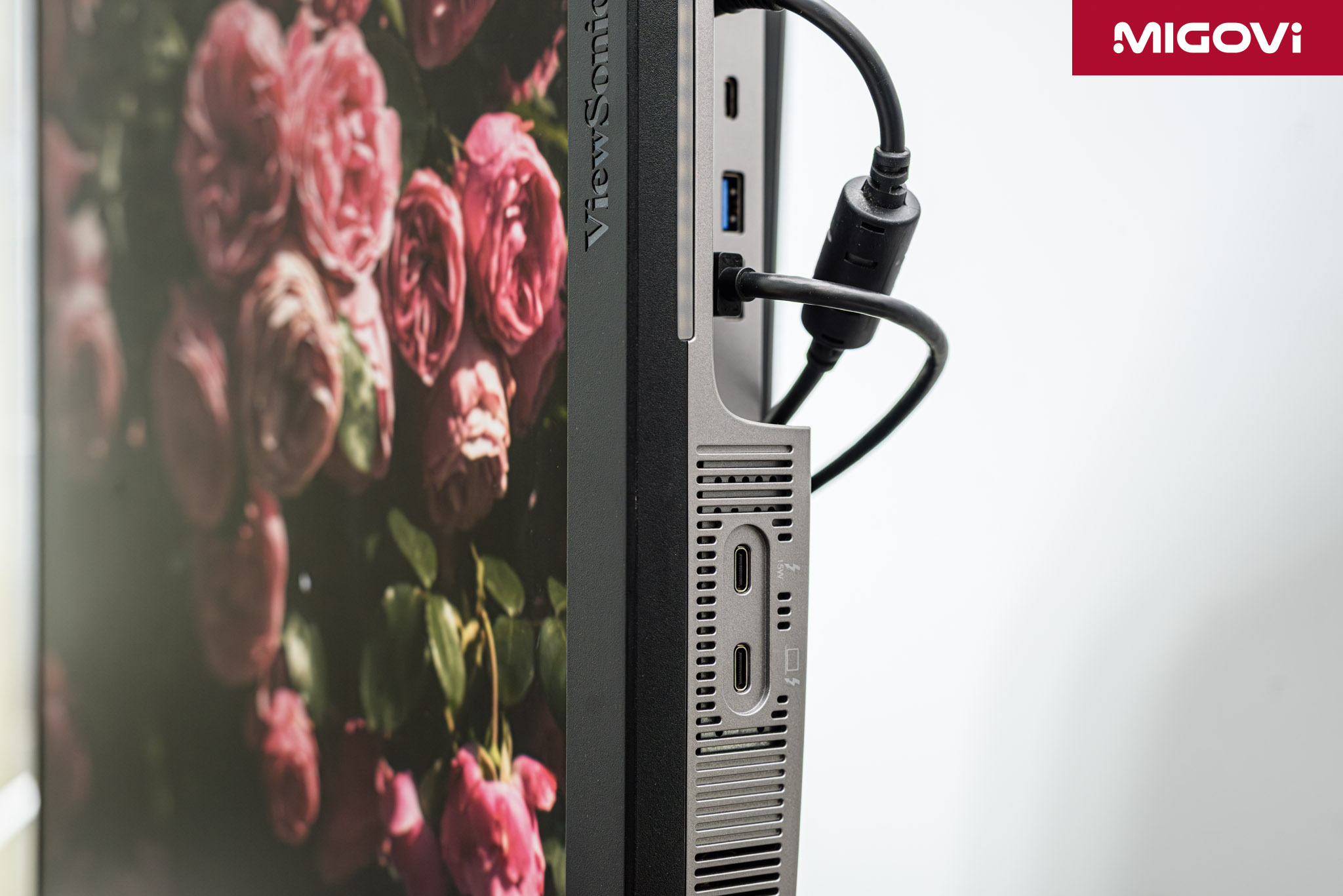
Among 5K display options such as Apple Studio Display, ASUS ProArt PA27JCV and Samsung ViewFinity S9, ViewSonic ColorPro VP2788-5K stands out thanks to its 2 Thunderbolt 4 ports (1 upstream, 1 downstream). Thunderbolt 4 upstream allows connection to the computer to transmit image and data signals and at the same time charges Power Delivery with a capacity of 100W. This charging capacity is enough to charge even high-configuration MacBook Pro models. Meanwhile, Thunderbolt 4 downstream has a charging capacity of 15W, allowing daisy chain connection to expand the workspace with another VP2788-5K screen. You can also connect an expansion dock, hub or eGPU, storage device to this downstream Thunderbolt 4 port.
However, for macOS users, you should consider and test it in the store before intending to daisy chain 2 VP2788-5K monitors. The reason is that Apple has not supported DisplayPort MST (Multi-Stream Transport) technology well, so even though daisy chaining, macOS still only sees them as a single screen. Transmitting 2 uncompressed 5K video streams over Thunderbolt 4 may be limited to a refresh rate of 30 Hz, so it is possible that the transmitted video has been compressed to support 60 Hz. In addition, when daisy chaining, the bandwidth of the USB Type-C ports will be affected. This is a factor you need to test before deciding to invest.
ViewSonic ColorPro VP2788-5K Test

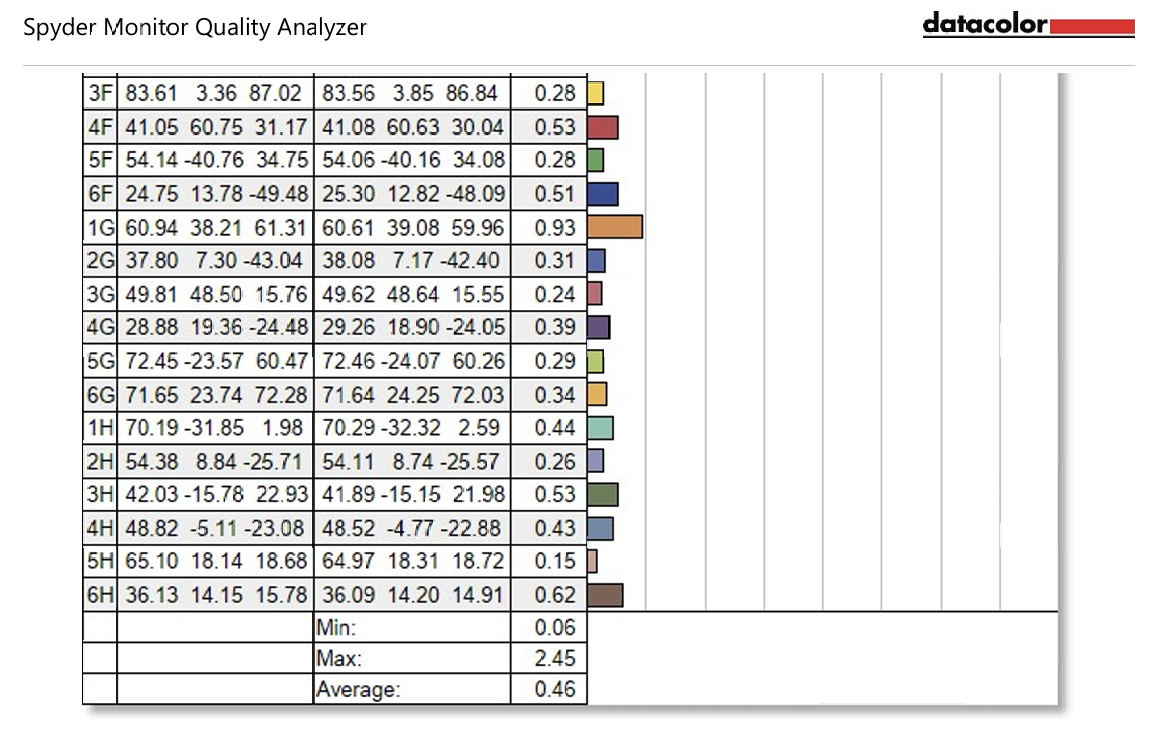
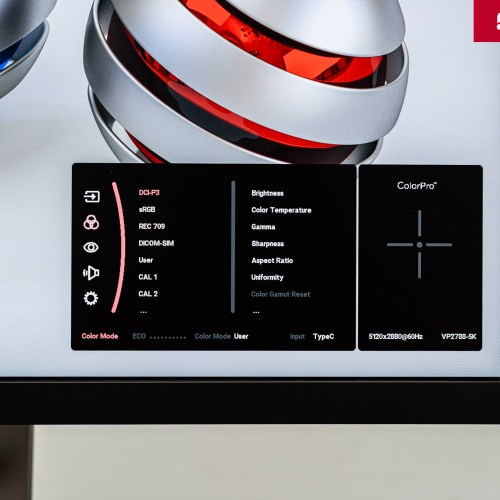
Migovi measured the ViewSonic ColorPro VP2788-5K monitor using the SpyderX Elite after performing a factory reset. The DCI-P3 display mode was enabled instead of User and the results showed that the monitor covered 100% of the sRGB color space, 89% of the Adobe RGB color space, 100% of the DCI-P3 color space and 87% of the NTSC color space. The color difference was as low as 0.06 and as high as 2.45 (teal), with an average Delta E of only 0.46.

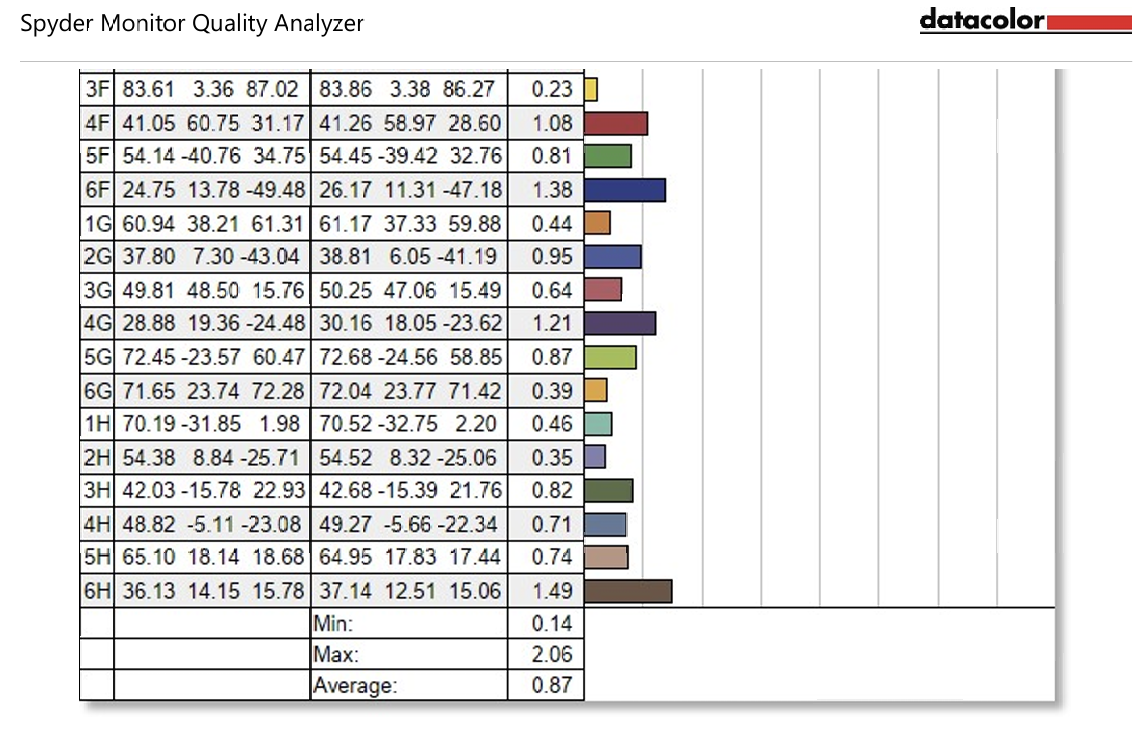
After performing calibration with SpyderX Elite, the results showed that the ViewSonic VP2788-5K achieved 100% sRGB, 90% Adobe RGB, 99% DCI-P3 and 88% NTSC. The color accuracy at this time was the highest at 2.06, the lowest at 0.14 and the average at 0.87.
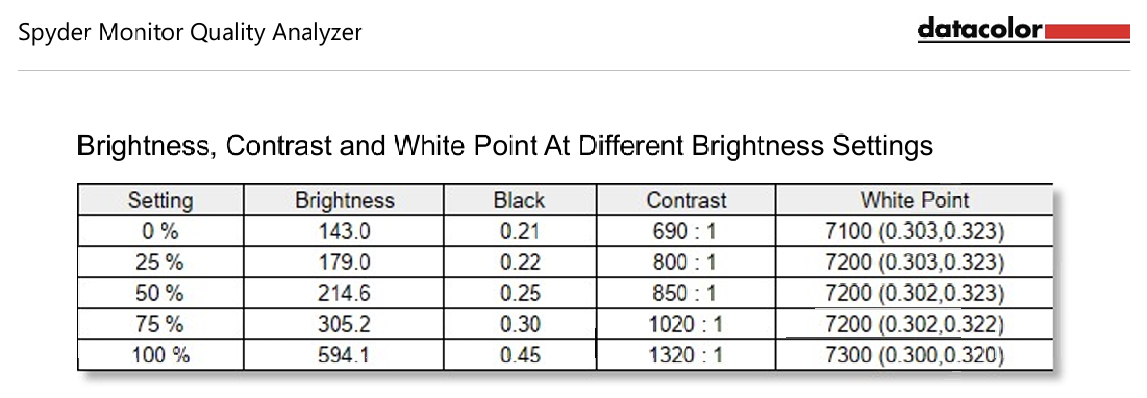
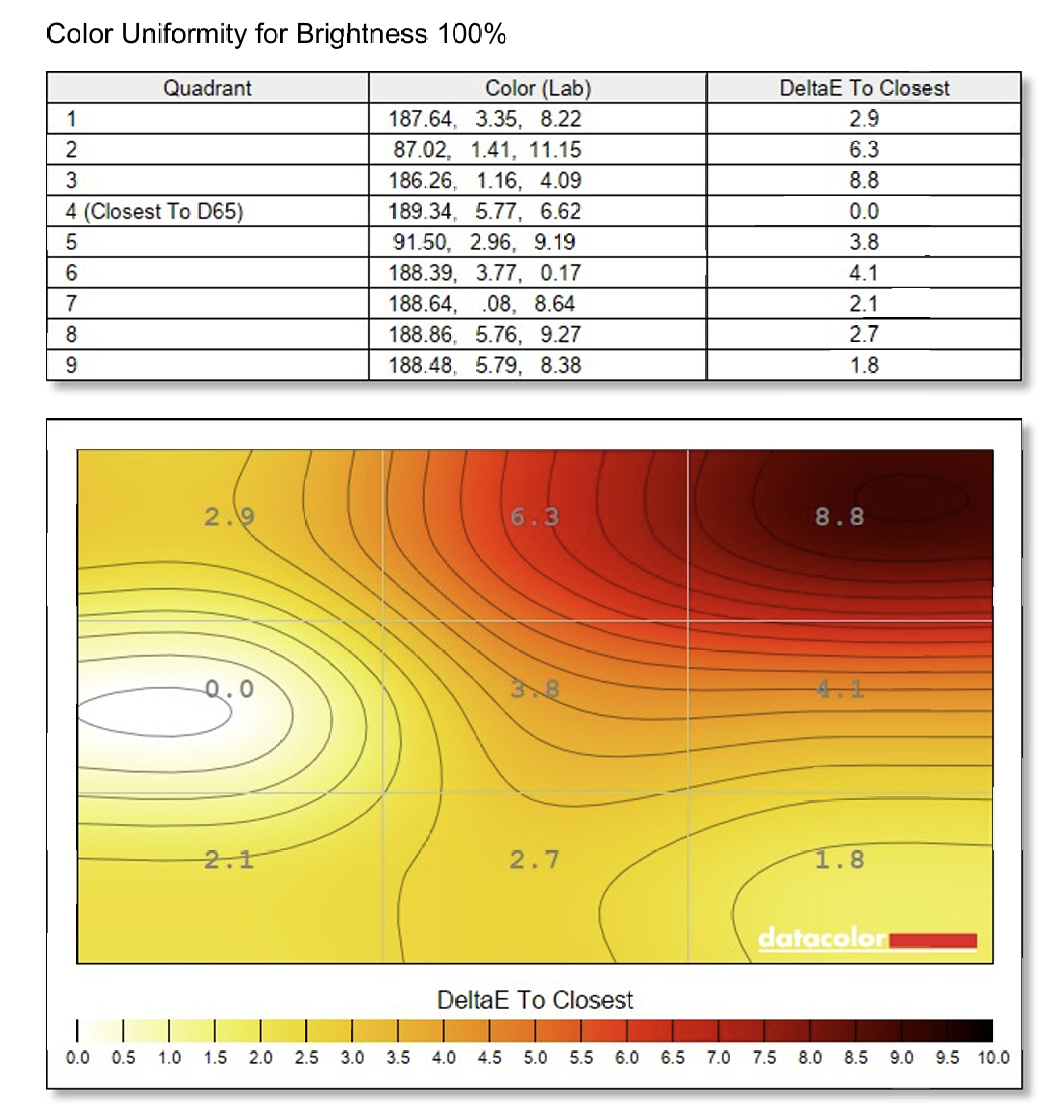
At the default setting without color calibration, the screen has a maximum brightness of 594.1 nits, the corresponding contrast is now 1320:1. When the brightness is set to 100%, the screen is brightest in the middle left corner, darkest in the upper right corner. The highest luminance difference is 14%. At 50% brightness setting, the screen is more uniform, brightest in the upper left corner and darkest in the upper right corner, the highest luminance difference is 18%.
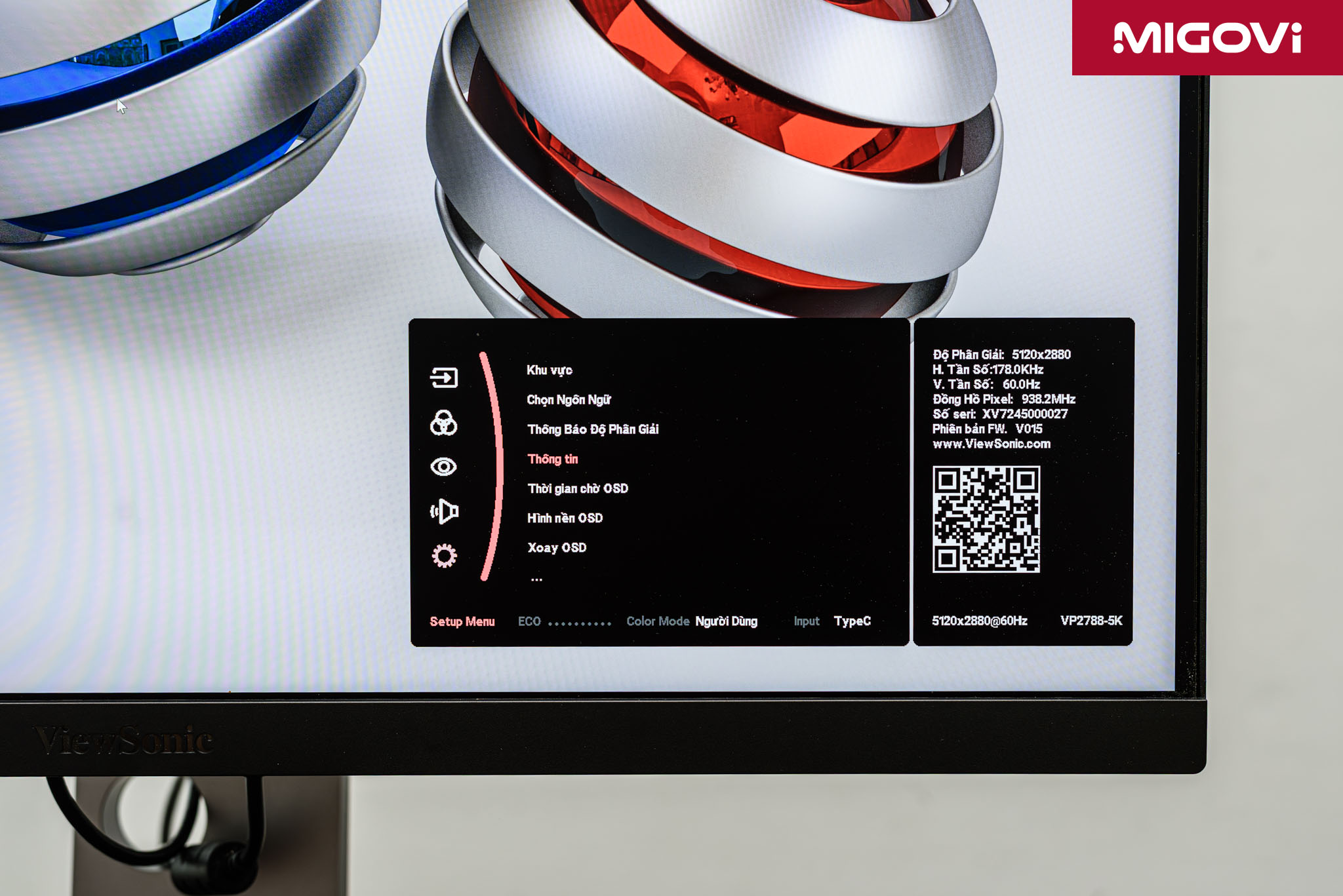
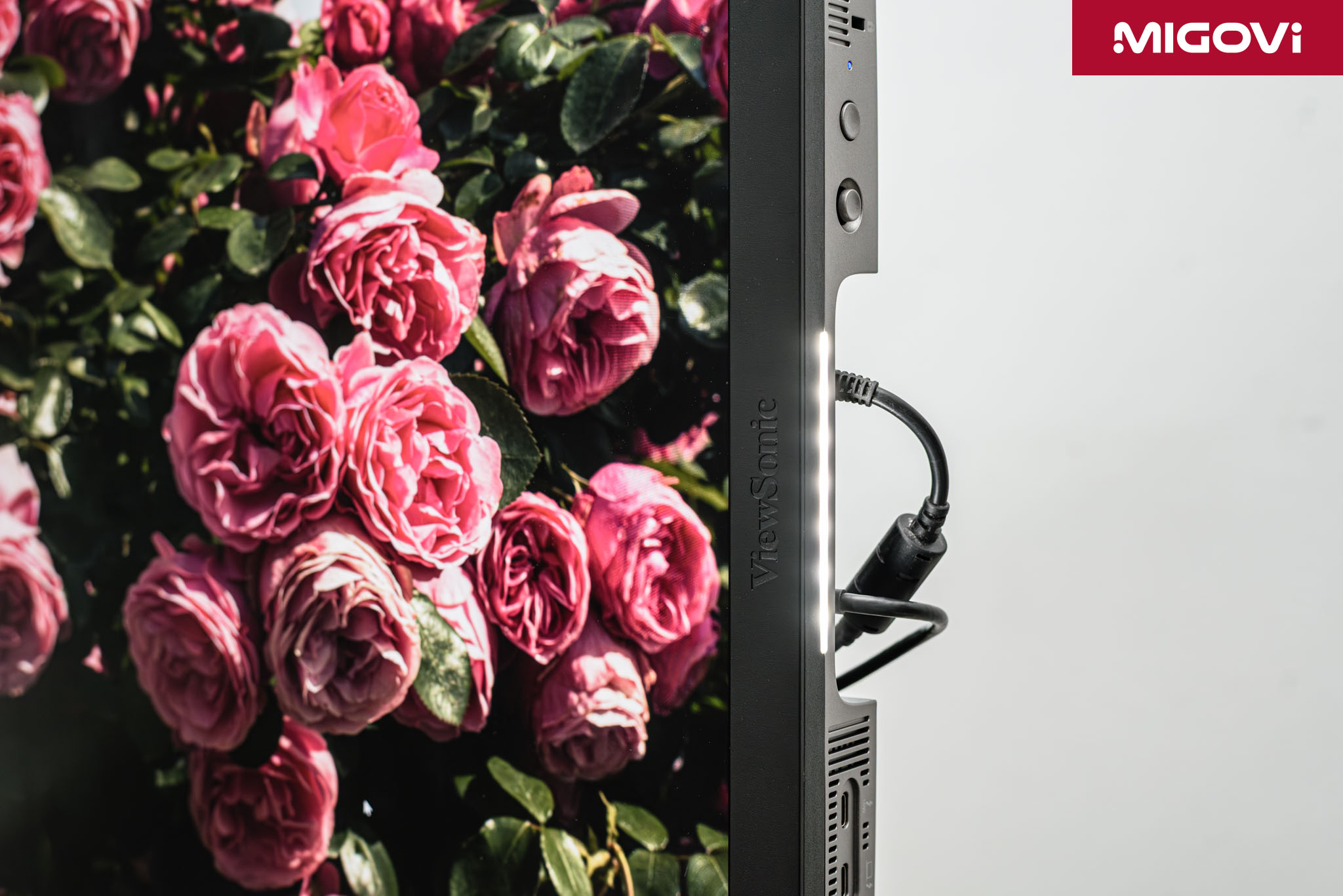
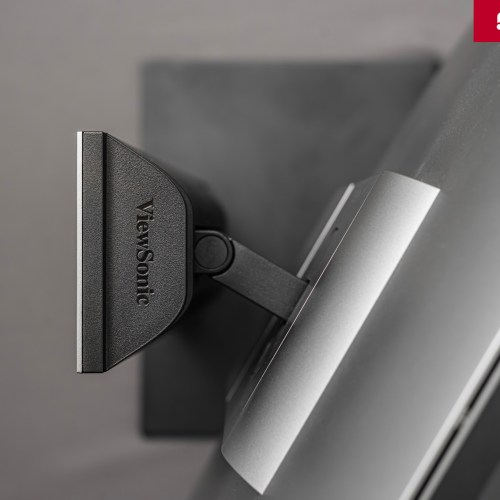
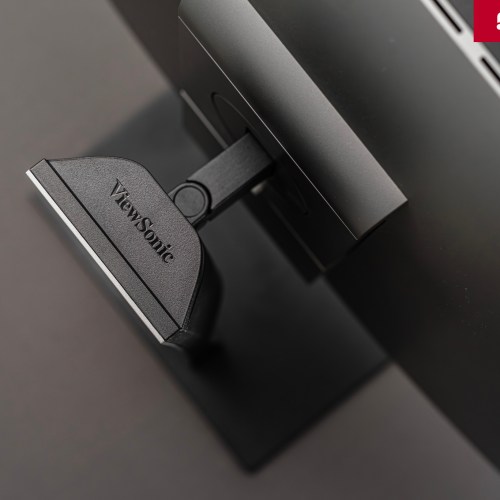
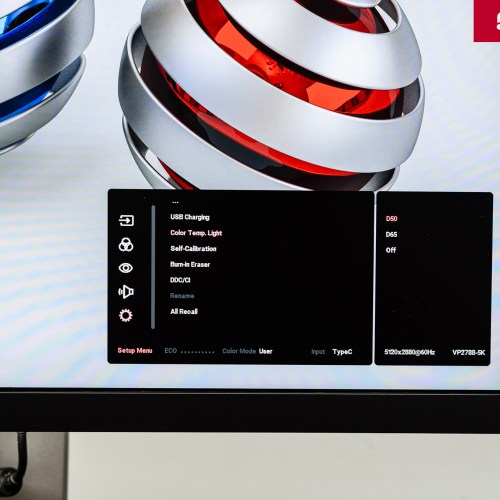
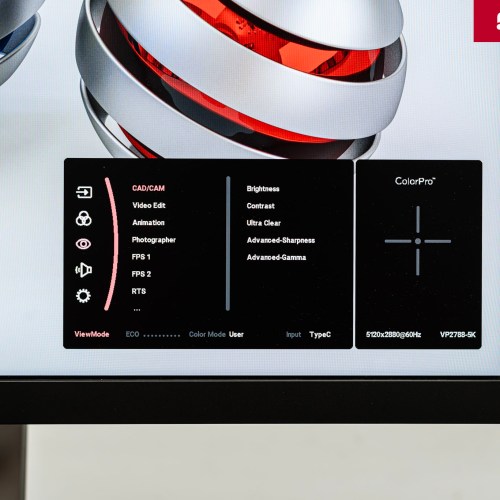
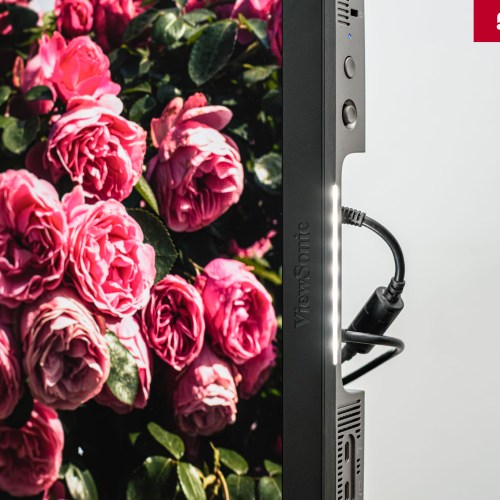
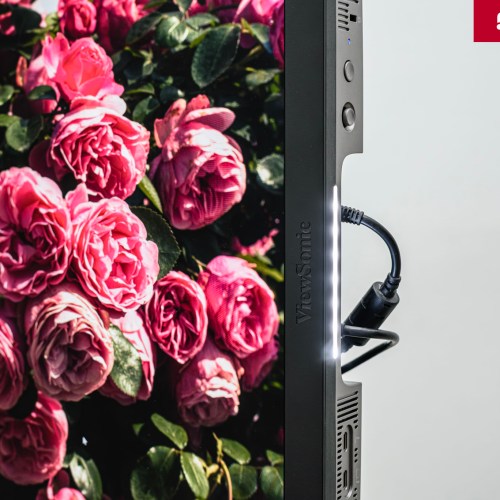
The default OSD menu is in the lower right corner, with Vietnamese support. Menu control is easy with the 5-way joystick. ViewSonic has integrated an LED strip right next to the bottom of the screen, with 3 modes: off, D65 and D50 color temperature. This LED light helps users see how printed images will look on different materials and in different lighting environments and quickly compare them with the colors on the screen. ViewSonic also provides display modes optimized for specific tasks such as CAD/CAM, Clarity Boost (enhance details in dark areas) and Magnifier (digital magnifier).
Conclude
Overall, the ViewSonic ColorPro VP2788-5K is a professional monitor, especially for graphic design needs thanks to its Pantone Validated certification. Not flashy in appearance, the VP2788-5K focuses entirely on image display capabilities, color accuracy as well as convenient auxiliary features. If you want to equip a monitor for intensive graphic needs, expand space with daisy chain setup, the ViewSonic ColorPro VP2788-5K is a better and more reasonable choice than other expensive competitors.