
Lenovo Yoga Slim 9i review - Slim, Powerful and Beautiful
The Lenovo Yoga Slim 9i (14-inch, Gen 10) is not only a premium product, but also a physical representation of the AI era.
In the AI wave, Lenovo Yoga Slim 9i is designed not only to run artificial intelligence software but also to be the embodiment of beauty. This Copilot+ PC model has an extremely attractive, beautiful appearance, besides being thin and light as well as sturdy and solid. Being too beautiful is both a strength and a weakness, this detail will be detailed in the article content.
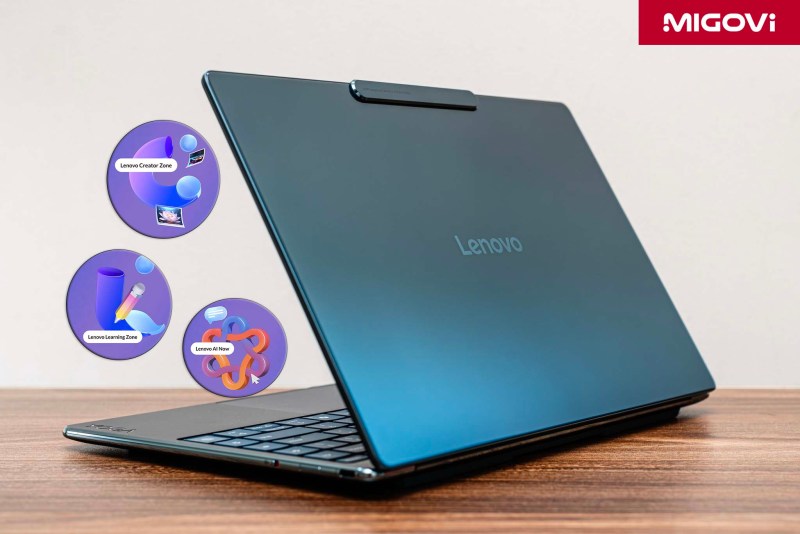
The promise of AI PCs like the Lenovo Yoga Slim 9i lies in on-device AI processing. Instead of relying entirely on cloud services, the device can perform AI tasks independently, providing faster speeds, lower latency, and most importantly, absolute privacy for users thanks to internal processing. To realize this promise, Lenovo not only equips powerful hardware but also comes with a set of 3 exclusive AI applications: Lenovo AI Now, Lenovo Creator Zone, and Lenovo Learning Zone. These are the differentiators that turn powerful hardware into truly useful and intelligent tools for work, creativity, and learning.
Article content
Luxurious and very beautiful design

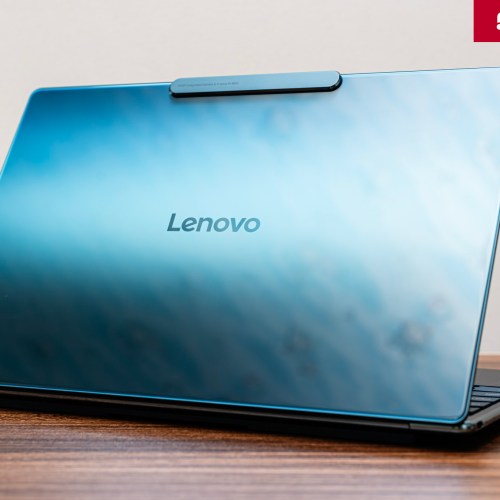
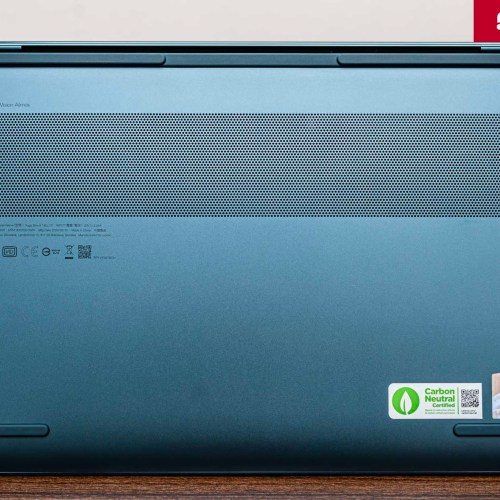
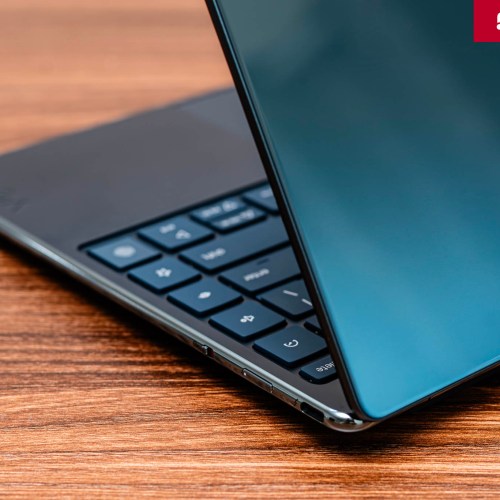
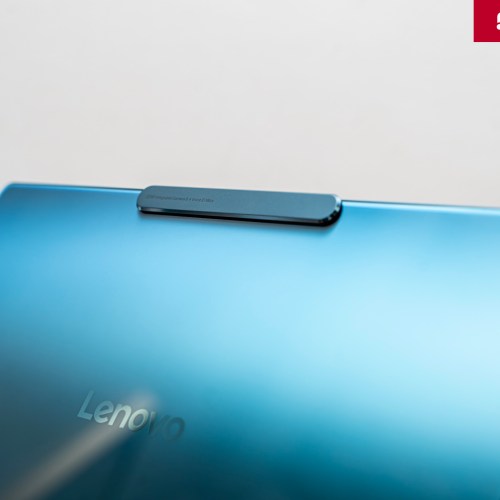
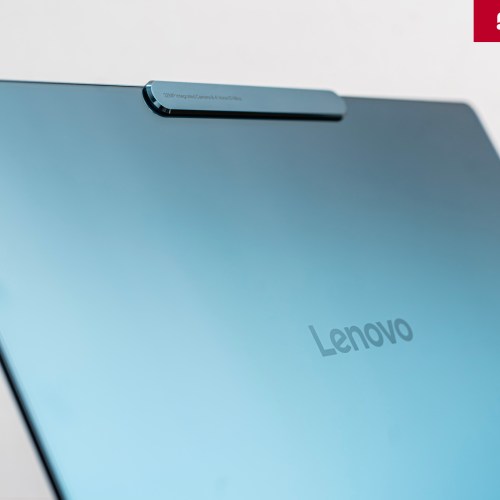
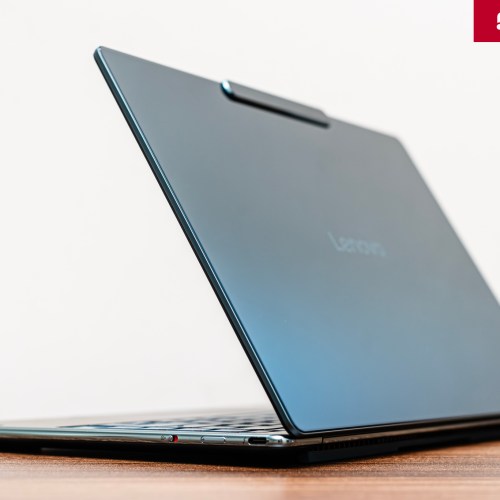
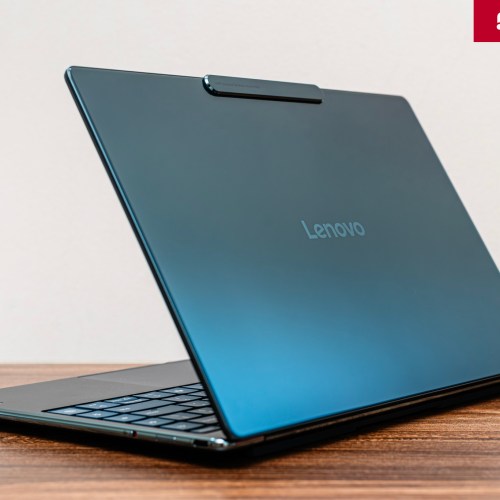
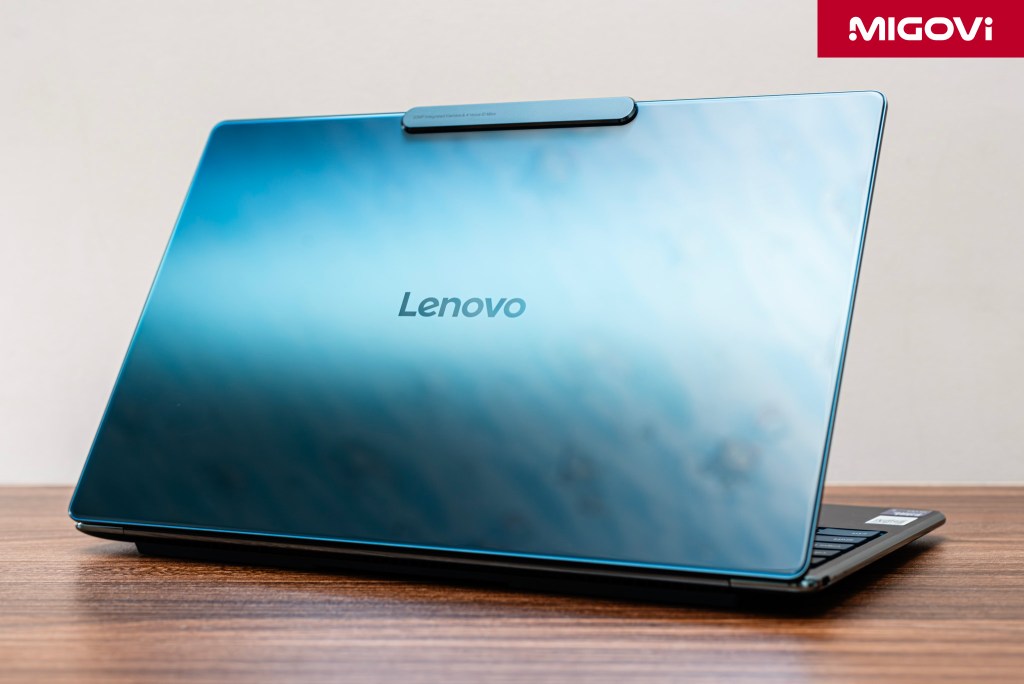
At first glance, the Lenovo Yoga Slim 9i has affirmed its position as a luxury laptop. With a unique Tidal Teal blue coat, the Lenovo Yoga Slim 9i has a special highlight thanks to the tempered glass covering the entire A-side. This glass creates a 3D ripple and reflection effect, giving the feeling of standing in front of a deep blue mirror. Sometimes you will think that this is a large high-end smartphone instead of a traditional laptop.
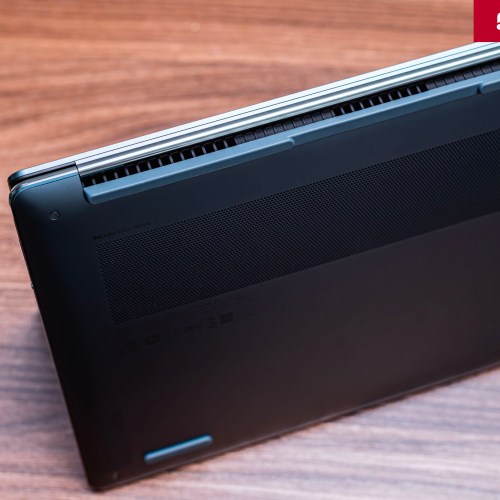
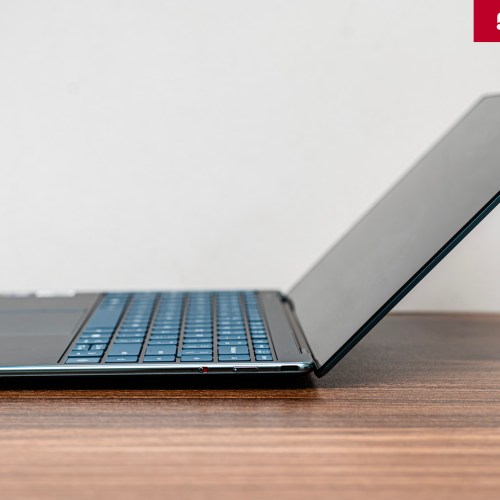
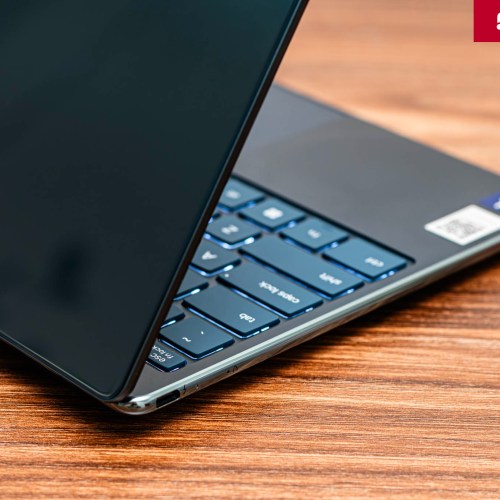
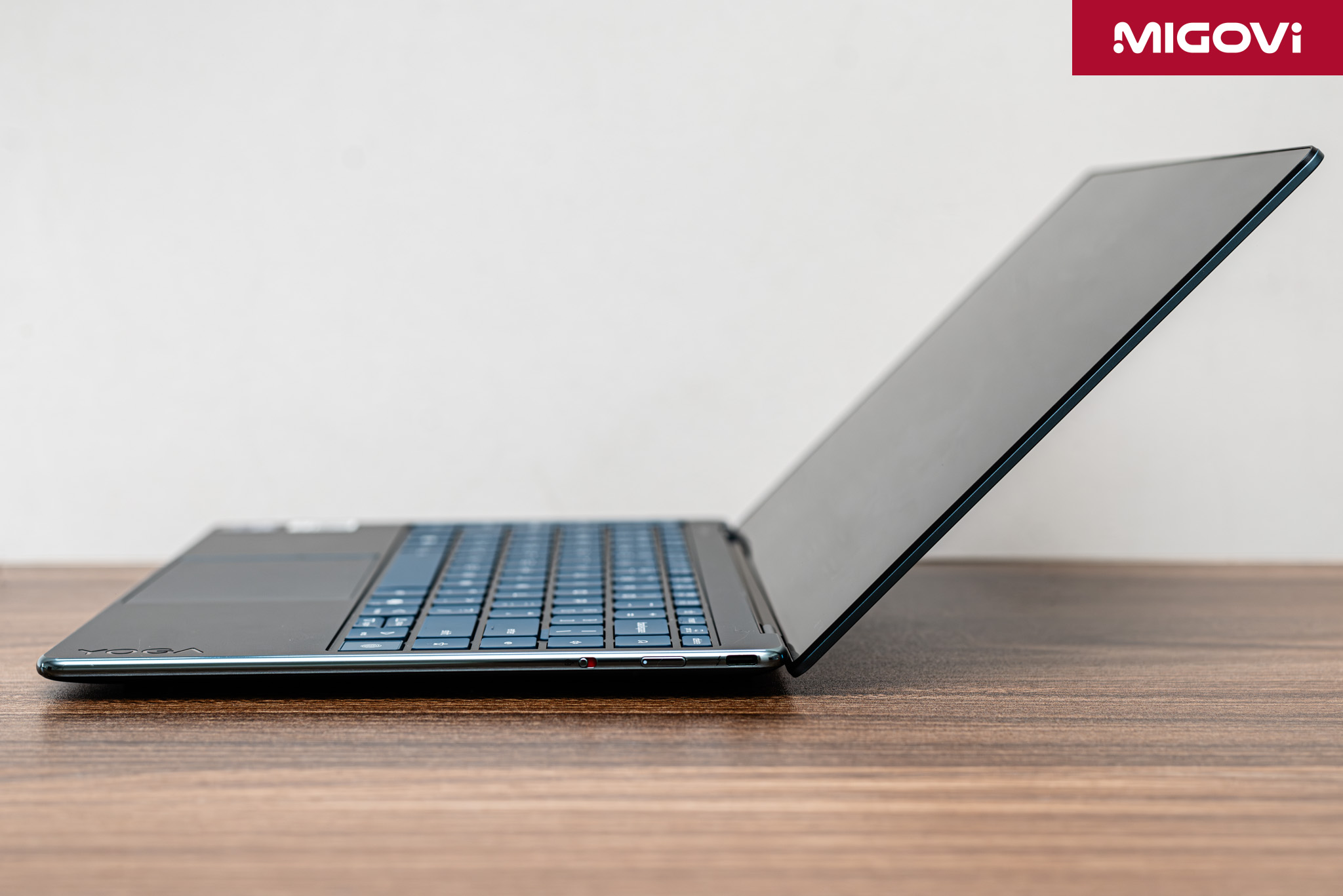
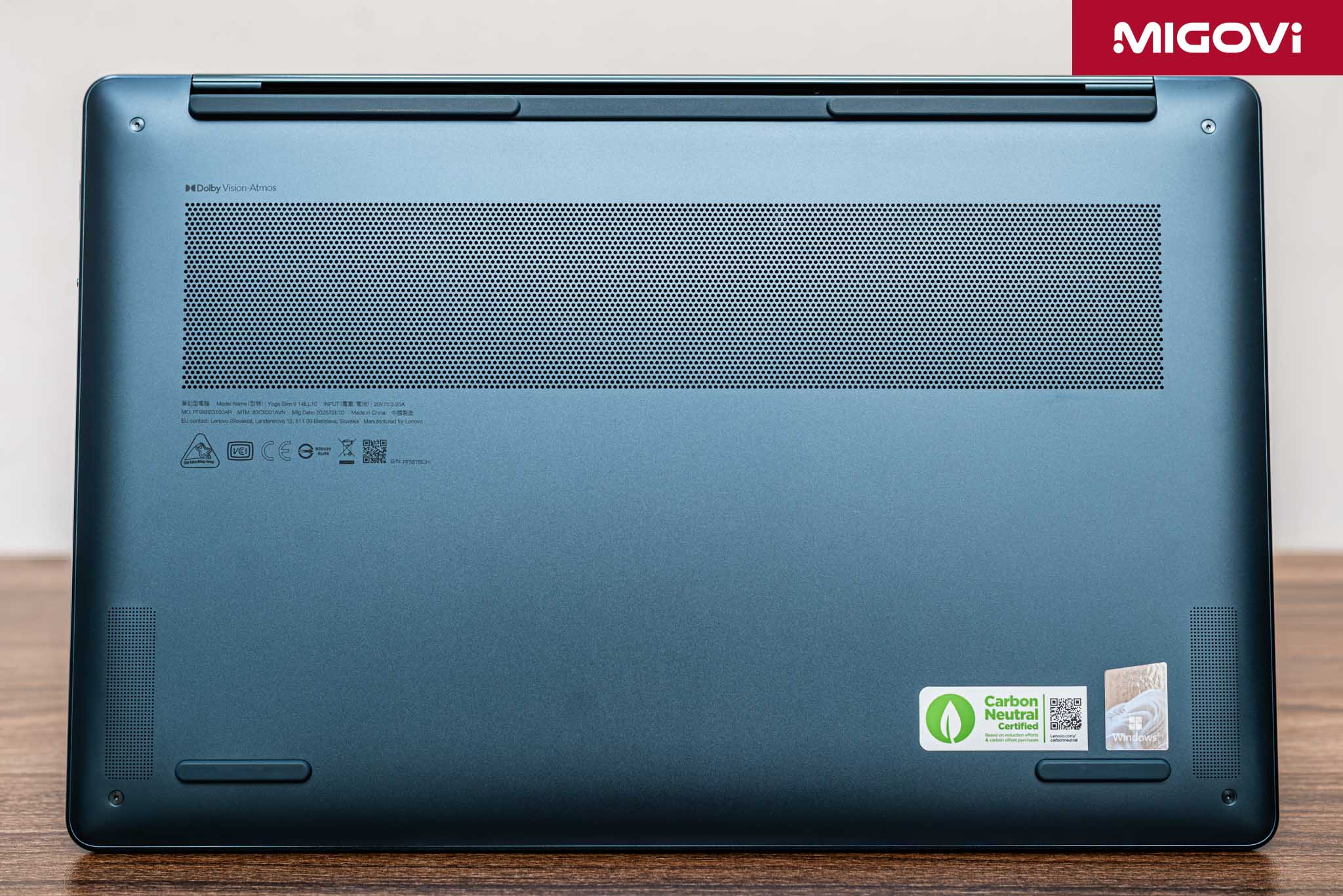
The elegance is also reflected in the impressive thinness and lightness. Lenovo has succeeded in packing a 14-inch screen into a frame that is only equivalent in size to a 13-inch laptop. Not only that, the Yoga Slim 9i weighs only 1.25 kg and is super thin - 14.55 mm. The edges of the device are softly rounded, creating a comfortable grip and easy to carry with you.
In fact, although the images in the article are beautiful, Migovi thinks that they cannot fully describe the beauty of the Lenovo Yoga Slim 9i. You have to hold it in your hand to feel the beauty and sturdiness of the product. As mentioned at the beginning of the article, the Yoga Slim 9i is very beautiful, which is both a strength and a weakness. Because of its glossy appearance, you unconsciously hold it very gently and cautiously, almost as if you are afraid of destroying that soft and gentle beauty. Of course, there is a reason for this: the tempered glass is quite fingerprint-prone, so if you are not careful, the A side will get dirty very quickly, and that softness makes the grip of the hand not strong enough, creating a feeling of easy falling.
Screen or window to the AI world
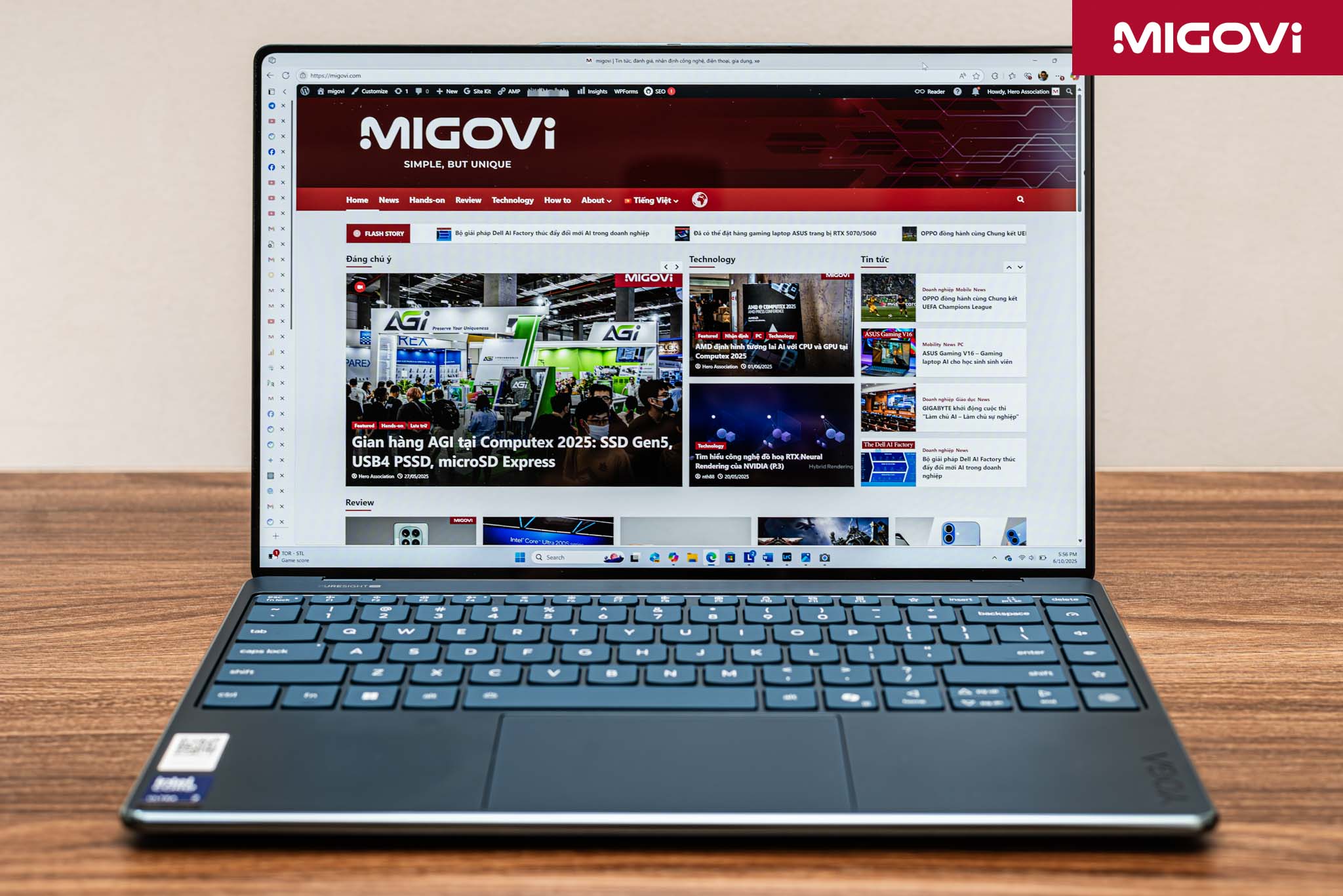
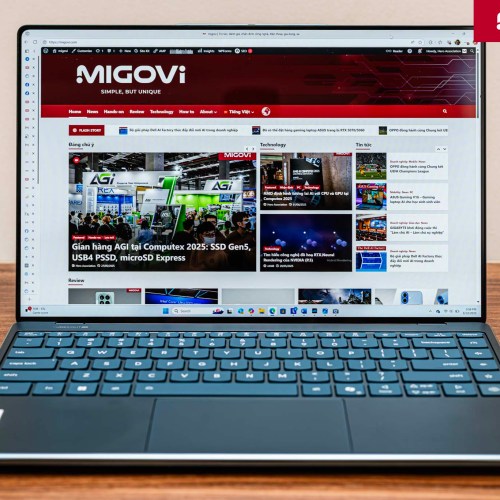
Besides its extremely striking and attractive appearance, the screen of the new Yoga Slim 9i is truly the "star" detail, providing a great visual experience. It can be said that the PureSight Pro screen of the machine is a spectacular window into the digital world decorated by AI integrated in the Lenovo Yoga Slim 9i. With a size of 14 inches but fitting the frame of a 13-inch laptop, the screen has an ultra-thin border, providing a feeling of overflowing and much more spacious. Yoga Slim 9i uses OLED technology for the screen, 4K WQUXGA resolution (3840 x 2400), 16:10 ratio and smooth 120 Hz refresh rate. Thanks to the 16:10 ratio, the content displayed is more in height, limiting the need to scroll the page.

The other parameters of the screen are equally impressive: the maximum brightness can reach 750 nits, supporting high-end image standards such as Dolby Vision and VESA DisplayHDR True Black 600. More specifically, this screen has almost absolute color coverage, reaching 100% of the sRGB, Adobe RGB and DCI-P3 color spaces, ensuring that colors are reproduced with the highest accuracy, ideal for creative work that requires strict color. It can be said that Yoga Slim 9i owns the best screen on a 14-inch laptop model. Actual experience shows that the displayed images are extremely vivid, brilliant and sharp to every detail. The absolute deep black of OLED technology makes other colors stand out, creating infinite contrast. Even common applications like Gmail look more colorful with highly saturated icons, while text is clearer thanks to good contrast. When watching 4K videos, Migovi can clearly see each feather on the parrots' bright blue plumage, or the scratches on their beaks.
This high-quality display is the most convincing reason for users to choose Yoga Slim 9i. The screen is the part that contacts and brings the most experience to the user, even more than input components such as the keyboard or clickpad. The screen directly enhances every aspect of the experience, from working, watching movies, playing games to admiring the visual works created by AI from Creator Zone. This OLED screen also supports touch, so you can experience a part of it as if you were touching the fascinating virtual world.
Unique under-screen camera

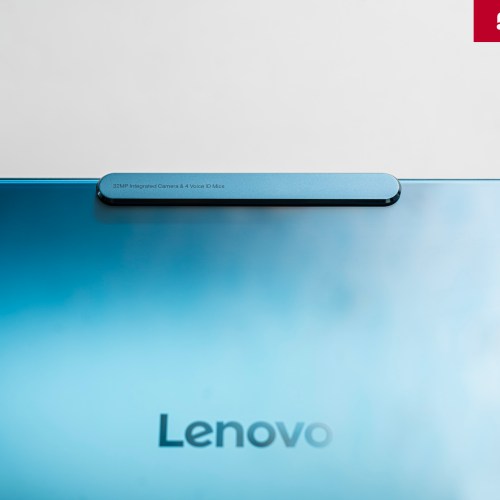
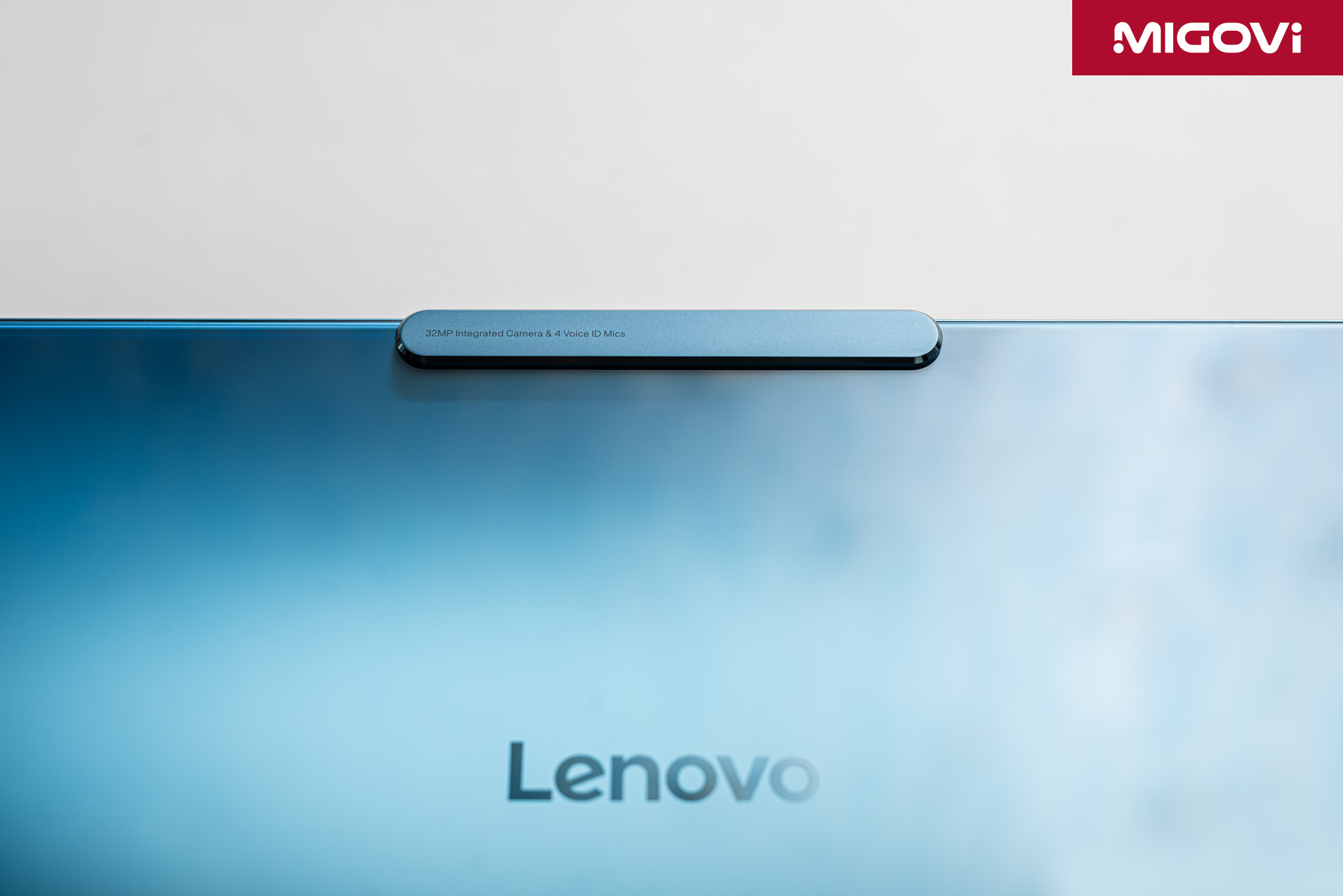
One of the most intriguing and daring technical innovations on the Yoga Slim 9i is the camera or webcam. Lenovo has become the first manufacturer in the world to integrate Camera-Under-Display (CUD) technology into a laptop. This is a remarkable technical achievement, solving the inherent design problem: how to have an ultra-thin screen border without the need for a “rabbit ear” or a thicker border to accommodate the camera.
Lenovo’s solution is a huge aesthetic success on the Yoga Slim 9i. By hiding the 32MP camera beneath the OLED pixels, Lenovo has created a nearly bezel-less display, achieving a screen-to-body ratio of up to 98%. The result is stunning, all you see is a screen without any distractions. When not in use, the camera is completely invisible, contributing to the Yoga Slim 9i’s minimalist and seamless design.
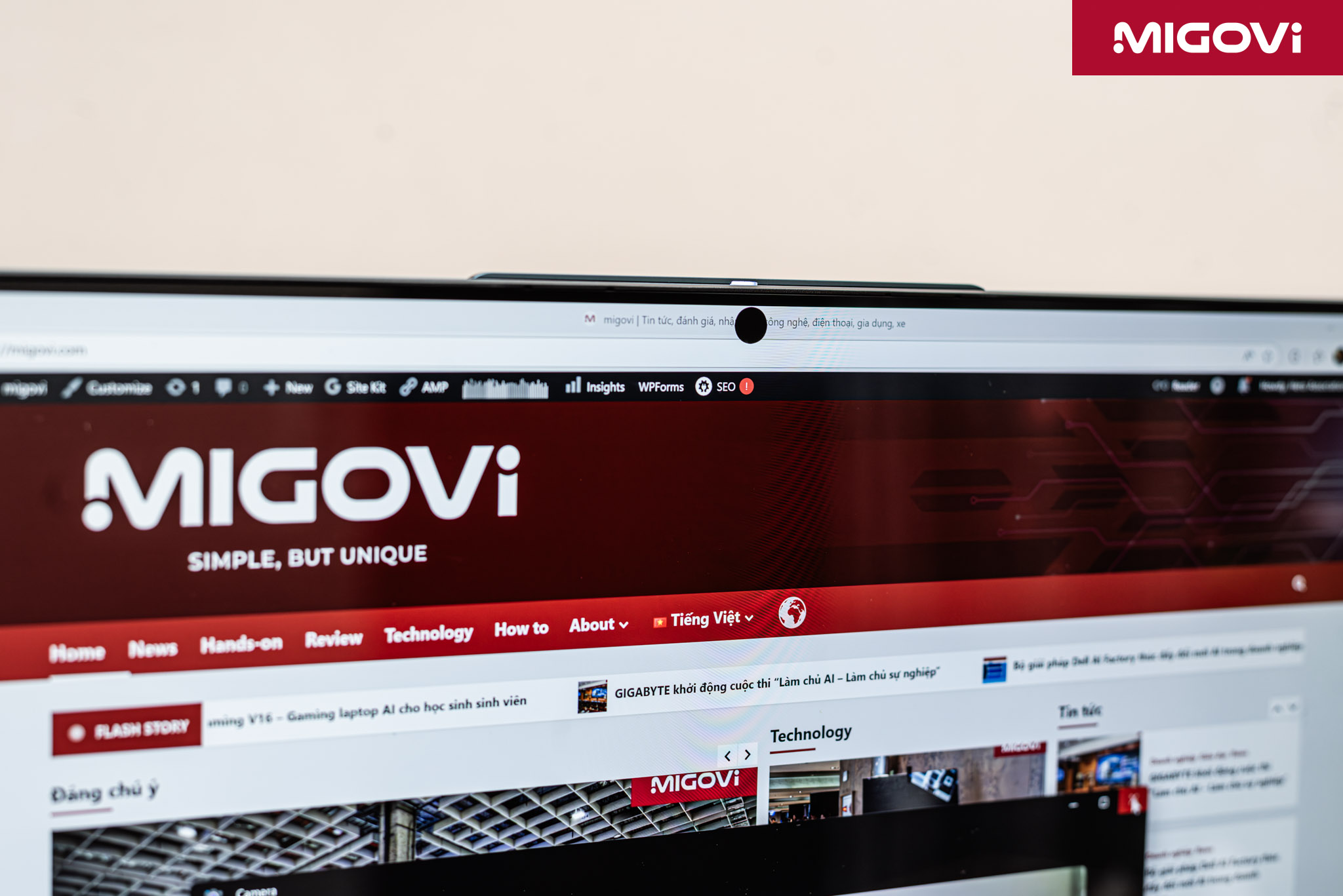
The idea of a hidden camera under the screen is excellent, but at the moment it is probably not mature enough. The disadvantage of this CUD part is the image quality, even in a bright environment, the image is still blurry, feeling like there is a layer of film covering it. The reason is very easy to understand, because right in front of the CUD lens are OLED pixels, then the light reflected from the image will be captured by the CUD like through a layer of fog filter. CUD technology on the Yoga Slim 9i solves a design problem - the screen border - but creates another problem that needs to be solved - camera quality. In the future, there will probably be a solution for CUD, but for now this is an advantage and also a disadvantage on the Yoga Slim 9i.
Copilot+ PC standard configuration

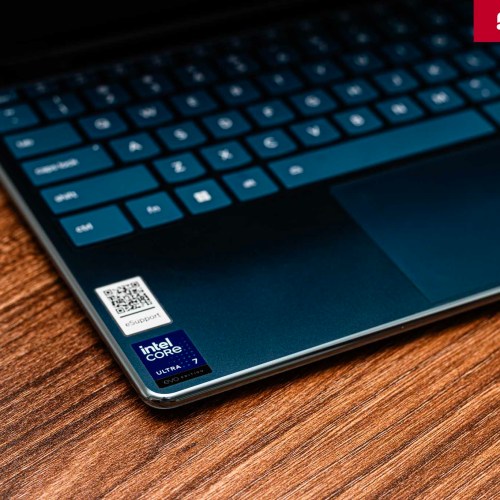
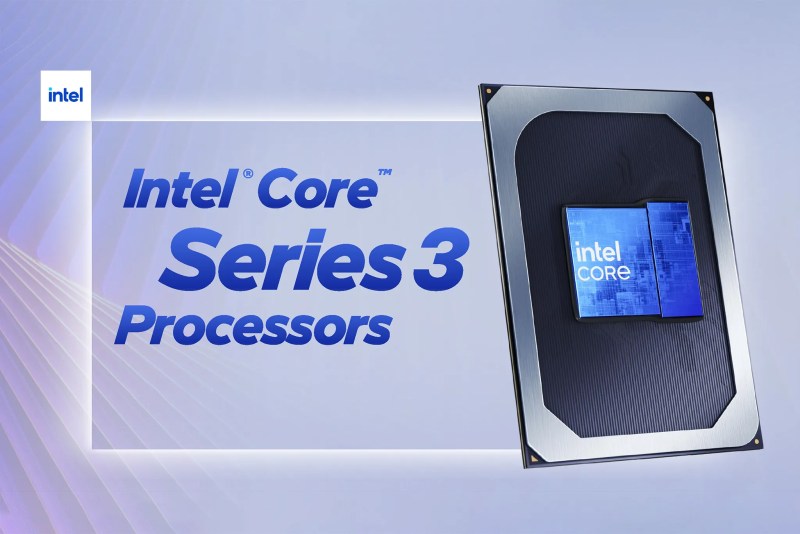
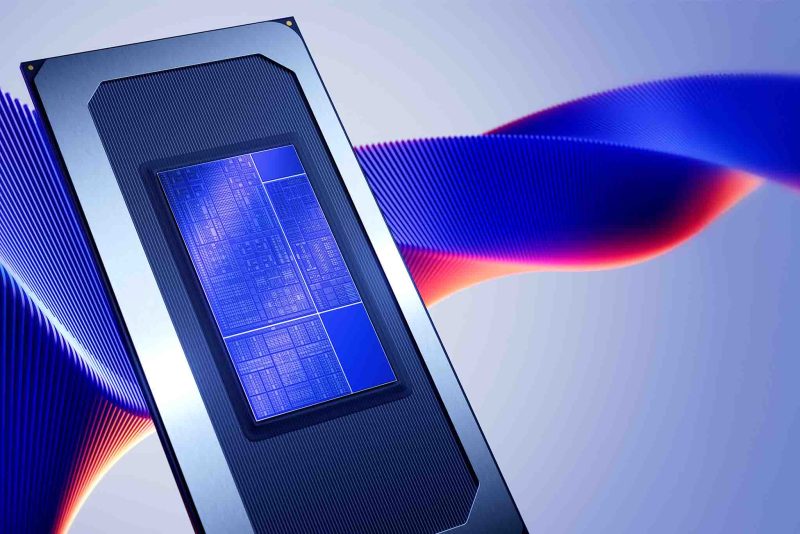
The heart of the Lenovo Yoga Slim 9i, which is also the foundation for the AI PC title, is the Intel Core Ultra Series 2 processor, specifically the Core Ultra 7 258V model. This chip is not simply a more powerful CPU, but a SoC with a heterogeneous architecture, combining 3 specialized "brains" including CPU, GPU and NPU. The CPU will handle general-purpose tasks, jobs that require fast response and handle complex, intermittent workflows. The integrated Intel Arc GPU specializes in handling graphics, video tasks and large AI models that require parallel processing with high throughput. Finally, the NPU is also the core of the AI PC, specifically designed to handle long and repetitive AI tasks efficiently with extremely low power consumption.
This heterogeneous architecture allows the system to allocate work more intelligently. Instead of forcing the CPU or GPU to handle AI tasks, the operating system will transfer those tasks to the dedicated NPU. For example, when making a video call, the NPU will take care of background blurring and noise reduction; or when using the Learning Zone to record audio, the NPU will handle real-time speech-to-text conversion. This approach frees up the CPU and GPU to focus on the core tasks the user is doing, such as smoother text editing or image editing.
There are two main benefits to users when dividing up the workload like this. First, it significantly extends battery life, as the NPU consumes much less power than the CPU/GPU for the same AI task. Second, it ensures that the overall system performance is smooth and responsive, even when AI features are running in the background. The NPU is the silent processor that makes the AI PC vision a reality, and also differentiates AI PCs from traditional PCs that simply run AI software. In terms of overall performance, the Yoga Slim 9i performed very well in office tests and photo editing tasks like Photoshop.
The Lenovo Yoga Slim 9i is the laptop that accompanied Migovi throughout the COMPUTEX 2025 exhibition. The device is compact and light enough to carry on your back during the trip. Compared to Intel's Meteor Lake generation of processors, this Lunar Lake generation brings very valuable improvements. Not only does it provide higher performance, but it is also cooler and less energy-consuming. With the same battery capacity and CPU segment, a laptop running Lunar Lake like the Lenovo Yoga Slim 9i feels like a new horizon compared to before: stronger, cooler and longer battery life. Migovi does not use the Yoga Slim 9i as a thin, light, easy-to-move laptop, only doing office tasks. On the contrary, the device must serve the needs of photo editing, from Lightroom RAW processing to Photoshop post-production, and also fast video editing with Adobe Premiere. These creative tasks are completely smooth on the Yoga Slim 9i, and the machine also does not have too hot temperatures. As for the battery, this is a completely new experience thanks to the much longer battery life. Now, even with mixed tasks and without “extreme” tweaks (such as turning off wireless connections, reducing screen brightness too low…), the device is still capable of meeting more than a long working day.
Keyboard and sound

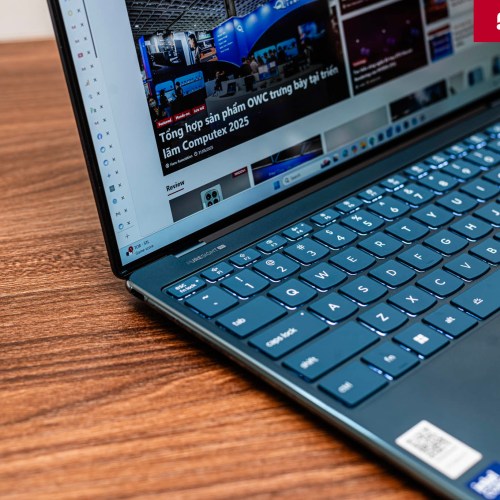
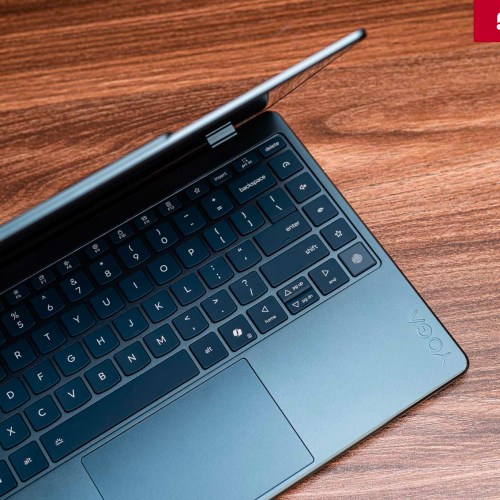
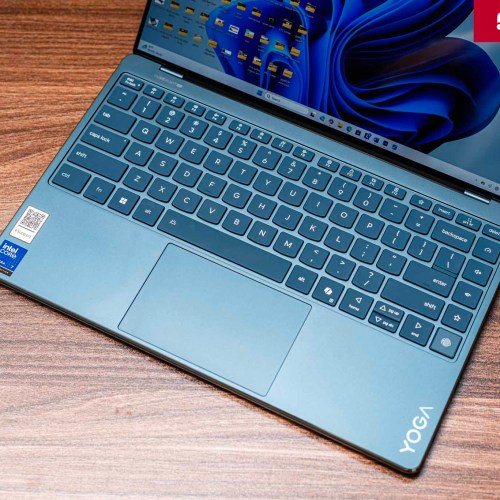
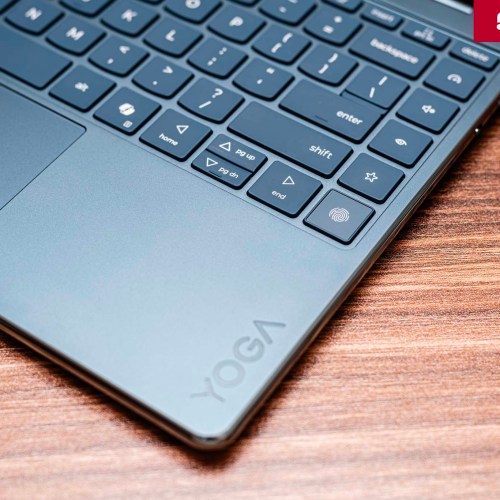
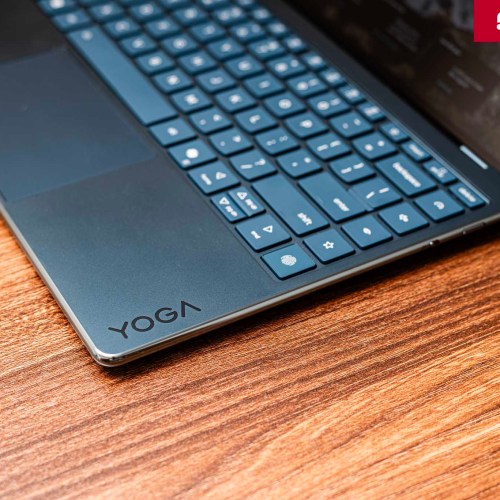
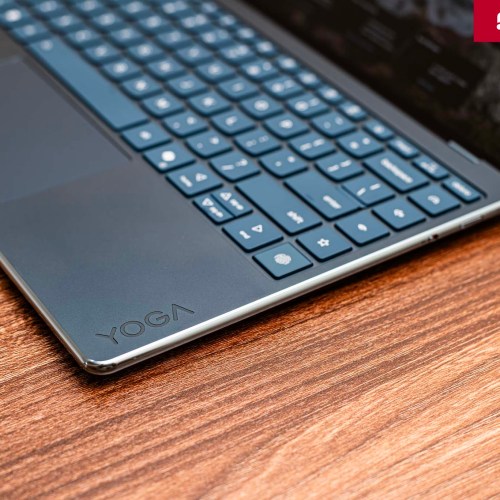
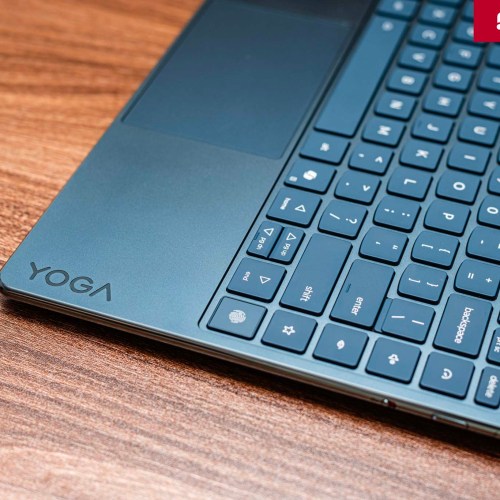
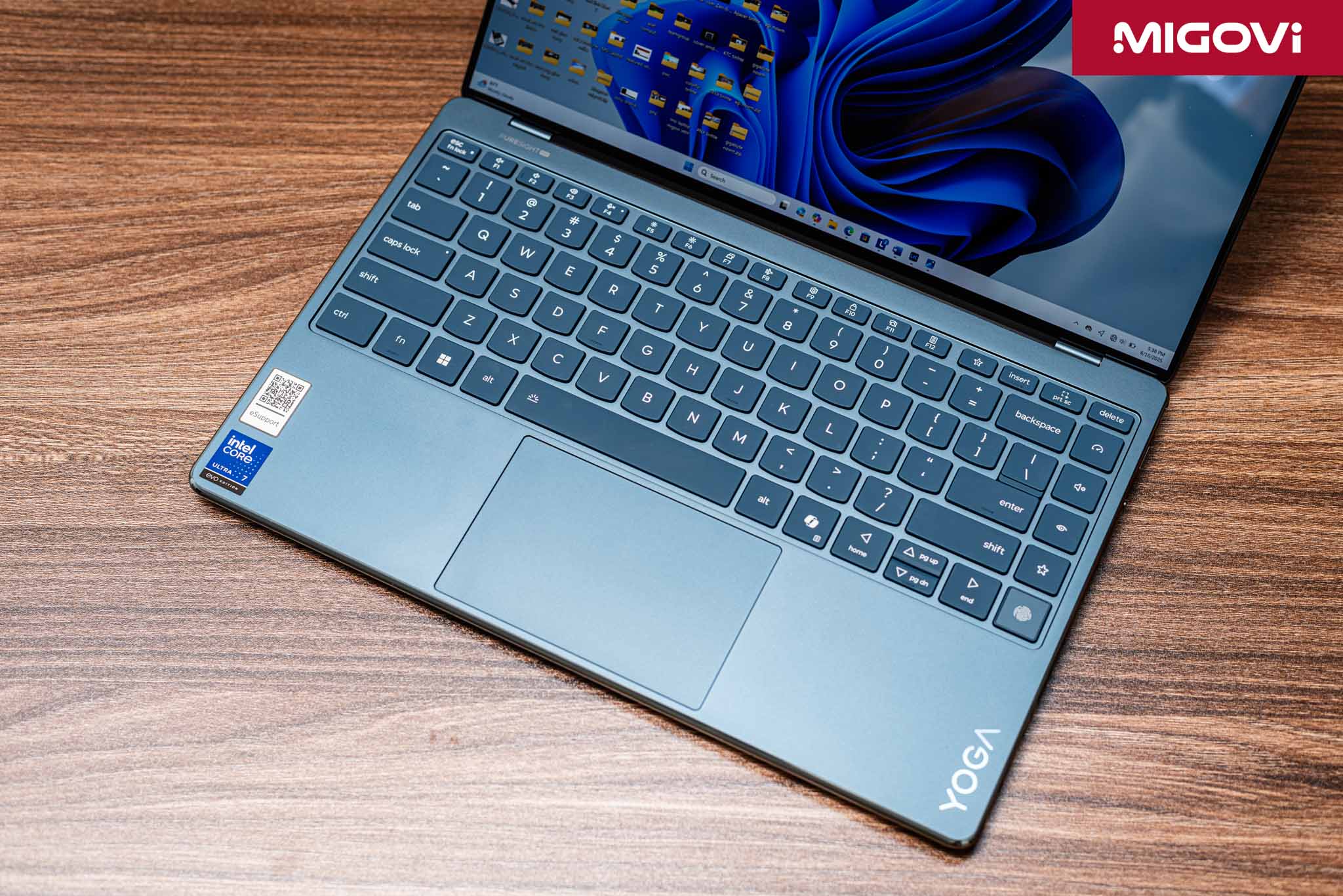
Lenovo continues to affirm its reputation with the Premium Suite keyboard, integrated with a fingerprint reader for quick system login. The typing feeling on the keyboard is quite good, the keys are responsive, and the travel is moderate, helping to maintain a fast typing speed. This is also the few times that Migovi can type and get used to the keyboard on a laptop very quickly, and at the same time, type with very few mistakes. The large key area gives a comfortable typing feeling, but the 4 navigation keys are still quite confusing. The large glass-covered clickpad gives a smooth gliding and control feeling, responding accurately to multi-touch operations.

The Yoga Slim 9i's sound system is also a plus. With 4 speakers (2 tweeters for treble and 2 woofers for bass) tuned by Dolby Atmos, the device reproduces clear sound, without distortion and provides a pretty good entertainment experience. The maximum volume is quite loud, but at levels above 75% it becomes a bit muddy.

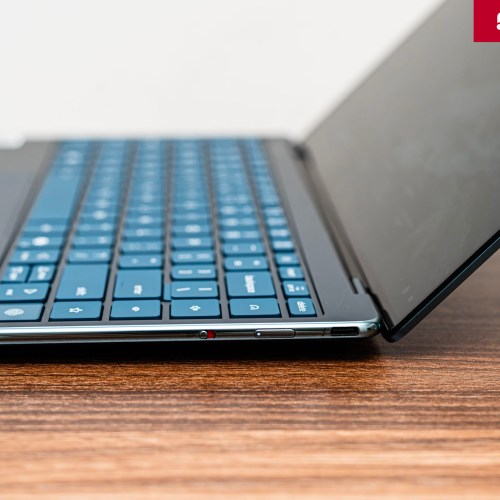
In terms of connectivity, to complete the sexy look, Lenovo boldly removed most of the familiar connection ports such as USB Type-A, HDMI, memory card slot or headphones. The Yoga Slim 9i only has 2 Thunderbolt 4 ports (USB Type-C) on each side. The power button of the device is located on the right side, next to the webcam on/off switch. This limitation in communication ports makes the Lenovo Yoga Slim 9i need an additional Thunderbolt Hub if you are someone who needs to use many peripheral devices. The same is true of Migovi when participating in the COMPUTEX 2025 exhibition with the Yoga Slim 9i, when there is an additional expansion hub, everything is much simpler.
Summary

The Lenovo Yoga Slim 9i doesn't just run AI, it's made for AI. The biggest strength of this Copilot+ PC model is not in each individual parameter, but in the seamless combination of dedicated hardware and a proprietary, well-invested AI software ecosystem (AI Now, Creator Zone, Learning Zone). This is a pioneering laptop model in integrating many modern technologies and designs. To achieve that, of course, there must be sacrifices in some other aspects, such as camera quality or number of connection ports. In return, the Lenovo Yoga Slim 9i (14 inch, Gen 10) has an extremely sexy appearance, a classy and super beautiful OLED screen, for a great display experience.
Migovi will have a separate article about Lenovo's 3 exclusive AI software suites - AI Now, Creator Zone and Learning Zone - which create the soul of a true artificial intelligence experience.