An independent researcher spent about a month tracing the bug in GIGABYTE Control Center, while reports that the company laid off its entire development team remain unconfirmed.
- An independent researcher used AI-assisted analysis to trace frame stutter on NVIDIA cards to the RGB module in Control Center
- The claim that GIGABYTE let go of its entire software development team is still only an allegation, and the company has not confirmed it
- The problem has been reported widely on RTX 50 Series cards, including the AORUS RTX 5080, the RTX 5090, and X870 motherboards
- An update was released on November 26. If stutter persists, switch the RGB effect to static mode
Table of Contents
From a month-long investigation
DIY PC builders are probably no strangers to the half-baked software that ships with components from GIGABYTE, ASUS, or MSI. Reddit is full of complaints about it, yet for years there has been no definitive fix. According to TudoCelular (Brazil), an independent researcher spent roughly a month tracking down recurring frame-pacing stutter on systems running GIGABYTE software.
The bottleneck is in the RGB lighting module
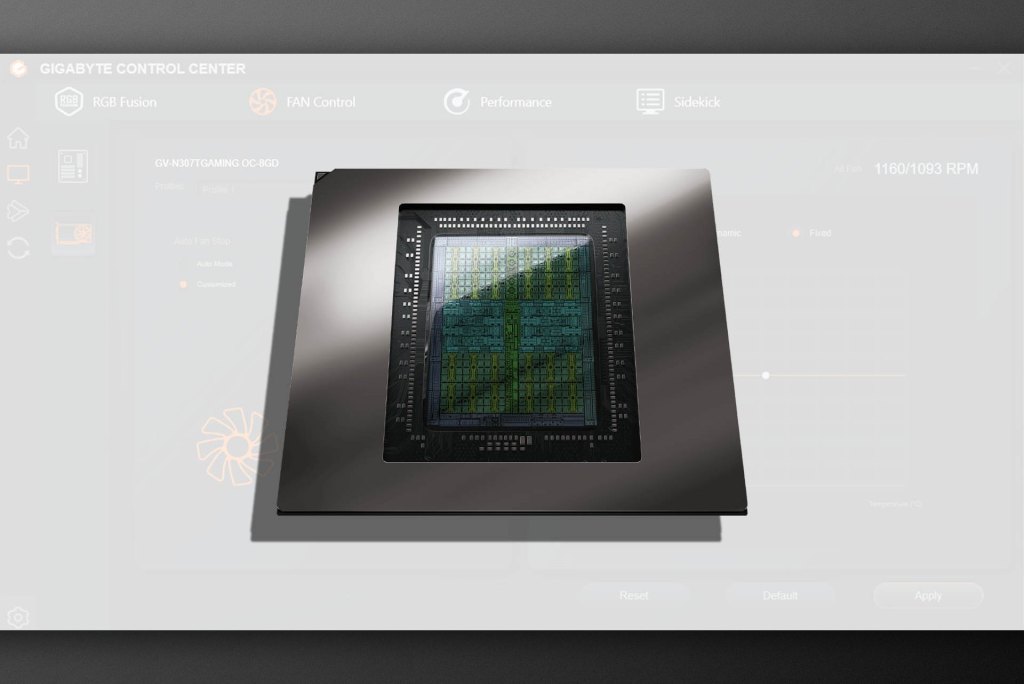
Using AI-assisted analysis and reverse engineering, the researcher determined that the bottleneck lies in how the RGB module in GIGABYTE Control Center communicates with NVIDIA graphics cards and with the lighting controllers integrated into the motherboard. That communication ends up conflicting with NVIDIA's display driver, which causes the stutter. In other words, what breaks smooth gameplay is not the card itself but a utility meant only for adjusting lighting, running in the background alongside the game.
The layoff claim remains unconfirmed
The same report also alleges that GIGABYTE let go of the entire Control Center development team after a wave of complaints. However, the company has not confirmed any layoffs or restructuring in its software division, so this detail should be treated as unverified. The stutter itself is better documented, as users on Reddit and PC building forums have recorded plenty of cases.
Which systems are affected and how to fix it
Reports are concentrated among RTX 50 Series users, including the AORUS RTX 5080 and RTX 5090, often paired with X870 motherboards. To reduce the instability, GIGABYTE released a new version of Control Center on November 26, aimed at improving stability and removing the conflict with NVIDIA. If frame times still spike after updating, the company recommends switching the lighting effect to static mode to ease the load from the background task.
Another option is to remove the manufacturer's background services entirely, or to use an open-source tool such as OpenRGB to control the lighting. For gamers who value smoothness over keeping the vendor's lighting effects, this is worth considering.
The most credible part of this story is the stutter caused by the lighting control software: multiple users have reported it, and GIGABYTE has released an update to address it. The claim that the whole development team was laid off is still only an allegation and should not be treated as fact. It is a reminder that a utility that seems to exist only for lighting can still directly affect the gaming experience, especially on expensive cards like the RTX 5080 or RTX 5090. If you use an AORUS card or a GIGABYTE motherboard, update Control Center to the latest version and then check your in-game frame times again. If stutter persists, set the lighting to static mode or try removing the vendor software altogether, since the only cost is losing a few lighting effects.
Source: Wccftech
Reviewed by: Hero Association