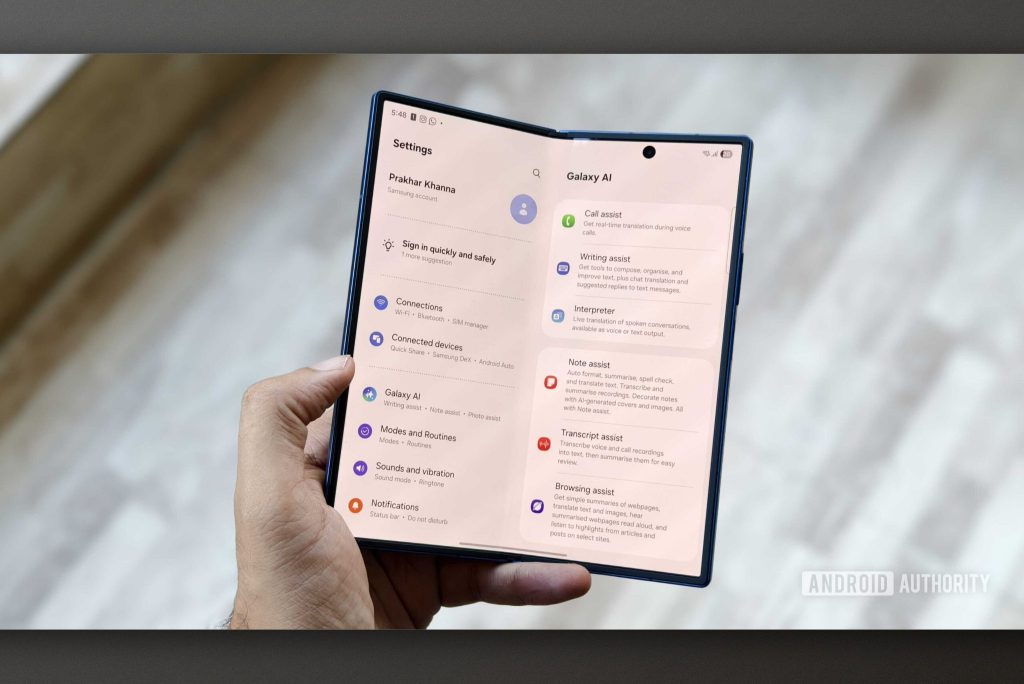
Galaxy Claw has surfaced in Samsung app code, suggesting Galaxy AI could perform tasks for users across Gmail, Calendar, and Messages.
- Galaxy Claw is a new Galaxy AI experience from Samsung, discovered in the code of the Personal Agent Core (PAC) app.
- Galaxy AI can act directly in Gmail, Calendar, Messages, Contacts, and Phone instead of just answering questions.
- Scheduled tasks can run hourly, daily, on weekdays, weekly, or on a custom interval.
- Daily Brief, Device Cleaner, Travel Planner, and a dedicated widget also appear in the code.
- Samsung has not confirmed a launch date or compatible devices, as this is only code under development.
Table of Contents
Galaxy Claw and the Personal Agent Core platform
Samsung is pushing hard on AI across its phones and Galaxy devices. Based on what has leaked in app code, the company may be preparing a new experience called Galaxy Claw. The goal is to take Galaxy AI beyond answering questions or generating content, so it can do work on the user's behalf.
The traces were found in the Personal Agent Core app and shared by The Cipher Project on Telegram. Galaxy Claw was previously mentioned in reports about the upcoming Galaxy AI Premium subscription. Now the code gives a clearer picture of what the feature may be able to do.
The foundation of the experience is a system called Personal Agent Core (PAC). According to the app's description, PAC helps Galaxy AI complete tasks by working with on-device apps and tools as well as connected services. The connector list includes Calendar, Contacts, Gallery, Gmail, Messages, Notifications, Perplexity, Phone, and Voice Recorder.
The permissions for each connector are also notable. Galaxy AI can view, create, and manage calendar events, view and manage emails or contacts, send messages, place calls, and record audio. Gallery, Notifications, and Perplexity are limited to viewing or web search. That means users could make a single request instead of switching between several apps themselves. Of course, these integrations require appropriate permissions, since PAC may access sensitive data such as contacts, photos, calendar entries, messages, and calls depending on the task.
Scheduled tasks and companion components
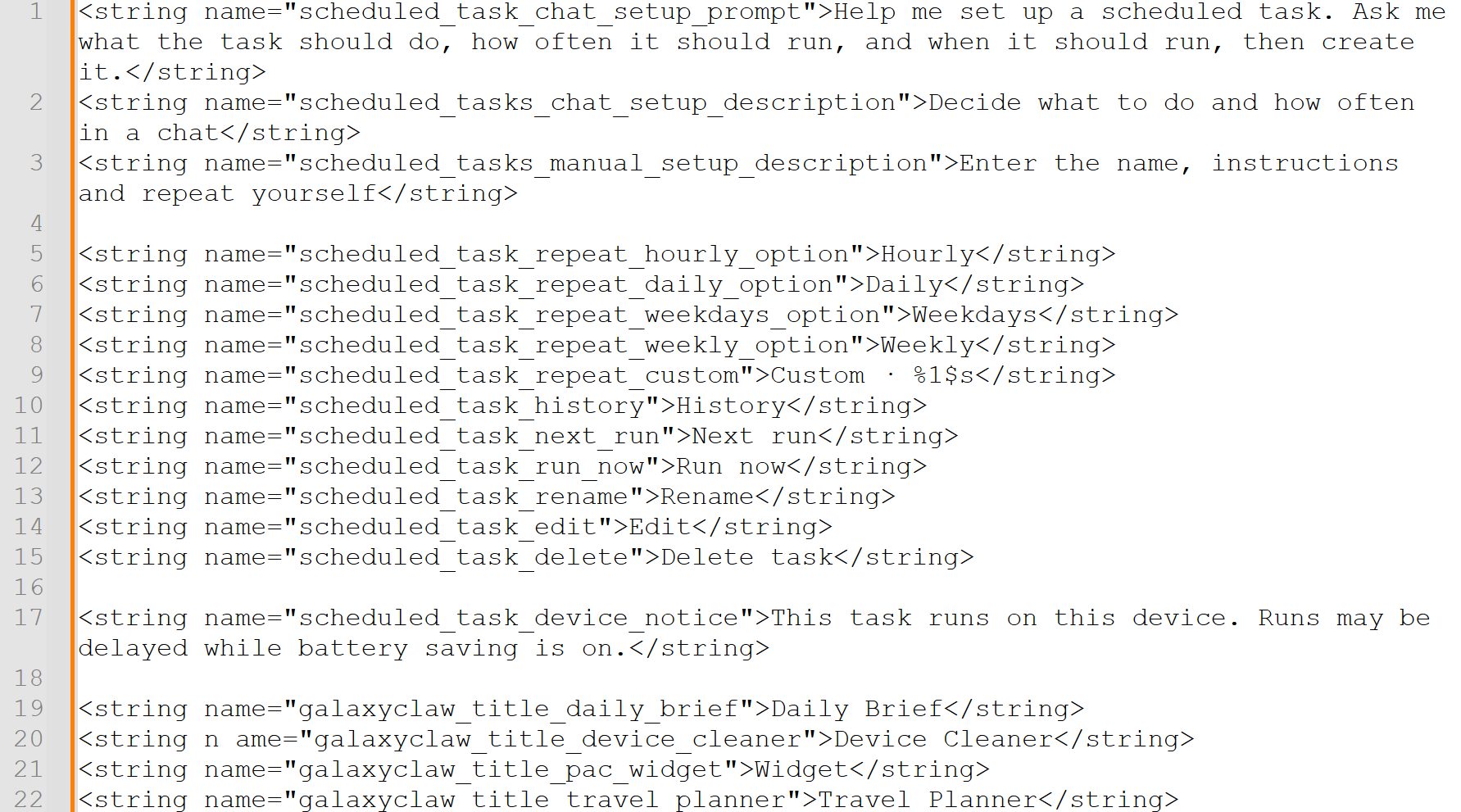
The most interesting piece is the scheduled tasks feature. Users can tell Galaxy AI what to do, how often to run it, and at what time, and the assistant handles the rest. The app includes a prompt that instructs Galaxy AI to ask for these three details before creating a task. Users can also set tasks up manually by entering a name, instructions, and a repeat schedule.
Repeat intervals include hourly, daily, weekdays, weekly, and a custom period. Samsung also seems to care about user control. The app lets you view run history, check the next run, rename, edit, delete, pause, or resume a task. A Run now button allows manual triggering when needed.
One message in the code says tasks run on the device itself. Runs may be delayed when battery saver is on. That detail suggests Galaxy Claw relies at least partly on on-device processing rather than pushing everything to Samsung's servers.
The build also contains several other components of the experience, including Daily Brief, Device Cleaner, Travel Planner, and a dedicated widget. Device Cleaner stands out, because it may show that Galaxy AI will perform actions on the phone itself instead of merely suggesting steps for the user. Keep in mind that this is code under development, so these features may never reach users. Samsung has not announced a launch date or a list of supported devices.
Samsung's direction is fairly clear: turn Galaxy AI from a Q&A tool into an assistant that takes action. The hardest problem is not technical but one of trust, because an agent that can touch messages, calls, and email will need a genuinely transparent permission system. The ability to pause tasks, view history, and run them manually is a positive sign. Readers should treat this as a preview from the code, not an official feature, and wait for Samsung to confirm a roadmap and pricing for Galaxy AI Premium.
Source: Android Authority
Reviewed by: Hero Association