
Belkin Connect Thunderbolt 5 and UGREEN 8K/16K cable review

To get the most out of Thunderbolt 5, you'll need a connection cable like the Belkin Connect Thunderbolt 5 and UGREEN 8K/16K.
Thunderbolt 5 with 80 Gbps symmetrical bandwidth and up to 120 Gbps asymmetrical bandwidth has become a necessity for today's high-performance connectivity needs, especially for workflows that require extremely high bandwidth. Ultra-high-resolution media files (8K, 10K, or even 16K) are becoming more common in film production and post-production. In addition, the complexity of local AI models, as well as the low latency requirements of professional eSports tournaments, make Thunderbolt 4 with 40 Gbps gradually lose steam.
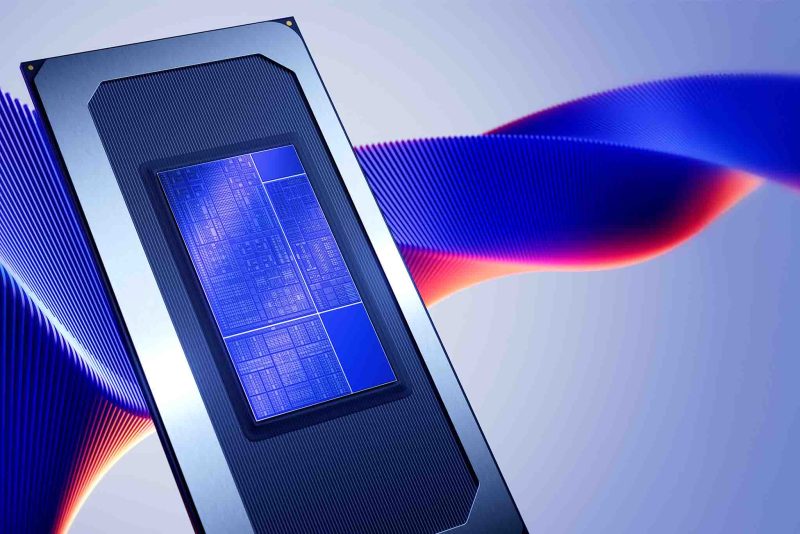
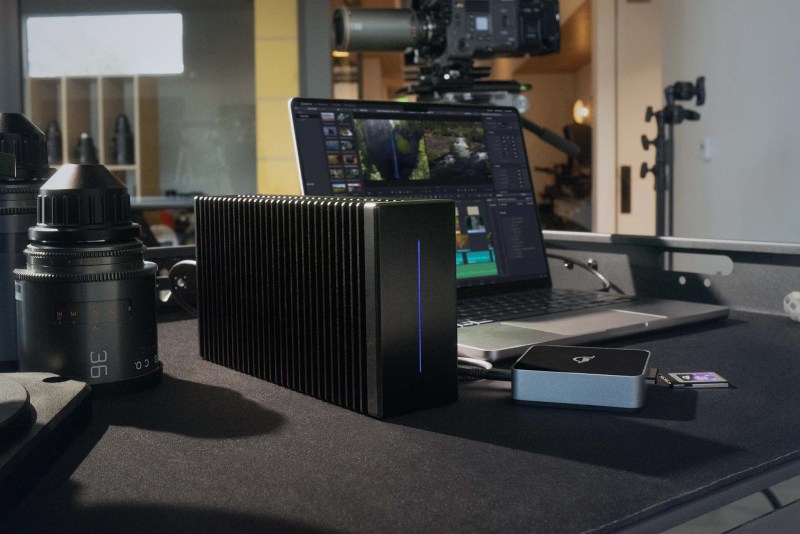
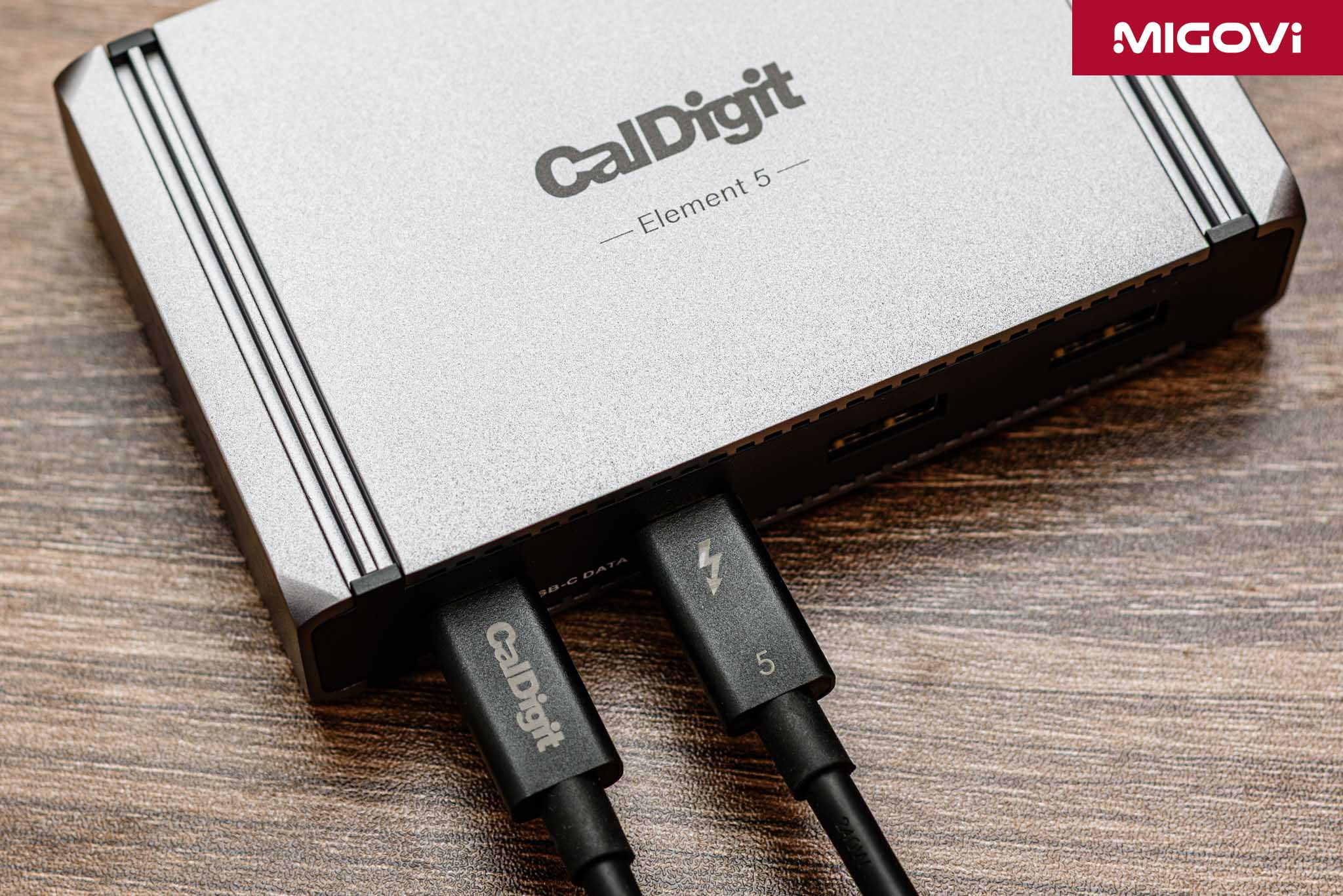
The emergence of processors such as Intel Arrow Lake with integrated Thunderbolt 5 “Barlow Ridge” controller, or new generations of graphics cards such as RTX 50 Series with DisplayPort 2.1 have formed a complete hardware ecosystem to exploit the power of the new connection standard. The monitor market is also bustling with 4K models with a refresh rate of over 240 Hz, 8K monitors... forcing specialized cables such as Belkin Connect Thunderbolt 5 and UGREEN 8K/16K. The new standard, high-performance connecting cable has become an indispensable part of the Thunderbolt 5 ecosystem, especially when combined with a hub like CalDigit Element 5.
Article content
Three Horse Race
The race between Thunderbolt, DisplayPort and HDMI emerged due to the need for high bandwidth and speed in modern times. Each protocol has its own path to develop instead of competing directly to eliminate each other. First, Thunderbolt 5 is still at the top in terms of versatility and performance. Thunderbolt 5 is an all-in-one solution, with only 1 USB Type-C port that allows for super high-speed data transfer, output to multiple high-resolution displays, peer-to-peer networking and provides up to 240W of charging power. If you need an ecosystem that serves not only work but also entertainment, is neat, powerful and highly flexible, Thunderbolt 5 is the right answer.
DisplayPort 2.1 is still the display expert. DisplayPort is considered the gold standard for both gaming PCs and professional graphics workstations. Possessing the highest video bandwidth on the market, DisplayPort 2.1 is an irreplaceable choice for those who require ultra-high resolution and refresh rate, along with synchronization features such as NVIDIA G-SYNC and AMD FreeSync.
HDMI 2.1 continues to dominate the home entertainment and gaming consoles. Despite having lower bandwidth than DisplayPort 2.1, HDMI 2.1 is still an indispensable connection standard on TVs, projectors, surround sound systems (soundbars, AV receivers) as well as consoles (PlayStation 5 and Xbox Series X). Thanks to exclusive features (eARC, ALLM, VRR) deeply integrated into the ecosystem, HDMI 2.1 is ready to bring the optimal experience for entertainment needs.
As of now, in the second half of 2025, the market is not looking for a single connection standard to replace all of them. Instead, users will choose the technology that best suits their device ecosystem and specific needs. If you are a content creator with an Apple ecosystem, the answer is Thunderbolt 5; but if you play games on PC, DisplayPort 2.1 is the right choice; while pure consoles should aim for HDMI 2.1.
Intel Barlow Ridge Controller
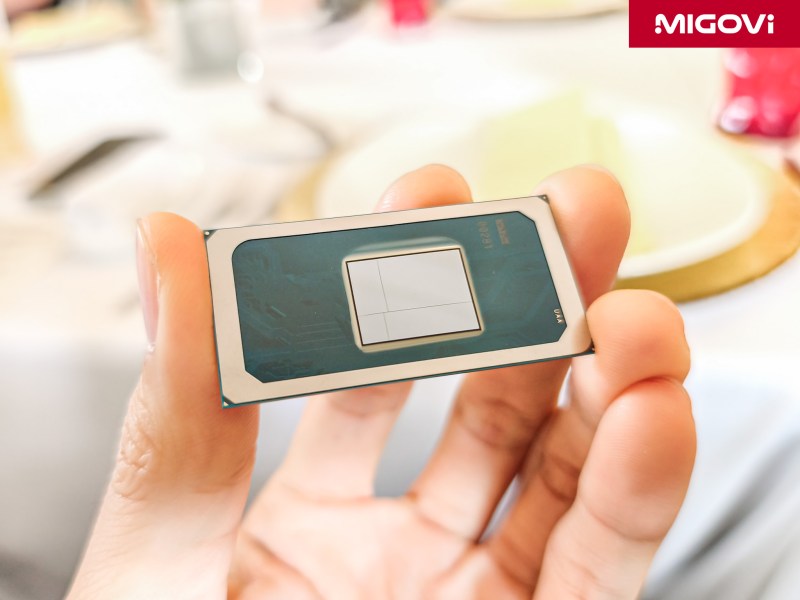
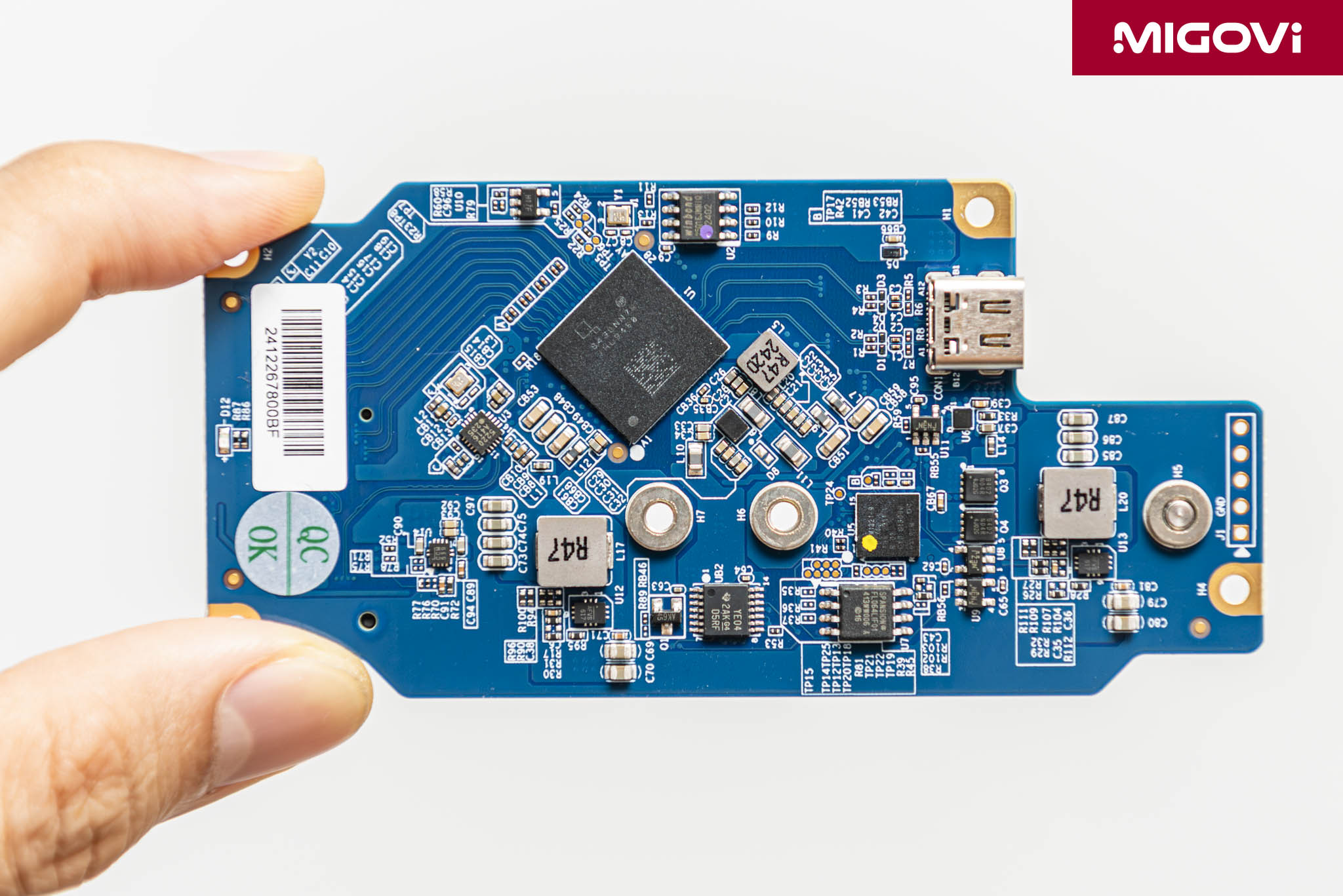
Thunderbolt 5 is built on the USB4 Version 2.0 platform with the heart of the controller being Intel's "Barlow Ridge" controller, launched in late 2024. The Barlow Ridge chip used for peripherals is coded JHL9480, while on the mainboard is JHL9580. The most prominent feature of Thunderbolt 5 is its flexible bandwidth structure. In standard mode, Thunderbolt 5 provides symmetrical bandwidth of 80 Gbps (40 Gbps transmit and 40 Gbps receive simultaneously on 2 pairs of lanes), double that of Thunderbolt 4.

But that’s not all, for tasks that require extremely high video bandwidth, the Bandwidth Boost feature will come into play. Bandwidth Boost allows lanes to be reconfigured to provide asymmetric bandwidth of up to 120 Gbps in one direction (transmit) and 40 Gbps in the other direction (receive). Thunderbolt 5 also applies PAM-3 (Pulse Amplitude Modulation with 3 Levels) signal encoding technology. Instead of using only 2 signal levels (0 and 1) like traditional NRZ encoding, PAM-3 uses 3 signal levels, allowing 1.5 bits of data to be transmitted per pulse cycle.
Thunderbolt 5 doubles PCIe data throughput from 32 Gbps (Gen 3 x4) to 64 Gbps (Gen 4 x4). This upgrade is critical, eliminating bottlenecks when using high-performance external NVMe SSDs or next-generation eGPUs, allowing devices to operate at performance levels close to those when plugged directly into the motherboard.
The latest display standard – DisplayPort 2.1 – is fully integrated into Thunderbolt 5. This gives Thunderbolt 5 the ability to handle high-end video signals, allowing you to connect and output images to multiple 4K @ 144 Hz screens or 1 8K screen with just 1 neat USB Type-C cable. In addition, Thunderbolt 5 is upgraded to USB Power Delivery 3.1, requiring devices to support a minimum power supply of 140 W and an option of up to 240 W. Thunderbolt 5 is powerful enough to power regular laptops, gaming laptops or even power-hungry mobile workstations.
DisplayPort 2.1
The DisplayPort 2.1 upgrade focuses entirely on maximizing video bandwidth. This standard was introduced by VESA to meet the high-end display needs of new generation monitors. With DisplayPort 2.1, there are 3 UHBR (Ultra High Bit Rate) transmission modes: UHBR10 (10 Gbps/lane, total 40 Gbps), UHBR13.5 (13.5 Gbps/lane, total 54 Gbps) and UHBR20 (20 Gbps/lane, total 80 Gbps). To achieve 16K image output, cable models like UGREEN must be certified to the DP80 standard, which means supporting the UHBR20 mode.
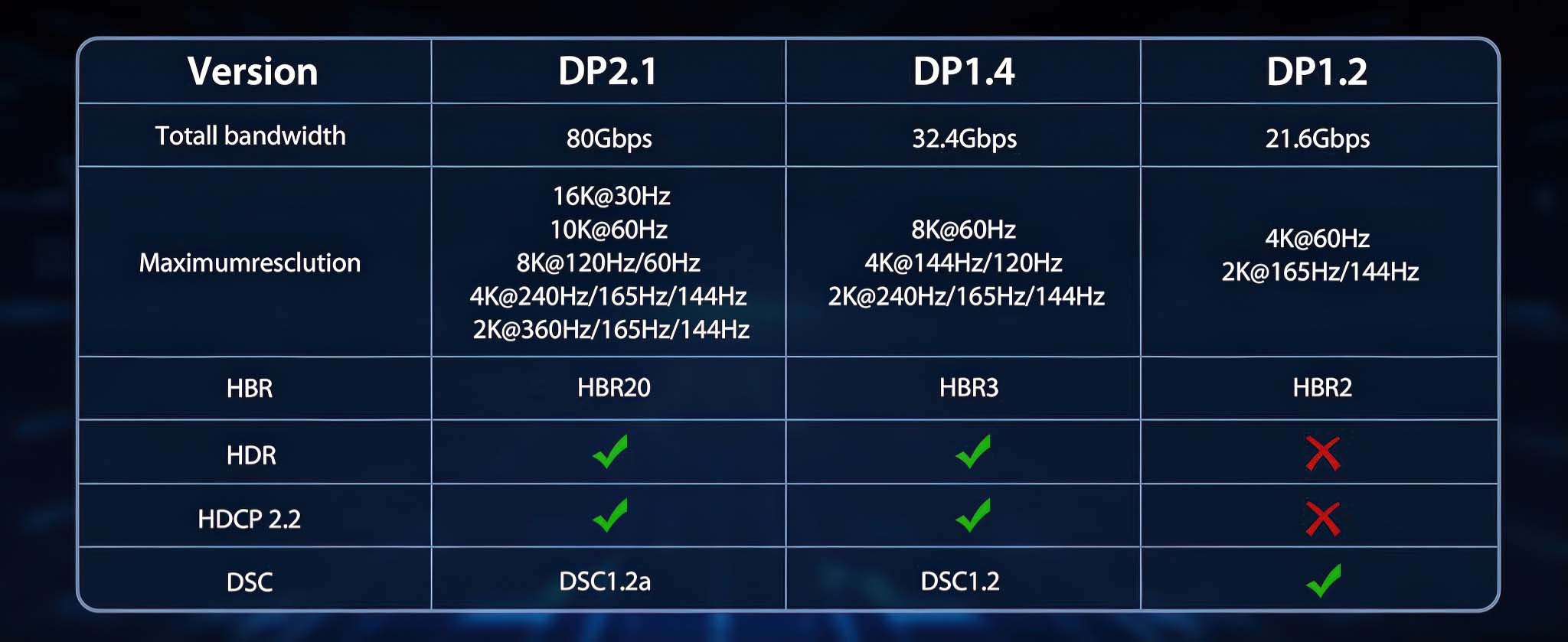
Similar to Thunderbolt 5, DisplayPort 2.1 also eliminates the 8b/10b encoding mechanism (80% efficiency) of previous generations. Instead, DisplayPort 2.1 uses 128b/132b encoding, achieving up to ~97% efficiency. This upgrade optimizes encoding performance, from a total bandwidth of 80 Gbps, the actual data rate can reach 77.37 Gbps.
To achieve ultra-high resolutions like 16K @ 60 Hz or 8K @ 120 Hz with full 10-bit color, the 80 Gbps bandwidth of DisplayPort 2.1 is not enough. At this point, we need DSC (Display Stream Compression) 1.2a technology to support. DSC is a video signal compression algorithm recognized by VESA as “visually lossless”, meaning the quality loss is not perceptible to the naked eye under most normal viewing conditions. DSC 1.2a compresses the signal at a ratio of up to 3:1, allowing these very large video signals to be transmitted over a single DisplayPort 2.1 connection.
HDMI 2.1
Not focusing on competing in the maximum bandwidth race like Thunderbolt 5 and DisplayPort 2.1, HDMI 2.1 aims at optimal features for the home entertainment ecosystem. HDMI 2.1 only has a bandwidth of 48 Gbps, quite modest compared to 80 Gbps, but for home entertainment needs (TV, console), this standard is still enough to meet, including 8K @ 60 Hz and 4K @ 120 Hz.
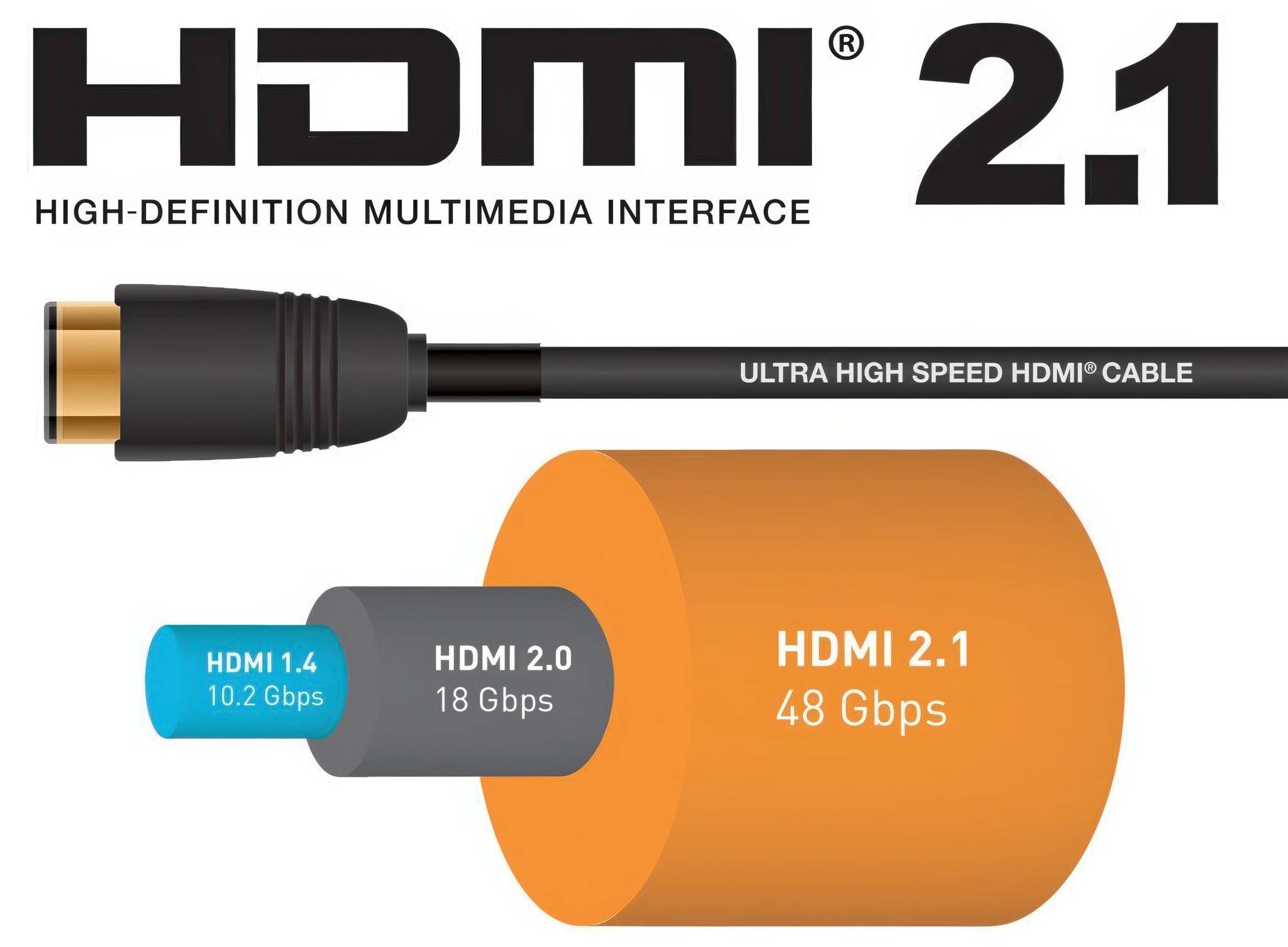
HDMI 2.1 focuses on audio and gaming. The eARC (Enhanced Audio Return Channel) feature is a major upgrade over the old ARC standard. eARC increases the audio bandwidth from ~1 Mbps to up to 37 Mbps, allowing the transmission of uncompressed audio formats such as 5.1/7.1 LPCM. In addition, eARC also supports premium object-based audio formats such as Dolby Atmos and DTS:X from the TV to the soundbar or AV receiver without any loss of quality.
For gaming, HDMI 2.1 offers VRR (Variable Refresh Rate), ALLM (Auto Low Latency Mode) and QFT (Quick Frame Transport). These three features are extremely useful for console gamers. VRR synchronizes the TV's refresh rate with the game's frame rate, eliminating screen tearing. ALLM automatically switches the TV to the lowest latency game mode when it detects a signal from the console. QFT reduces the delay in transmitting each frame. All of these combine to create a smooth, responsive and uninterrupted gaming experience.
Belkin Connect Thunderbolt 5

The Belkin Connect Thunderbolt 5 Cable (INZ005fq1MBK) focuses on quality and minimalism, similar to Apple accessories. The cable is black with a thick plastic outer shell, providing a solid grip and is resistant to abrasion. The plastic protective layer helps the Belkin Connect Thunderbolt 5 withstand physical impacts much better than conventional cables, limiting the possibility of breaking or exposing the internal wires after a period of use. The cable has a standard length of 1 m, complying with the optimal level of "passive" Thunderbolt cables, allowing the transmission of the entire 80 Gbps bandwidth without the need for signal amplifiers.
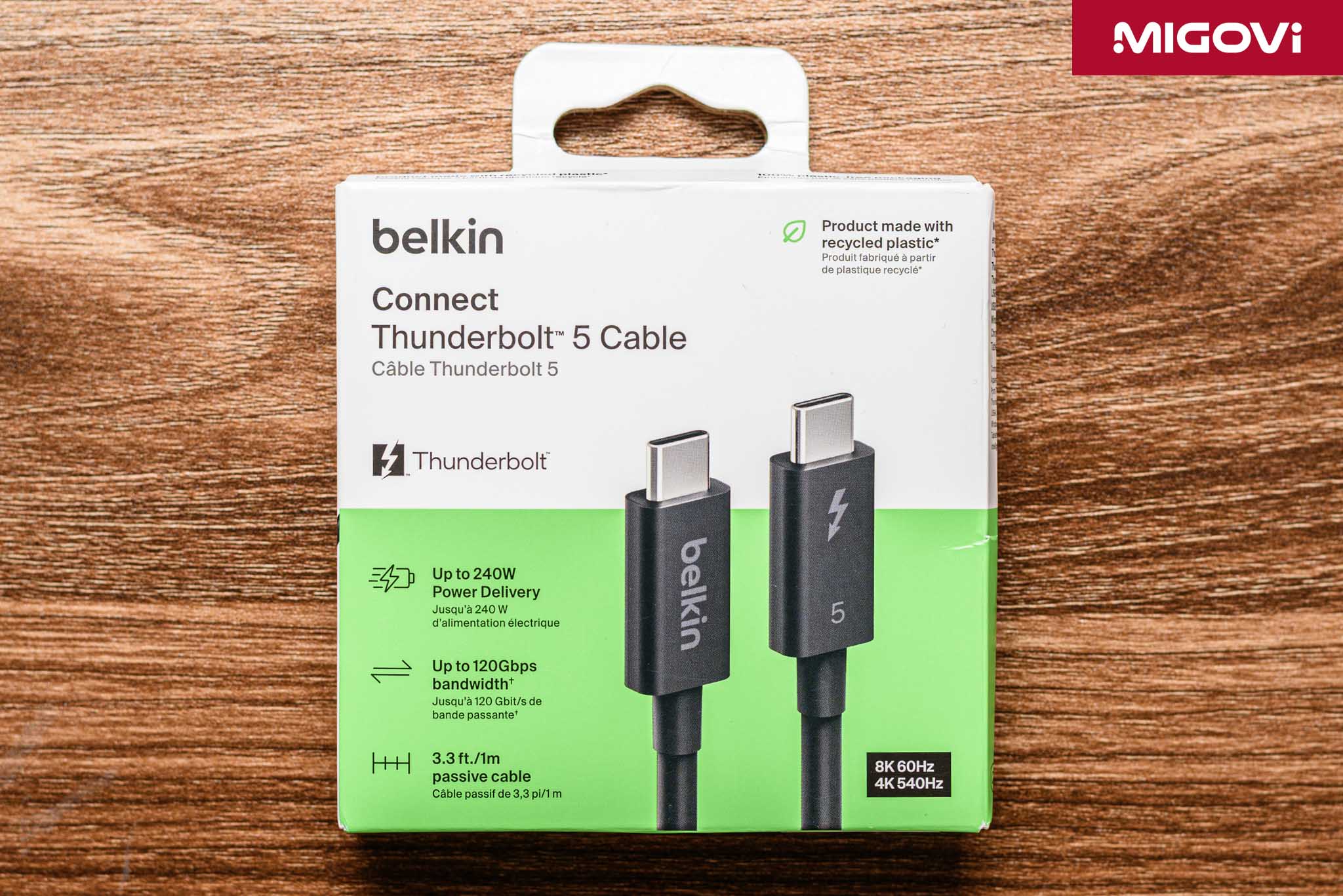
Inside the Belkin Connect Thunderbolt 5 is an integrated E-Marker chip, which acts as a communication between the two connected devices to determine the cable's capabilities including maximum bandwidth and charging capacity. Because the cable's charging capacity is so large (240 W), the E-Marker chip also integrates overcurrent and overvoltage protection features. This helps ensure that the device only receives the correct amount of power needed, preventing the risk of fire or damage to expensive components.
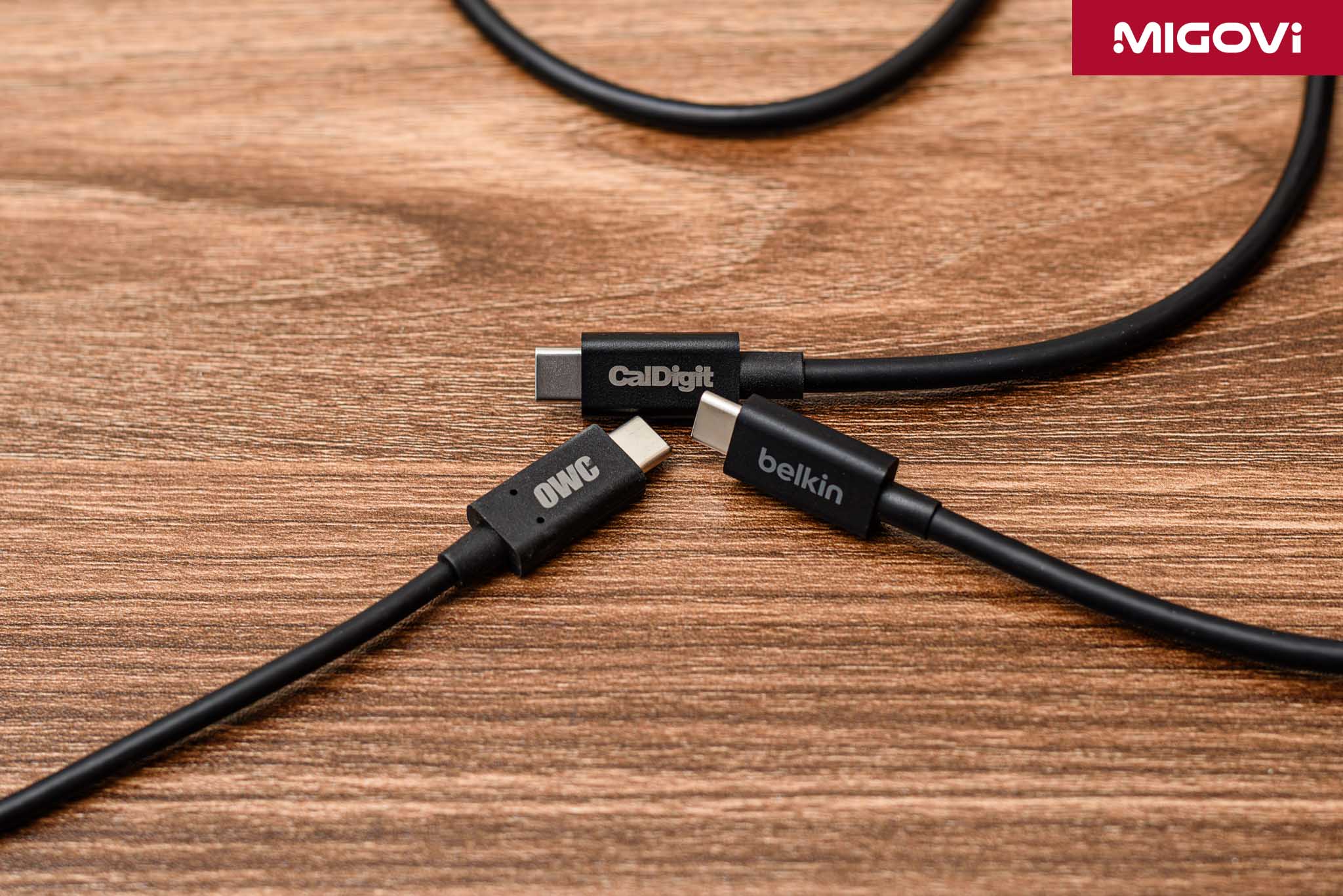
With PCIe Gen4 x4 bandwidth up to 64Gbps, Migovi used Belkin Connect Thunderbolt 5 to connect between CalDigit Element 5 hub and computer, then attached OWC Envoy Ultra portable SSD and measured the transmission speed. As a result, the cable is capable of reaching a transmission speed of up to more than 6000 MBps, twice as fast as Thunderbolt 4. In terms of charging ability, the cable easily completes the task of charging a gaming laptop at a power level of about 100 - 120 W, in addition to outputting image signals to an external monitor. Migovi also used Belkin Connect Thunderbolt 5 cable to connect the computer to the ASUS ProArt PA32QCV monitor , 6K resolution, 60 Hz refresh rate, working perfectly.
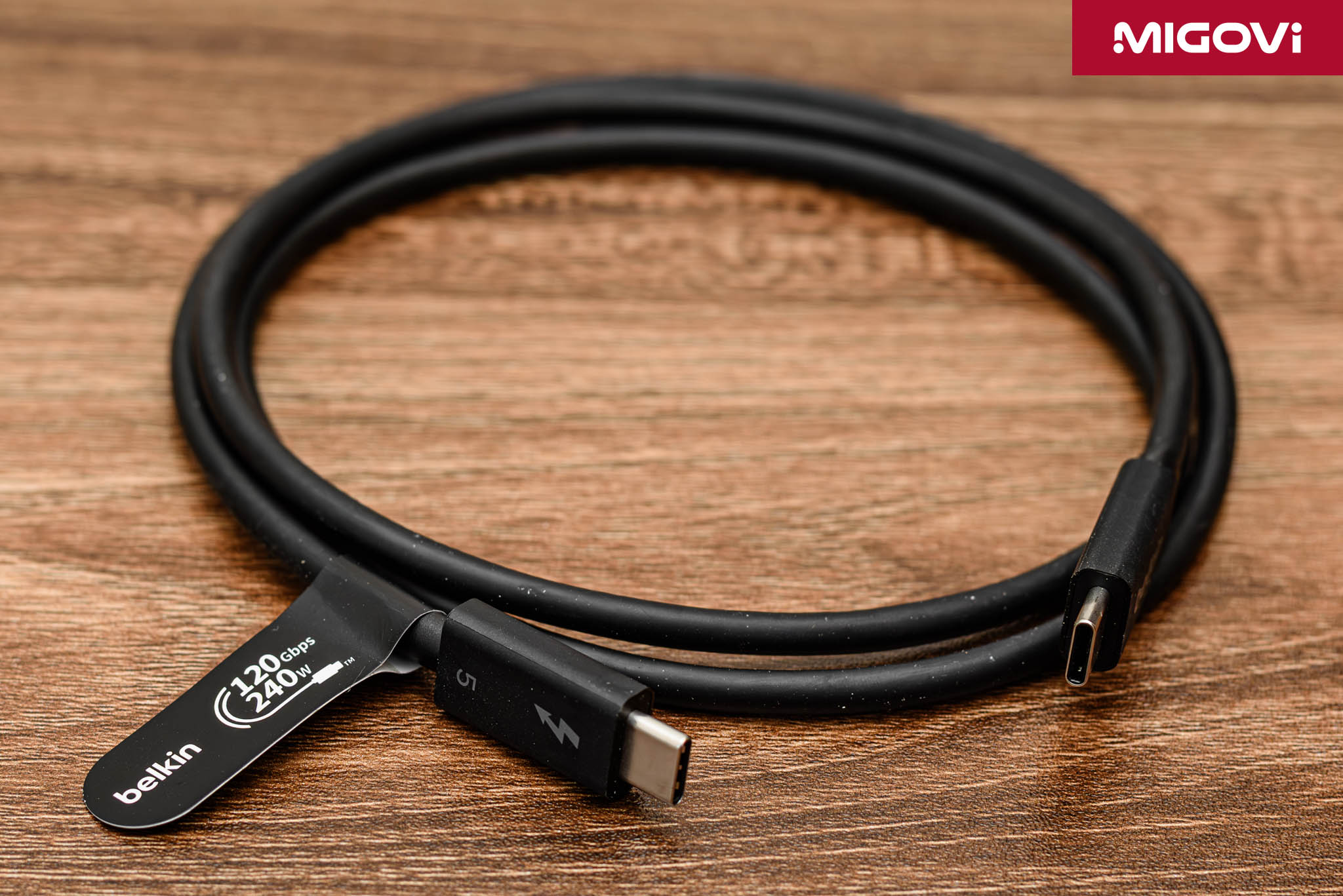
The Belkin Connect Thunderbolt 5 is Thunderbolt 5 certified by Intel, which means the cable has passed rigorous testing for performance, signal stability, backward compatibility and physical durability. In addition, the product also has international certifications such as FCC (USA), CE (Europe), ETL and UL 60950-1.
UGREEN USB-C to HDMI 8K
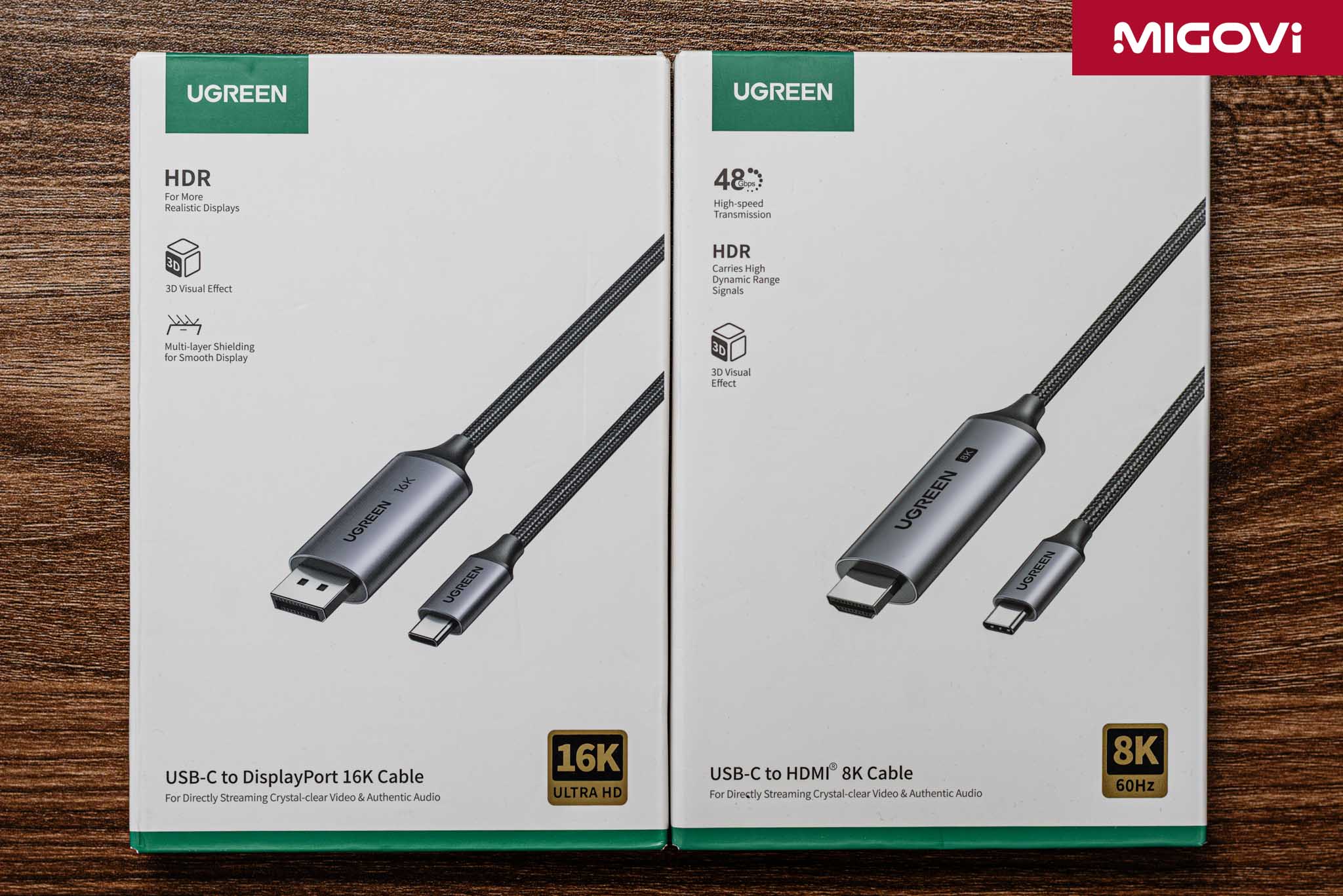
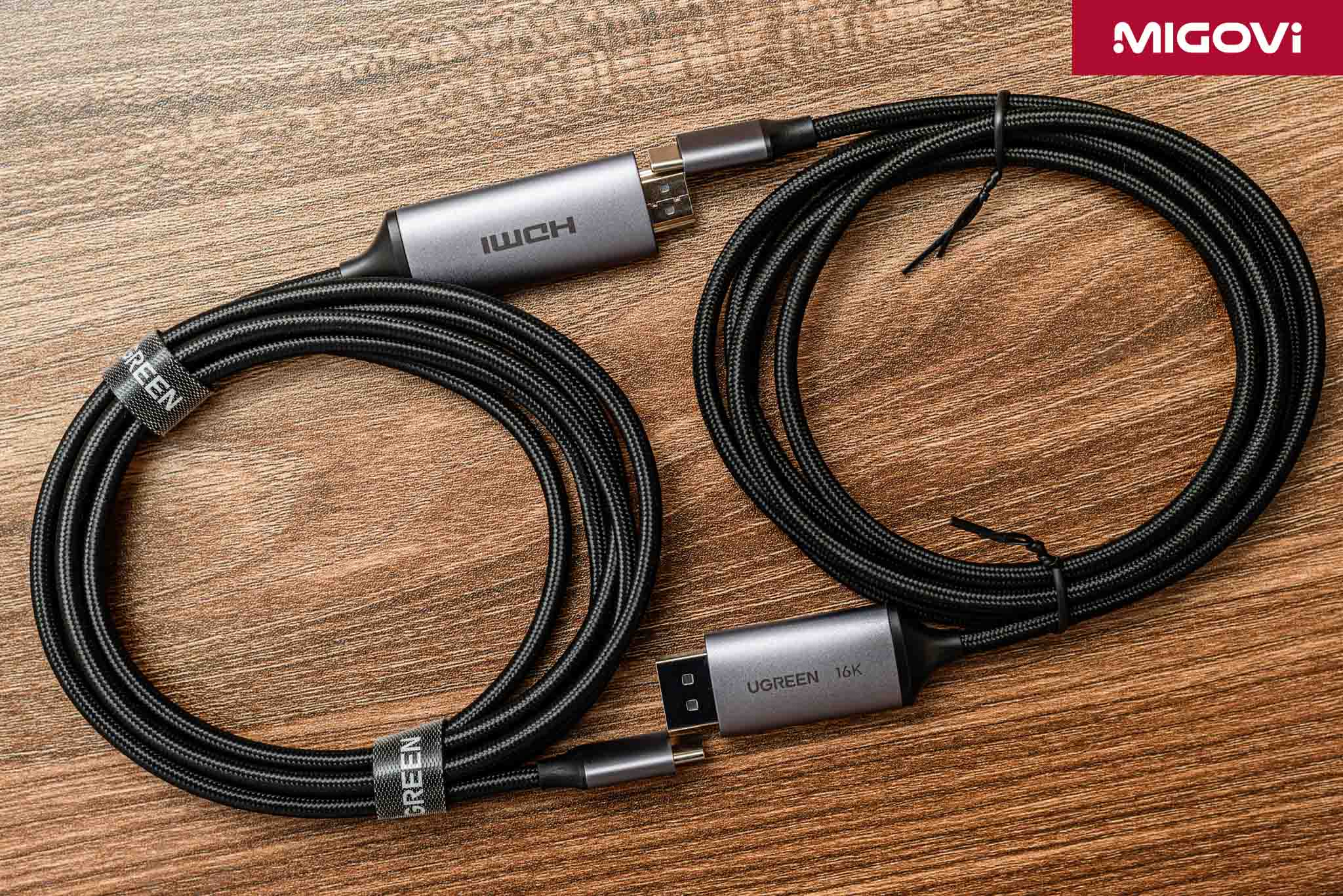
The UGREEN USB-C to HDMI 8K cable has a sturdy nylon braided shell (commonly known as parachute cord), increasing durability, abrasion resistance and cut resistance, but the cable will be harder than using only plastic shell. The plug is machined from sturdy aluminum alloy, which has the effect of dissipating heat for the signal conversion chip inside. Inside, the cable core is made of pure copper and is covered with many layers of anti-interference. Multi-layer shielding is an important technical factor of the cable, because the 48 Gbps signal of the HDMI 2.1 standard is very sensitive to electromagnetic interference (EMI). Good anti-interference will ensure that the signal is transmitted more stably, avoiding image loss, graininess or flickering.
UGREEN USB-C to HDMI 8K works based on the DisplayPort Alternate Mode (DP Alt Mode) feature of the USB Type-C port. When you plug the USB-C end into a compatible device, the device will output the original video signal as DisplayPort. Next, a built-in conversion chip will receive this DisplayPort signal and convert it to HDMI 2.1 before going to the monitor or TV. Because of this conversion chip, UGREEN USB-C to HDMI 8K only works in one direction: from the USB-C port source to the HDMI receiving device.
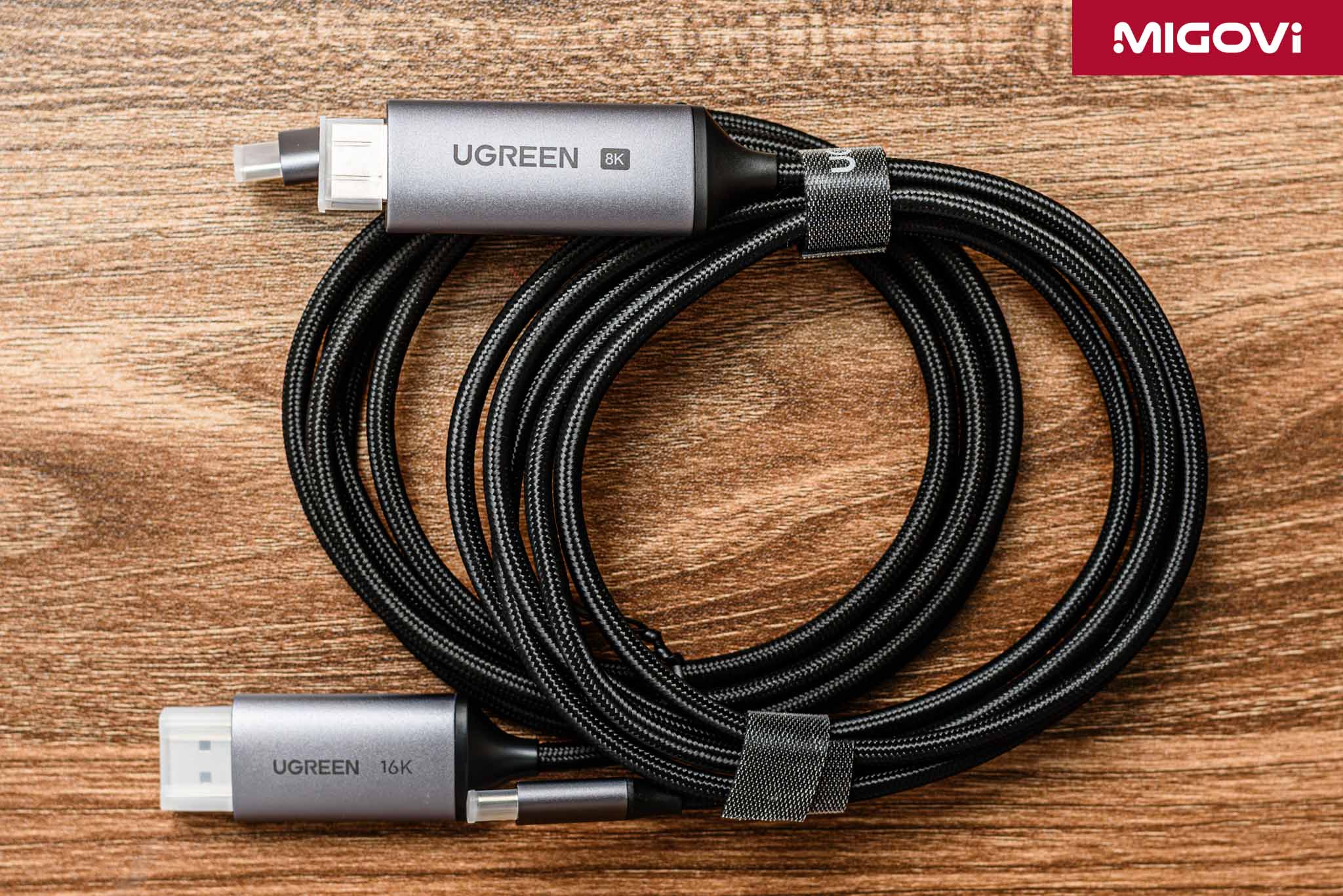
To get the most out of UGREEN USB-C to HDMI 8K, the source device must support DP Alt Mode 1.4, which will allow it to output the highest resolution of 8K @ 60 Hz or 4K @ 120 Hz. If the device only supports older versions like DP 1.2, the resolution and refresh rate will be limited to lower, like 4K @ 60 Hz.
Migovi's test is still outputting signals from a laptop with a USB-C port supporting DP Alt Mode 1.4 to a PA32QCV monitor, with the correct resolution and refresh rate. UGREEN USB-C to HDMI 8K supports image quality enhancement features such as HDR, Dynamic HDR, supports up to 12-bit color depth and supports eARC. For gamers, the cable is ready to support VRR, ALLM and QMS technology.
UGREEN USB-C to DisplayPort 16K
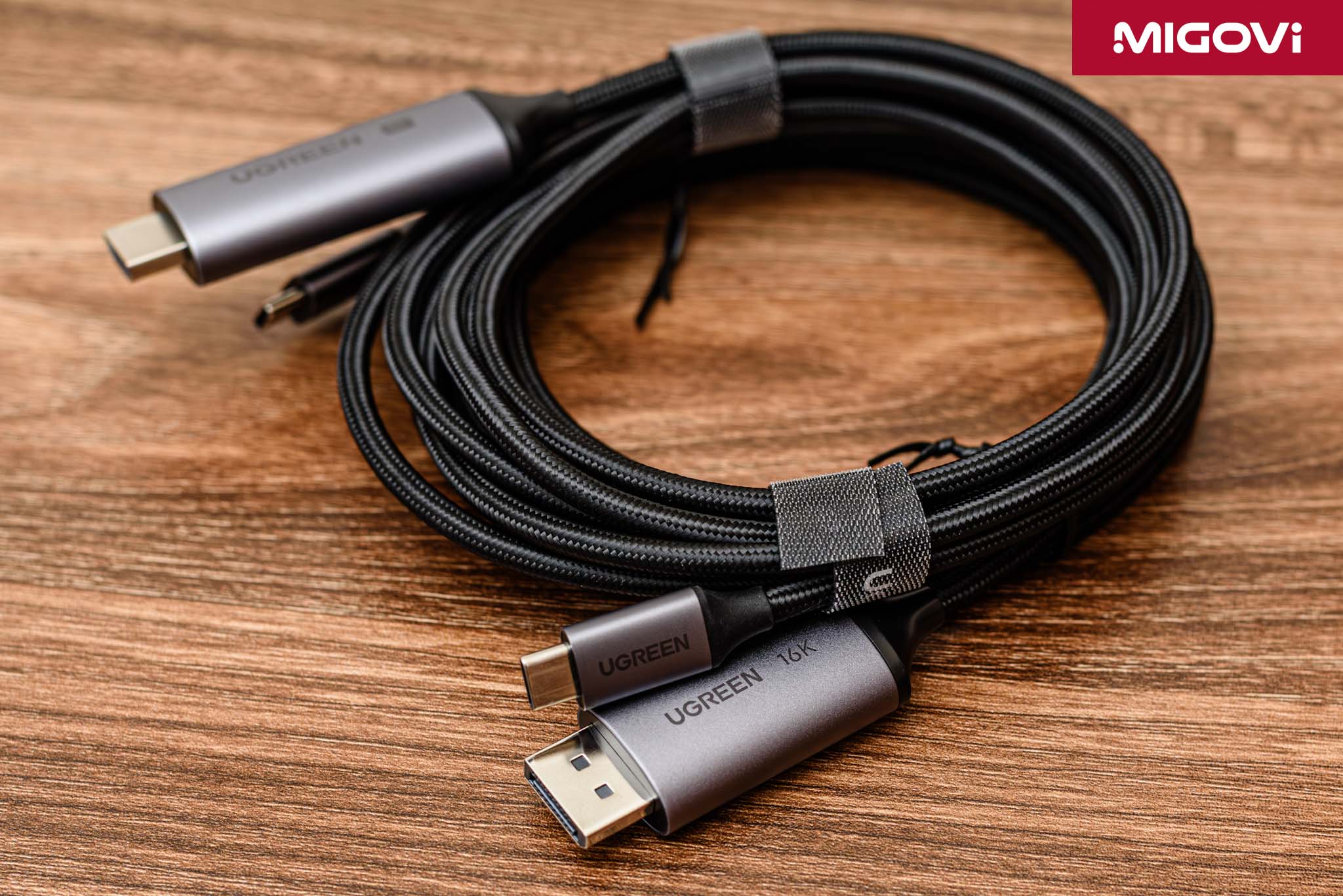
In terms of appearance, the UGREEN USB-C to DisplayPort 16K cable shares many similarities with the UGREEN USB-C to HDMI 8K. They both have a durable, cut-resistant outer shell, a sturdy aluminum alloy plug and good heat dissipation. The UGREEN USB-C to DisplayPort 16K has to process video signals up to 80 Gbps, so it is extremely sensitive to noise and loss, so the manufacturer equips up to 3 layers of anti-interference, with the core wire made of tin-plated copper. These details help protect the signal integrity from electromagnetic interference from surrounding devices.
UGREEN complies with VESA standards for pin 20 of the DisplayPort connector. In older DisplayPort standards, pin 20 was sometimes used to supply a small amount of power, but it could cause compatibility issues or, more seriously, damage the graphics card or monitor. UGREEN USB-C to DisplayPort 16K disables pin 20, does not supply power and eliminates the above risk. This is also the difference compared to cheap, unknown cables on the market.
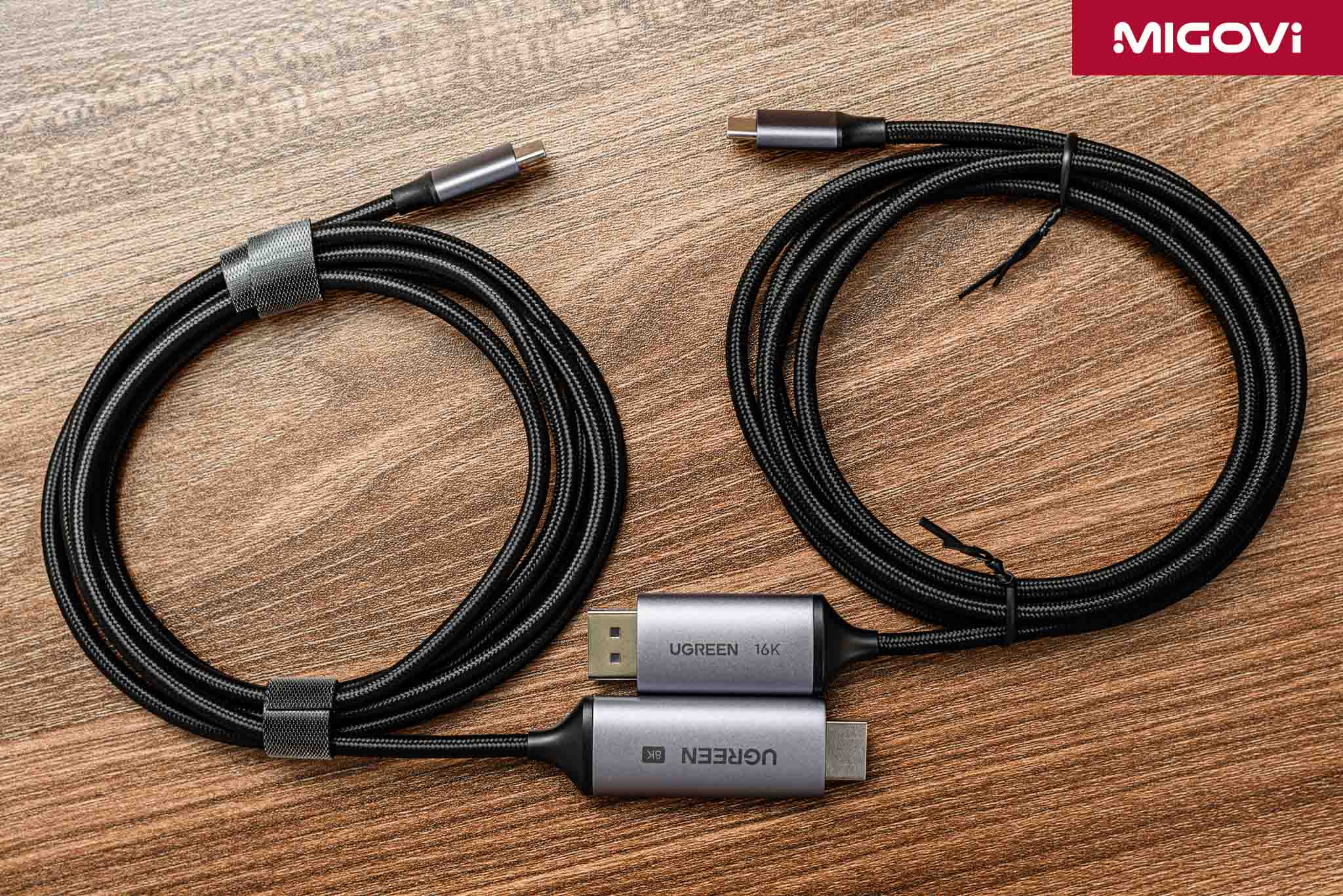
UGREEN USB-C to DisplayPort 16K also works based on the DP Alt Mode of the USB Type-C port similar to UGREEN USB-C to HDMI 8K, but it is much simpler. The original image signal from USB-C is DisplayPort, the UGREEN USB-C to DisplayPort 16K cable does not need to be equipped with an additional conversion chip, just need to conduct the DP signal from the USB-C pins to the corresponding pins of the standard DisplayPort head. The cable is designed to fully support the 80 Gbps bandwidth of the DisplayPort 2.1 standard, corresponding to UHBR20 mode. Thanks to that, you can use the cable to output image signals in extremely high quality, up to 16K @ 30 Hz (60 Hz when using DSC), 8K @ 120 Hz and 4K @ 240 Hz. Of course, you still need a USB-C source and a receiving device that supports DisplayPort 2.1.
Currently, 16K monitors and content are still very rare on the market, so Migovi has only tested the UGREEN USB-C to DisplayPort 16K cable with the PA32QCV monitor. This is also the highest resolution monitor that Migovi has access to. The cable fully supports the two most popular refresh rate synchronization technologies today - NVIDIA G-SYNC and AMD FreeSync - providing a better gaming entertainment experience. The UGREEN USB-C to DisplayPort 16K supports the MST (Multi-Stream Transport) feature, allowing multiple DisplayPort monitors to be connected together in a daisy chain, then controlled from a single USB-C port on the computer.
Conclude

The Belkin Connect Thunderbolt 5 cable is a versatile, all-in-one solution for data, video and charging. With Intel Thunderbolt 5 certification and high-quality build, the Belkin Connect Thunderbolt 5 is priced accordingly. Note that you need a synchronized ecosystem (computer, hub, peripherals) to be able to take advantage of the power of the cable. Meanwhile, the 2 UGREEN USB-C to DisplayPort 16K and UGREEN USB-C to HDMI 8K cables are reasonably priced, respectively for the need for ultra-high video bandwidth and compatible with the home entertainment ecosystem. The DisplayPort 16K cable supports many advanced features such as MST, G-SYNC, FreeSync; while the HDMI 8K cable is ready with eARC, VRR, ALLM.

If you work in the field of content creation, Belkin Connect Thunderbolt 5 with its complete ecosystem of connections is the right choice. The cable allows simultaneous connection to high-speed storage systems, extended eGPUs or multiple high-resolution screens easily with just one cable. This ability not only saves time, increases multitasking efficiency but also brings a neater working corner. If you are a professional gamer, UGREEN USB-C to DisplayPort 16K will help exploit the power of high-res, high-refresh-rate gaming monitors. Meanwhile, if you only entertain with consoles, UGREEN USB-C to HDMI 8K is the right choice. In addition, the HDMI 8K cable is also an alternative when you use a TV as a PC monitor.
Thunderbolt 5 will become more widespread in the near future, but it will be difficult to completely replace other connection standards. The biggest barriers are probably the licensing costs and the complexity of implementation as well as strict certification. Thunderbolt 5 is mainly found in expensive products and devices, while HDMI is the most popular standard in the consumer electronics market; meanwhile, DisplayPort is still the top choice for PC gamers.