

ASRock X870E Nova WiFi and AMD Ryzen 9 9900X3D Review

In the mid-high-end segment, ASRock X870E Nova WiFi emerges as a motherboard choice that offers high value.
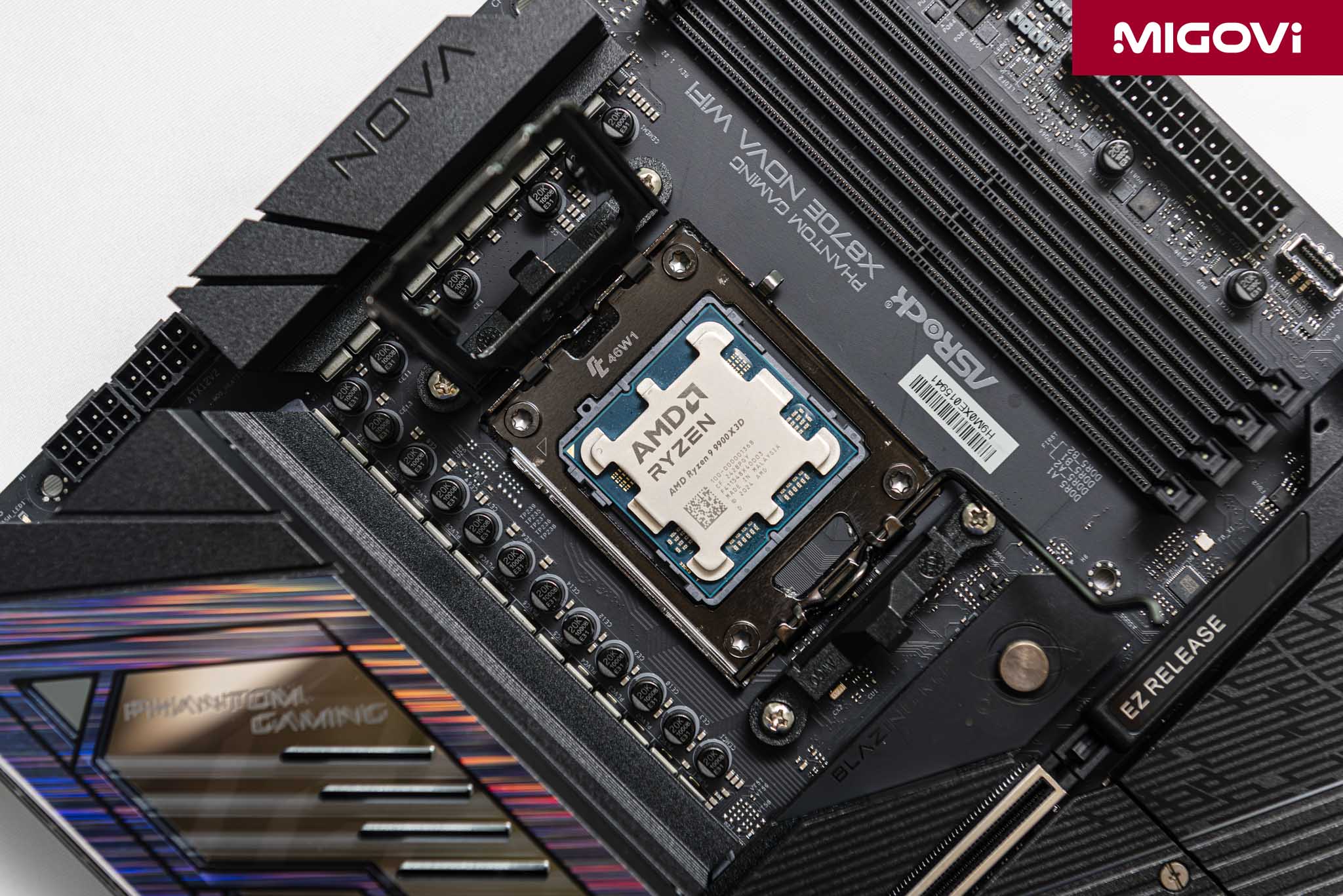
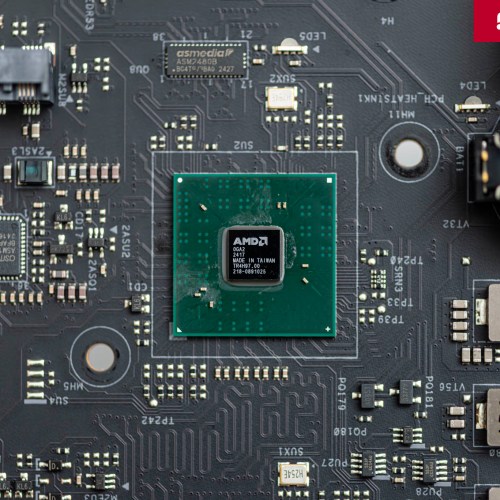
For customers who want to build a desktop system on the AMD Zen 5 platform, more specifically Ryzen 9 processors equipped with 3D V-Cache, the X870E chipset motherboard will be the right destination. However, the X870E is positioned in the high-end segment with an expensive price, equipped with PCIe 5.0 protocol for both the main graphics card and at least 1 M.2 SSD slot and integrated USB4 controller. If you still want to own the features and technology of the X870E chipset but have a modest budget, try taking a look at the ASRock X870E Nova WiFi model, part of the Phantom Gaming (PG) product line for gamers and professional users.
Article content
ASRock X870E Nova WiFi Design

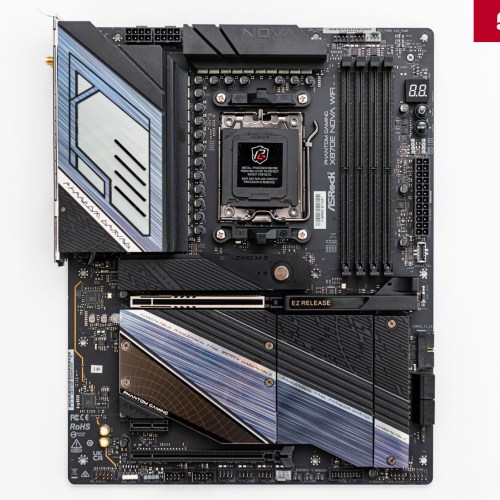
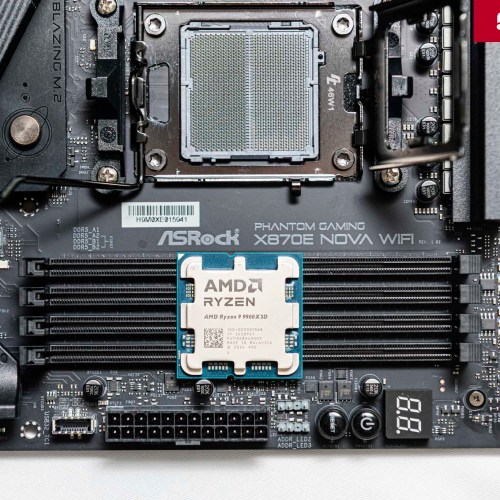
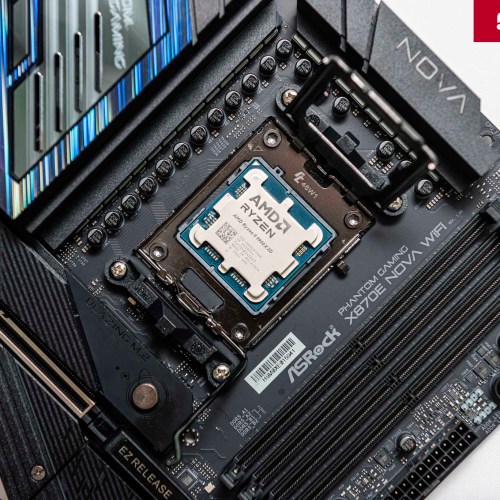
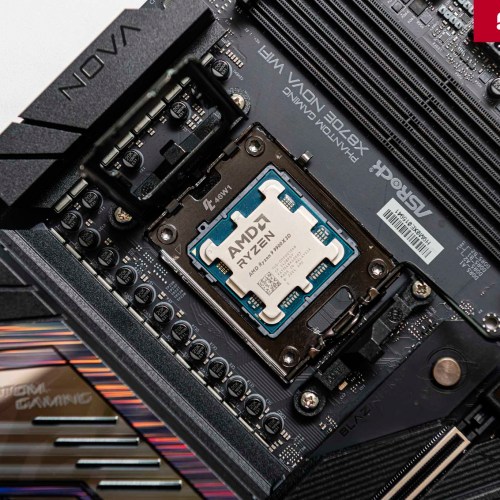
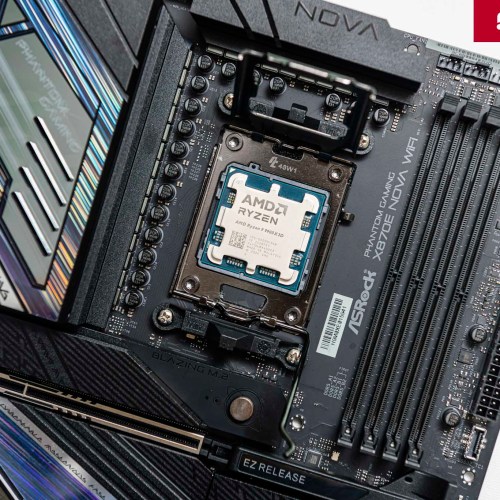
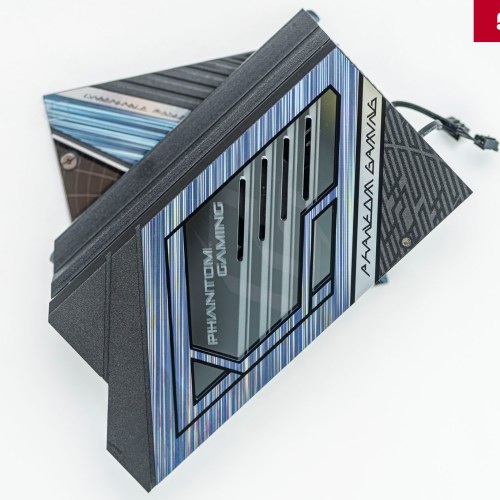
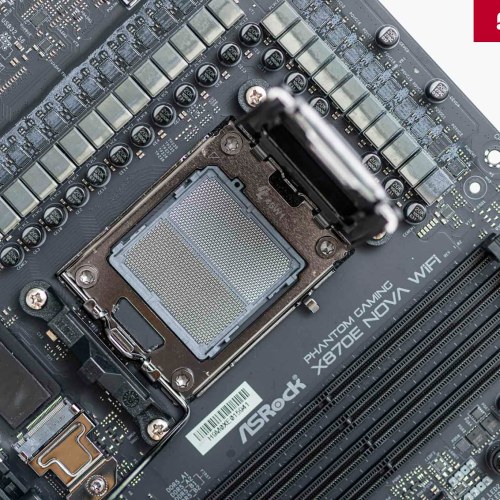
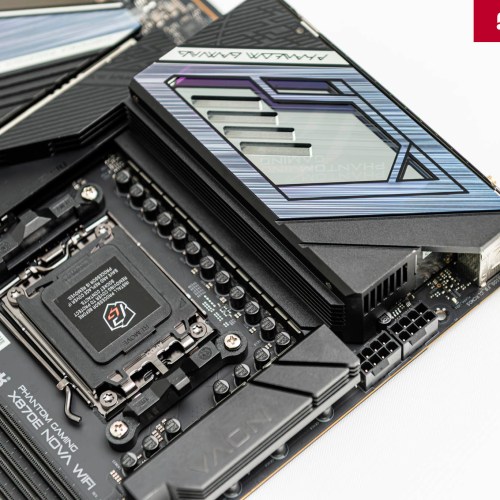
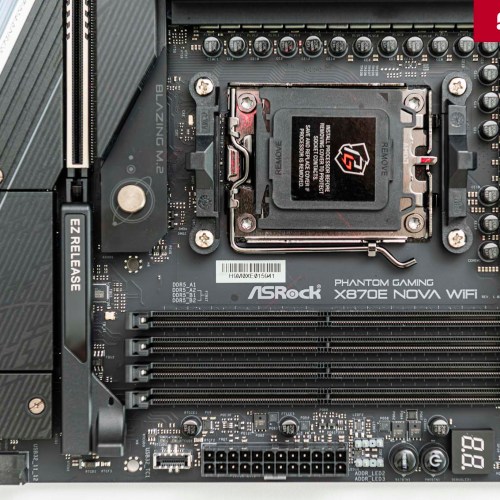
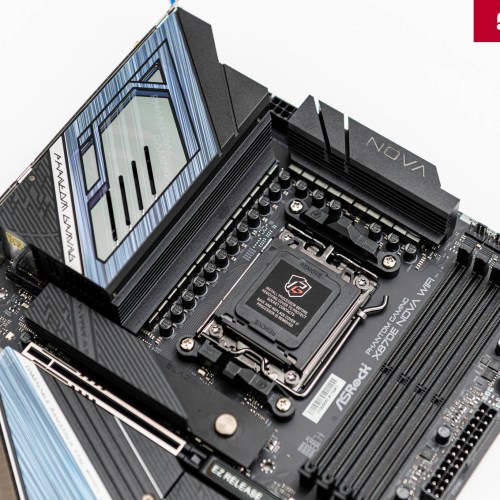
ASRock X870E Nova WiFi uses a modern design language, bringing an attractive appearance. On a matte black PCB background, ASRock X870E Nova WiFi cleverly combines large aluminum heatsinks with a black main tone, accented with blue-purple and silver patterns and lines, inspired by the space theme. This design is highly aesthetic, creating a professional, powerful but still elegant and not too cool look, suitable for many different system assembly styles.
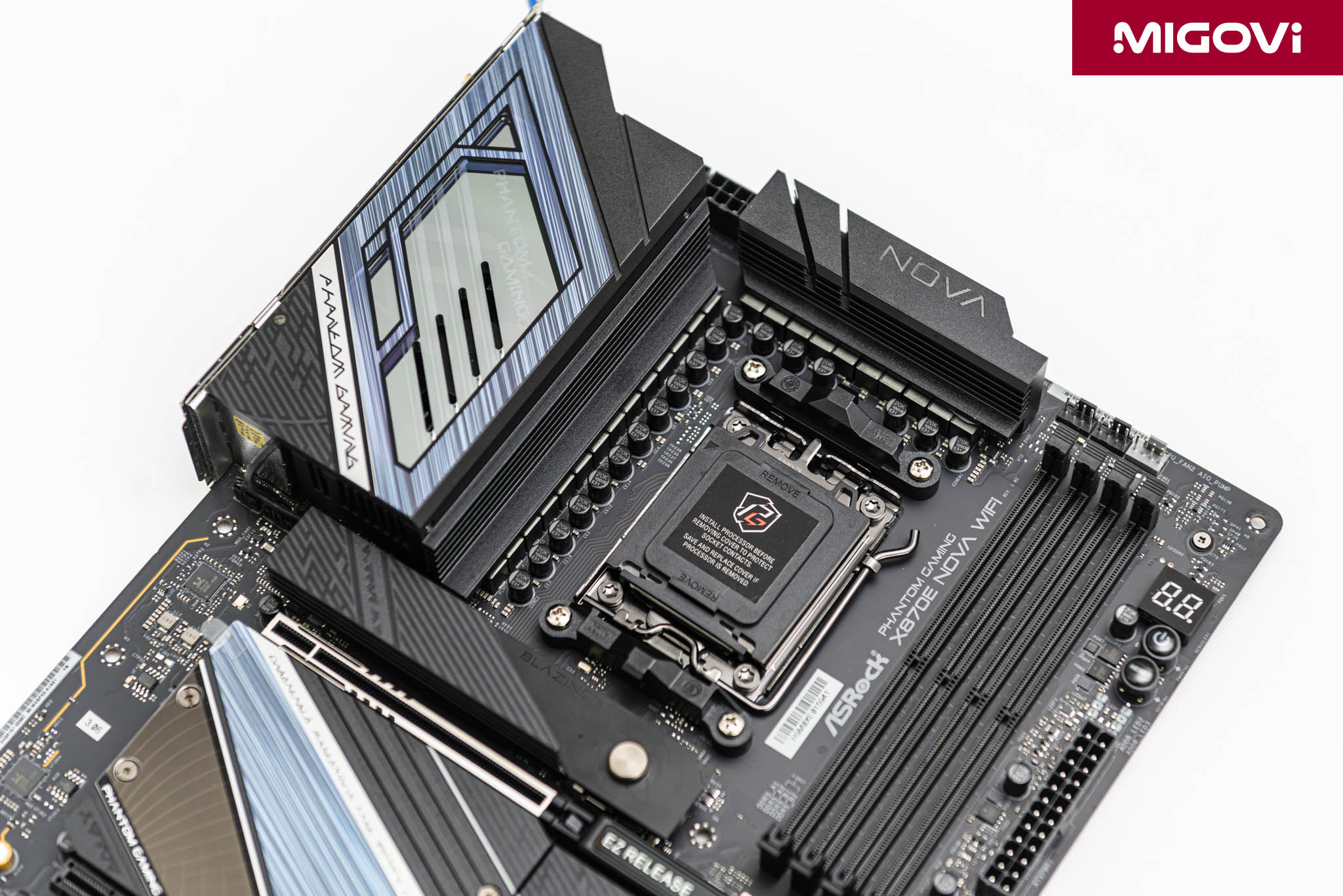
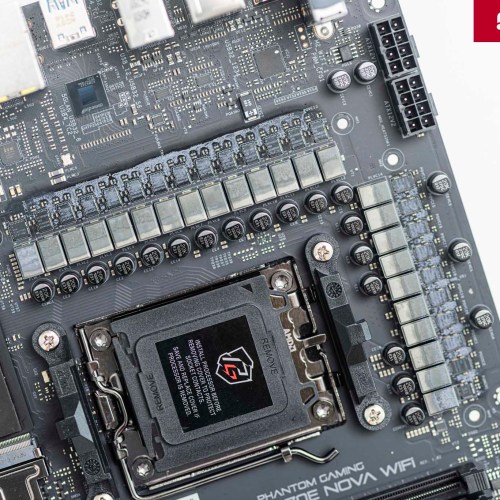
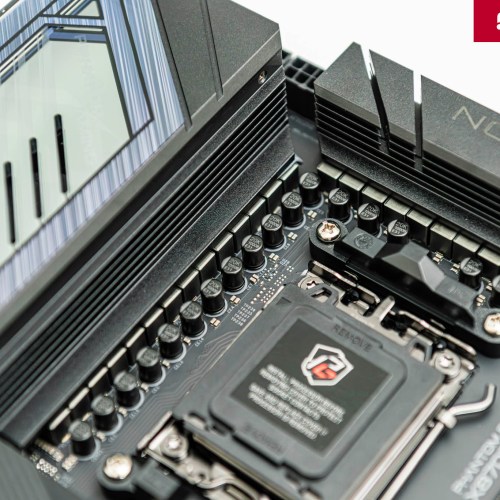
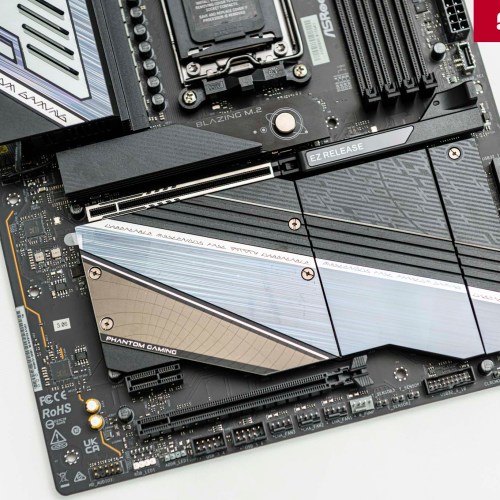
The VRM heatsink has a mirror surface, hidden underneath is the RGB LED system and the laser-engraved Phantom Gaming logo, creating a unique lighting effect when operating. The entire motherboard is sturdy and solid, carefully reinforced with a metal backplate. The decorative LEDs on the ASRock X870E Nova WiFi do not stop at the VRM heatsink but also extend near the bottom edge of the motherboard, hidden behind the SSD and chipset heatsinks. You can synchronize the Polychrome LED system via the RGB (12V) and ARGB (5V) headers, unifying your personal theme.
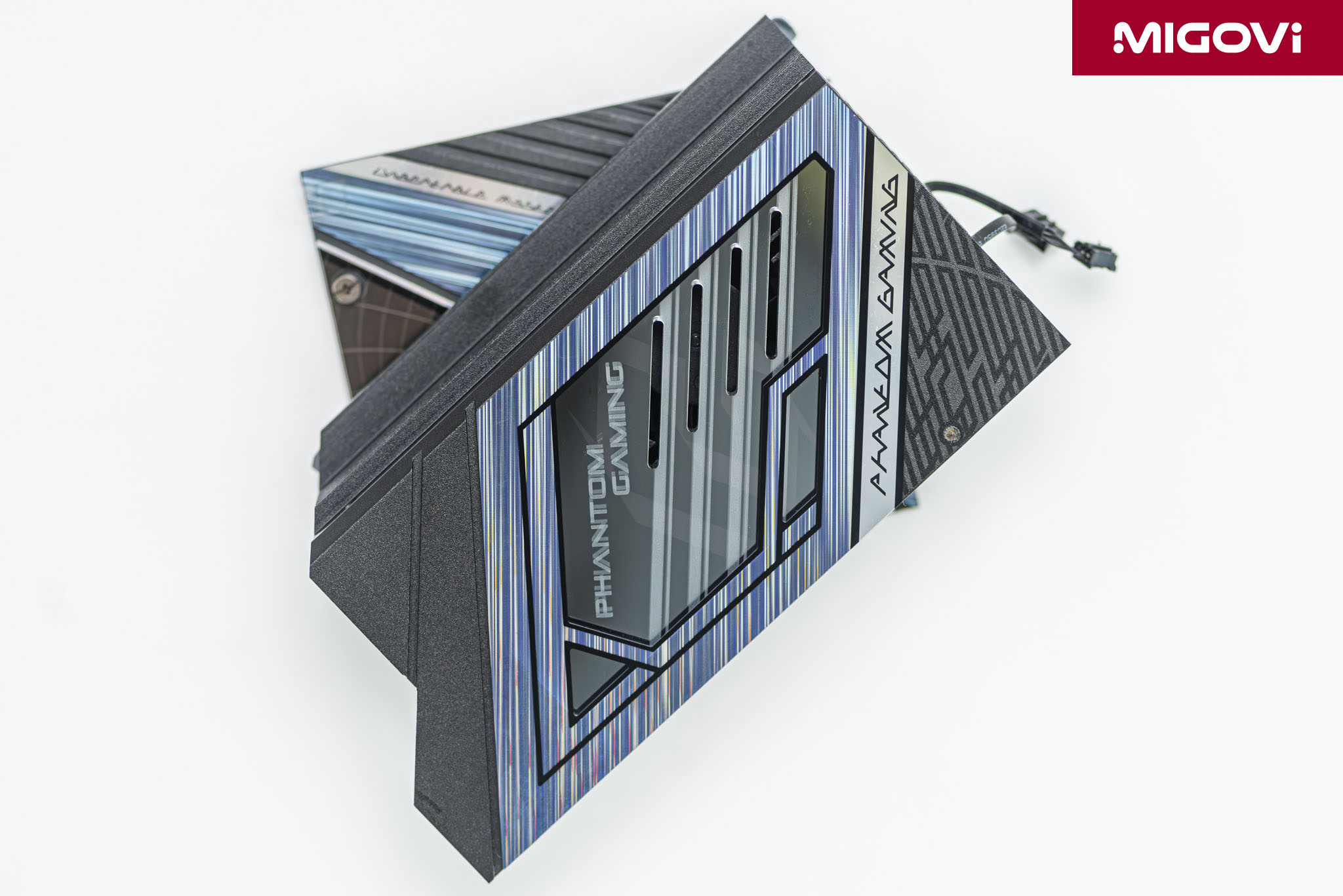
Underneath the main VRM heatsink is a small fan, which operates in semi-passive mode. This means that the fan only starts spinning when the VRM temperature exceeds a certain threshold (around 55°C), remaining completely silent during light tasks.

The ASRock X870E Nova WiFi's PCB is an 8-layer design, containing 2 oz copper, which improves signal integrity and reduces crosstalk, which is especially important with supported high-speed protocols such as DDR5 and PCIe 5.0. The 2 oz copper layer also helps dissipate heat efficiently, stabilizing the power path to enhance overclocking capabilities as well as long-term durability.
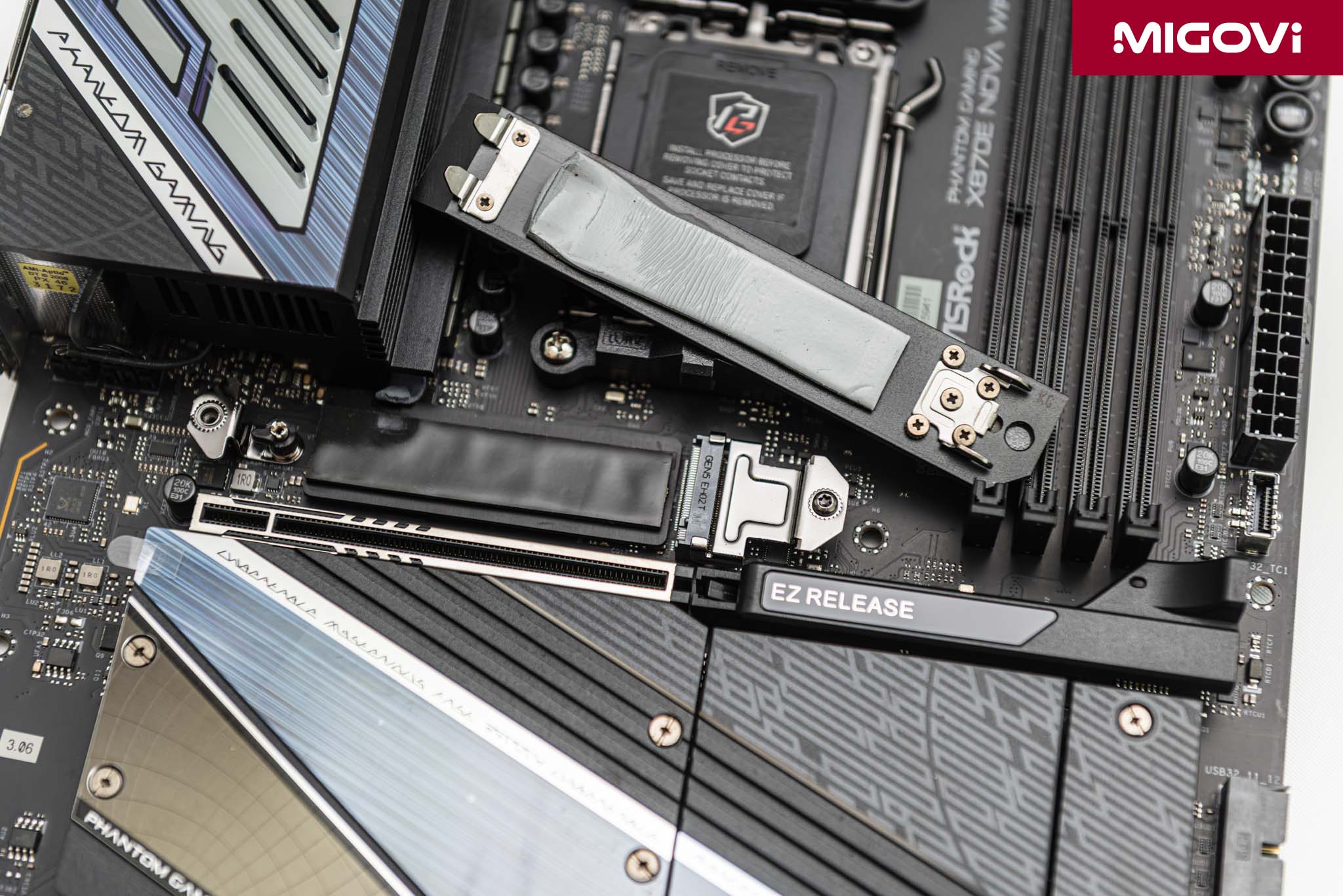
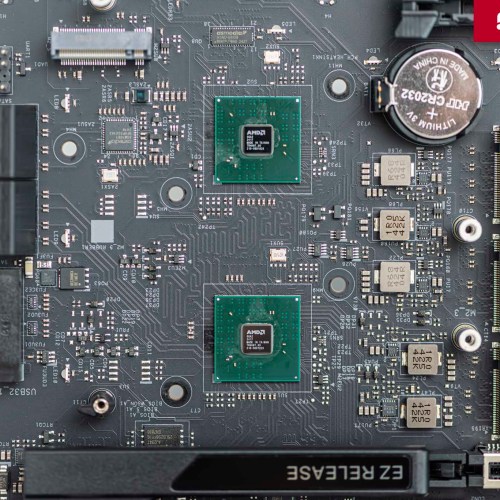
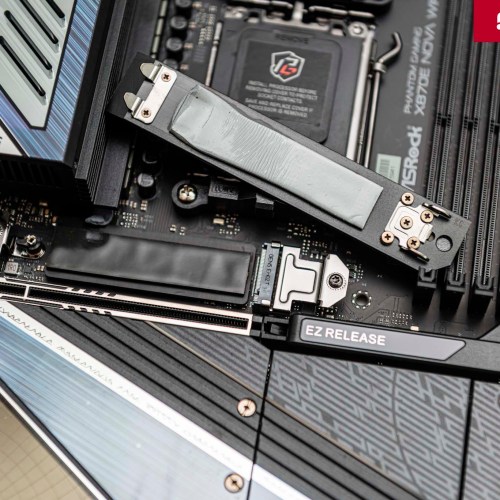
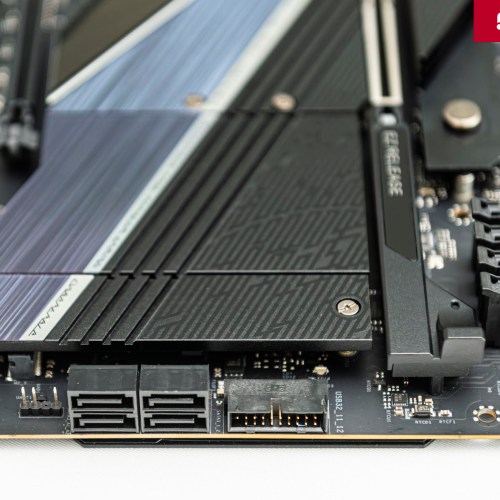
The main M.2 PCIe 5.0 slot not only has a large heatsink on top, but also has a heatsink on the bottom of the SSD. This first SSD heatsink can be easily removed without tools.

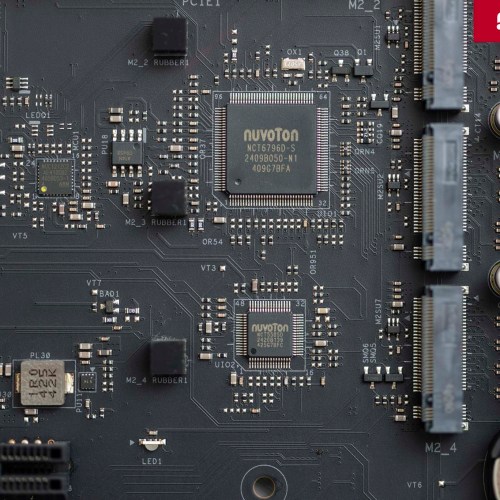
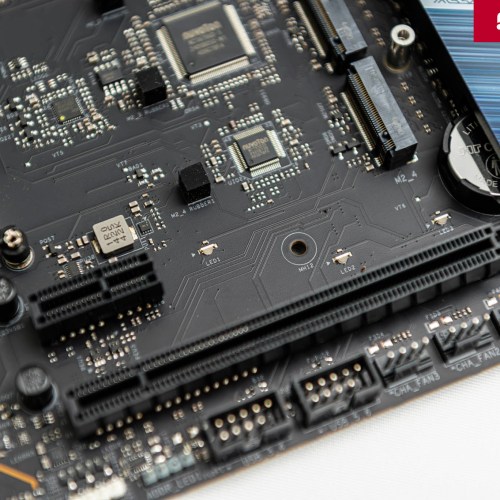
There are a total of 5 M.2 SSD slots on the X870E Nova WiFi, including 1 PCIe 5.0 x4 slot, 3 PCIe 4.0 x4 slots and 1 flexible slot between SATA 6 Gbps and PCIe 3.0 x2. Besides, there are 4 SATA 6 Gbps ports for traditional hard drives. The motherboard fully supports RAID configurations, including RAID 0, 1, 10 for NVMe drives; RAID 0, 1 for SATA devices.

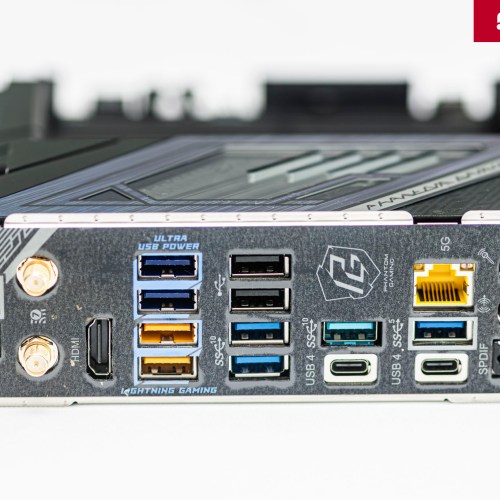
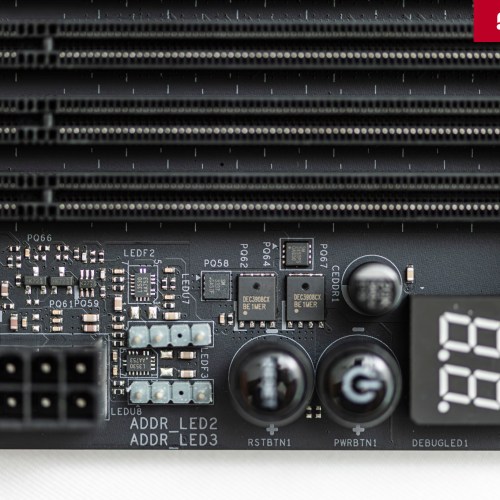
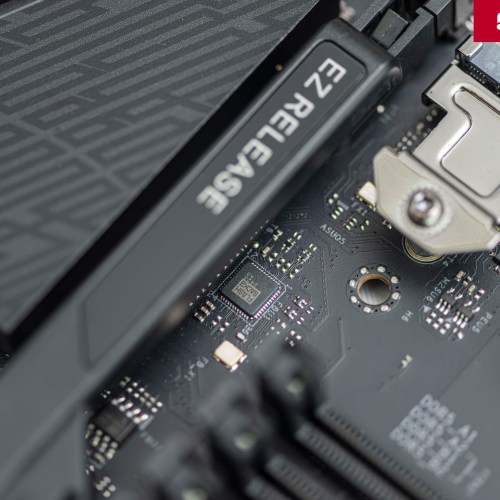
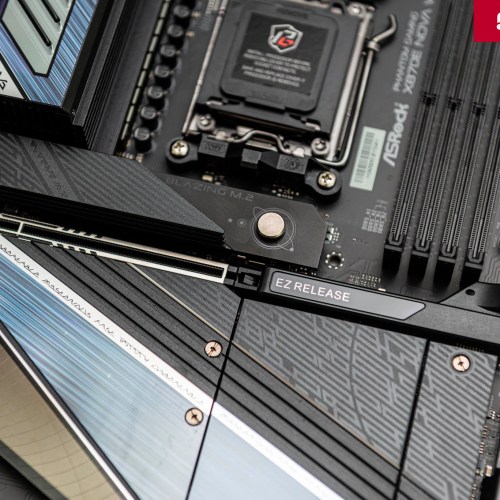
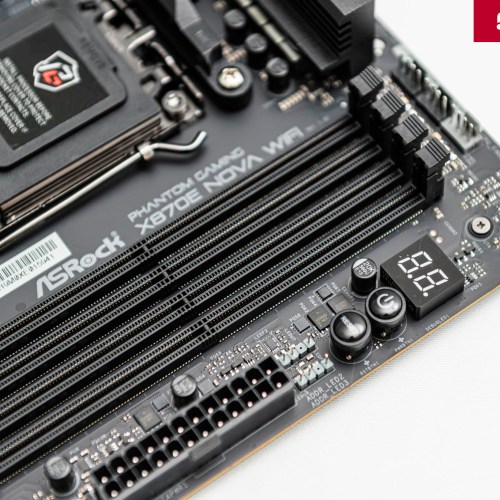
User-friendly designs for assembling computer systems include EZ Release for quick removal of graphics cards, 7-segment debug LEDs for monitoring error codes during boot. The motherboard has easy-to-use Power and Reset buttons, while the back I/O has convenient Clear CMOS and BIOS Flashback buttons for troubleshooting BIOS/UEFI issues.
Power supply system (VRM)
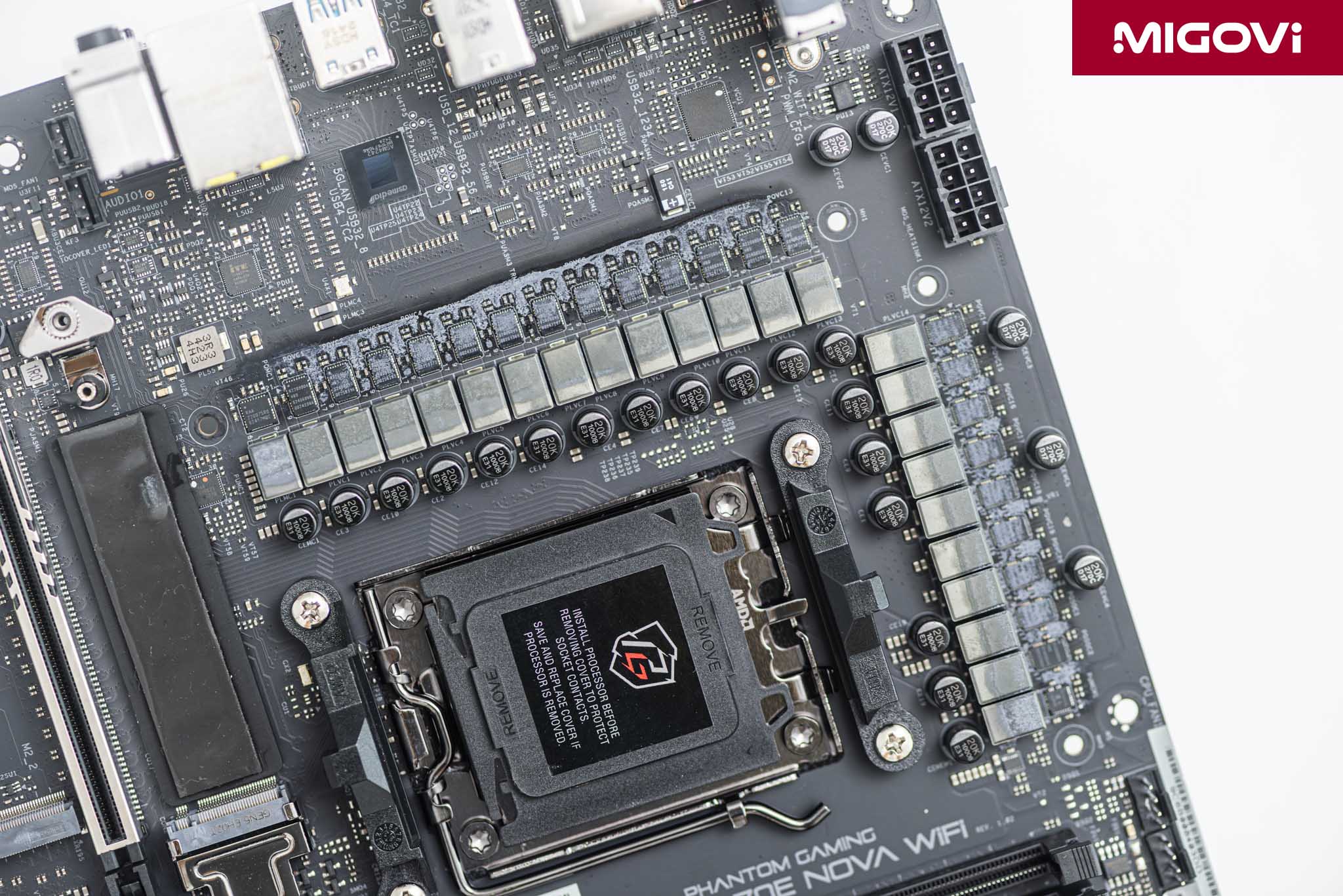
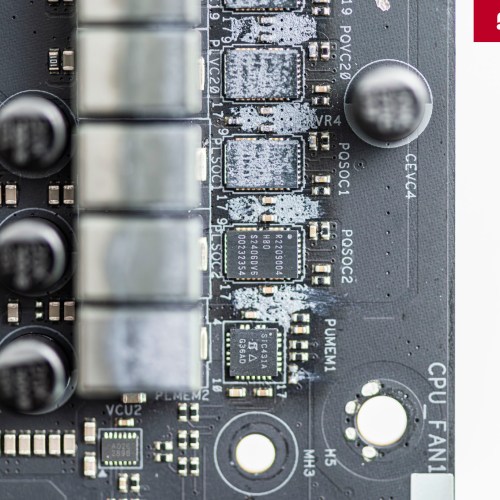
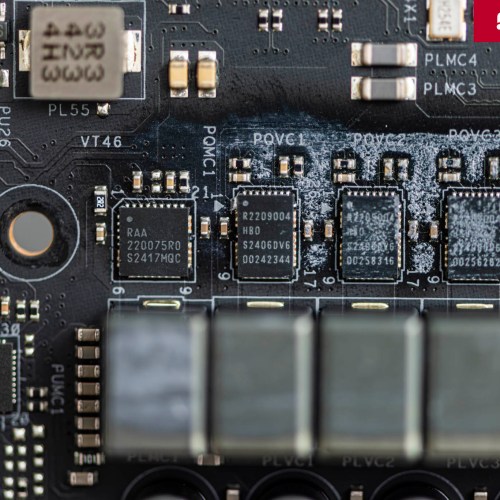
ASRock equips the X870E Nova WiFi with a 20 + 2 + 1 phase power supply system, including 20 phases for Vcore, 2 phases for SoC and 1 phase for auxiliary components. The 20 Vcore phases have a true 10-phase structure, each phase controls 2 power stages in parallel to increase current supply capacity and improve thermal efficiency. This design is enough to meet the needs of the most powerful AMD Zen 5 processors today such as Ryzen 9 9950X or Ryzen 9 9950X3D, even when overclocked.
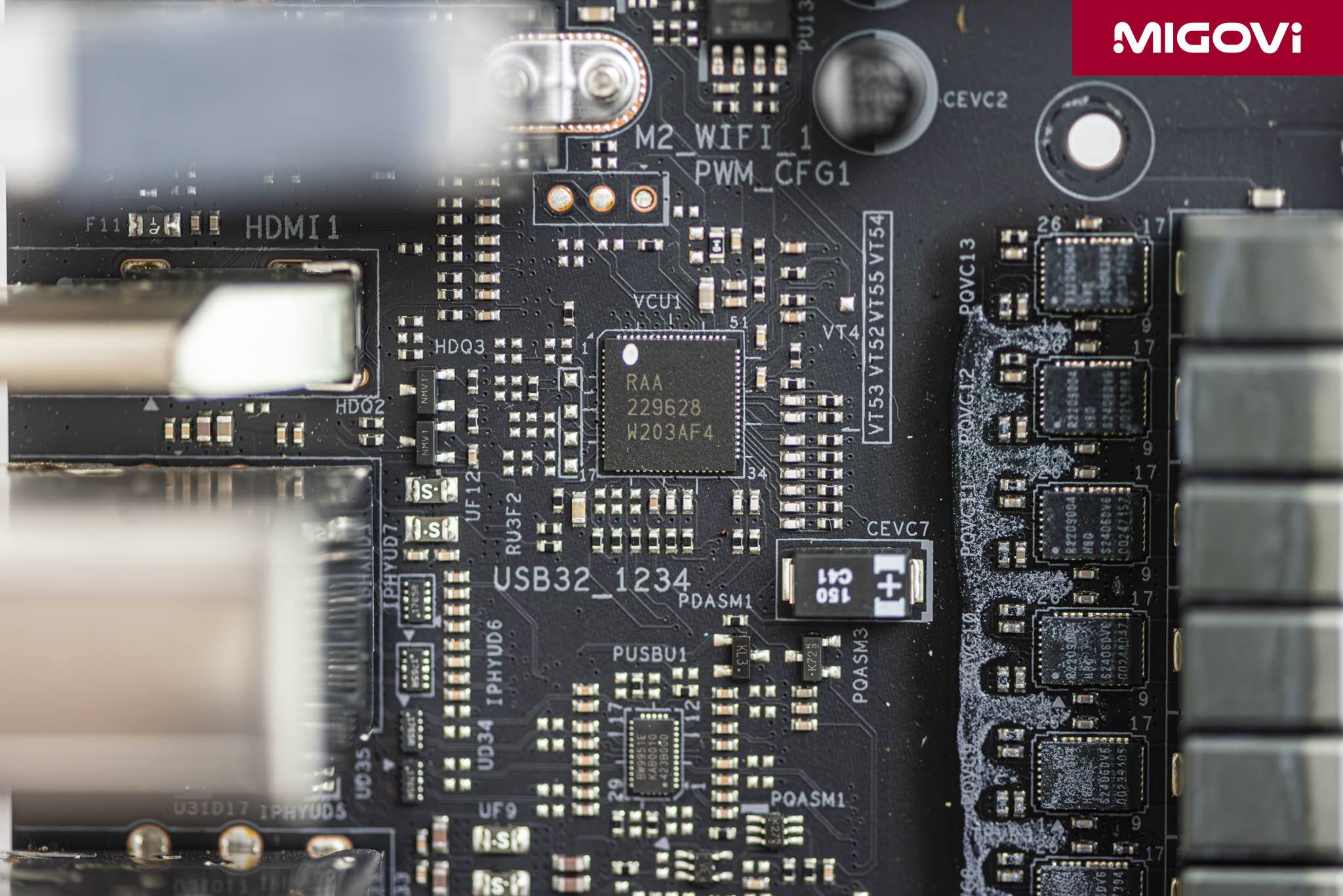
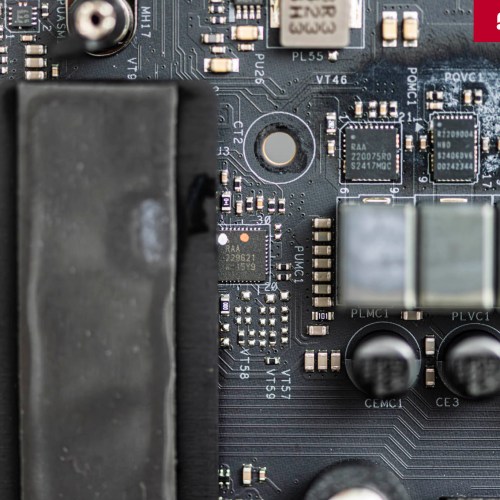
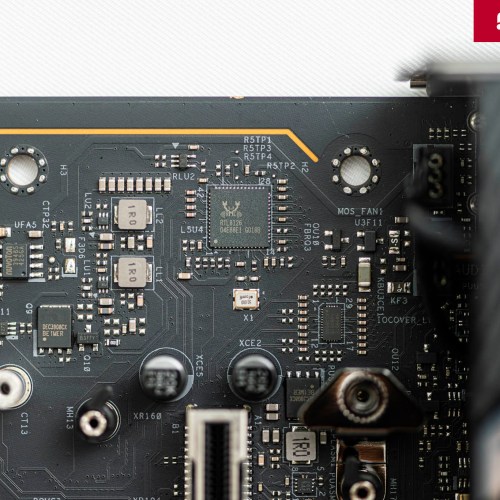
The heart of the VRM system is the Renesas RAA229628 digital PWM (Pulse-Width Modulation) controller. This is a high-end control IC, capable of directly managing up to 20 phases without the need for external doubler chips, ensuring precise control signals and low latency, contributing to the stability and efficiency of the entire VRM cluster.
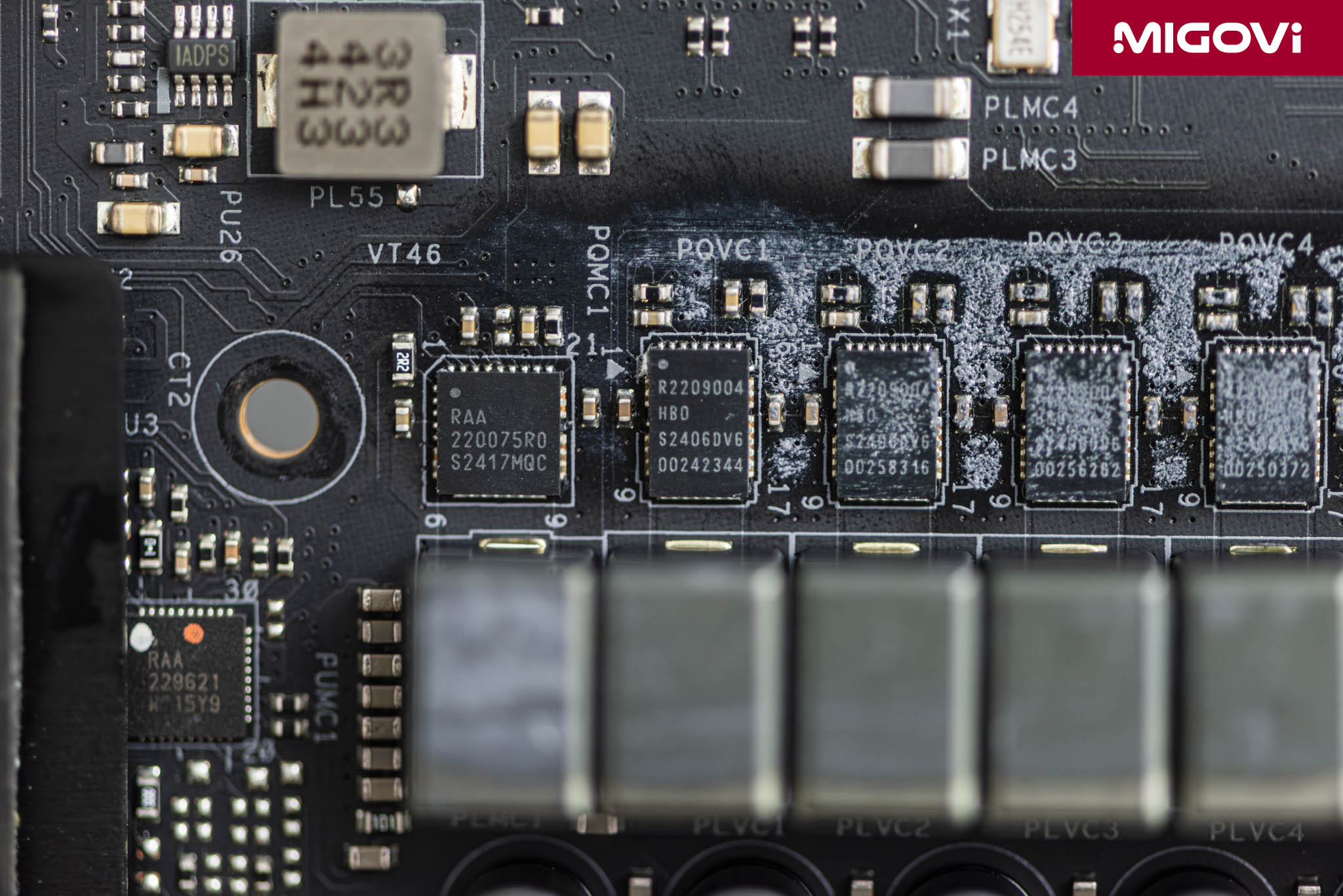
The 20 Vcore phases and 2 SoC phases use integrated Renesas RAA2209004 SPS (Smart Power Stage) power stages, capable of delivering up to 110A of rated current per phase. The Renesas RAA2209004 also features current and temperature monitoring, allowing for precise and efficient voltage regulation. The remaining phase uses a Renesas RAA220075 with a 75A rating.
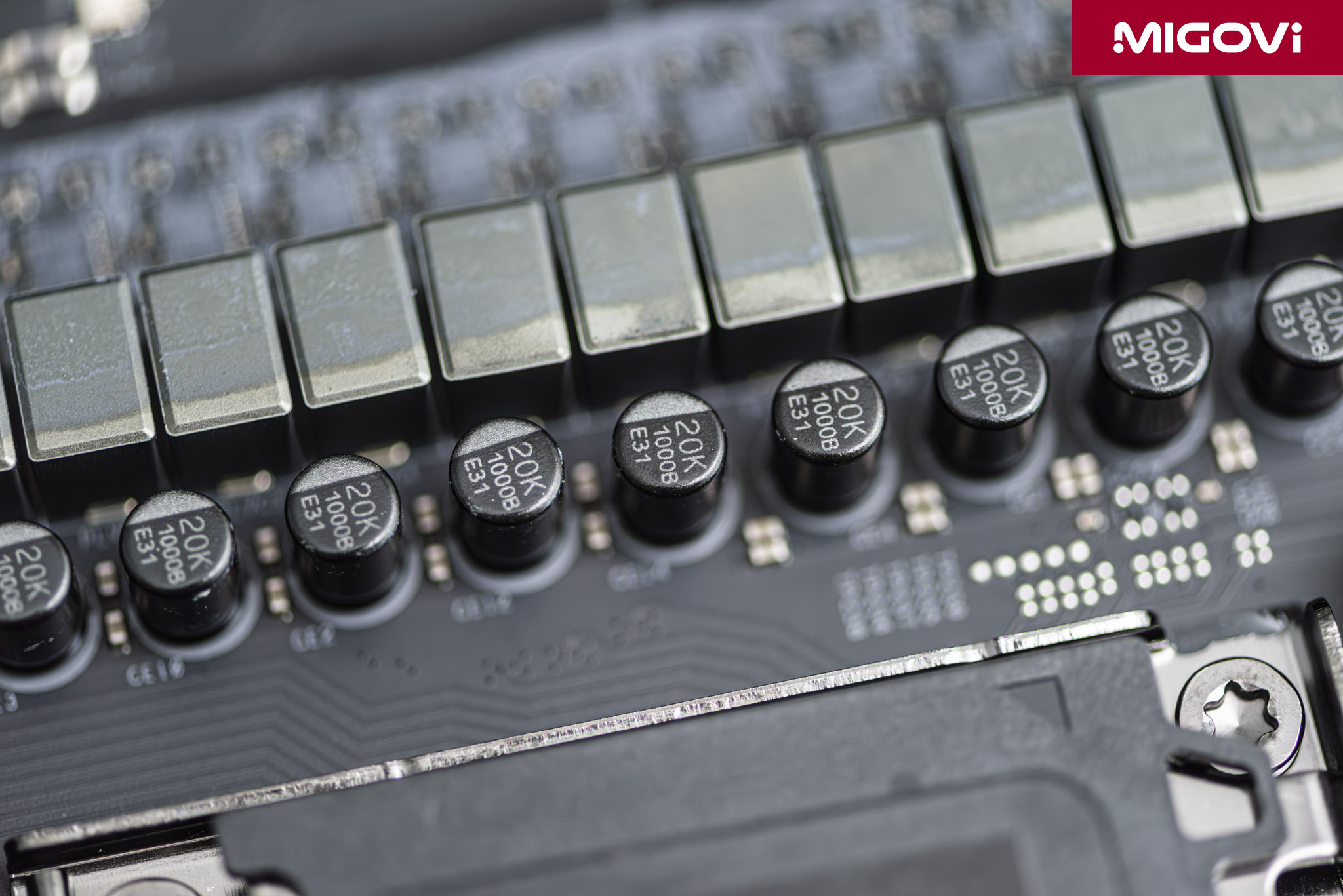
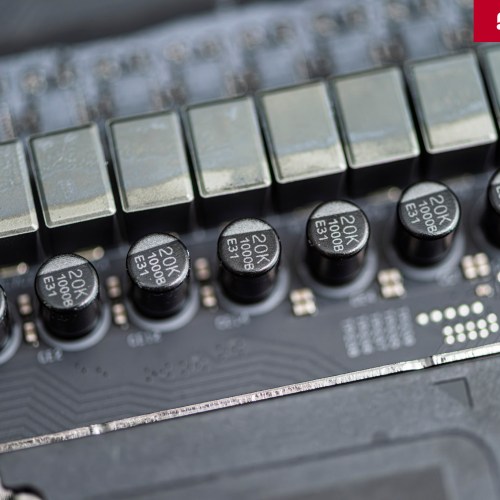
The entire motherboard is supported by high-quality black polymer capacitors with a lifespan of up to 20,000 hours (20K), ensuring noise filtering and stable operation for a long time, even at high temperatures. To meet the power needs of top AMD processors, ASRock X870E Nova WiFi is equipped with 2 EPS12V 8-pin Hi Density power connectors, which can handle higher currents than standard power connectors, increasing stability and safety.
Other components on the motherboard

The Realtek RTL8126 chip provides Ethernet connectivity at speeds up to 5 Gbps, a step up from the usual 1 Gbps or 2.5 Gbps LAN ports.
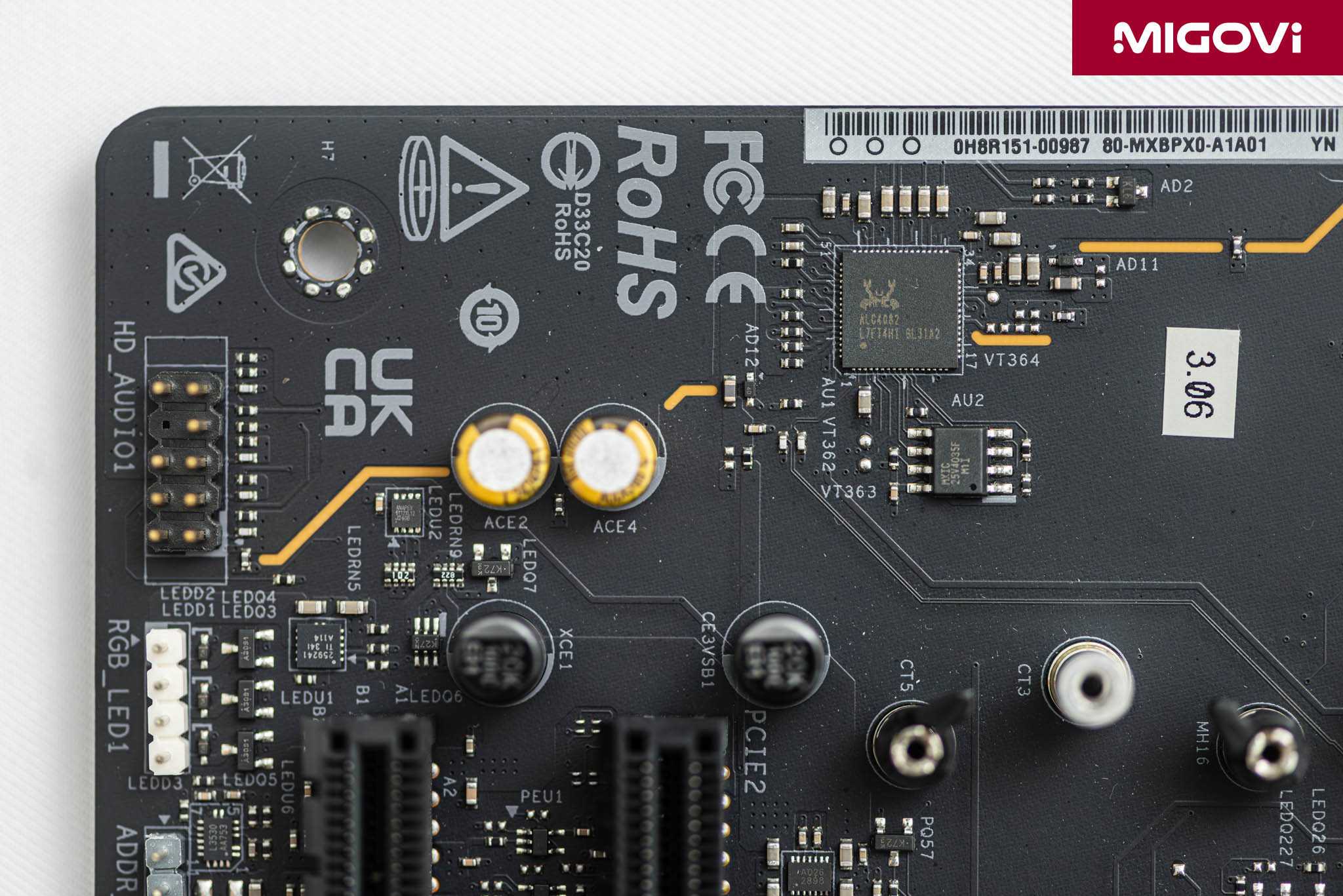
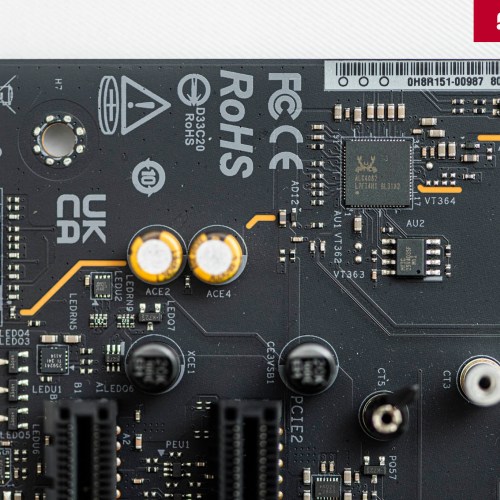
Realtek ALC4082 is a premium audio solution, connecting to the chipset via an internal USB interface to reduce interference. Thanks to that, the motherboard supports 7.1-channel surround sound, enhanced by the Nahimic Audio software suite to customize the audio experience.
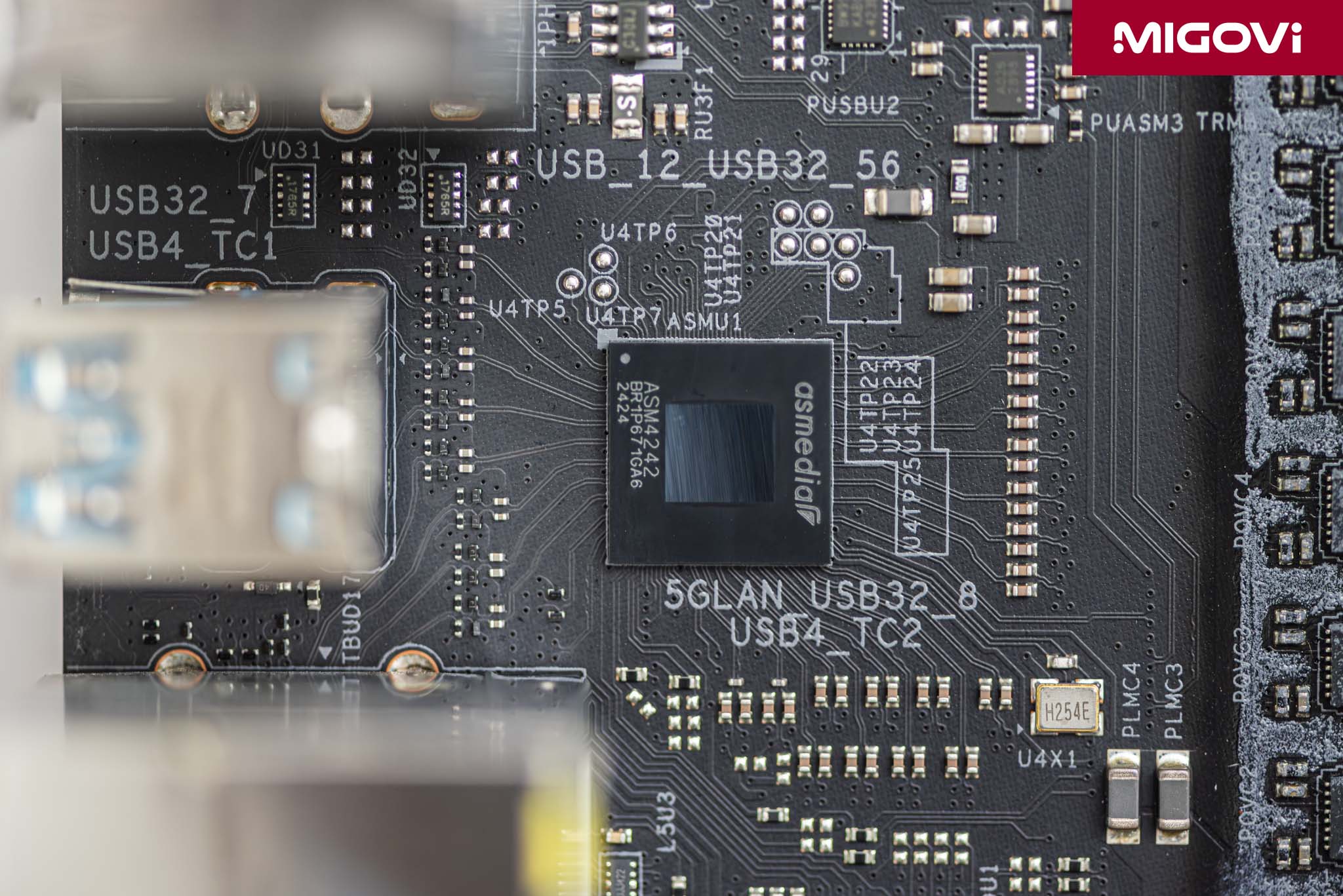
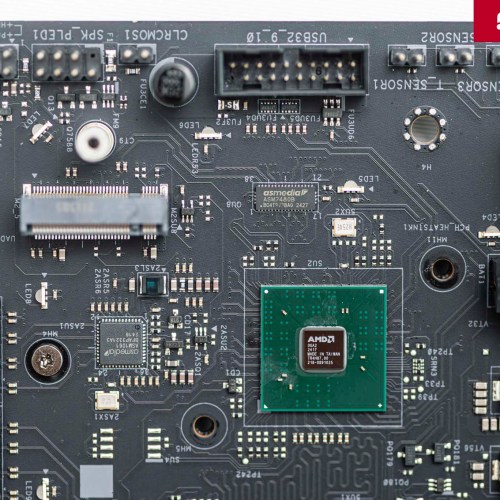
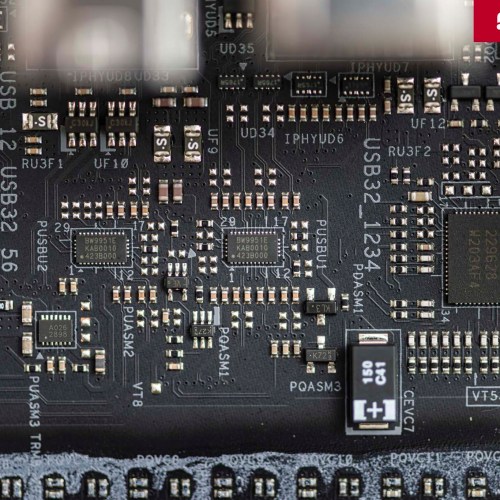
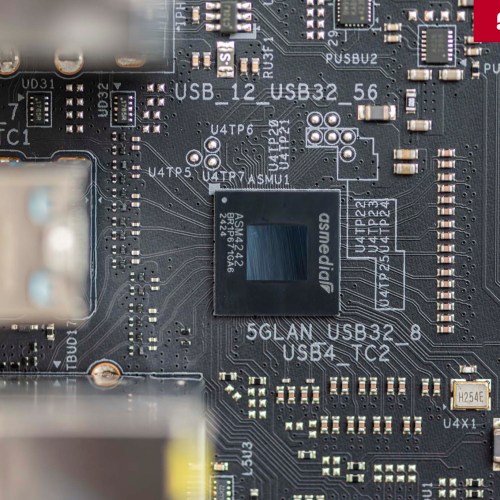
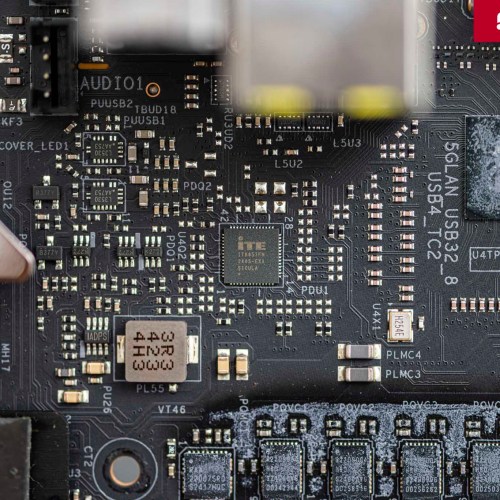
The ASMedia ASM4242 chip controls 2 USB4 Type-C ports on the back I/O, supporting data transfer speeds of up to 40 Gbps and backward compatible with Thunderbolt 3. You can connect high-speed peripherals via USB4 or output video signals.

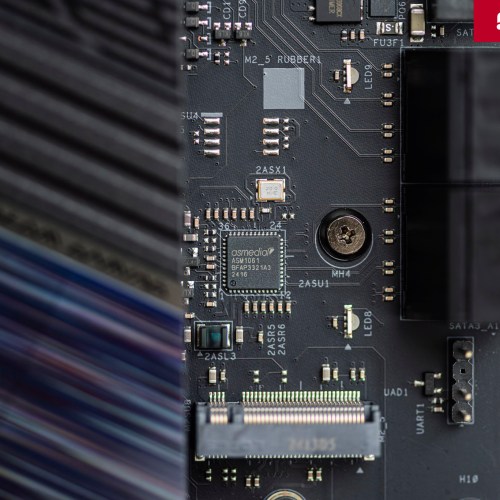
The ASMedia ASM1061 chip provides two additional SATA 6.0 Gb/s ports, complementing the chipset-managed SATA ports.

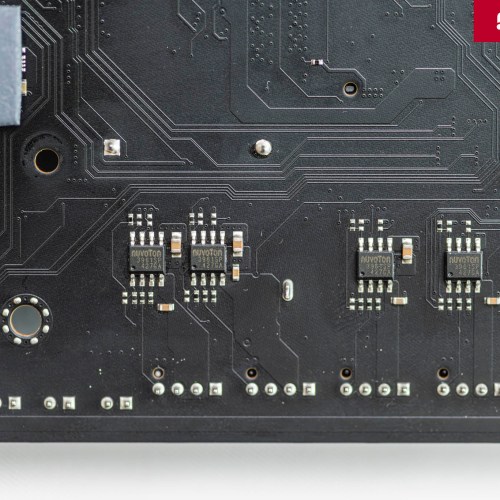
The Nuvoton NCT6796D and NCT5585D chips act as Super I/O controllers, responsible for monitoring important system parameters such as temperature, voltage and fan speed.
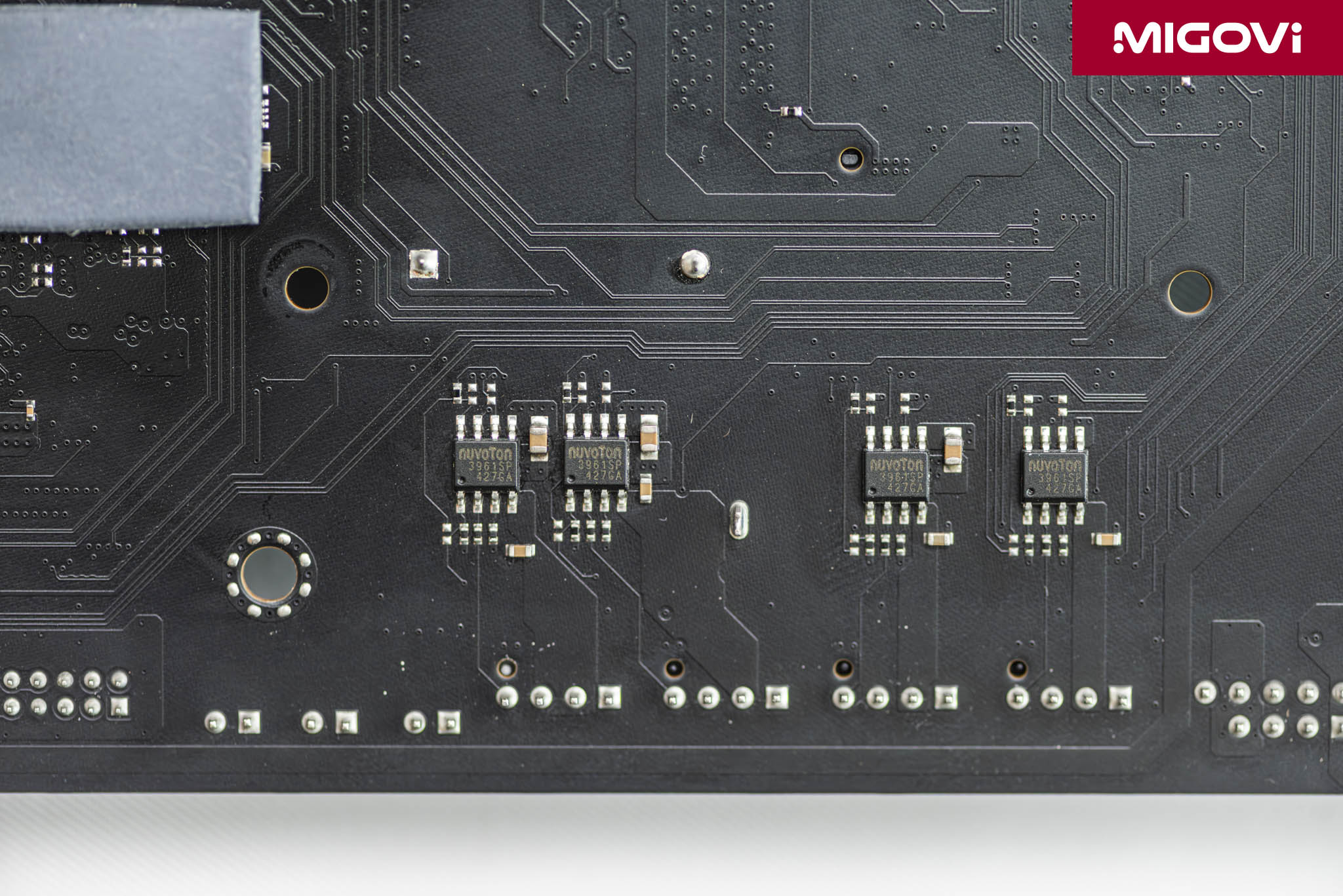
The Nuvoton NCT3961S chips for fan control allow for higher current (up to 3A), providing good support for pumps of large capacity AIO water cooling systems or custom loops.
BIOS/UEFI interface
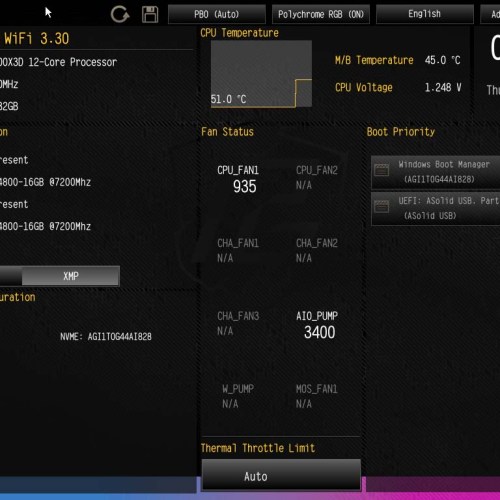
The UEFI BIOS interface of ASRock X870E Nova WiFi is designed in a familiar and efficient style, providing 2 modes including EZ Mode and Advanced Mode. In EZ Mode, you can monitor key information such as CPU, RAM, temperature, fan speed, or basic operations such as activating XMP/EXPO profile, changing boot order.
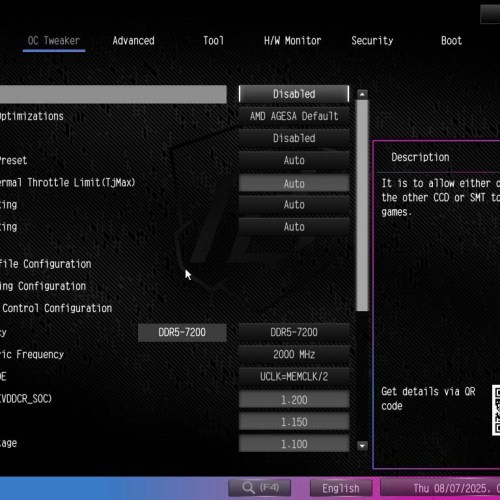
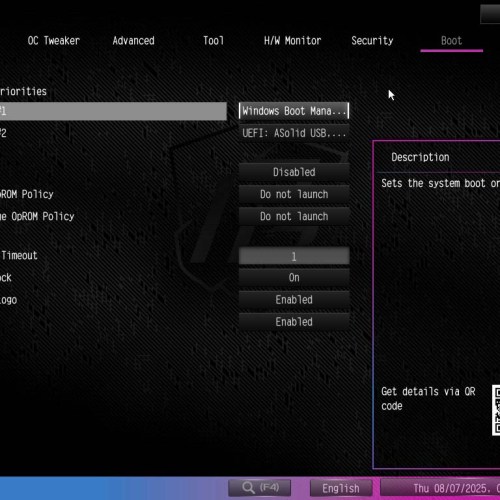

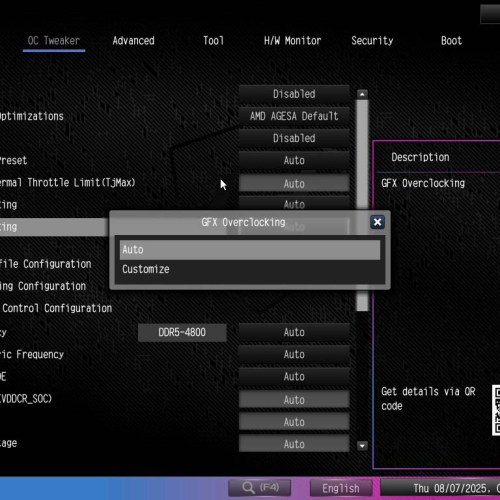
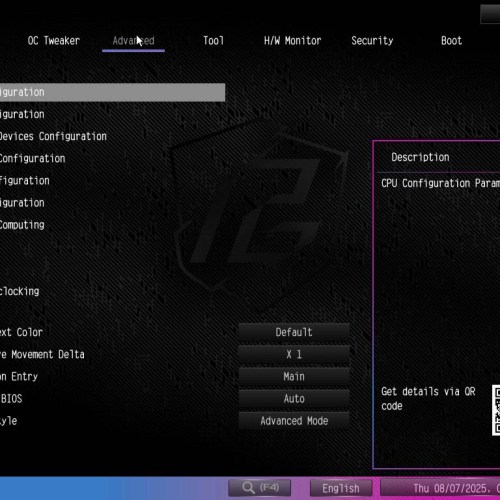
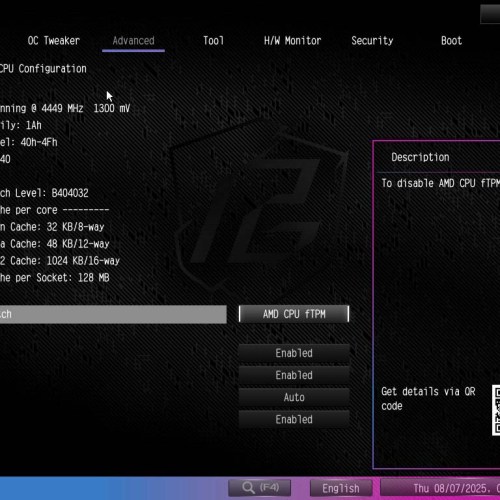
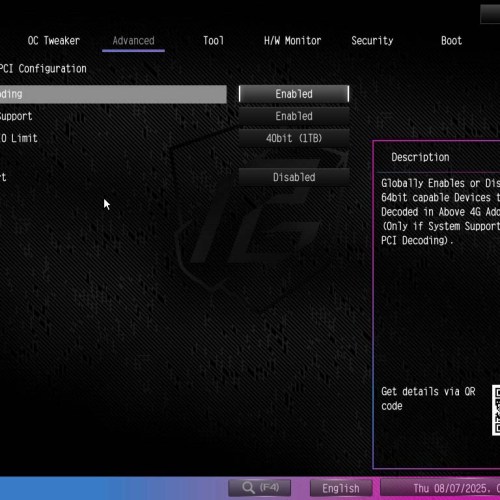
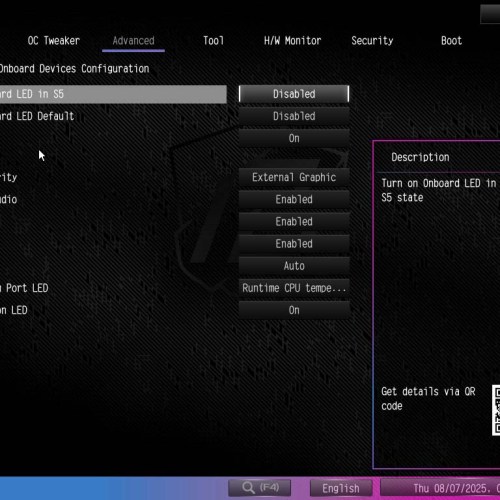
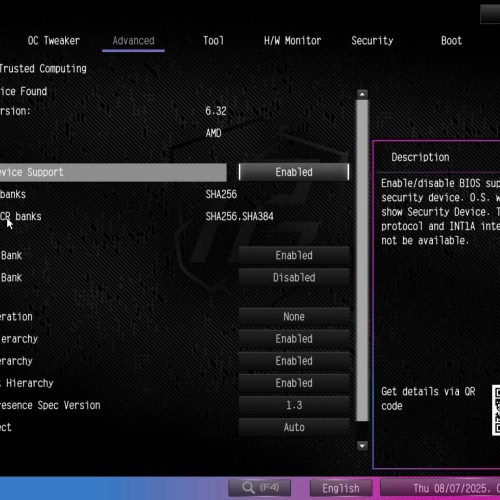
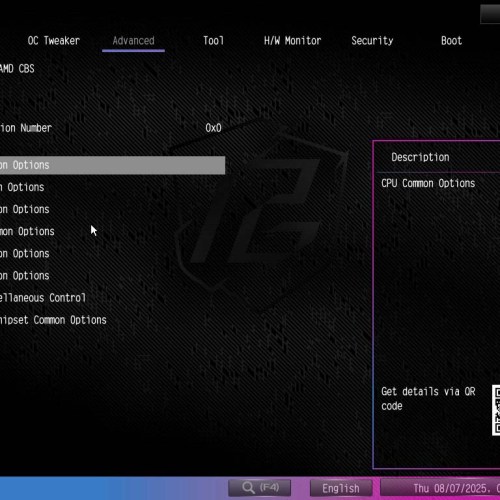
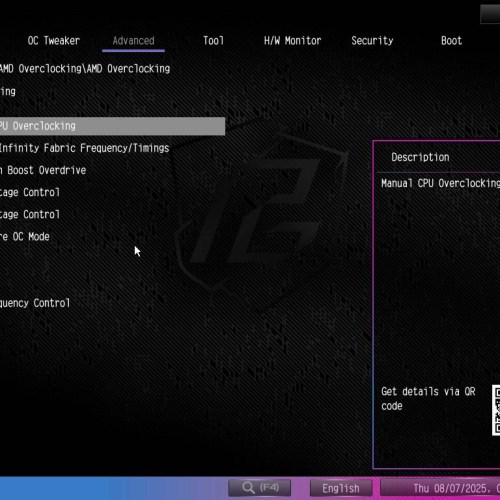
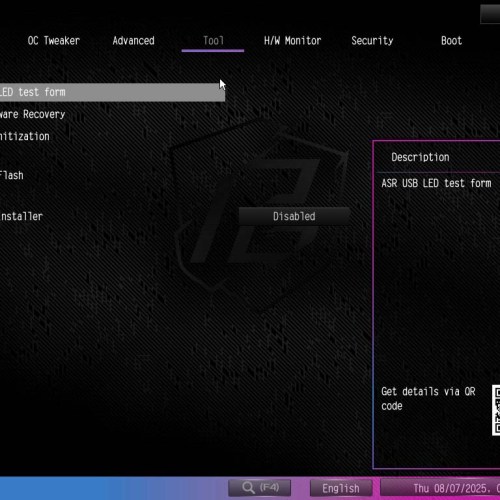
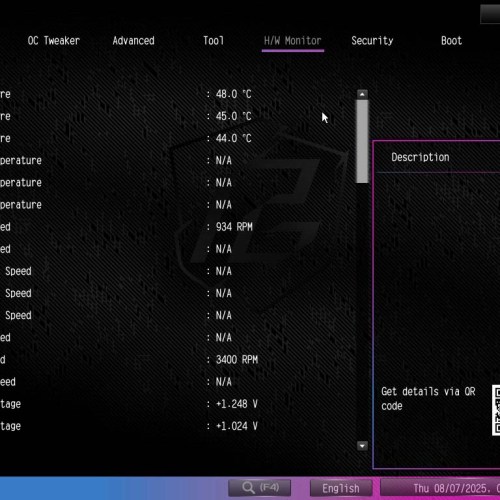
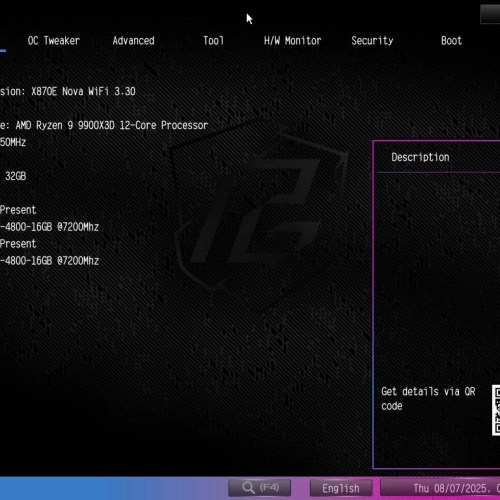
With Advanced Mode, you can perform deep customizations in the system. The interface is easy to navigate and intuitive, not too colorful so it is easy to see. Advanced Mode is grouped into tabs such as OC Tweaker, Advanced, Tool, H/W Monitor, Security and Boot. You can overclock and tweak many advanced functions, such as PBO (Precision Boost Overdrive) or Curve Optimizer for CPU, voltage or timing for RAM.
Test configuration
- CPU: AMD Ryzen 9 9900X3D
- Mainboard: ASRock X870E Nova WiFi
- RAM: Kingston FURY Renegade DDR5-7200 16 GB x 2
- SSD: WD_BLACK SN8100 1TB
- VGA: AMD Radeon RX 9060 XT 16 GB
- Cooler: Cooler Master MasterLiquid 360 ATMOS
- OS: Windows 11 24H2
Performance and temperature

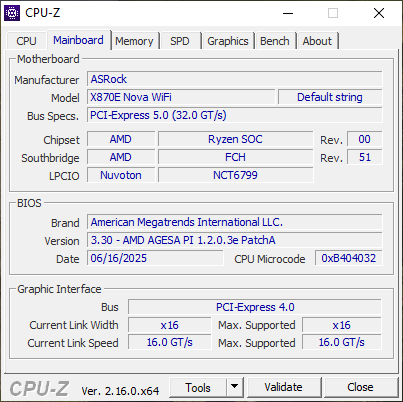

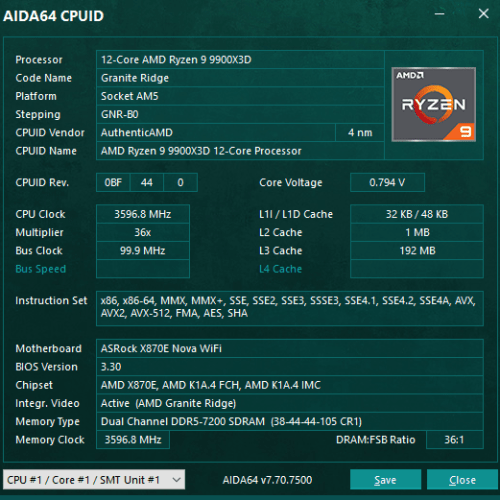

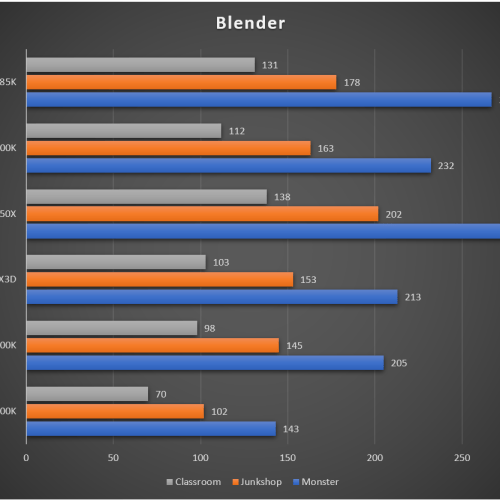
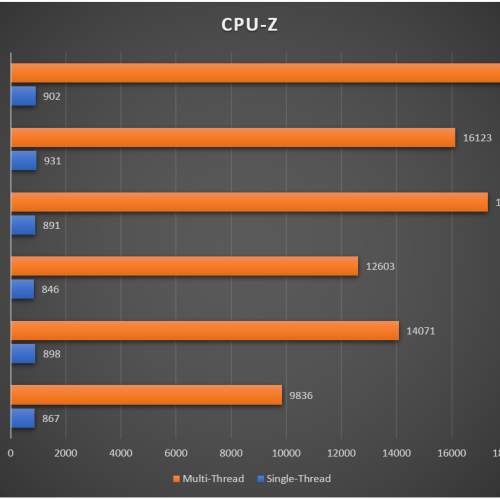
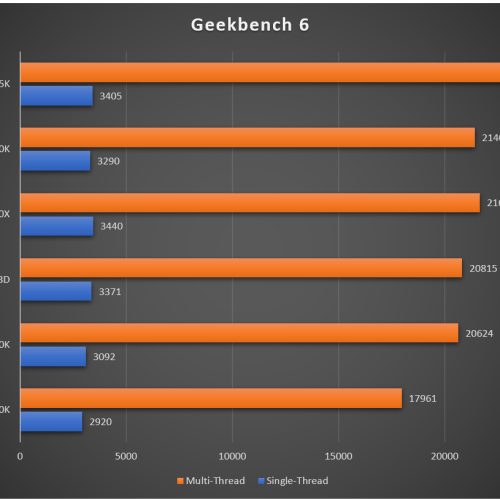
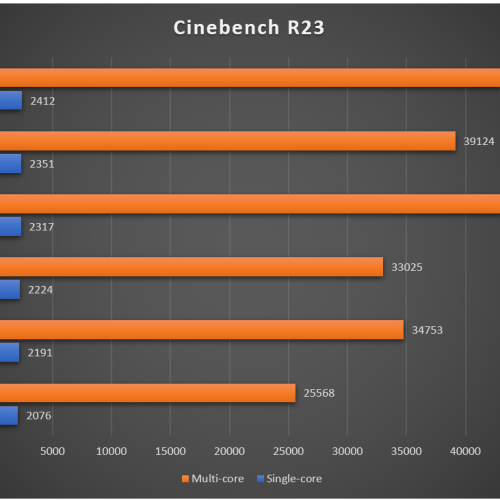

CPU tests with the ASRock X870E Nova WiFi show that the processor can run at very good performance. The impressive thing is that the temperature of the VRM area, despite some slight tweaks, has not exceeded 55°C even when benchmarking, so the integrated fan is not active. Basically, the raw performance between the X870E chipset and the X670E chipset is not too different, so the performance of the CPU or other components in the system will depend a lot on the quality of the motherboard design. Fortunately, ASRock has done a good job with the X870E Nova WiFi. Regarding RAM, although overclocking RAM on the AMD AM5 platform is now simpler, you still need to remember that the sweet spot of the Ryzen 7000 Series and Ryzen 9000 Series is around 6000 - 6400 MT/s. High-speed RAM is still fine, but in the sweet spot, the memory controller (UCLK) and Infinity Fabric (FCLK) can run at a 1:1 ratio, for the lowest latency. The ASRock X870E Nova WiFi also no longer has a long RAM training situation, you just need to fully assemble, press the power button and wait a few seconds to be able to tweak in BIOS/UEFI or boot the operating system.
Conclude

Overall, the ASRock X870E Nova WiFi is a pretty good motherboard choice for those who want to reach the high-end segment but still not too expensive. Not too flashy with a massive design or too special features, the ASRock X870E Nova WiFi focuses on the options with the highest technical value: 20 + 2 + 1 phase VRM, PCIe 5.0, USB4, WiFi 7, 5 Gbps LAN, 8-layer PCB with 2 oz copper, sturdy backplate and many friendly designs.






Nothing about the Mediatek WiFi? "Nice" review...
Sorry, I never use WiFi because I always use Ethernet cable. Becase ASRock X870E Nova WiFi is built on a desktop PC, so why someone will use WiFi instead of Ethernet cable?